This list puts Bloomfire first for governed context for AI agents. Listed starting prices: Notion from $10 per member a month. Slab fits simple knowledge base creation; Microsoft SharePoint fits Microsoft 365 content governance. The full list of 6 tools follows, with prices and free plan facts.
Ainotely put together this guide to intranet software for knowledge bases for readers who want a clear shortlist without reading every vendor page. It compares 6 tools on starting price, free plans, who each one suits and where each one falls short.
Key takeaways
Bloomfire is the opening pick, best for governed context for AI agents.
A fair warning about Bloomfire: AI-context focus instead of intranet.
Notion is the lowest-priced starter here at $10 per member per month.
Just one of the 6 tools, Notion, has a free plan.
Confluence fits collaborative team knowledge workspaces.
Bloomfire is designed for governed context for AI agents. Bloomfire provides governed context for enterprise AI, giving AI agents and surfaces a trusted reasoning layer built from enterprise knowledge instead of raw documents.
Also, Bloomfire is oriented toward supplying governed context to AI instead of serving as a general intranet, so teams also need a place for everyday pages and communication. Pricing for Bloomfire is not stated here, so ask the vendor for current figures. Trial and free access: Not stated.
In short, Slab is for simple knowledge base creation. Slab concentrates on knowledge base and wiki use, so organizations needing wide intranet communication, file governance or enterprise AI layers may outgrow it.
From a buyer's view, Slab is knowledge base and wiki software built around simple creation, organization and numerous integrations, positioned for both non-technical and tech-savvy teams. Slab does not show a starting price in this comparison, so check the vendor site for current pricing. On free options: Not stated.
Where it falls short: Narrower than full intranet suites.
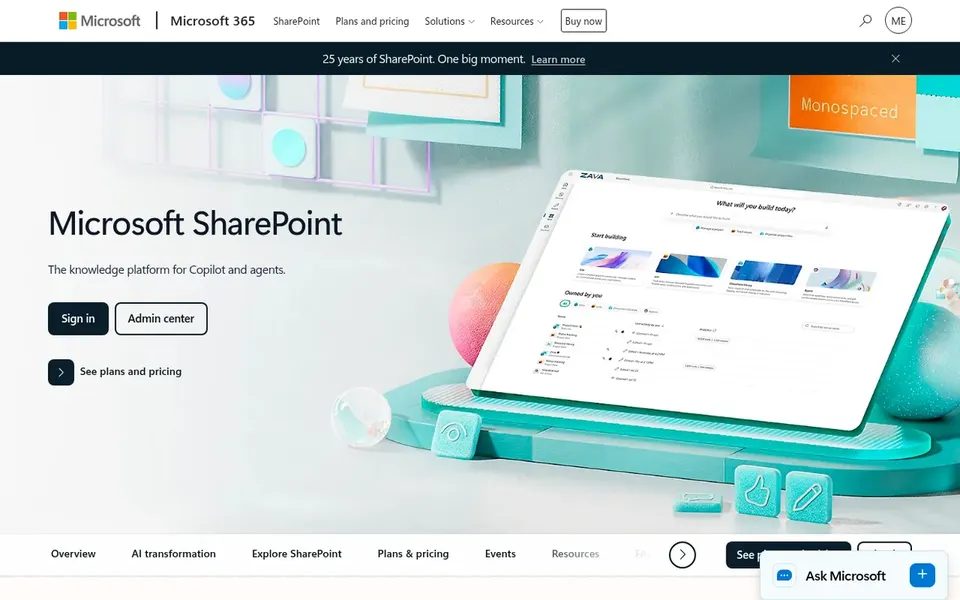
Microsoft SharePoint is designed for Microsoft 365 content governance. Microsoft SharePoint is a collaborative content management system for creating, sharing and governing trusted knowledge, with collaboration, communication, automation and AI experiences across Microsoft 365.
For everyday use, setup and administration can be demanding, and the value depends heavily on Microsoft 365 adoption. Microsoft SharePoint shows no starting price here, so confirm the cost on the vendor site. Free plan details: Not stated.
What to check first: Best experience inside Microsoft 365.
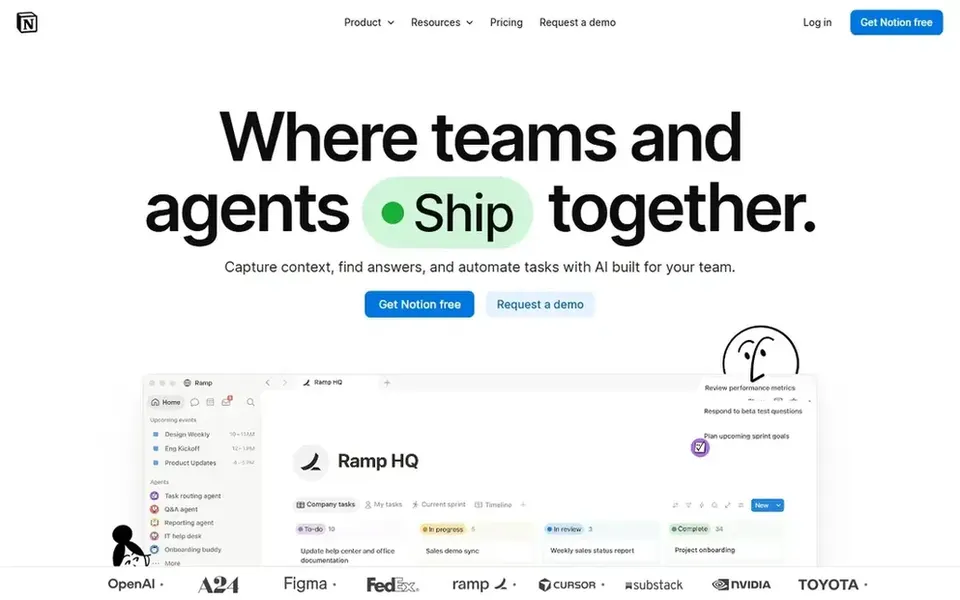
Notion is built with adaptable workspace with automation in mind. Notion is an AI workspace where teams build custom agents, search across connected apps and automate busywork.
Points against: Structure relies on team discipline.
It appeals to organizations that prefer to shape their own structure instead of adopt a rigid template. Notion starts at: $10 per member per month. Free access exists with Notion.
Document360 was built for structured documentation with AI. Document360 is AI knowledge base software for documentation, offering AI search, an AI chatbot and writing tools inside the product.
Its focus is documentation instead of general internal communication, so it is not a full intranet replacement. Check the vendor site for Document360 pricing; none is listed in this comparison. As for free access: Not stated.
Honest limits: Less suited to general intranet use.
Choose Confluence for collaborative team knowledge workspaces. Teams already using Atlassian products will find the workflow familiar.
What to check first: Best value inside the Atlassian ecosystem.
Main advantages: AI drafting. It fits organizations that want an intranet-style home for documentation, project pages and team knowledge in one collaborative space. Check the vendor site for Confluence pricing; none is listed in this comparison. Trial and free access: Not stated.
Confirm the entry price on the vendor page. For Bloomfire, Slab, Microsoft SharePoint and others that means a quote rather than a fixed price.
Test the free plan from Notion against your real workload before relying on it.
Read the limits listed for Bloomfire first: AI-context focus instead of intranet.
Let daily users try Slab on real work; their feedback beats any feature checklist.
Before you load data into Document360, check what an export looks like and who can run it.
How we picked
For each of the 6 tools we noted price, free plan or trial, fit for intranet software for knowledge bases and the main limit, using vendor pages and documentation. Where a vendor does not publish a price, the entry says quote. Where a price depends on seats or billing term, the entry says so. The order reflects how well each tool fits the most common buying scenario for intranet software for knowledge bases, then price clarity, then free plan access. It is a starting point, not a verdict.
Every price and plan detail on this page comes from the vendors’ own websites. We did not run hands-on tests unless the text says so, and we do not publish star ratings or review scores. See how we score and our disclosure.
Keep your shortlist in one place
Paste prices, trial dates and notes from this guide into Ainotely, our AI note app. It files them into a topic and pulls out tasks like “cancel trial by Friday”. Free 7-day trial, no card needed.
Is Bloomfire the right pick for everyone comparing intranet software for knowledge bases?
No single tool suits every team. Bloomfire comes first because it fits governed context for AI agents, while Slab suits easy knowledge base creation and Microsoft SharePoint suits Microsoft 365 content governance. Match the tool to your own size, budget and workflow before deciding.
Can I try these tools before paying?
Often, yes. Notion has a free plan. Use your own data and a real task during the test, and check what the free tier or trial limits before you rely on it. Pricing, free plan details and limits for all 6 tools in this intranet software for knowledge bases roundup sit on the individual cards above.
Do these tools publish their prices?
Not all of them. Bloomfire, Slab, Microsoft SharePoint and others publish no starting price, so expect a quote request for those. The rest, Notion included, show a starting price, though seats and billing terms still change the final cost.
What should an intranet knowledge base contain?
Look for structured pages or articles, search that surfaces the right answer, clear ownership and review workflows, and permissions that protect sensitive content. AI features are handy only when the underlying knowledge is governed and current.
How are the tools for intranet software for knowledge bases ordered?
The order follows typical fit for intranet software for knowledge bases, with Bloomfire first and Confluence last, then price clarity and free access. It is editorial judgement, not a score, so another team could rank the tools differently.