LumApps leads the list, best for adaptable and scalable intranet. Listed starting prices: Haiilo from $15 per seat per month. Look at Unily for enterprise employee experience, and at Microsoft SharePoint for organizations using Microsoft 365. Prices, free plans and limits for all 5 tools follow.
Choosing intranet software for nonprofits usually comes down to price, fit and limits. This Ainotely guide sets 5 tools side by side on those three points, with the facts kept short and checkable.
Key takeaways
LumApps takes the first slot, best suited to adaptable and scalable intranet.
One limit worth knowing about Unily: may be too complicated for small nonprofits.
The lowest published monthly entry price here is $15 per seat per month, from Haiilo.
Neither LumApps nor Haiilo, nor any of the other 3 tools, has a permanent free plan; trials and quotes are the norm.
For digital workplace with AI support, Haiilo is worth a look.
LumApps serves adaptable and scalable intranet. LumApps is described as an adaptable, scalable, future-ready intranet that builds a connected way to work and boosts communication, productivity, and learning.
It is built to adapt to organizational growth and changing needs, making it a solid fit for nonprofits that anticipate expansion or evolving digital workplace requirements. This comparison lists no price for LumApps; ask the vendor. Free options: Not stated.
Where it falls short: Customization may need technical skills.
For enterprise employee experience, Unily is a natural candidate. Unily is an enterprise employee experience product that provides organizational velocity. It is built for large organizations seeking to enhance employee experience and communication.
Trade-offs to know: May be too complicated for small nonprofits.
Smaller organizations might find it less accessible. Nonprofits with enterprise-level needs, like those with several locations or large staff, may benefit from Unily's solid capabilities. No starting price is listed for Unily here; confirm pricing on the vendor site. Unily has no free plan.
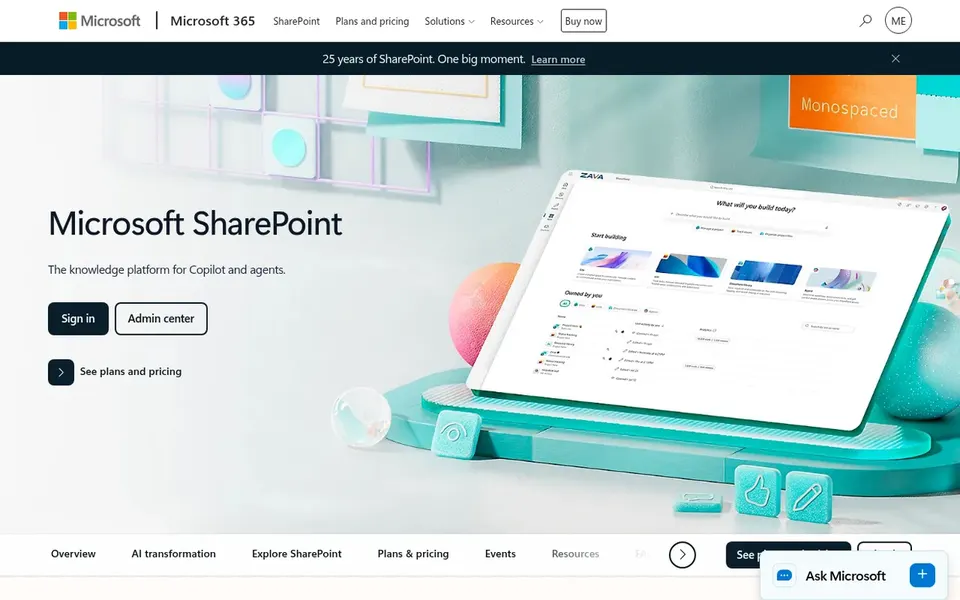
Microsoft SharePoint makes the most sense for organizations using Microsoft 365. It integrates tightly with Microsoft 365, allowing teams to co-author documents, automate workflows, and use AI. Nonprofits already using Microsoft tools will find SharePoint a natural fit for building an intranet that links staff, volunteers, and stakeholders.
The main drawbacks: Can be complex to set up.
Even so, SharePoint can be complicated to configure and may need IT support or training. Smaller nonprofits with restricted technical resources might find it overwhelming. Microsoft SharePoint shows no starting price here, so confirm the cost on the vendor site. Free options: Not stated.
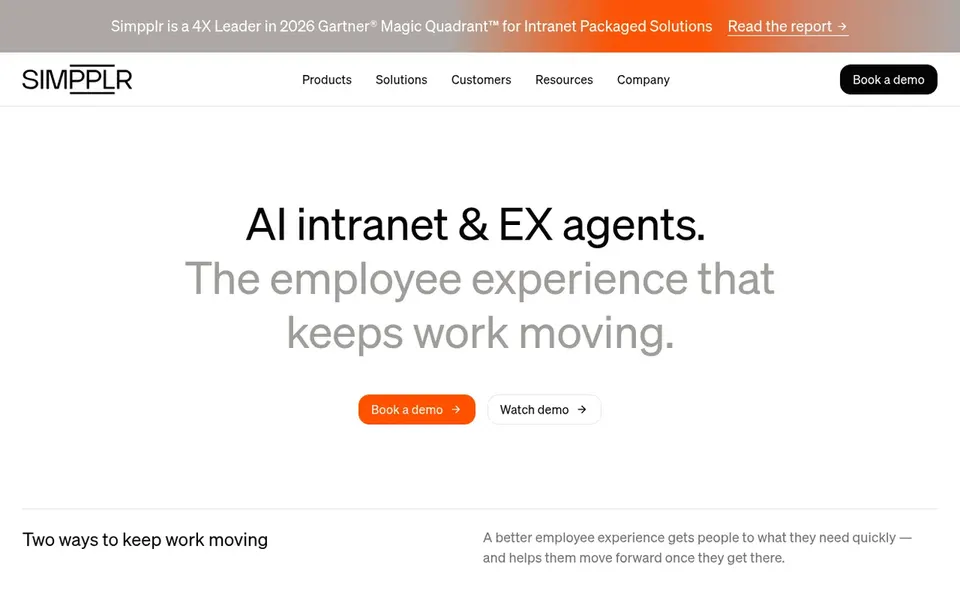
Simpplr is built with AI-powered employee experience in mind. Simpplr is an AI-powered intranet platform with specialized employee experience agents that help employees stay informed, find what they need, get support, and move everyday needs forward.
It is meant to enhance communication and engagement, making it a good match for nonprofits that want to use AI to simplify internal processes and boost staff connectivity. Simpplr shows no starting price here, so confirm the cost on the vendor site. As for free access: Free trial.
Haiilo was built for digital workplace with AI support. Haiilo is well suited to organizations looking to bring flow to their digital workplace.
The main drawbacks: May need training to use effectively.
From a buyer's view, Haiilo is an employee experience system for communication, knowledge, analytics, and everyday tools, with AI support built in. For everyday use, Haiilo's range of features may need training and could be complicated for very small teams. Starting cost for Haiilo: $15 per seat per month. Haiilo has no free tier.
Get a written quote from LumApps, Unily, Microsoft SharePoint and Simpplr; the list shows no starting price for them.
Take the trial from Simpplr and push a live task through it before you pay.
Before choosing LumApps, weigh its main limit: customization may need technical skills.
Read the plan comparison for LumApps carefully; key features often start on a higher tier.
Ask Haiilo about contract length, onboarding fees and user minimums before you sign.
How we picked
We compared the tools on published pricing, free plan or trial availability, feature coverage for intranet software for nonprofits, and the limits each vendor documents. Treat prices as a snapshot: vendors change plans often, so check the vendor site for the figure that applies today. We ordered the tools by general fit, then by how clearly pricing is shown, then by free access. A buyer with unusual needs may reorder them.
Every price and plan detail on this page comes from the vendors’ own websites. We did not run hands-on tests unless the text says so, and we do not publish star ratings or review scores. See how we score and our disclosure.
Keep your shortlist in one place
Paste prices, trial dates and notes from this guide into Ainotely, our AI note app. It files them into a topic and pulls out tasks like “cancel trial by Friday”. Free 7-day trial, no card needed.
Not all of them. LumApps, Unily, Microsoft SharePoint and Simpplr publish no starting price, so expect a quote request for those. The rest, Haiilo included, show a starting price, though seats and billing terms still change the final cost.
Is Microsoft SharePoint a good match for small nonprofits?
Microsoft SharePoint can be right for small nonprofits, notably if they already use Microsoft 365. For everyday use, smaller organizations might need extra support or consider more straightforward alternatives.
What should nonprofits look for in intranet software?
Nonprofits should prioritize simplicity, affordability, and integration with existing tools. Features like communication, document management, and employee directories are essential. Scalability and support for volunteers are also important considerations.
Does any tool for intranet software for nonprofits here have a free plan?
A permanent free plan is not offered by LumApps, Haiilo or the other tools here. Simpplr offer a trial. Plan a short evaluation period instead.
Can intranet software help with volunteer management?
Yes, plenty of intranet products support volunteer management through directories, communication tools, and document sharing. On top of that, features like event calendars and task assignments can help coordinate volunteers effectively.
Can I try these tools before paying?
Often, yes. Simpplr offers a free trial. Use your own data and a real task during the test, and check what the free tier or trial limits before you rely on it. The 5 tool cards above repeat this per product for intranet software for nonprofits, with the listed price or "pricing on request".