If you need process orchestration across systems, Appian is the first tool to look at here. Listed starting prices: Retool from $10 per builder per month. If your case is different, Mendix suits governed workflows, agents and modernization and Microsoft Power Apps suits teams inside the Microsoft ecosystem. Details, prices and limits for the rest of the 5 tools are below.
Choosing low code platform for developers usually comes down to price, fit and limits. This Ainotely guide sets 5 tools side by side on those three points, with the facts kept short and checkable.
Key takeaways
Appian sits first on this list: process orchestration across systems.
Before buying Retool, weigh this: centred on internal instead of customer apps.
Salesforce Platform fits teams already standardized on Salesforce.
For the cheapest start, look at Retool: $10 per builder per month.
Microsoft Power Apps, Retool: these are the 2 tools out of 5 that offer a free plan.
Appian is built with process orchestration across systems in mind. Teams building straightforward forms or dashboards may find the process orientation more than the task needs. Consider Appian when the core problem is coordinating work across systems and people instead of building a standalone app.
Downsides: Process-centric focus may not suit every app.
Appian positions itself around AI-powered process orchestration across the enterprise, coordinating AI agents, systems and people without replacing existing systems. Developers who build workflow-heavy applications will recognize the fit: the product is oriented toward critical processes that span several departments and data sources. Appian does not show a starting price in this comparison, so check the vendor site for current pricing. Free options: Not stated.
Best for: Governed workflows, agents and modernization
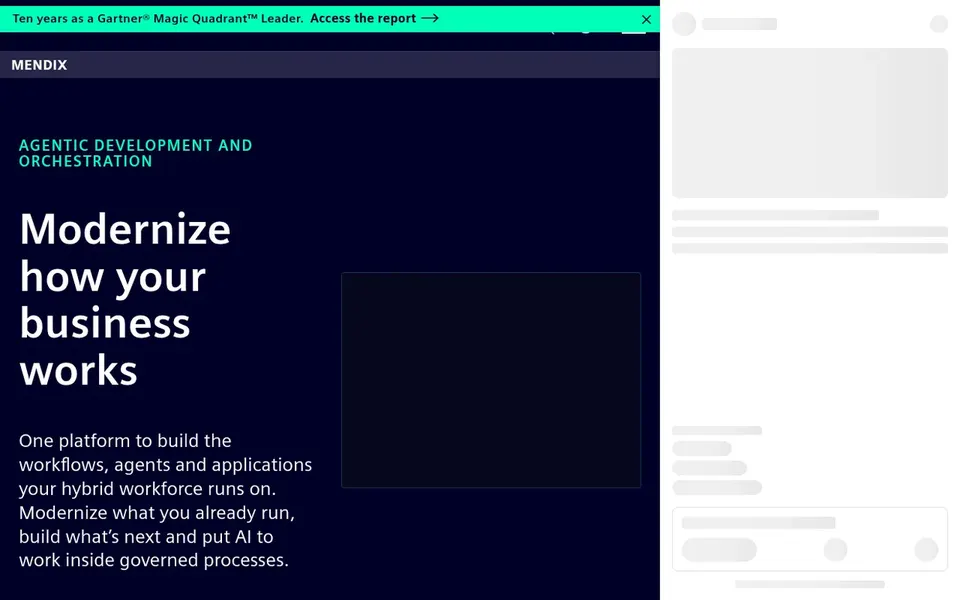
Mendix works best for governed workflows, agents and modernization. It emphasizes modernizing what organizations already operate and putting AI to work inside governed processes.
The main drawbacks: Wide scope can need onboarding time.
Best features of Mendix: AI inside governed processes. Worth adding: choose Mendix when application lifecycle discipline and process governance are central to the project. Mendix does not show a starting price in this comparison, so check the vendor site for current pricing. On free options: Not stated.
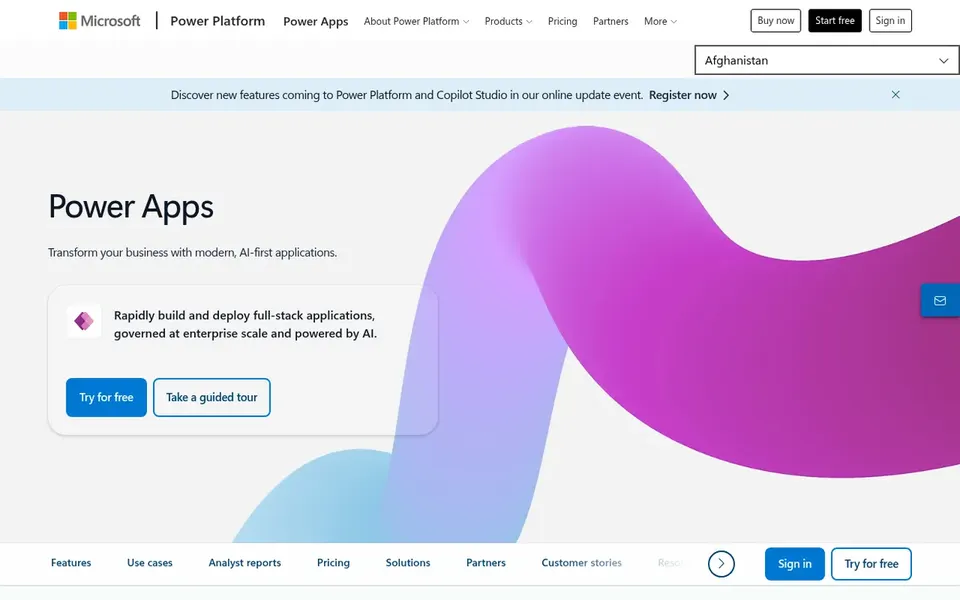
Microsoft Power Apps serves teams inside the Microsoft ecosystem. It suits developers and IT teams already working in the Microsoft cloud, where app data and identity can link to existing services.
The homepage flags AI-assisted building, which appeals to teams that want quicker starts on routine internal apps. Pricing for Microsoft Power Apps is not stated here, so ask the vendor for current figures. Microsoft Power Apps offers a free plan.
Where it is weaker: Complicated apps may need pro developer work.
Where Retool fits: internal tools over databases and APIs. The product is oriented toward internal tools, so customer-facing products are not its primary use case. For everyday use, results also rely on having accessible, well-modeled data behind the interface.
Watch-outs: Concentrated on internal instead of customer apps.
What works well: AI used throughout the build process. Also, choose Retool when the goal is quick internal software on top of existing systems instead of a full application product. Beyond that, AI features run throughout the product instead of sitting in a separate module. What you pay to start with Retool: $10 per builder per month. Retool includes a free tier.
Best for: Teams already standardized on Salesforce
Pick Salesforce Platform if this describes you: teams already standardized on Salesforce. Teams without existing Salesforce data and processes should weigh alternatives first.
Drawbacks to consider: Most valuable inside the Salesforce ecosystem.
Select it when metadata-driven development and integration with Salesforce services are central to the plan. In practice, the product's strength is consistency across data, governance and connectivity instead of standalone app building. Salesforce Platform does not show a starting price in this comparison, so check the vendor site for current pricing. Trial and free access: Not stated.
Confirm the entry price on the vendor page. For Appian, Mendix, Microsoft Power Apps and Salesforce Platform that means a quote rather than a fixed price.
Read the fine print on the free plans from Microsoft Power Apps and Retool; seat, project and feature caps differ.
Read the limits listed for Appian first: process-centric focus may not suit every app.
Run a one or two week pilot of Salesforce Platform with the people who will use it every day.
Verify that exporting from Retool is possible on your plan and covers all your records.
How we picked
We compared the tools on published pricing, free plan or trial availability, feature coverage for low code platform for developers, and the limits each vendor documents. Seat minimums, billing terms and add-ons can move the real cost, so the starting prices here are a guide and not a quote. We ordered the tools by general fit, then by how clearly pricing is shown, then by free access. A buyer with unusual needs may reorder them.
Every price and plan detail on this page comes from the vendors’ own websites. We did not run hands-on tests unless the text says so, and we do not publish star ratings or review scores. See how we score and our disclosure.
Keep your shortlist in one place
Paste prices, trial dates and notes from this guide into Ainotely, our AI note app. It files them into a topic and pulls out tasks like “cancel trial by Friday”. Free 7-day trial, no card needed.
How are the low code platform for developers ordered?
Appian sits first and Salesforce Platform last because the order follows typical fit for low code platform for developers, then price clarity and free access. It is a judgement call, so read each profile for fit and limits.
How should I evaluate AI features in a low code platform?
Then confirm that the vendor documents that capability for your scenario. Also, avoid choosing a system on AI messaging alone without checking the documented behavior.
Can I try these tools before paying?
Often, yes. Microsoft Power Apps and Retool have a free plan. Use your own data and a real task during the test, and check what the free tier or trial limits before you rely on it. For the full picture, the cards above cover all 5 entries of this low code platform for developers list, including price, free plan and limits.
Is Appian the right pick for everyone comparing low code platform for developers?
No single tool suits every team. Appian comes first because it fits process orchestration across systems, while Mendix suits governed workflows, agents and modernization and Microsoft Power Apps suits teams inside the Microsoft ecosystem. Match the tool to your own size, budget and workflow before deciding.
Do these tools publish their prices?
Not all of them. Appian, Mendix, Microsoft Power Apps and Salesforce Platform publish no starting price, so expect a quote request for those. The rest, Retool included, show a starting price, though seats and billing terms still change the final cost.