For code quality and security verification, SonarQube is where this list starts. Listed starting prices: GitLab from $29 per user per month. For a different need, Micro Focus Dimensions CM covers process-based configuration management and GitLab covers integrated lifecycle orchestration. The remaining 3 options are covered below with prices and limits.
Choosing legacy code management software usually comes down to price, fit and limits. This Ainotely guide sets 6 tools side by side on those three points, with the facts kept short and checkable.
Key takeaways
SonarQube sits first on this list: code quality and security verification.
Before buying GitLab, weigh this: broad scope means a steeper setup.
The lowest published monthly entry price here is $29 per user per month, from GitLab.
Only GitLab offers a free plan among these 6 tools.
Azure DevOps Server fits on-premises code and work tracking.
Think of SonarQube for code quality and security verification. SonarQube does not store or handle source history, so it must be paired with a version control system. If your priority is repository management alone, start with a version control product and add verification later.
SonarQube from Sonar provides code quality, security and verification tooling, including compliant AI code reviews. It complements instead of replaces version control, making it handy alongside any repository product when legacy code needs continuing quality and security scrutiny. SonarQube does not show a starting price in this comparison, so check the vendor site for current pricing. Trial and free access: Not stated.
For process-based configuration management, Micro Focus Dimensions CM is a natural candidate. Choose Dimensions CM when formal configuration management discipline is the deciding factor. Worth adding: teams that prioritize developer experience and quick onboarding may prefer a modern Git product.
What users get: Automates Agile development tasks.
Micro Focus Dimensions CM, now presented under OpenText, is a process-based software configuration management tool. It automates Agile development tasks with versioning, build, deployment and release support. Check the vendor site for Micro Focus Dimensions CM pricing; none is listed in this comparison. Free access: Not stated.
The main drawbacks: Interface feels dated to some teams.
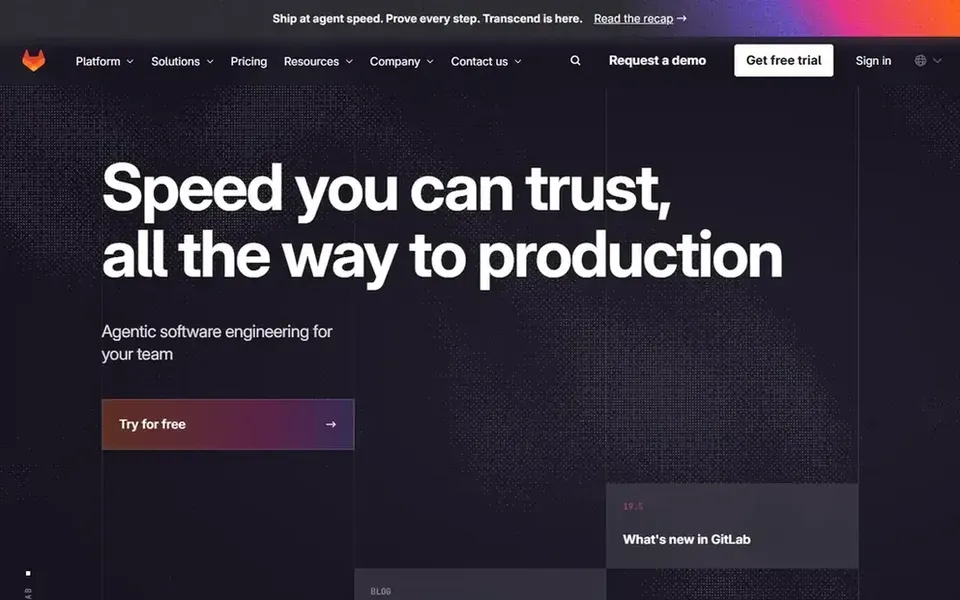
GitLab is designed for integrated lifecycle orchestration. GitLab describes itself as an intelligent orchestration product with context and governance for the whole software lifecycle.
The main drawbacks: Deep configuration required for complicated policies.
From a buyer's view, a narrower tool may be more straightforward if your legacy estate only needs repository hosting. More specifically, for legacy code management, that means version control sits alongside planning, review and delivery in a single system. Price to start with GitLab: $29 per user per month. GitLab includes a free tier.
Where Perforce Helix Core fits: large repositories and binary assets. It is commonly chosen for legacy projects that contain large binary assets, like game content or hardware designs, where Git repositories become unwieldy.
Pricing for Perforce Helix Core is not stated here, so ask the vendor for current figures. Free plan details: Not stated.
Trade-offs to know: Different workflow from Git-based tools.
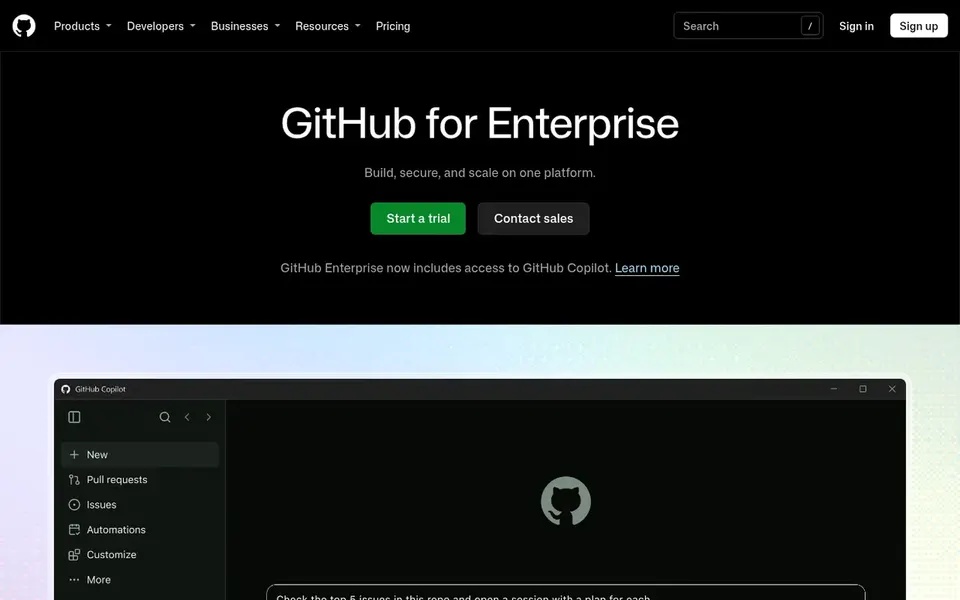
GitHub Enterprise is a good fit for governed development with AI assistance. It now comes with GitHub Copilot, which can help teams understand and modernize unfamiliar legacy code.
Where it falls short: Feature depth can overwhelm small teams.
Also, the product assumes a Git-centric workflow, so teams still on centralized version control face a migration effort before they see value. In daily use, smaller teams may find the enterprise controls unnecessary. This comparison lists no price for GitHub Enterprise; ask the vendor. Free plan details: Not stated.
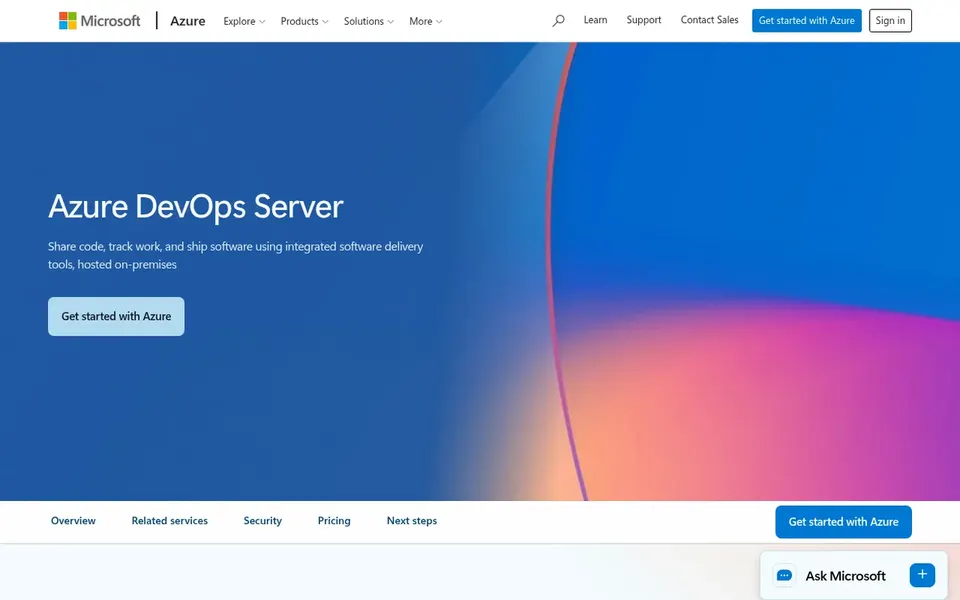
Azure DevOps Server is a good fit for on-premises code and work tracking. Organizations moving toward cloud-hosted tooling may find the operational burden hard to justify. On top of that, if infrastructure control is not a requirement, a hosted system will typically be less work to maintain.
On top of that, Azure DevOps Server lets teams share code, track work and ship software using integrated developer tools hosted on-premises. That makes it a practical choice for organizations with legacy code that must stay inside their own network or data center. As for the details, running the server on-premises means your team owns upgrades, backups and availability. Azure DevOps Server does not show a starting price in this comparison, so check the vendor site for current pricing. Trial and free access: Free trial.
The main drawbacks: Less appealing for teams avoiding on-premises infrastructure.
Get a written quote from SonarQube, Micro Focus Dimensions CM, Perforce Helix Core and others; the list shows no starting price for them.
Look at the free plan from GitLab closely: its caps decide whether it is usable for real work.
Run a trial of Azure DevOps Server with real work before paying for a year; your own workflow is the best test.
Read the limits listed for SonarQube first: not a version control system.
Check whether the features you need in GitHub Enterprise sit on the entry plan or only on higher tiers.
Before you load data into Micro Focus Dimensions CM, check what an export looks like and who can run it.
How we picked
For each of the 6 tools we noted price, free plan or trial, fit for legacy code management software and the main limit, using vendor pages and documentation. Plan names, prices and limits change often. Treat the figures here as a starting point and verify them with the vendor. Tools are placed by general fit for legacy code management software, with price clarity and free access as tie-breakers. A different team can reasonably rank them differently.
Every price and plan detail on this page comes from the vendors’ own websites. We did not run hands-on tests unless the text says so, and we do not publish star ratings or review scores. See how we score and our disclosure.
Keep your shortlist in one place
Paste prices, trial dates and notes from this guide into Ainotely, our AI note app. It files them into a topic and pulls out tasks like “cancel trial by Friday”. Free 7-day trial, no card needed.
Which options for legacy code management software have a free plan?
GitLab is the only tool in this list with a free plan. Free plans usually cap users, projects or features, so check the limits on the vendor page. One other tool offers a trial instead.
What counts as legacy code management software?
It spans tools that store, version and govern long-lived codebases, frequently with controls for change history and release processes. Numerous teams combine a repository product with a verification tool.
Is SonarQube the right pick for everyone comparing legacy code management software?
No single tool suits every team. SonarQube comes first because it fits code quality and security verification, while Micro Focus Dimensions CM suits process-based configuration management and GitLab suits integrated lifecycle orchestration. Match the tool to your own size, budget and workflow before deciding.
How are the tools for legacy code management software ordered?
The order follows typical fit for legacy code management software, with SonarQube first and Azure DevOps Server last, then price clarity and free access. It is editorial judgement, not a score, so another team could rank the tools differently.
Do these tools publish their prices?
Not all of them. SonarQube, Micro Focus Dimensions CM, Perforce Helix Core and others publish no starting price, so expect a quote request for those. The rest, GitLab included, show a starting price, though seats and billing terms still change the final cost.
Should we migrate legacy code off Subversion?
Staying put is reasonable if the current centralized process is stable and disruption is expensive. Plan any move carefully, since long histories and branching patterns can complicate conversion.