Start with Looker if you need governed metrics on Google Cloud. Listed starting prices: Tableau from $15 per user a month. If your case is different, Oracle NetSuite suits reporting inside a cloud ERP and Domo suits governed data and AI-driven insights. All 5 tools are compared below on price, free plan and limits.
Ainotely put together this guide to management reporting software for readers who want a clear shortlist without reading every vendor page. It compares 5 tools on starting price, free plans, who each one suits and where each one falls short.
Key takeaways
The list opens with Looker, aimed at governed metrics on Google Cloud.
Starting prices begin at $15 per user per month with Tableau.
Domo comes with a trade-off: wide system may need onboarding effort.
Just one of the 5 tools, Tableau, has a free plan.
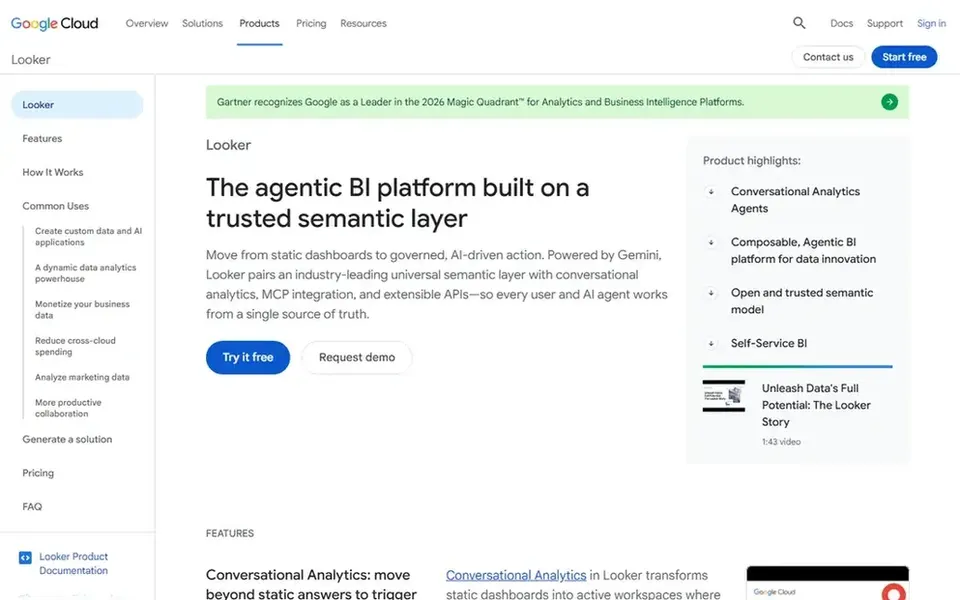
Looker is a good fit for governed metrics on Google Cloud. Teams outside Google Cloud may prefer a platform that aligns with their existing stack. Consider Looker when a single trusted metric layer and embedded reporting are the core requirements.
As for the details, Looker is Google Cloud's agentic business intelligence and embedded analytics product. It brings together metrics through a trusted semantic layer and uses Gemini agents to support analysis. No starting price is listed for Looker here; confirm pricing on the vendor site. Free plan details: Not stated.
Oracle NetSuite is designed for reporting inside a cloud ERP. If you need standalone reporting layered over plenty of external sources, a dedicated BI system may fit better.
What to check first: Reporting is tied to the ERP suite.
Worth adding: since reporting is part of a broader ERP, teams outside NetSuite will not get its primary benefit, and adopting it means adopting the suite. Oracle NetSuite is an AI-powered cloud ERP that merges financials, CRM, accounting, inventory management and more, with built-in AI to turn data into action. No starting price is listed for Oracle NetSuite here; confirm pricing on the vendor site. On free options: Not stated.
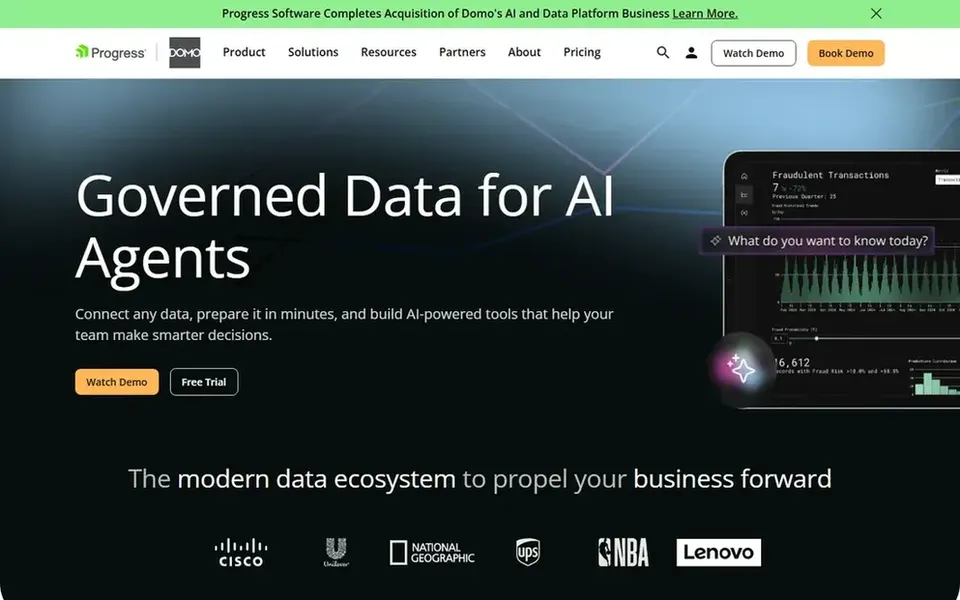
Domo serves governed data and AI-driven insights. If your priority is purely visual dashboarding on data you already model, a focused visualization tool may be more straightforward.
Points against: Wide product may need onboarding effort.
Best for: Connected finance and workforce planning
Pick Workday Adaptive Planning if this describes you: connected finance and workforce planning. Organizations that plan across departments will find the connected data model handy.
For everyday use, choose Workday Adaptive Planning when connected planning and finance reporting are the priority. Pricing for Workday Adaptive Planning is not stated here, so ask the vendor for current figures. As for free access: Not stated.
The main drawbacks: Value relies on planning data quality.
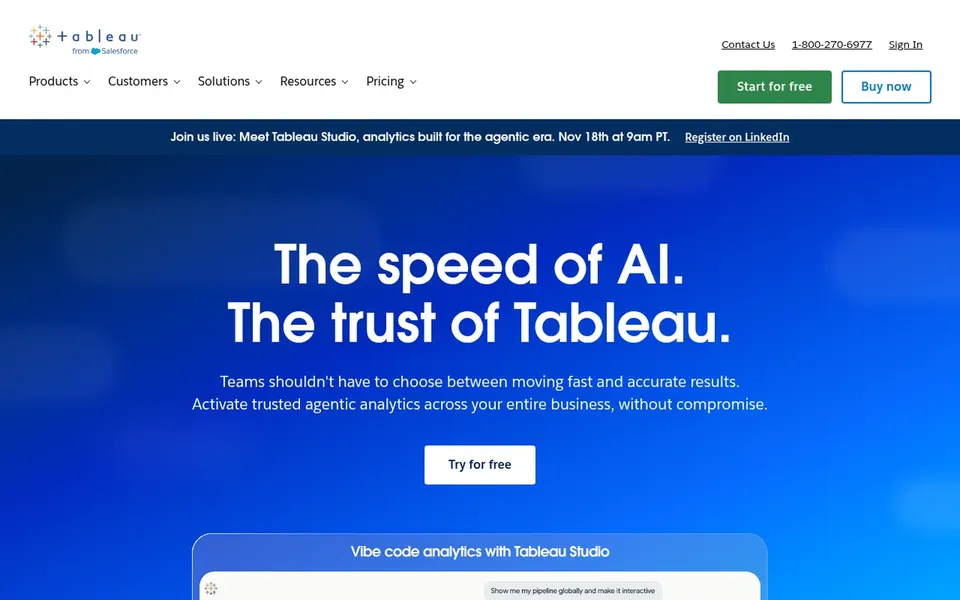
Tableau is aimed squarely at visual dashboards and data exploration. Tableau is a business intelligence and analytics product built around seeing and understanding data. It links to almost any database, lets users build visualizations with drag and drop, and shares results with a click.
If your organization needs a tightly governed semantic layer as the core of reporting, a system built around that model may fit better. From a buyer's view, Tableau rewards users who invest in data modeling and dashboard design, so teams without analytical skills may need support. The starting price for Tableau: $15 per user per month. Tableau offers a free plan.
Limits to weigh: Deep modeling may need dedicated skills.
Confirm the entry price on the vendor page. For Looker, Oracle NetSuite, Domo and Workday Adaptive Planning that means a quote rather than a fixed price.
Test the free plan from Tableau against your real workload before relying on it.
Take the trial from Domo and push a live task through it before you pay.
Read the limits listed for Looker first: tied closely to the Google Cloud ecosystem.
Test the integrations you rely on with Looker before committing; some connectors sit on upper tiers.
Ask Workday Adaptive Planning which support channels and response times come with the plan you would buy.
How we picked
Ainotely used vendor pricing pages and product documentation as the base, then compared plans, free access and documented limits for 5 tools. Plan names, prices and limits change often. Treat the figures here as a starting point and verify them with the vendor. The sequence is a judgement call: typical use case first, then pricing transparency, then free access. Use the profiles to check fit. That approach shaped the order of the 5 management reporting software tools listed here.
Every price and plan detail on this page comes from the vendors’ own websites. We did not run hands-on tests unless the text says so, and we do not publish star ratings or review scores. See how we score and our disclosure.
Keep your shortlist in one place
Paste prices, trial dates and notes from this guide into Ainotely, our AI note app. It files them into a topic and pulls out tasks like “cancel trial by Friday”. Free 7-day trial, no card needed.
Often, yes. Tableau has a free plan and Domo offers a free trial. Use your own data and a real task during the test, and check what the free tier or trial limits before you rely on it. For the full picture, the cards above cover all 5 entries of this management reporting software list, including price, free plan and limits.
Is Looker the right pick for everyone comparing management reporting software?
No single tool suits every team. Looker comes first because it fits governed metrics on Google Cloud, while Oracle NetSuite suits reporting inside a cloud ERP and Domo suits governed data and AI-driven insights. Match the tool to your own size, budget and workflow before deciding.
How do BI tools and ERP reporting differ?
BI tools for example Tableau and Looker focus on visualizing and exploring data from numerous sources.
Which options for management reporting software have a free plan?
Tableau is the only tool in this list with a free plan. Free plans usually cap users, projects or features, so check the limits on the vendor page. One other tool offers a trial instead. Pricing, free plan details and limits for all 5 tools in this management reporting software roundup sit on the individual cards above.
What should management reporting software bundle?
Look for steady data connections, consistent metric definitions and clear ways to share reports with business users. Planning and predictive features matter if reporting must link to budgets and forecasts.
How should a team choose among these systems?
Start with your data sources, governance needs and whether planning is in scope. Then confirm integration effort and skills required.