For surgical and radiosurgery planning, Brainlab Elements is where this list starts. Vital Images is the stronger choice for enterprise healthcare IT imaging, while 3D Slicer suits open source research and planning. Details, prices and limits for the rest of the 5 tools are below.
Choosing medical 3D visualization software for enterprise usually comes down to price, fit and limits. This Ainotely guide sets 5 tools side by side on those three points, with the facts kept short and checkable.
Key takeaways
The list opens with Brainlab Elements, aimed at surgical and radiosurgery planning.
For advanced 3D image analysis, Dragonfly is worth a look.
Brainlab Elements, Dragonfly and the 3 others all sell by quote; expect sales conversations before you see a price.
The main caution on Brainlab Elements: specialized instead of general purpose.
Brainlab Elements is a good fit for surgical and radiosurgery planning. Brainlab software and hardware produce and enhance data to boost critical surgeries, radiosurgery treatments and operating room efficiency.
Worth adding: value relies on clinical program scope and integration with existing planning systems. From a buyer's view, organizations without those programs should look at broader imaging systems first. Pricing for Brainlab Elements is not stated here, so ask the vendor for current figures. Free access: Not stated.
Pick Vital Images if this describes you: enterprise healthcare IT imaging. Vital Images sits within Canon Medical Informatics, which describes itself as delivering healthcare IT options for the enterprise with meaningful innovation. Organizations already standardized on Canon Medical infrastructure may find the alignment eases procurement and integration.
Honest limits: Fit relies on existing IT stack.
Beyond that, enterprise imaging suites involve substantial integration work with existing systems, and the value depends heavily on your current IT landscape. If you only need light 3D viewing for a small team, a more straightforward dedicated viewer may be more proportionate. Vital Images shows no starting price here, so confirm the cost on the vendor site. On free options: Not stated.
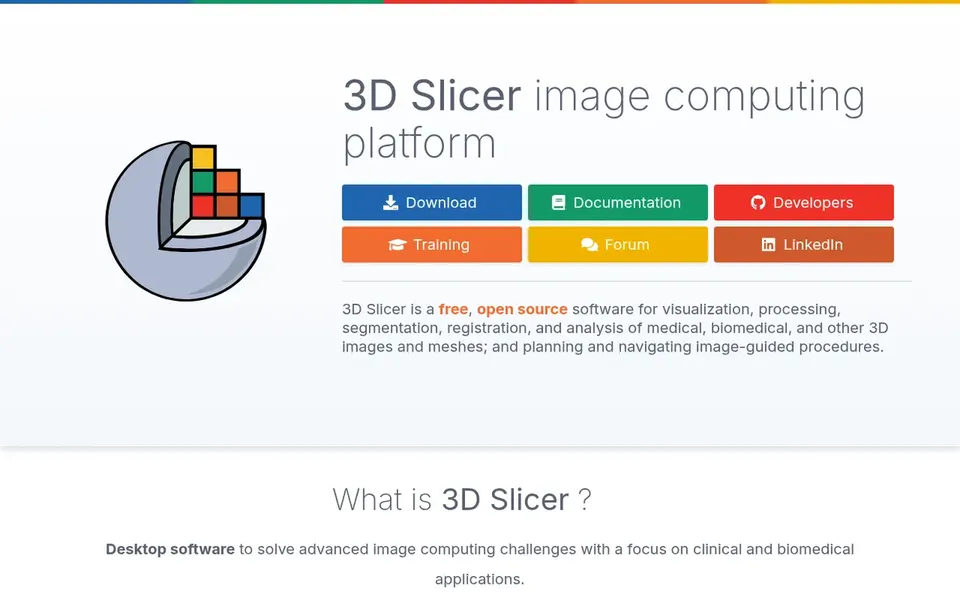
3D Slicer is aimed squarely at open source research and planning. It also supports planning and navigation of image-guided procedures.
Honest limits: Steeper ramp-up time for new users.
It fits research groups, academic medical centers and enterprises with in-house engineering support that value extensibility and the capacity to inspect and adapt the software. 3D Slicer shows no starting price here, so confirm the cost on the vendor site. Free access: Not stated.
Simpleware serves scan-to-model engineering workflows. Teams that need a repeatable path from raw volumetric images to CAD and simulation geometry will find the workflow well aligned with that goal.
It is not positioned as a general clinical DICOM viewer for radiologists. No starting price is listed for Simpleware here; confirm pricing on the vendor site. Free plan details: Not stated.
Where it falls short: Needs image processing expertise. Where Simpleware stands out: Strong fit for research and product teams.
Dragonfly is built with advanced 3D image analysis in mind. It is a specialist analysis tool, so users need training and capable hardware to work efficiently.
It is not a clinical DICOM reading option for radiology departments. This comparison lists no price for Dragonfly; ask the vendor. Free plan details: Not stated.
Ask each vendor, from Brainlab Elements to Dragonfly, for a written quote; none of them publishes a starting price.
Read the limits listed for Brainlab Elements first: specialized instead of general purpose.
Map your must-have features to a specific Brainlab Elements plan before you compare prices.
Involve the people who will use 3D Slicer daily; a short pilot beats a long feature checklist.
Look at the renewal terms for Vital Images: auto-renewal, notice periods and price changes can matter more than the first-year price.
How we picked
For each of the 5 tools we noted price, free plan or trial, fit for medical 3D visualization software for enterprise and the main limit, using vendor pages and documentation. Plan names, prices and limits change often. Treat the figures here as a starting point and verify them with the vendor. The ranking is editorial: typical fit first, then clear pricing, then free access. If your needs are unusual, read the profiles rather than relying on position.
Every price and plan detail on this page comes from the vendors’ own websites. We did not run hands-on tests unless the text says so, and we do not publish star ratings or review scores. See how we score and our disclosure.
Keep your shortlist in one place
Paste prices, trial dates and notes from this guide into Ainotely, our AI note app. It files them into a topic and pulls out tasks like “cancel trial by Friday”. Free 7-day trial, no card needed.
Not by default. None of the tools, from Brainlab Elements to Dragonfly, lists a free plan or a free trial here, so ask each vendor for a demo before committing.
What should enterprises prioritize in medical 3D visualization software?
Start with workflow fit: whether the tool supports diagnostic reading, surgical planning or research analysis. Then confirm integration with existing imaging systems, deployment model and support terms.
How are the tools for medical 3D visualization software for enterprise ordered?
Brainlab Elements sits first and Dragonfly last because the order follows typical fit for medical 3D visualization software for enterprise, then price clarity and free access. It is a judgement call, so read each profile for fit and limits.
Is Brainlab Elements the right pick for everyone comparing medical 3D visualization software for enterprise?
No single tool suits every team. Brainlab Elements comes first because it fits surgical and radiosurgery planning, while Vital Images suits enterprise healthcare IT imaging and 3D Slicer suits open source research and planning. Match the tool to your own size, budget and workflow before deciding.
Do these tools publish their prices?
No. None of the tools, from Brainlab Elements to Dragonfly, shows a fixed starting price here, so budget time for quotes.