If you need surgical and radiosurgery planning, Brainlab Elements is the first tool to look at here. OsiriX MD is better for DICOM viewing on Apple hardware, and Simpleware is better for scan data to simulation-ready models. The remaining 2 options are covered below with prices and limits.
Short on time? The summary and table above give the quick view of 5 medical 3D visualization software for remote teams, and the profiles that follow give the detail behind each entry.
Key takeaways
Top of the list is Brainlab Elements, which targets surgical and radiosurgery planning.
Vital Images fits enterprise healthcare IT visualization.
Brainlab Elements, Vital Images and the 3 others all sell by quote; expect sales conversations before you see a price.
A fair warning about OsiriX MD: tied to Apple computing environments.
Brainlab Elements was built for surgical and radiosurgery planning. Brainlab Elements suits surgical planning teams and clinical groups that require specialized planning tools instead of general viewing.
More specifically, general visualization needs are frequently better served by Slicer or OsiriX MD. Pricing for Brainlab Elements is not stated here, so ask the vendor for current figures. Free access: Not stated.
Where it falls short: Specialized toward surgical use.
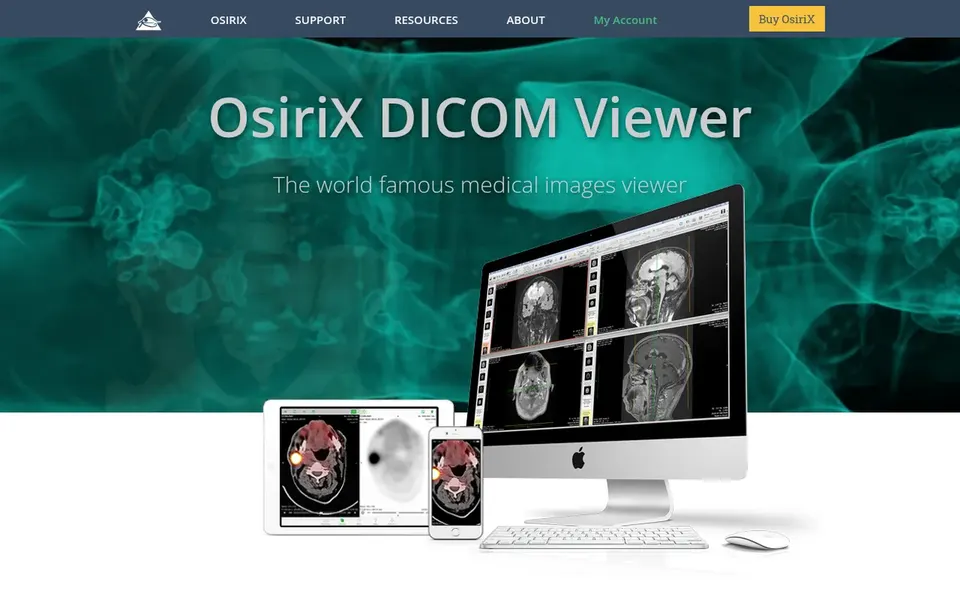
Where OsiriX MD fits: DICOM viewing on Apple hardware. OsiriX MD is a DICOM viewer with a long-standing reputation in medical imaging review. Its focused scope keeps everyday review straightforward, which helps distributed clinical groups stay aligned without a heavy platform rollout.
Honest limits: Tied to Apple computing environments.
The viewer runs in Apple computing environments, so mixed-device teams should check compatibility before standardizing. It is not designed for engineering-grade model creation or simulation export. Check the vendor site for OsiriX MD pricing; none is listed in this comparison. Free access: Not stated.
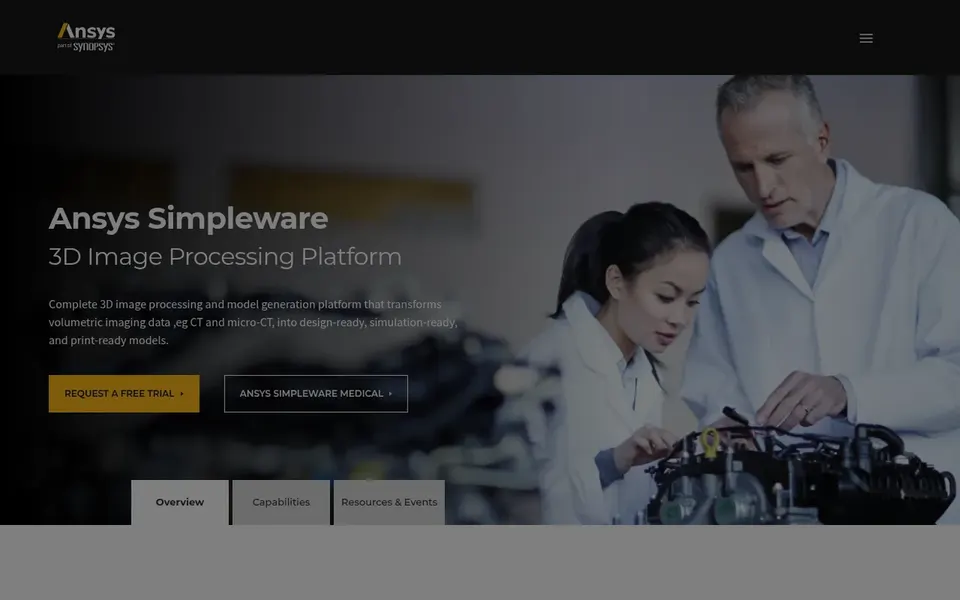
Think of Simpleware for scan data to simulation-ready models. Simpleware is 3D image processing software that transforms MRI, CT and micro-CT data into design and simulation-ready models.
Limits to weigh: Less oriented to routine clinical reading.
What Simpleware does well: Outputs design and simulation-ready models.
Its workflow emphasis on model preparation helps distributed engineering groups share consistent outputs. It is a commercial product, so teams should confirm licensing and deployment details with the vendor. Simpleware shows no starting price here, so confirm the cost on the vendor site. On free options: Not stated.
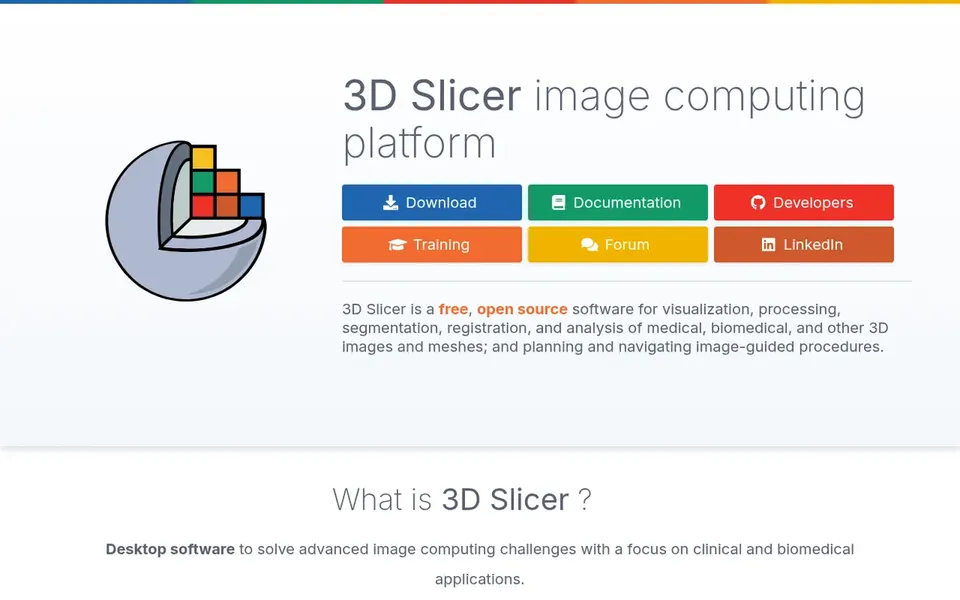
Where Slicer fits: open source imaging and segmentation. For remote teams, its open nature makes it easy to standardize a shared toolset across sites without licensing friction, and it suits research groups, imaging labs and clinical engineering teams that can invest time in learning its modules. From a buyer's view, the system is wide, and that breadth can overwhelm new users.
So teams without technical support may struggle to build repeatable workflows. As for the details, Slicer is an open source product for visualization, processing, segmentation, registration and analysis of medical, biomedical and other 3D images and meshes. It also supports planning and navigating image-guided procedures. This comparison lists no price for Slicer; ask the vendor. Trial and free access: Not stated.
Where it is weaker: Advanced workflows need technical support. Highlights: Segmentation.
In short, Vital Images is for enterprise healthcare IT visualization. For lighter standalone needs, open source Slicer is a more straightforward starting point. In practice, remote teams inside bigger health systems may value that enterprise alignment.
Worth adding: enterprise software usually involves longer deployment and integration cycles, so smaller or fast-moving remote teams may find it heavy. Worth adding: the focus is on meaningful innovation for clinical organizations, making it relevant to hospital networks and imaging groups that require visualization tied into wider informatics. For everyday use, buyers should confirm workflow details and infrastructure requirements straight with the vendor. Pricing for Vital Images is not stated here, so ask the vendor for current figures. As for free access: Not stated.
Drawbacks to consider: Less suited to small ad hoc teams.
Request quotes from Brainlab Elements, Vital Images and the others; the list shows no fixed prices.
Read the limits listed for Brainlab Elements first: specialized toward surgical use.
Confirm you can export your data from Vital Images, so leaving later does not mean losing records.
Confirm that Slicer connects to the apps your team already uses, on the plan you would actually buy.
Pick one real project and run it in OsiriX MD first; a small pilot shows fit faster than a checklist.
How we picked
We compared the tools on published pricing, free plan or trial availability, feature coverage for medical 3D visualization software for remote teams, and the limits each vendor documents. Treat prices as a snapshot: vendors change plans often, so check the vendor site for the figure that applies today. We ordered the tools by general fit, then by how clearly pricing is shown, then by free access. A buyer with unusual needs may reorder them.
Every price and plan detail on this page comes from the vendors’ own websites. We did not run hands-on tests unless the text says so, and we do not publish star ratings or review scores. See how we score and our disclosure.
Keep your shortlist in one place
Paste prices, trial dates and notes from this guide into Ainotely, our AI note app. It files them into a topic and pulls out tasks like “cancel trial by Friday”. Free 7-day trial, no card needed.
No. None of the tools, from Brainlab Elements to Vital Images, shows a fixed starting price here, so budget time for quotes.
How are the tools for medical 3D visualization software for remote teams ordered?
Brainlab Elements sits first and Vital Images last because the order follows typical fit for medical 3D visualization software for remote teams, then price clarity and free access. It is a judgement call, so read each profile for fit and limits.
Is Brainlab Elements the right pick for everyone comparing medical 3D visualization software for remote teams?
No single tool suits every team. Brainlab Elements comes first because it fits surgical and radiosurgery planning, while OsiriX MD suits DICOM viewing on Apple hardware and Simpleware suits scan data to simulation-ready models. Match the tool to your own size, budget and workflow before deciding.
Does any tool for medical 3D visualization software for remote teams here have a free plan?
A permanent free plan is not offered by Brainlab Elements, Vital Images or the other tools here. Plan a short evaluation period instead.