Securly leads the list, best for filtering plus wellness monitoring in one product. Listed starting prices: Senso from $1.00 per Teams user per year. Linewize fits building safe digital communities; Senso fits safeguarding plus IT operations in one place. The remaining 2 options are covered below with prices and limits.
If you are comparing mental health software for schools, this page covers 5 tools in one place: what each is best for, what it costs to start, whether it has a free plan, and the main limit to know about.
Key takeaways
Securly takes the first slot, best suited to filtering plus wellness monitoring in one platform.
For visibility, control and compliance with safety, Lightspeed Alert is worth a look.
None of the 5 tools, from Securly to Lightspeed Alert, has a free plan, so budget for a subscription or use a trial.
Senso comes with a trade-off: wide scope may be more than some need.
Best for: Filtering plus wellness monitoring in one system
Securly was built for filtering plus wellness monitoring in one platform. With multiple functions under one roof, setup and staff training take effort, and wellness alerts still rely on your response process.
Where it is weaker: Wellness workflows need district planning.
Also, districts that want a consolidated approach to online safety and student wellbeing frequently shortlist it since filtering and monitoring live together instead of in separate systems. Check the vendor site for Securly pricing; none is listed in this comparison. Free options: Not stated.
Linewize makes the most sense for building safe digital communities. Linewize says it helps schools advance beyond free provision to build safe and smart digital communities that protect and support students in their digital lives.
Limits to weigh: Outcomes rely on district policy.
It is a reasonable pick when your priority is a coherent digital safety community approach and you have staff ready to act on what the product reveals. Pricing for Linewize is not stated here, so ask the vendor for current figures. Free plan details: Not stated.
Best for: Safeguarding plus IT operations in one place
Pick Senso if this describes you: safeguarding plus IT operations in one place. That breadth fits districts or multi-school trusts that want safeguarding and IT tooling from a single provider rather than stitching together separate products.
Beyond that, choose Senso when consolidating safeguarding with IT operations is the goal; otherwise a narrower tool may be simpler to adopt. What you pay to start with Senso: $1.00 per Teams user per year. Free options: Not stated.
Downsides: Needs coordination across IT and safeguarding.
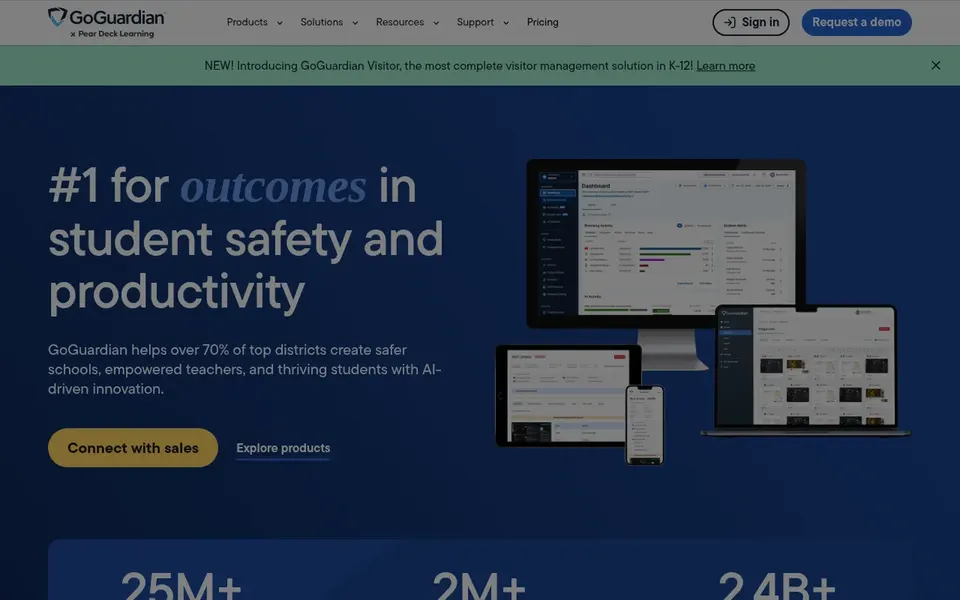
GoGuardian works best for safe and engaging K-12 digital learning. Since GoGuardian frames itself around engaging digital learning, schools seeking deep clinical mental health workflows may need extra tools.
The main drawbacks: Wellness features are one part of a broader suite.
More specifically, GoGuardian describes itself as a system that enables K-12 leaders with effective tools to produce safe and engaging learning for every student. GoGuardian does not show a starting price in this comparison, so check the vendor site for current pricing. On free options: Not stated.
Best for: Visibility, control and compliance with safety
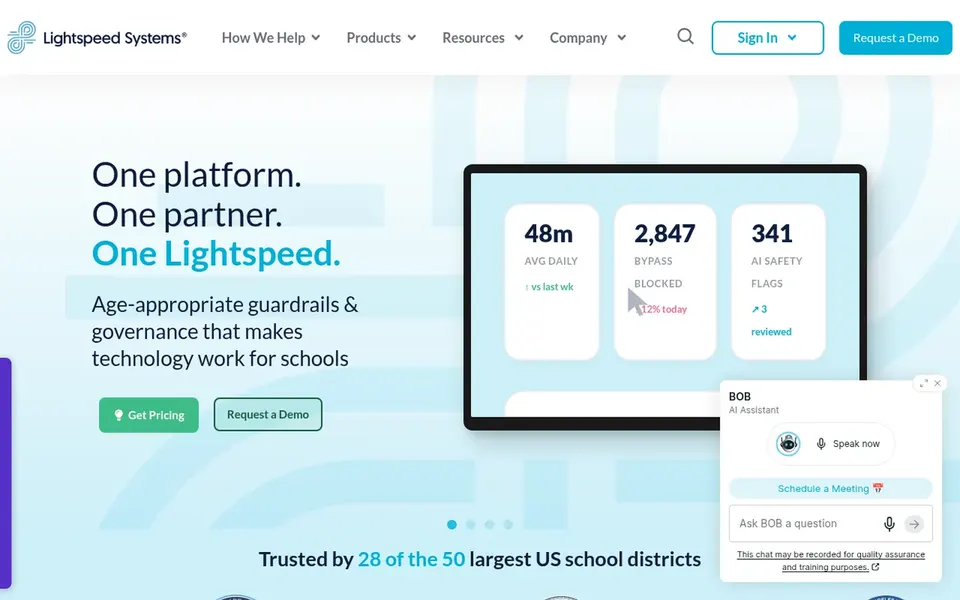
Lightspeed Alert works best for visibility, control and compliance with safety. Schools that want a single lens over network activity and student safety signals frequently consider it, notably where IT oversight and safeguarding have to work together.
Limits to weigh: Safety alerting is part of a bigger suite.
Worth adding: pick Lightspeed Alert when network-level visibility and compliance are central to your safety strategy and you can dedicate staff to configuring and acting on alerts. Lightspeed Alert does not show a starting price in this comparison, so check the vendor site for current pricing. Free plan details: Not stated.
Ask Securly, Linewize, GoGuardian and Lightspeed Alert for a written quote, since no starting price is shown.
Before choosing Securly, weigh its main limit: feature breadth can take time to configure.
See whether Linewize offers onboarding or training, and whether it is included in the price.
Check how data leaves Senso: formats, limits and whether exports are available on every plan.
Read the plan comparison for Securly carefully; key features often start on a higher tier.
How we picked
Pricing pages, product documentation and feature lists were the main sources, and every entry carries at least one honest drawback. Figures are shown as the vendors publish them. Billing terms, seat minimums and add-ons can change the real cost. Tools are placed by general fit for mental health software for schools, with price clarity and free access as tie-breakers. A different team can reasonably rank them differently.
Every price and plan detail on this page comes from the vendors’ own websites. We did not run hands-on tests unless the text says so, and we do not publish star ratings or review scores. See how we score and our disclosure.
Keep your shortlist in one place
Paste prices, trial dates and notes from this guide into Ainotely, our AI note app. It files them into a topic and pulls out tasks like “cancel trial by Friday”. Free 7-day trial, no card needed.
Not by default. None of the tools, from Securly to Lightspeed Alert, lists a free plan or a free trial here, so ask each vendor for a demo before committing.
What staffing do these products need?
Most need someone to review alerts and follow up based on district policy, plus staff time for setup and training. Before buying, map out who responds to flags and how rapidly, since the software supports instead of replaces that process.
Are student safety and mental wellness tools the same thing?
Safety products frequently flag concerning online activity, whereas wellness features focus on supporting student wellbeing. Numerous vendors now combine both, so check which capabilities you actually need.
How are the tools for mental health software for schools ordered?
Securly sits first and Lightspeed Alert last because the order follows typical fit for mental health software for schools, then price clarity and free access. It is a judgement call, so read each profile for fit and limits.
Does any tool for mental health software for schools here have a free plan?
A permanent free plan is not offered by Securly, Lightspeed Alert or the other tools here. Plan a short evaluation period instead.
Do these tools publish their prices?
Not all of them. Securly, Linewize, GoGuardian and Lightspeed Alert publish no starting price, so expect a quote request for those. The rest, Senso included, show a starting price, though seats and billing terms still change the final cost.