If you need citizen experience and government communications, Granicus is the first tool to look at here. For a different need, Accela Civic Platform covers Permitting, licensing and citizen engagement and Tyler Technologies Enterprise ERP covers Public-sector ERP for local agencies. Prices, free plans and limits for all 6 tools follow.
Ainotely put together this guide to municipal software for readers who want a clear shortlist without reading every vendor page. It compares 6 tools on starting price, free plans, who each one suits and where each one falls short.
Key takeaways
Number one here is Granicus, a fit for citizen experience and government communications.
For large-scale enterprise resource planning, SAP S/4HANA is worth a look.
Tyler Technologies Enterprise ERP comes with a trade-off: wide suites need careful scoping.
Neither Granicus nor SAP S/4HANA, nor any of the other 4 tools, has a permanent free plan; trials and quotes are the norm.
Best for: Citizen experience and government communications
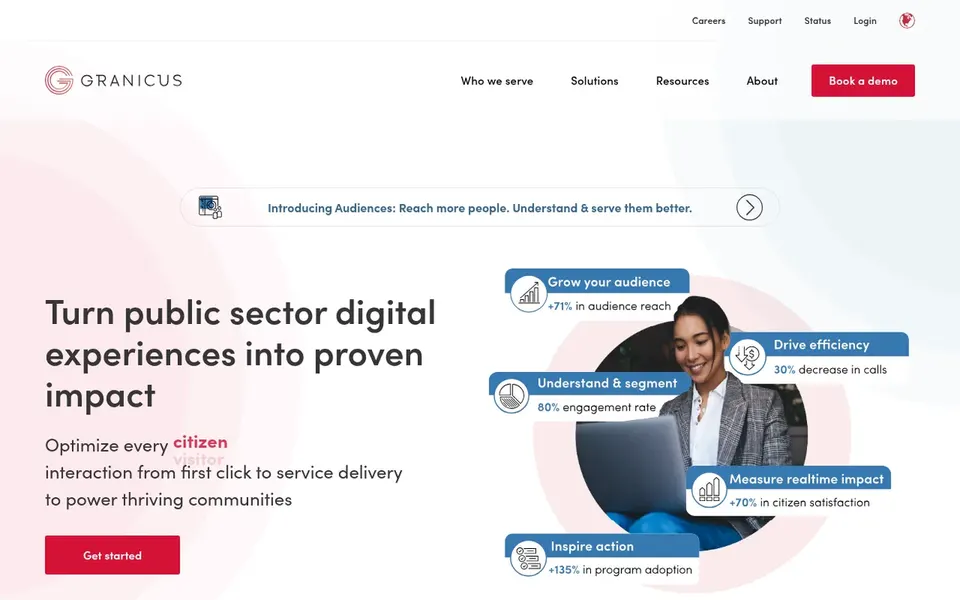
Granicus is aimed squarely at citizen experience and government communications. Granicus positions itself as a citizen experience product for government, concentrated on transforming how governments serve residents. In daily use, agencies without a clear engagement strategy may struggle to justify it.
What to check first: Value relies on communication goals.
Pair it with core systems and confirm the specific citizen-facing modules you need. Communications and engagement teams are the natural owners of this kind of tool. This comparison lists no price for Granicus; ask the vendor. Free access: Not stated.
Best for: Permitting, licensing and citizen engagement
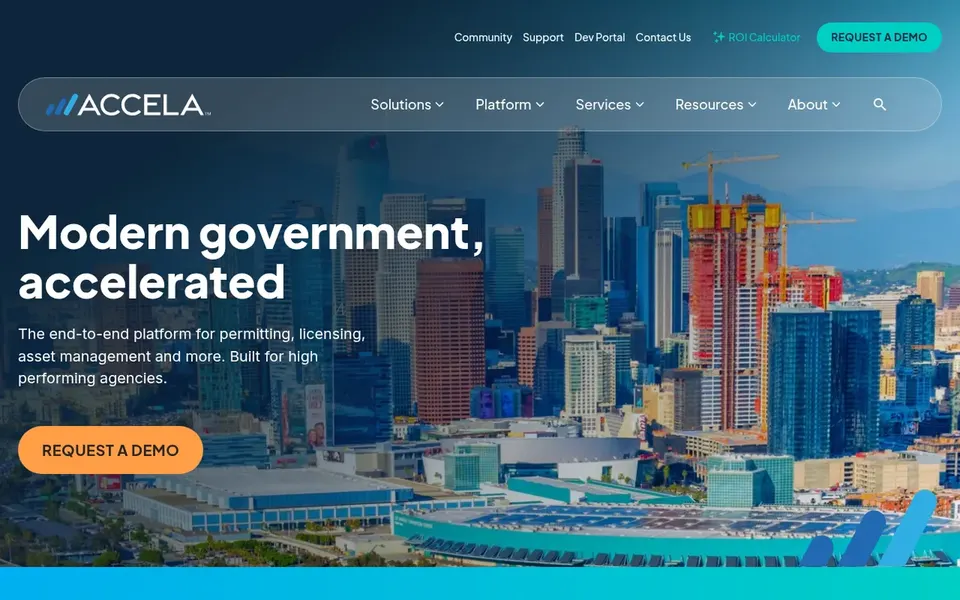
Accela Civic Platform is built with Permitting, licensing and citizen engagement in mind. Accela Civic Platform is a cloud-based government option pitched at enhancing operations, improving efficiency and strengthening citizen engagement.
Smaller departments with restricted permitting volume may find it more than required. Beyond that, check how it plugs into existing financial systems before deciding. No starting price is listed for Accela Civic Platform here; confirm pricing on the vendor site. On free options: Not stated.
Limits to weigh: Core strength is permitting and licensing.
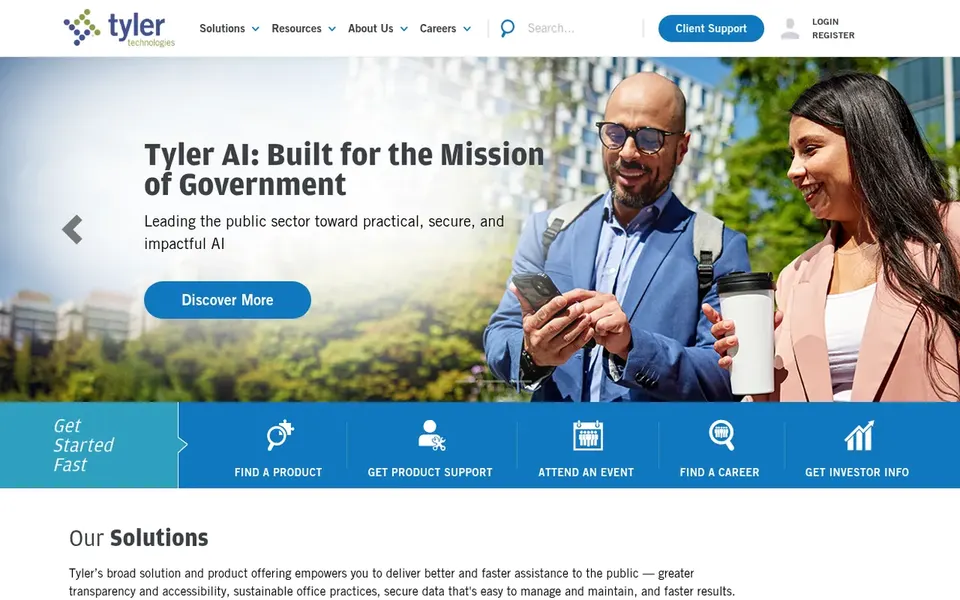
Think of Tyler Technologies Enterprise ERP for Public-sector ERP for local agencies. Tyler Technologies Enterprise ERP is a public-sector software suite designed around the needs of state, local and federal government organizations and school districts.
In practice, departments with narrow, single-purpose requirements may prefer a focused tool. On top of that, confirm module coverage and integration details straight with the vendor before committing. Check the vendor site for Tyler Technologies Enterprise ERP pricing; none is listed in this comparison. On free options: Not stated.
Best for: Industry-specific cloud enterprise software
Infor Public Sector targets industry-specific cloud enterprise software. Infor Public Sector draws on Infor's broader portfolio of cloud-based, industry-specific enterprise software that merges industry expertise with purpose-built AI technologies.
Because Infor serves many industries, public-sector depth can vary by module, so scope the exact functions you need. Infor Public Sector shows no starting price here, so confirm the cost on the vendor site. As for free access: Not stated.
Esri ArcGIS targets municipal mapping and spatial analytics. Esri ArcGIS is GIS software for mapping and spatial analytics, described by Esri as feature-rich geospatial technology for business and government.
Honest limits: Needs GIS skills to use completely.
On top of that, GIS teams and planners are the usual users. ArcGIS is a mapping and analytics product, not an ERP, so it complements instead of replaces administrative systems. No starting price is listed for Esri ArcGIS here; confirm pricing on the vendor site. Trial and free access: Not stated.
Best for: Large-scale enterprise resource planning
SAP S/4HANA works best for large-scale enterprise resource planning. SAP S/4HANA sits within SAP's portfolio of business applications and technology, spanning cloud, system and sustainability options for organizations of different sizes and industries.
The scale of an implementation can strain smaller IT teams. Beyond that, agencies wanting government-tailored functionality from day one may prefer a public-sector specialist. This comparison lists no price for SAP S/4HANA; ask the vendor. On free options: Not stated.
Limits to weigh: General purpose, not municipal-specific.
Confirm the entry price with every vendor: no tool from Granicus to SAP S/4HANA shows a fixed starting price.
Read the limits listed for Granicus first: not a core financial system.
Compare total cost, not headline price: for Infor Public Sector, add extra seats, add-ons and any usage-based charges.
List the apps you already depend on and check that Tyler Technologies Enterprise ERP supports each one on the plan you would buy.
Read the plan comparison for SAP S/4HANA carefully; key features often start on a higher tier.
How we picked
We compared the tools on published pricing, free plan or trial availability, feature coverage for municipal software, and the limits each vendor documents. Where a price is missing, the vendor does not list one publicly or ties it to a quote. Always confirm before budgeting. The sequence is a judgement call: typical use case first, then pricing transparency, then free access. Use the profiles to check fit.
Every price and plan detail on this page comes from the vendors’ own websites. We did not run hands-on tests unless the text says so, and we do not publish star ratings or review scores. See how we score and our disclosure.
Keep your shortlist in one place
Paste prices, trial dates and notes from this guide into Ainotely, our AI note app. It files them into a topic and pulls out tasks like “cancel trial by Friday”. Free 7-day trial, no card needed.
Granicus sits first and SAP S/4HANA last because the order follows typical fit for municipal software, then price clarity and free access. It is a judgement call, so read each profile for fit and limits.
Do these tools publish their prices?
No. None of the tools, from Granicus to SAP S/4HANA, shows a fixed starting price here, so budget time for quotes.
Can I try these options before paying?
Not by default. None of the tools, from Granicus to SAP S/4HANA, lists a free plan or a free trial here, so ask each vendor for a demo before committing.
What should a municipality look for in software?
Start with the functions you run daily, for example finance, permitting, HR and citizen communications, and check which product spans them natively. Then review integration with existing systems, implementation effort and vendor public-sector experience.
Is Granicus the right pick for everyone comparing municipal software?
No single tool suits every team. Granicus comes first because it fits citizen experience and government communications, while Accela Civic Platform suits Permitting, licensing and citizen engagement and Tyler Technologies Enterprise ERP suits Public-sector ERP for local agencies. Match the tool to your own size, budget and workflow before deciding.
How does GIS fit with municipal software?
GIS systems for example Esri ArcGIS deal with mapping and spatial analytics for planning, assets and public works. They complement administrative systems instead of replace them.