This list puts Dynatrace first for observability with AI and automation. Listed starting prices: Dynatrace from $7 per host a month. Cisco ThousandEyes fits assuring digital experiences across networks; Datadog Network Monitoring fits cloud, on-premise and hybrid visibility. All 6 tools are compared below on price, free plan and limits.
Short on time? The summary and table above give the quick view of 6 network traffic monitoring tools, and the profiles that follow give the detail behind each entry.
Key takeaways
Dynatrace is the opening pick, best for observability with AI and automation.
None of the 6 tools, from Dynatrace to PRTG Network Monitor, has a free plan, so budget for a subscription or use a trial.
The lowest published monthly entry price here is $7 per host per month, from Dynatrace.
Dynatrace is aimed squarely at observability with AI and automation. Its scope extends well beyond network traffic, so teams wanting a narrow, device-focused monitor may find it excessive.
For everyday use, choose a dedicated network monitor if simplicity is the central requirement. What you pay to start with Dynatrace: $7 per host per month. Free options: Free trial.
What to check first: Can be more than small teams need.
Best for: Assuring digital experiences across networks
Think of Cisco ThousandEyes for assuring digital experiences across networks. That makes it a fit for teams that require visibility into how services perform across networks they do not completely control, for example internet paths and external dependencies.
Also, if you primarily have to monitor routers and switches inside your own estate, a device-focused tool may be a better match. Check the vendor site for Cisco ThousandEyes pricing; none is listed in this comparison. On free options: Free trial.
Drawbacks to consider: Experience focus over deep device polling.
Datadog Network Monitoring is designed for cloud, on-premise and hybrid visibility. The network product is part of a bigger product, so teams seeking only entry-level device polling may find it broader than needed.
In practice, Datadog Network Monitoring supplies full visibility into every layer of your environment, whether in the cloud, on-premise or hybrid, based on its homepage. Also, consider a more straightforward tool if your scope is restricted to local infrastructure monitoring. Pricing for Datadog Network Monitoring is not stated here, so ask the vendor for current figures. Free access: Not stated.
Where it falls short: Needs planning for full coverage.
Best for: Hybrid IT health and performance visibility
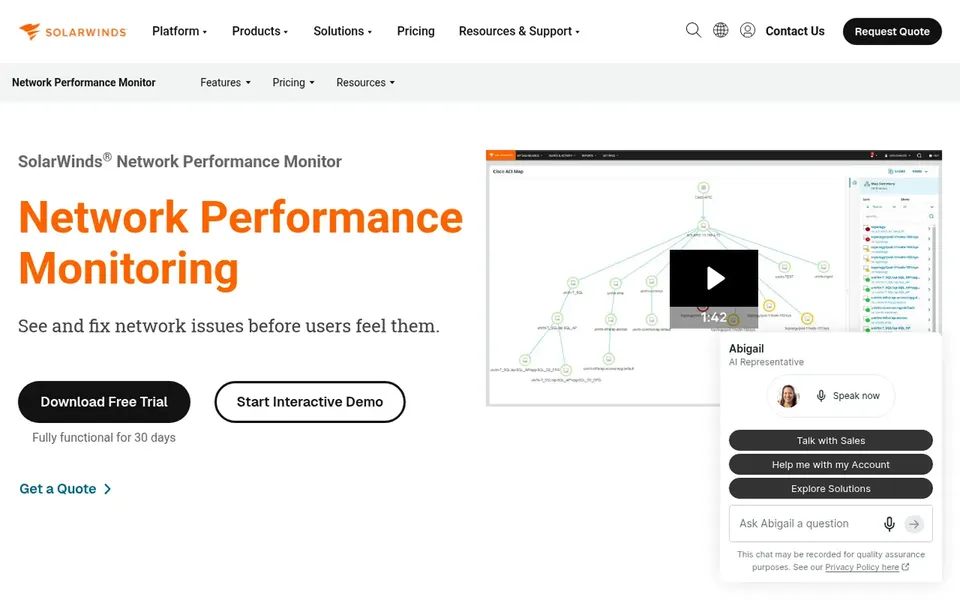
Where SolarWinds Network Performance Monitor fits: hybrid IT health and performance visibility. SolarWinds Network Performance Monitor is described as observability software for self-hosted environments.
From a buyer's view, consider another choice if you primarily need straightforward device polling or cloud-native observability instead of in-depth network performance control. Check the vendor site for SolarWinds Network Performance Monitor pricing; none is listed in this comparison. Trial and free access: Not stated.
Where it falls short: Wide feature set can feel heavy.
Upsides: Watches servers. It fits organizations that want an enterprise infrastructure and network monitoring tool they run themselves and that handles a broad set of monitored objects from a single system. This comparison lists no price for Nagios XI; ask the vendor. Free plan details: Not stated.
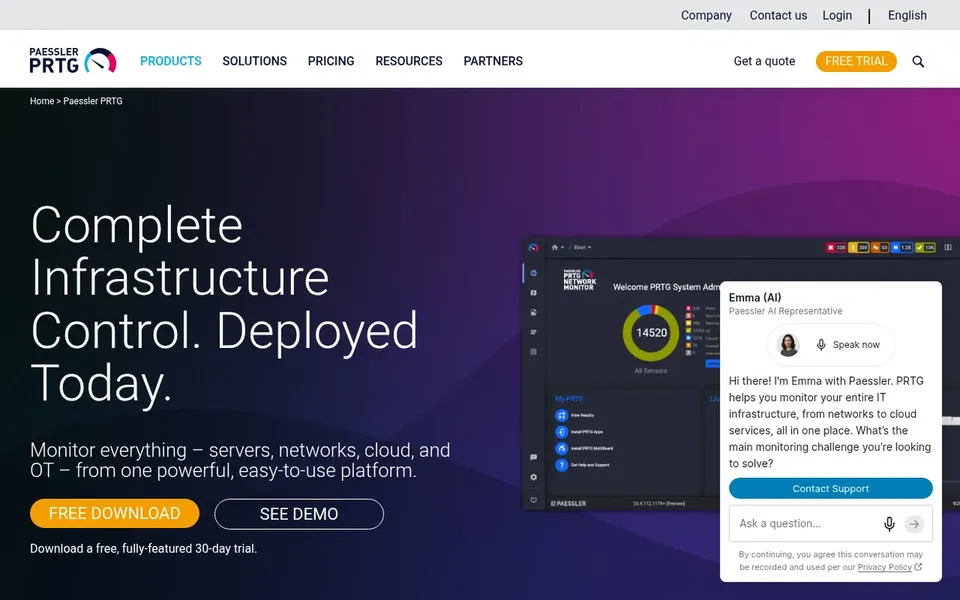
PRTG Network Monitor works best for all-in-one infrastructure monitoring. PRTG Network Monitor from Paessler is presented as professional and adaptable network monitoring software.
It fits administrators who prefer a unified view over stitching together multiple specialized tools. Check the vendor site for PRTG Network Monitor pricing; none is listed in this comparison. As for free access: Not stated.
The main drawbacks: All-in-one scope can need tuning.
Ask Cisco ThousandEyes, Datadog Network Monitoring, SolarWinds Network Performance Monitor and others for a written quote, since no starting price is shown.
Take the trial from Dynatrace and Cisco ThousandEyes and push a live task through it before you pay.
Before choosing Dynatrace, weigh its main limit: wide system beyond traffic monitoring.
Get the contract term, renewal terms and any onboarding fees from Datadog Network Monitoring in writing.
A short pilot of Cisco ThousandEyes with your real workflow tells you more than a feature table.
How we picked
The comparison looks at four things: starting price, free access, how well the feature set matches network traffic monitoring tools, and the main limit of each tool. Prices and plan limits come from vendor pages and can change, so confirm them on the vendor site before you buy. We ordered the tools by general fit, then by how clearly pricing is shown, then by free access. A buyer with unusual needs may reorder them.
Every price and plan detail on this page comes from the vendors’ own websites. We did not run hands-on tests unless the text says so, and we do not publish star ratings or review scores. See how we score and our disclosure.
Keep your shortlist in one place
Paste prices, trial dates and notes from this guide into Ainotely, our AI note app. It files them into a topic and pulls out tasks like “cancel trial by Friday”. Free 7-day trial, no card needed.
Should I pick a self-hosted or a cloud-based monitoring tool?
Self-hosted choices for example Nagios XI provide you direct control over where monitoring data lives, but they need internal administration. Cloud-based systems cut upkeep and frequently add broader observability features, so weigh control against operational effort.
Is Dynatrace the right pick for everyone comparing network traffic monitoring tools?
No single tool suits every team. Dynatrace comes first because it fits observability with AI and automation, while Cisco ThousandEyes suits assuring digital experiences across networks and Datadog Network Monitoring suits cloud, on-premise and hybrid visibility. Match the tool to your own size, budget and workflow before deciding.
How are the tools for network traffic monitoring tools ordered?
The order follows typical fit for network traffic monitoring tools, with Dynatrace first and PRTG Network Monitor last, then price clarity and free access. It is editorial judgement, not a score, so another team could rank the tools differently.
What is the difference between network traffic monitoring and infrastructure monitoring?
Traffic monitoring centres on how data moves across links, flows and external paths, whereas infrastructure monitoring tracks the health of devices, servers and services.
Can I try these options before paying?
Often, yes. Dynatrace and Cisco ThousandEyes offer a free trial. Use your own data and a real task during the test, and check what the free tier or trial limits before you rely on it.
What is the cheapest option for network traffic monitoring tools in this list?
On published monthly entry prices, Dynatrace is the lowest here at $7 per host per month. Entry price is only part of the cost, because seats, add-ons and billing terms can change the total. Pricing, free plan details and limits for all 6 tools in this network traffic monitoring tools roundup sit on the individual cards above.