Start with Retool if you need internal tools over databases and APIs. Listed starting prices: Retool from $10 per builder per month. Salesforce Platform is the stronger choice for teams already standardized on Salesforce, while Pega Platform suits enterprise workflow and customer experience automation. Details, prices and limits for the rest of the 5 tools are below.
If you are comparing no-code low-code app builders, this page covers 5 tools in one place: what each is best for, what it costs to start, whether it has a free plan, and the main limit to know about.
Key takeaways
Top of the list is Retool, which targets internal tools over databases and APIs.
OutSystems is the one to check for enterprises modernizing legacy systems.
Only 2 of the 5 tools have a free plan (Retool, Microsoft Power Apps), so check the caps.
The cheapest monthly starting price in the list is $10 per builder per month, offered by Retool.
Pick Retool if this describes you: internal tools over databases and APIs. The focus on internal software keeps the building experience tight.
Where it is weaker: Narrower than full business app suites.
Retool is deliberately centered on internal tools, so customer-facing products and wide process orchestration fall outside its core focus. Entry price for Retool: $10 per builder per month. A free plan is available with Retool.
Best for: Teams already standardized on Salesforce
Salesforce Platform is a good fit for teams already standardized on Salesforce. Salesforce Platform powers what the company calls the Agentic Enterprise, combining metadata, governance, MuleSoft and Data Cloud. More specifically, if your data lives elsewhere or you want a neutral builder over numerous databases, a dedicated internal-tool system is commonly a better fit.
Drawbacks to consider: Tied closely to the Salesforce stack.
More specifically, the metadata approach means apps are configured and managed instead of hand-built from scratch. The system makes most sense inside the Salesforce ecosystem, and teams outside it may face integration effort to reach other systems. It is not the lightest choice for a standalone internal tool. Salesforce Platform does not show a starting price in this comparison, so check the vendor site for current pricing. On free options: Not stated.
Best for: Enterprise workflow and customer experience automation
Pick Pega Platform if this describes you: enterprise workflow and customer experience automation. For straightforward internal tools or light business apps, a more focused low-code builder is likely the more practical choice.
From a buyer's view, Pega markets itself as an AI-powered product for enterprise transformation, used to automate workflows, personalize customer experiences and modernize legacy systems. In daily use, Pega is geared toward enterprise transformation instead of fast departmental apps, so smaller needs can feel underserved by its scope. Pricing for Pega Platform is not stated here, so ask the vendor for current figures. Free plan details: Not stated.
What to check first: Specialized skills help substantially.
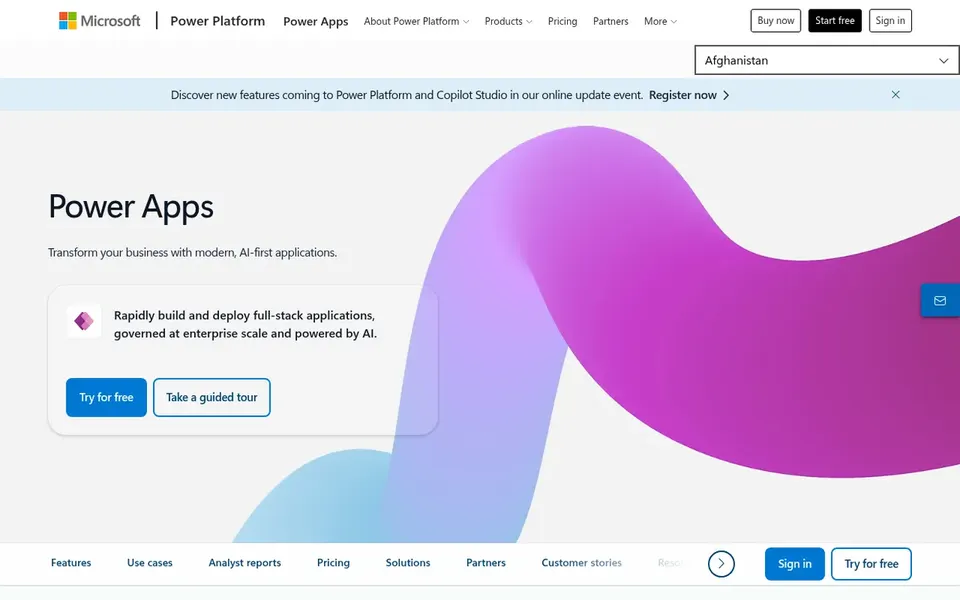
Think of Microsoft Power Apps for teams inside the Microsoft ecosystem. Power Apps is Microsoft's low-code builder for custom business apps that simplify processes and boost productivity across an organization. Citizen developers can start with visual canvas apps, whereas IT can step in for more structured model-driven designs.
Drawbacks to consider: Complicated apps can need developer help.
As for the details, consider a dedicated internal-tool builder when deep database and API wiring is the priority. Teams without Microsoft tooling may find the fit weaker, and highly custom interfaces can still need professional development. Microsoft Power Apps shows no starting price here, so confirm the cost on the vendor site. You can start on Microsoft Power Apps without paying.
In short, OutSystems is for enterprises modernizing legacy systems. Value grows with the number and complexity of apps you maintain.
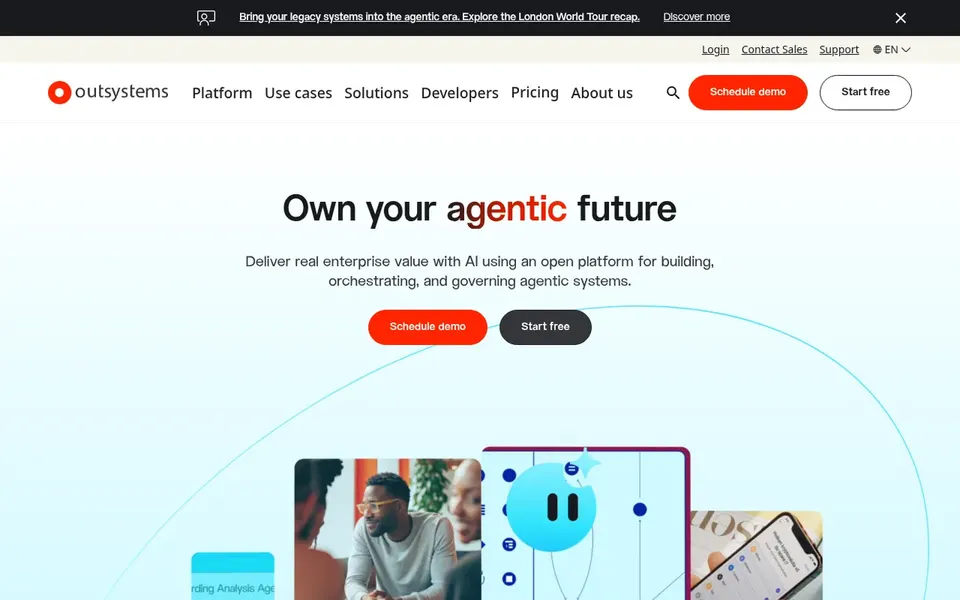
If your need is a fast dashboard or admin panel, a lighter internal-tool builder will normally get you there quicker. More specifically, OutSystems describes itself as a product for building apps and AI agents with confidence, helping enterprises modernize legacy systems and run custom applications that meet customer and regulator demands. OutSystems shows no starting price here, so confirm the cost on the vendor site. On free options: Not stated.
Limits to weigh: Enterprise orientation layers on overhead.
Ask Salesforce Platform, Pega Platform, Microsoft Power Apps and OutSystems for a written quote, since no starting price is shown.
Look at free plan limits closely: Retool and Microsoft Power Apps have one, and the caps decide whether it is usable for real work.
Read the limits listed for Retool first: narrower than full business app suites.
Check how data leaves OutSystems: formats, limits and whether exports are available on every plan.
Find out what support Salesforce Platform includes on your plan, and whether onboarding help costs extra.
How we picked
Pricing pages, product documentation and feature lists were the main sources, and every entry carries at least one honest drawback. Where a vendor does not publish a price, the entry says quote. Where a price depends on seats or billing term, the entry says so. The order reflects how well each tool fits the most common buying scenario for no-code low-code app builders, then price clarity, then free plan access. It is a starting point, not a verdict.
Every price and plan detail on this page comes from the vendors’ own websites. We did not run hands-on tests unless the text says so, and we do not publish star ratings or review scores. See how we score and our disclosure.
Keep your shortlist in one place
Paste prices, trial dates and notes from this guide into Ainotely, our AI note app. It files them into a topic and pulls out tasks like “cancel trial by Friday”. Free 7-day trial, no card needed.
Which builder is a good match for internal tools compared with customer apps?
This list starts with Retool, which fits internal tools over databases and APIs. For other needs, Salesforce Platform is aimed at teams already standardized on Salesforce, and Pega Platform at enterprise workflow and customer experience automation. Check each tool's price and main limit first.
How are the no-code low-code app builders ordered?
Retool sits first and OutSystems last because the order follows typical fit for no-code low-code app builders, then price clarity and free access. It is a judgement call, so read each profile for fit and limits.
Can I try these tools before paying?
Often, yes. Retool and Microsoft Power Apps have a free plan. Use your own data and a real task during the test, and check what the free tier or trial limits before you rely on it. The 5 tool cards above repeat this per product for No-Code Low-Code app builders, with the listed price or "pricing on request".
What is the difference between no-code and low-code app builders?
Plenty of vendors blend both, letting citizen developers start straightforward and professionals extend the same app. Match the choice to the complexity you expect over time.
What is the cheapest option for no-code low-code app builders in this list?
On published monthly entry prices, Retool is the lowest here at $10 per builder per month. Entry price is only part of the cost, because seats, add-ons and billing terms can change the total. Each of the 5 options in this No-Code Low-Code app builders guide has its own card above with the price, free plan and limits.
Which no-code low-code app builders have a free plan?
On this list, Retool and Microsoft Power Apps include a free plan. Caps on seats, usage or features are common, so test the free plan against your real workload. All 5 picks in this No-Code Low-Code app builders comparison show their pricing, free plan details and main limits on the cards above.