Our first pick is Carbonite, best for automatic backup for home and business data. Listed starting prices: IDrive from $11.99 per month. Acronis Cyber Protect Cloud is better for Backup plus cybersecurity in one product, and IDrive is better for single-account backup across devices. The remaining 2 options are covered below with prices and limits.
This Ainotely guide covers 5 online backup software for startups. Each profile lists a starting price, free plan details, strengths and drawbacks, so you can drop poor fits quickly.
Key takeaways
Carbonite sits first on this list: automatic backup for home and business data.
Microsoft 365 Backup suits protecting Microsoft 365 data.
IDrive is the only tool of the 5 with a free plan.
The cheapest monthly starting price in the list is $11.99 per month, offered by IDrive.
Best for: Automatic backup for home and business data
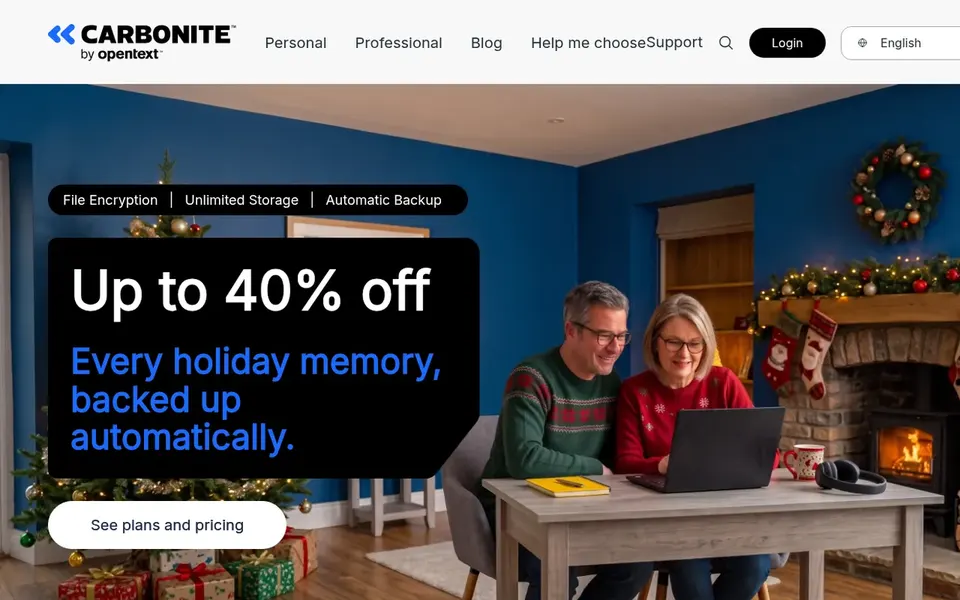
For automatic backup for home and business data, Carbonite is a natural candidate. Carbonite, offered by OpenText, is presented as backup and data protection for home and business, with automatic backups as the core promise. That makes it simple to understand for a founder who wants files protected without designing a complicated backup architecture.
The homepage messaging centers on protecting data through automatic backup, so startups needing deep virtualization support or ransomware-specific recovery tooling should compare carefully. If your environment is largely cloud workloads, a SaaS-native system may align better. Worth adding: check supported systems and recovery choices with the vendor before deciding. Carbonite does not show a starting price in this comparison, so check the vendor site for current pricing. Free plan details: Not stated.
What to check first: Advanced recovery workflows need checking.
Best for: Backup plus cybersecurity in one product
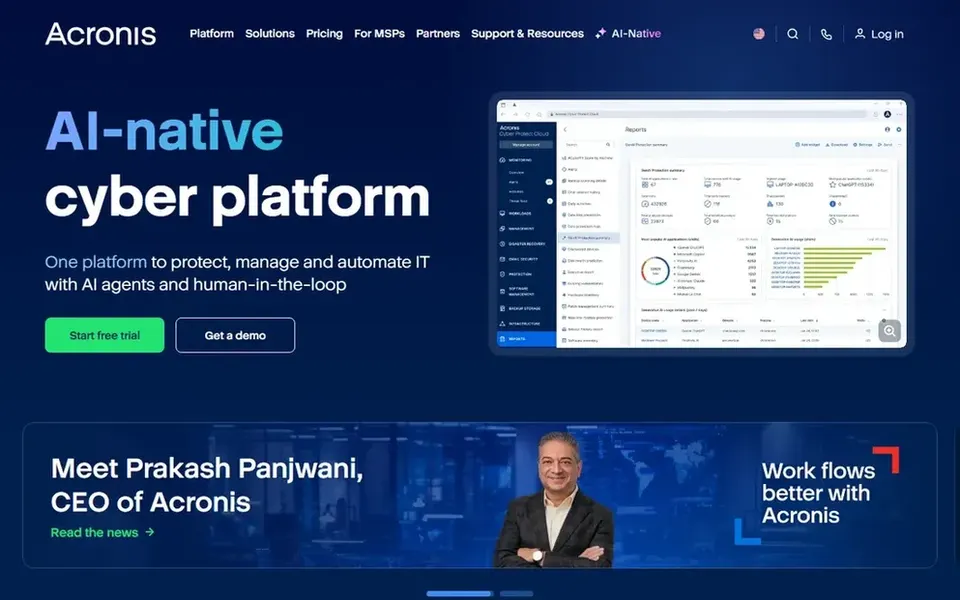
Where Acronis Cyber Protect Cloud fits: Backup plus cybersecurity in one product. The breadth of the product means setup and administration can be more involved than a straightforward device backup service.
It fits teams that expect to grow and want a system a managed provider can also operate. Check the vendor site for Acronis Cyber Protect Cloud pricing; none is listed in this comparison. Free access: Not stated.
The main drawbacks: May be more than a small team needs.
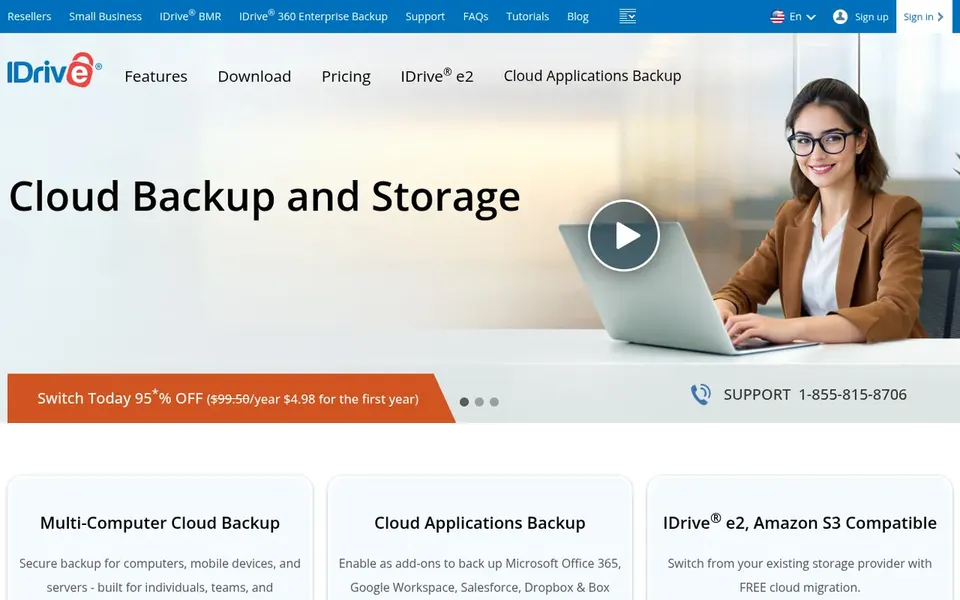
IDrive makes the most sense for single-account backup across devices. IDrive presents itself as cloud backup and storage for home and business, with online backup for PCs, Macs, iPhones, Android and other mobile devices all feeding into one account. If you need backup tightly bundled with endpoint security, a broader product may be the better fit.
Beyond that, since the homepage positions it around device backup and storage, startups with complicated server virtualization or strict compliance workflows should check whether those needs are covered before committing. Also, confirm supported workloads and admin features on the vendor site. Entry price for IDrive: $11.99 per month. IDrive offers a free plan.
Druva works best for Cloud-native SaaS data protection. Budget and onboarding effort should be weighed against more straightforward device backup tools. On top of that, Druva describes its Resilience Cloud as a completely managed SaaS platform delivering data security, identity resilience, backup protection and quick ransomware recovery, powered by AI.
More specifically, Druva is positioned toward organizations with substantial data estates, so a very early-stage team may find it heavier than needed. In practice, consider it when managed, cloud-native protection is a priority, and confirm workload coverage with the vendor. Check the vendor site for Druva pricing; none is listed in this comparison. Free options: Free trial.
Where it is weaker: May exceed early-stage requirements.
Microsoft 365 Backup is designed for protecting Microsoft 365 data. Use it as part of a layered plan, and confirm what is included in your subscription with Microsoft.
Drawbacks to consider: Not a substitute for endpoint or server backup.
This choice addresses Microsoft 365 data, so laptops, servers and other systems still need their own protection. No starting price is listed for Microsoft 365 Backup here; confirm pricing on the vendor site. Free options: Not stated.
Confirm the entry price on the vendor page. For Carbonite, Acronis Cyber Protect Cloud, Druva and Microsoft 365 Backup that means a quote rather than a fixed price.
Look at the free plan from IDrive closely: its caps decide whether it is usable for real work.
Run a trial of Druva with real work before paying for a year; your own workflow is the best test.
Before choosing Carbonite, weigh its main limit: less emphasis on cloud-native SaaS system features.
Check how data leaves IDrive: formats, limits and whether exports are available on every plan.
Confirm minimum seats and billing terms with Microsoft 365 Backup before you commit to an annual plan.
How we picked
Ainotely looked at what each vendor publishes: pricing, plan limits, feature coverage for online backup software for startups and stated drawbacks. No hands-on testing is claimed. Where a vendor does not publish a price, the entry says quote. Where a price depends on seats or billing term, the entry says so. Tools are placed by general fit for online backup software for startups, with price clarity and free access as tie-breakers. A different team can reasonably rank them differently.
Every price and plan detail on this page comes from the vendors’ own websites. We did not run hands-on tests unless the text says so, and we do not publish star ratings or review scores. See how we score and our disclosure.
Keep your shortlist in one place
Paste prices, trial dates and notes from this guide into Ainotely, our AI note app. It files them into a topic and pulls out tasks like “cancel trial by Friday”. Free 7-day trial, no card needed.
Yes, usually. Microsoft 365 Backup handles data inside that ecosystem, but laptops, servers and other systems need separate protection. Plenty of startups combine a Microsoft 365 backup capability with a broader device or workload backup service.
Is Carbonite the right pick for everyone comparing online backup software for startups?
No single tool suits every team. Carbonite comes first because it fits automatic backup for home and business data, while Acronis Cyber Protect Cloud suits Backup plus cybersecurity in one platform and IDrive suits single-account backup across devices. Match the tool to your own size, budget and workflow before deciding.
Which options for online backup software for startups have a free plan?
IDrive is the only tool in this list with a free plan. Free plans usually cap users, projects or features, so check the limits on the vendor page. One other tool offers a trial instead. Pricing, free plan details and limits for all 5 tools in this online backup software for startups roundup sit on the individual cards above.
Can I try these tools before paying?
Often, yes. IDrive has a free plan and Druva offers a free trial. Use your own data and a real task during the test, and check what the free tier or trial limits before you rely on it. The 5 tool cards above repeat this per product for online backup software for startups, with the listed price or "pricing on request".
What is the cheapest option for online backup software for startups in this list?
On published monthly entry prices, IDrive is the lowest here at $11.99 per month. Entry price is only part of the cost, because seats, add-ons and billing terms can change the total. Each of the 5 options in this online backup software for startups guide has its own card above with the price, free plan and limits.