Start with Foxit PDF Editor if you need AI-assisted PDF editing and conversion. Look at Adobe Illustrator for vector artwork and print-ready graphics, and at Affinity Publisher for page layout and desktop publishing. The other 3 tools in the list cover narrower or pricier cases.
This Ainotely guide covers 6 options for PDF prepress editing software. Each profile lists a starting price, free plan details, strengths and drawbacks, so you can drop poor fits quickly.
Key takeaways
Top of the list is Foxit PDF Editor, which targets AI-assisted PDF editing and conversion.
A permanent free plan is missing from all 6 tools, Foxit PDF Editor and Adobe Acrobat Pro included; plan for a trial or a premium start.
Before buying Affinity Publisher, weigh this: not a PDF repair tool.
Adobe Acrobat Pro suits general PDF editing and prepress checks.
Foxit PDF Editor is built with AI-assisted PDF editing and conversion in mind. Foxit PDF Editor is an AI-powered PDF editor for editing, converting, and signing PDFs. Worth adding: Foxit PDF Editor is not primarily a prepress automation tool, so advanced preflight and batch correction may need extra software.
Its editing strengths suit general document work more than high-volume print validation. Also, choose it when you need a capable PDF editor and can add a dedicated prepress tool where needed. Foxit PDF Editor shows no starting price here, so confirm the cost on the vendor site. Free options: Not stated.
Where it falls short: Prepress automation is restricted.
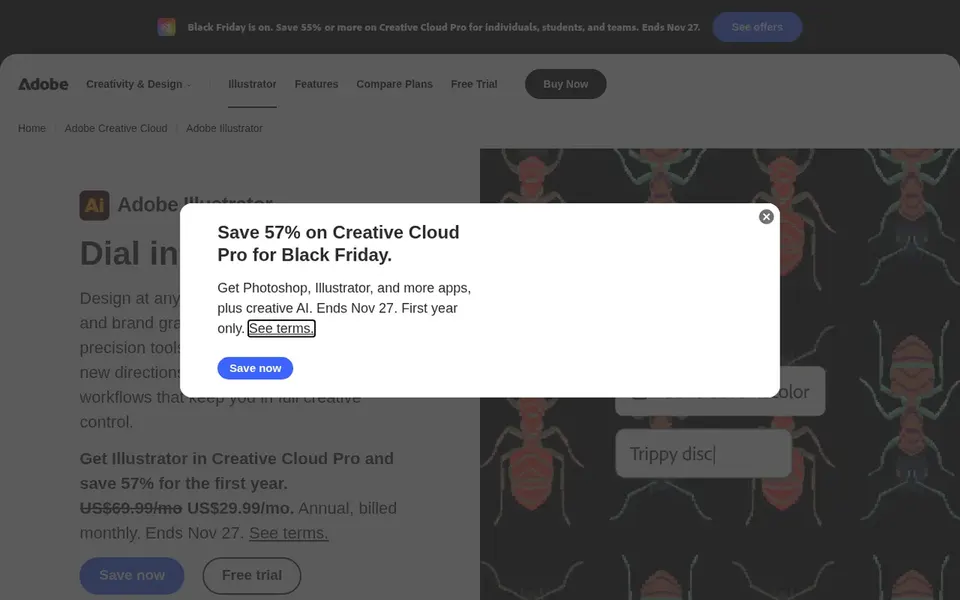
Adobe Illustrator makes the most sense for vector artwork and print-ready graphics. Adobe Illustrator is vector graphics software for creating and editing illustrations, logos, and print-ready artwork. Pick it when the work opens at the artwork stage, and pair it with a PDF-focused tool for final checks.
In daily use, designers and production artists use it to refine paths, text, and color so exported PDFs carry clean vector content. Also, Illustrator is not a PDF preflight or correction tool, and it deals with multi-page documents less naturally than layout software. It complements instead of replaces a dedicated prepress editor. Adobe Illustrator shows no starting price here, so confirm the cost on the vendor site. As for free access: Not stated.
Affinity Publisher was built for page layout and desktop publishing. It takes care of print-bound documents like brochures and books and exports them for production.
Pricing for Affinity Publisher is not stated here, so ask the vendor for current figures. Free plan details: Not stated.
Best for: Automatic PDF preflight and error fixing
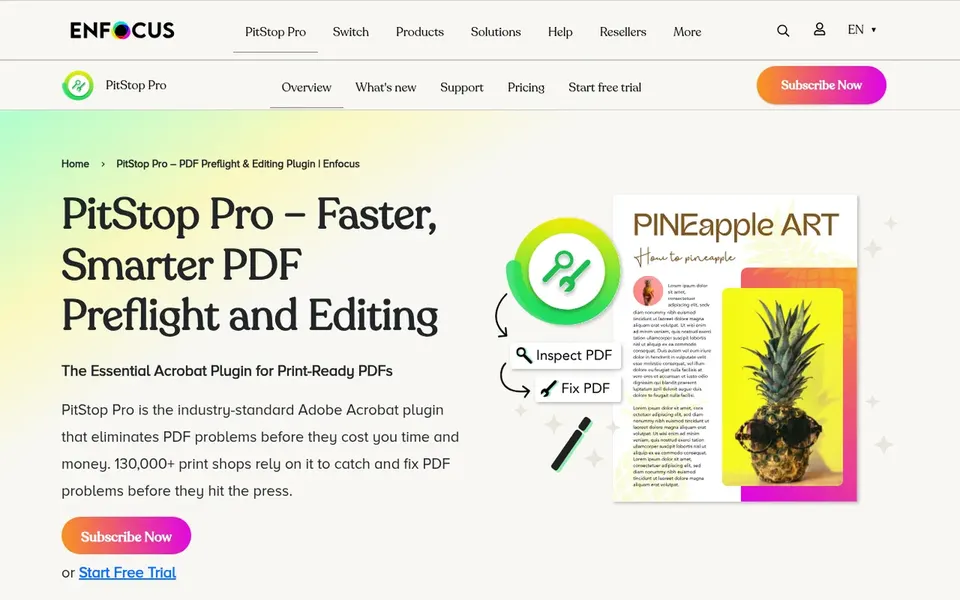
In short, Enfocus PitStop Pro is for automatic PDF preflight and error fixing. Enfocus PitStop Pro is an Adobe Acrobat plugin designed for PDF preflight and editing. It catches and fixes errors automatically before print, making it a solid fit for prepress operators who require repeatable checks and corrections.
For everyday use, if you seldom manage print-bound PDFs or prefer an all-in-one editor, a general PDF tool may be more straightforward. PitStop Pro relies on an Acrobat installation and is not a standalone editor. Its automation focus may exceed the needs of occasional PDF touch-ups. Check the vendor site for Enfocus PitStop Pro pricing; none is listed in this comparison. Free options: Not stated.
Best for: Vector illustration, layout, and photo editing
CorelDRAW Graphics Suite targets vector illustration, layout, and photo editing. CorelDRAW Graphics Suite is professional graphic design software handling vector illustration, photo editing, and layout.
What CorelDRAW Graphics Suite does well: Suited to sign and print shops.
Consider CorelDRAW when artwork creation and layout are the primary tasks, and add a PDF specialist for output checks. For everyday use, print shops and sign makers use it to prepare artwork and multi-element designs that are later exported for output. No starting price is listed for CorelDRAW Graphics Suite here; confirm pricing on the vendor site. On free options: Not stated.
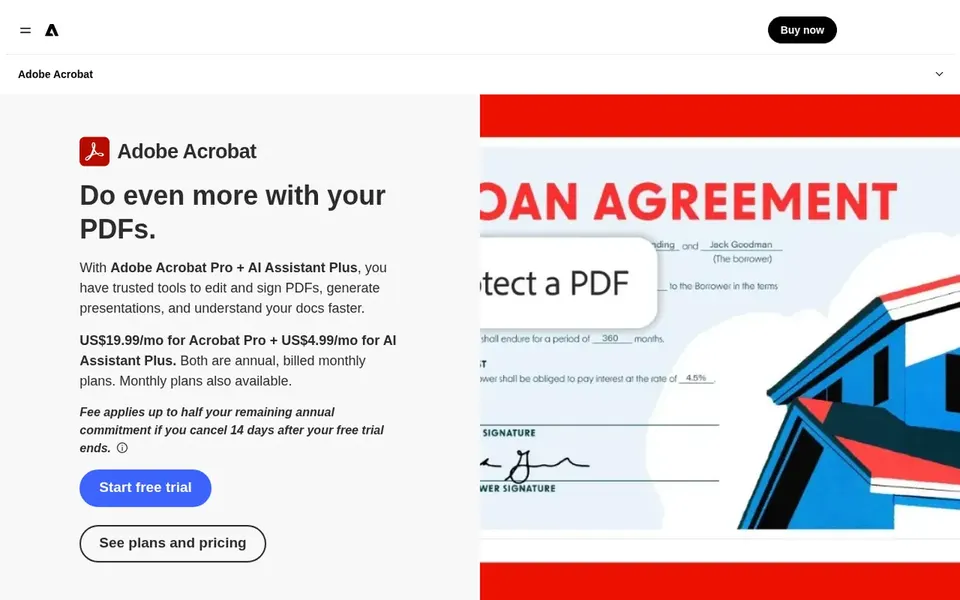
Adobe Acrobat Pro makes the most sense for general PDF editing and prepress checks. On its own, Acrobat Pro may not handle every automatic preflight and correction task that high-volume print work needs.
Honest limits: Subscription-based access.
No starting price is listed for Adobe Acrobat Pro here; confirm pricing on the vendor site. Trial and free access: Not stated.
Request quotes from Foxit PDF Editor, Adobe Acrobat Pro and the others; the list shows no fixed prices.
Read the limits listed for Foxit PDF Editor first: Prepress automation is restricted.
Confirm the exact Foxit PDF Editor plan that includes your must-have features.
See whether Adobe Acrobat Pro offers onboarding or training, and whether it is included in the price.
Ask Affinity Publisher about contract length, onboarding fees and user minimums before you sign.
How we picked
Ainotely used vendor pricing pages and product documentation as the base, then compared plans, free access and documented limits for 6 tools. Prices and plan limits come from vendor pages and can change, so confirm them on the vendor site before you buy. Position on the page reflects fit for a typical buyer first, with price clarity and free access breaking ties. Treat it as a guide, not a ruling.
Every price and plan detail on this page comes from the vendors’ own websites. We did not run hands-on tests unless the text says so, and we do not publish star ratings or review scores. See how we score and our disclosure.
Keep your shortlist in one place
Paste prices, trial dates and notes from this guide into Ainotely, our AI note app. It files them into a topic and pulls out tasks like “cancel trial by Friday”. Free 7-day trial, no card needed.
Does any tool for PDF prepress editing software here have a free plan?
A permanent free plan is not offered by Foxit PDF Editor, Adobe Acrobat Pro or the other tools here. Plan a short evaluation period instead.
Do these tools publish their prices?
No. None of the tools, from Foxit PDF Editor to Adobe Acrobat Pro, shows a fixed starting price here, so budget time for quotes.
Can I try these options before paying?
Not by default. None of the tools, from Foxit PDF Editor to Adobe Acrobat Pro, lists a free plan or a free trial here, so ask each vendor for a demo before committing.
What is the difference between a PDF editor and a prepress tool?
A prepress tool brings print-specific checks like preflight profiles, color validation, and automatic error correction. On top of that, numerous workflows use both together.
How are the tools for PDF prepress editing software ordered?
Foxit PDF Editor sits first and Adobe Acrobat Pro last because the order follows typical fit for PDF prepress editing software, then price clarity and free access. It is a judgement call, so read each profile for fit and limits.