Microsoft Teams leads the list, best for Microsoft-centric chat and meetings. Listed starting prices: Slack from $4.38 per user a month. Zoom is the stronger choice for video meetings plus team chat, while Slack suits quick channel-based team messaging. The full list of 5 tools follows, with prices and free plan facts.
This Ainotely guide covers 5 options for platforms for sales team communication. Each profile lists a starting price, free plan details, strengths and drawbacks, so you can drop poor fits quickly.
Key takeaways
Top of the list is Microsoft Teams, which targets Microsoft-centric chat and meetings.
Check the limits for Microsoft Teams before you commit: interface can feel busy for new users.
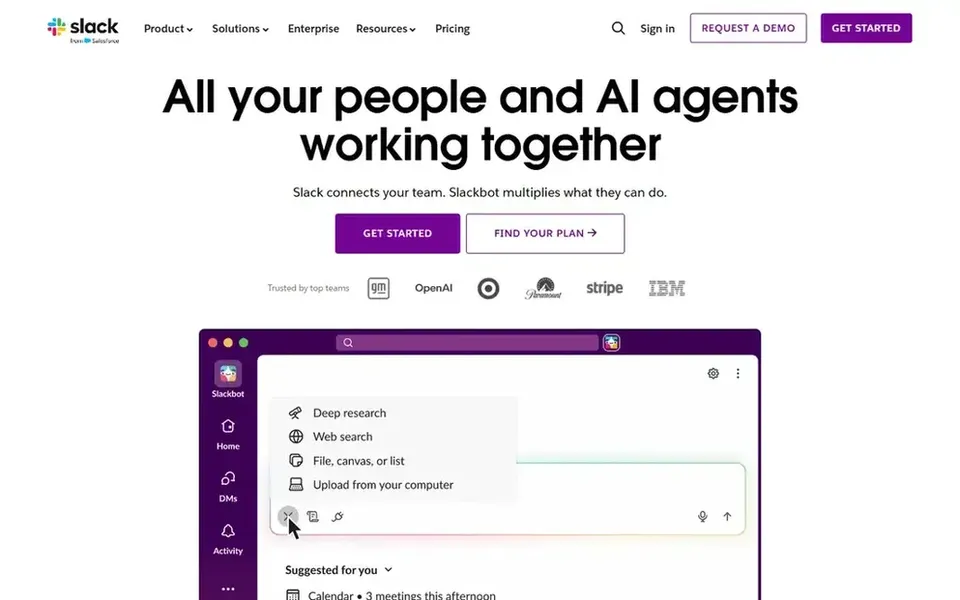
Slack has the lowest monthly starting price in this list: $4.38 per user per month.
Only 2 of the 5 tools have a free plan (Slack, Salesforce), so check the caps.
Salesforce suits CRM-centered sales communication records.
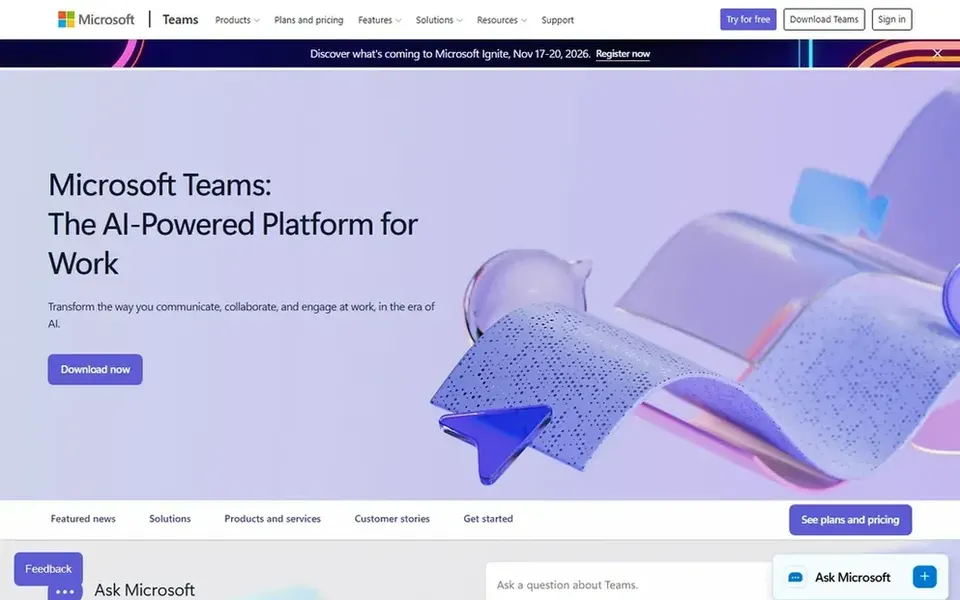
Microsoft Teams was built for Microsoft-centric chat and meetings. Microsoft Teams brings chat, video meetings, calling and shared files into one workspace meant to help teams link and stay organized.
Watch-outs: Best value relies on existing Microsoft setup.
Worth adding: Teams outside that ecosystem may prefer a lighter messaging system or a dedicated conversation intelligence tool for call analysis. Beyond that, Teams can feel crowded for straightforward chat needs, and its advantages rely on how much your organization already uses Microsoft tools. This comparison lists no price for Microsoft Teams; ask the vendor. Free access: Not stated.
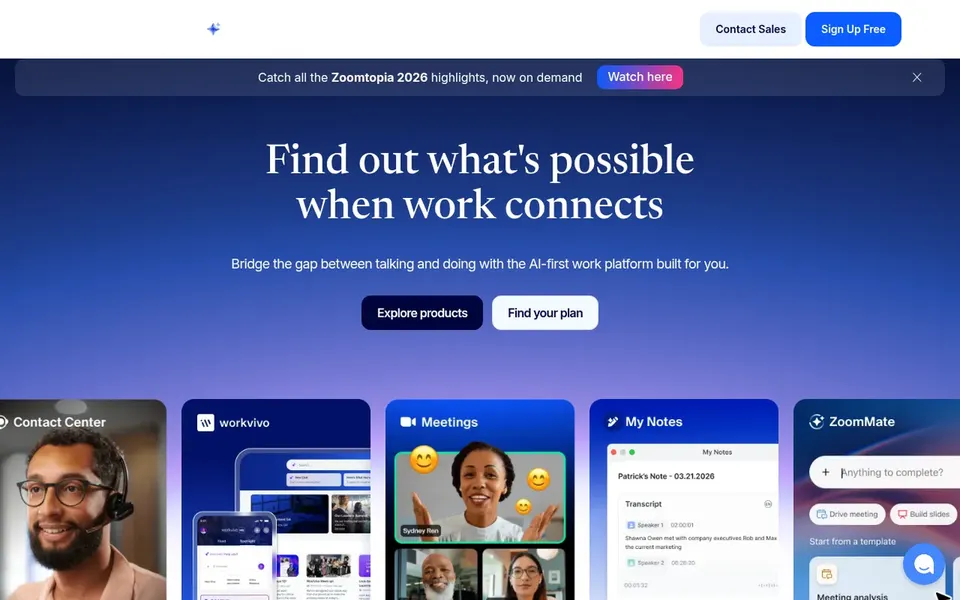
Zoom works best for video meetings plus team chat. Zoom is meeting-first, so teams wanting rich persistent channels and deep workflow automation may find chat less central.
Where it is weaker: Chat is less central than in messaging-first tools.
What Zoom does well: Performs well for customer-facing calls.
For everyday use, consider a messaging-first system if most of your sales communication happens in text instead of calls. This comparison lists no price for Zoom; ask the vendor. Free access: Not stated.
HubSpot Sales Hub is designed for pipeline-focused sales communication. HubSpot Sales Hub is described as AI sales software for turning prospects into pipeline and conversations into closed deals, built on complete CRM data.
Sales Hub is oriented toward pipeline and CRM work instead of being a general team chat system, so most teams pair it with a messaging tool. HubSpot Sales Hub does not show a starting price in this comparison, so check the vendor site for current pricing. As for free access: Not stated.
Drawbacks to consider: Best value inside the wider HubSpot product.
Best for: CRM-centered sales communication records
For CRM-centered sales communication records, Salesforce is a natural candidate. Salesforce is a wide CRM product instead of a straightforward team chat app.
The main drawbacks: Wide product can take time to configure.
So it can take effort to set up and is normally paired with messaging or meeting tools. On top of that, Teams wanting only everyday chat may find a dedicated communication product more straightforward. Salesforce does not show a starting price in this comparison, so check the vendor site for current pricing. Salesforce has a free plan.
Confirm the entry price on the vendor page. For Microsoft Teams, Zoom, HubSpot Sales Hub and Salesforce that means a quote rather than a fixed price.
Read the fine print on the free plans from Slack and Salesforce; seat, project and feature caps differ.
Read the limits listed for Microsoft Teams first: interface can feel busy for new users.
Read the plan comparison for Slack carefully; key features often start on a higher tier.
Find out what support Zoom includes on your plan, and whether onboarding help costs extra.
How we picked
The comparison looks at four things: starting price, free access, how well the feature set matches platforms for sales team communication, and the main limit of each tool. Figures are shown as the vendors publish them. Billing terms, seat minimums and add-ons can change the real cost. The ranking is editorial: typical fit first, then clear pricing, then free access. If your needs are unusual, read the profiles rather than relying on position.
Every price and plan detail on this page comes from the vendors’ own websites. We did not run hands-on tests unless the text says so, and we do not publish star ratings or review scores. See how we score and our disclosure.
Keep your shortlist in one place
Paste prices, trial dates and notes from this guide into Ainotely, our AI note app. It files them into a topic and pulls out tasks like “cancel trial by Friday”. Free 7-day trial, no card needed.
Is Microsoft Teams the right pick for everyone comparing platforms for sales team communication?
No single tool suits every team. Microsoft Teams comes first because it fits Microsoft-centric chat and meetings, while Zoom suits video meetings plus team chat and Slack suits fast channel-based team messaging. Match the tool to your own size, budget and workflow before deciding.
Can I try these tools before paying?
Often, yes. Slack and Salesforce have a free plan. Use your own data and a real task during the test, and check what the free tier or trial limits before you rely on it.
Do these tools publish their prices?
Not all of them. Microsoft Teams, Zoom, HubSpot Sales Hub and Salesforce publish no starting price, so expect a quote request for those. The rest, Slack included, show a starting price, though seats and billing terms still change the final cost.
Can I use a CRM as my sales communication product?
Salesforce and HubSpot Sales Hub keep customer context and deal activity in one place. But they are typically paired with a messaging or meeting tool for daily chat.
How are the tools for platforms for sales team communication ordered?
The order follows typical fit for platforms for sales team communication, with Microsoft Teams first and Salesforce last, then price clarity and free access. It is editorial judgement, not a score, so another team could rank the tools differently.