This list puts Adobe InDesign first for professional layout and print-ready design. Listed starting prices: Squarespace from $12 a month. If your case is different, PressReader suits access to a large newsstand for distribution and Joomag suits interactive and personalized content experiences. Details, prices and limits for the rest of the 6 tools are below.
Ainotely compared 6 tools for platforms to launch a digital magazine. The goal is a practical shortlist: published prices, free plan facts, best-fit use cases and honest limits for every entry.
Key takeaways
Adobe InDesign sits first on this list: professional layout and print-ready design.
Canva fits beginner-friendly design with templates.
Before buying Joomag, weigh this: can be complicated for beginners.
The cheapest monthly starting price in the list is $12 per month, offered by Squarespace.
Best for: Professional layout and print-ready design
In short, Adobe InDesign is for professional layout and print-ready design. InDesign needs significant learning time and is not a web-based system, so collaboration and online distribution need extra tools.
Adobe InDesign is desktop publishing software for creating layouts for print and digital magazines. It gives you precise control over typography, images, and page elements, making it the choice for professional designers. Adobe InDesign shows no starting price here, so confirm the cost on the vendor site. Free plan details: Not stated.
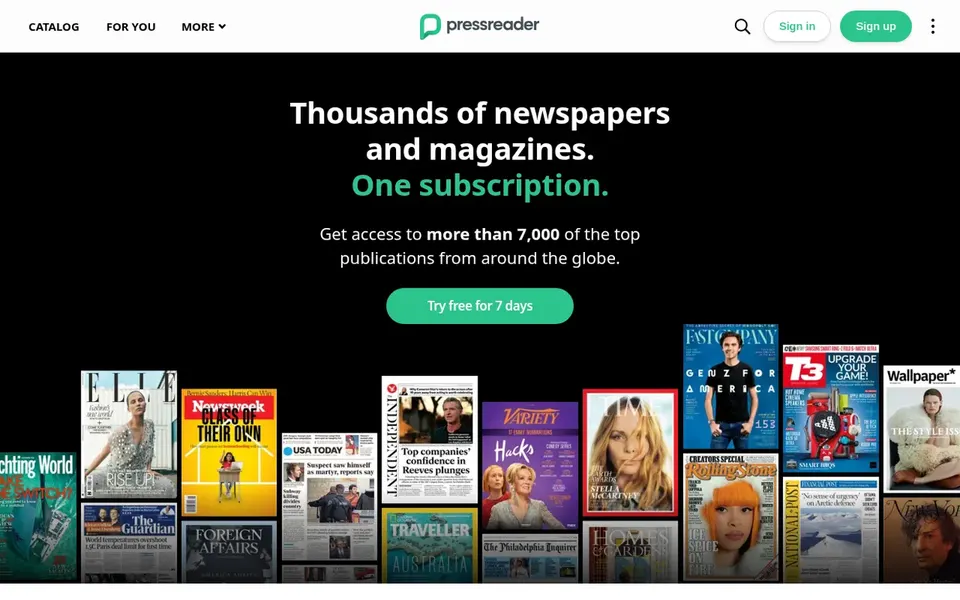
Best for: Access to a large newsstand for distribution
PressReader is a good fit for access to a large newsstand for distribution. For publishers, it supplies a distribution channel to reach readers on several devices.
In practice, PressReader is not a creation system; it concentrates on distribution and reading. PressReader shows no starting price here, so confirm the cost on the vendor site. Free options: Not stated.
Where it falls short: Primarily a distribution channel.
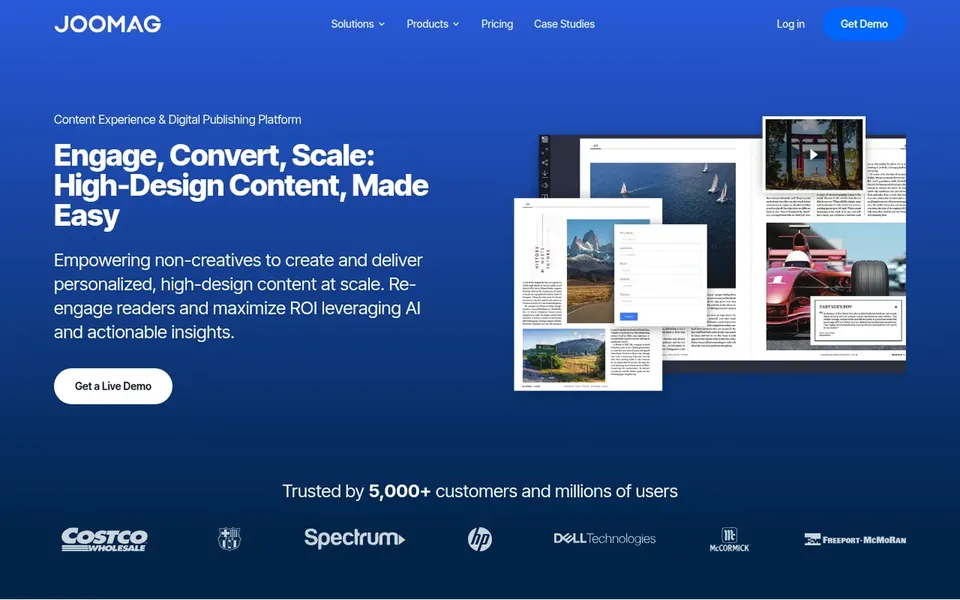
Best for: Interactive and personalized content experiences
Joomag was built for interactive and personalized content experiences. The product's advanced features can be overwhelming for users seeking a straightforward flipbook option. Joomag positions itself as a content experience product for creating and distributing high-design, interactive content like magazines, catalogs, and reports.
It supports personalization and interactive elements, making it a good match for publishers who want to engage readers with dynamic content. From a buyer's view, if you need entry-level document conversion without interactivity, Calameo might be more appropriate. This comparison lists no price for Joomag; ask the vendor. As for free access: Not stated.
Best for: Fast conversion of documents to flipbooks
In short, Calameo is for fast conversion of documents to flipbooks. The system emphasizes simplicity and wide sharing, making it a solid fit for small teams or individuals without advanced technical skills. Calameo is a publishing system that transforms PDF documents into digital magazines and catalogs with a page-flipping effect.
Where it falls short: Restricted design customization.
It is ideal for publishers who already have print-ready files and want a quick, straightforward way to share them online. Calameo supplies restricted design adaptability compared with dedicated design tools, and its interactivity is largely restricted to flipbook navigation. Check the vendor site for Calameo pricing; none is listed in this comparison. Free options: Not stated.
Best for: Building a magazine website with integrated CMS
Squarespace makes the most sense for building a magazine website with integrated CMS. Squarespace is a website builder that makes it possible for you to produce a magazine-style website with integrated content management. It supplies configurable templates and tools for blogging and selling subscriptions.
It is well suited to publishers who want a web presence combined with content delivery. As for the details, if you need a specialized magazine experience, consider Calameo or Joomag. Squarespace is not a dedicated digital magazine system, so it lacks features like flipbook conversion or interactive page elements. What you pay to start with Squarespace: $12 per month. Free plan details: Free trial.
Where it falls short: Restricted flipbook features.
Canva is designed for beginner-friendly design with templates. Canva is an online graphic design tool that eases creating visual content, including magazine layouts.
The main drawbacks: Restricted advanced layout control.
It fits small teams or individuals who need to produce professional-looking magazines rapidly. Pricing for Canva is not stated here, so ask the vendor for current figures. On free options: Not stated.
Get a written quote from Adobe InDesign, PressReader, Joomag and others; the list shows no starting price for them.
Use real work to test the free trial from Squarespace, rather than a demo project.
Read the limits listed for Adobe InDesign first: steep learning curve.
Check the integration list for Calameo against the tools you run today, and note which ones need a higher plan.
Check the support hours and onboarding help Canva offers; smaller vendors vary a lot here.
How we picked
Selection started from tools commonly considered for platforms to launch a digital magazine, then narrowed to 6 that have clear pricing information or a clear quote process. Figures are shown as the vendors publish them. Billing terms, seat minimums and add-ons can change the real cost. The ranking is editorial: typical fit first, then clear pricing, then free access. If your needs are unusual, read the profiles rather than relying on position.
Every price and plan detail on this page comes from the vendors’ own websites. We did not run hands-on tests unless the text says so, and we do not publish star ratings or review scores. See how we score and our disclosure.
Keep your shortlist in one place
Paste prices, trial dates and notes from this guide into Ainotely, our AI note app. It files them into a topic and pulls out tasks like “cancel trial by Friday”. Free 7-day trial, no card needed.
How are the tools for platforms to launch a digital magazine ordered?
The order follows typical fit for platforms to launch a digital magazine, with Adobe InDesign first and Canva last, then price clarity and free access. It is editorial judgement, not a score, so another team could rank the tools differently.
Does any tool for platforms to launch a digital magazine here have a free plan?
No tool in this list, Adobe InDesign and Canva included, has a permanent free plan. Squarespace offer a trial. Trials and quotes are the usual route, so plan a short evaluation period.
Do these tools publish their prices?
Not all of them. Adobe InDesign, PressReader, Joomag and others publish no starting price, so expect a quote request for those. The rest, Squarespace included, show a starting price, though seats and billing terms still change the final cost.
Is Adobe InDesign the right pick for everyone comparing platforms to launch a digital magazine?
No single tool suits every team. Adobe InDesign comes first because it fits professional layout and print-ready design, while PressReader suits access to a large newsstand for distribution and Joomag suits interactive and personalized content experiences. Match the tool to your own size, budget and workflow before deciding.