Start with Pega Platform if you need enterprise transformation and legacy modernization. Listed starting prices: UiPath from $25 per month. Look at Nintex Workflow for end-to-end process mapping and automation, and at Make for no-code automation between cloud apps. Details, prices and limits for the rest of the 5 tools are below.
If you are comparing process automation software for schools, this page covers 5 tools in one place: what each is best for, what it costs to start, whether it has a free plan, and the main limit to know about.
Key takeaways
Pega Platform is the opening pick, best for enterprise transformation and legacy modernization.
Free plans exist at 2 of 5 tools (Make, UiPath).
Check the limits for Nintex Workflow before you commit: configuration can need trained staff.
For the cheapest start, look at UiPath: $25 per month.
Kissflow suits low-code forms and approval workflows.
Best for: Enterprise transformation and legacy modernization
In short, Pega Platform is for enterprise transformation and legacy modernization. Pega presents its system as AI-powered software for enterprise transformation, automating workflows, personalizing experiences and modernizing legacy systems. On top of that, small schools are unlikely to need that depth.
For everyday use, for education organizations with aging systems and complex service processes, that combination can be appealing. It is positioned for large institutions instead of individual schools. Pega Platform does not show a starting price in this comparison, so check the vendor site for current pricing. Trial and free access: Not stated.
What to check first: Implementation needs specialist resources.
Best for: End-to-end process mapping and automation
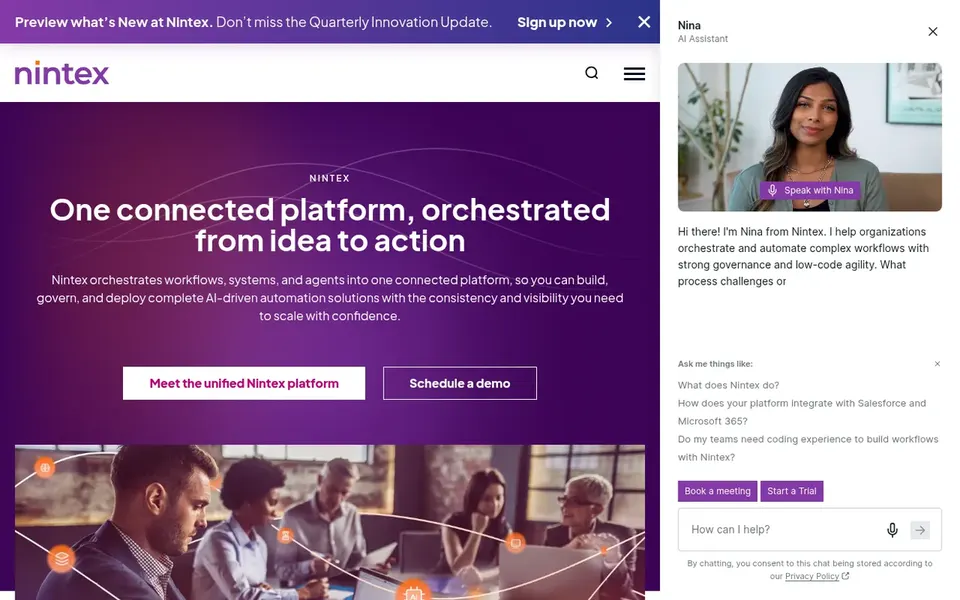
Nintex Workflow is a good fit for end-to-end process mapping and automation. Districts that want to document how a process actually runs, then automate it, will find that emphasis handy.
Consider Nintex when process visibility across departments is the priority. This comparison lists no price for Nintex Workflow; ask the vendor. Trial and free access: Free trial.
Drawbacks to consider: Configuration can need trained staff.
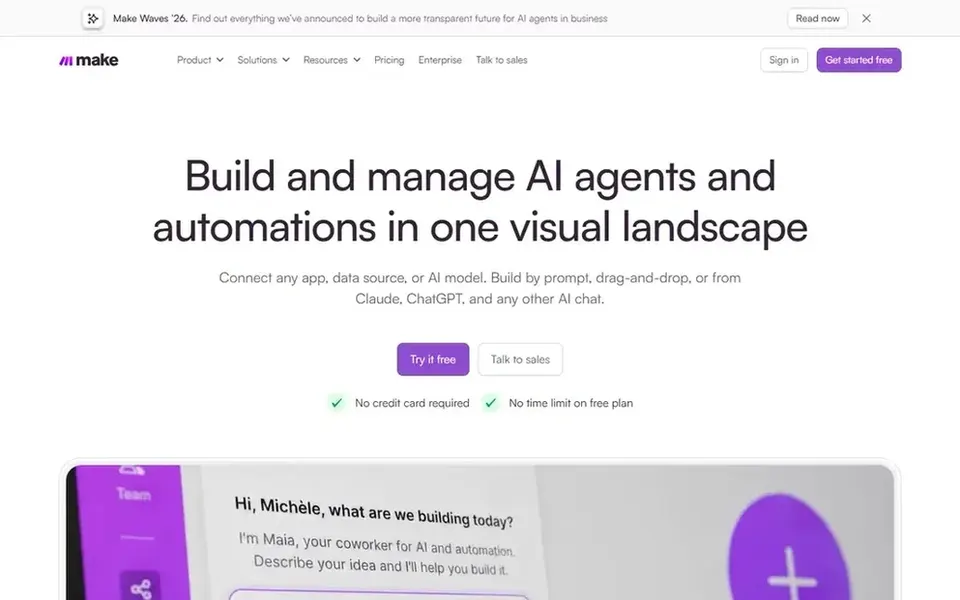
Choose Make for no-code automation between cloud apps. If you need built-in forms, approvals and case handling in one place, a workflow system is a better fit.
Scenarios that touch sensitive data need deliberate review and testing. In a school setting it is most handy for connecting the cloud tools staff already use, for example moving form submissions into a spreadsheet or routing notifications between systems. Check the vendor site for Make pricing; none is listed in this comparison. You can start on Make without paying.
Drawbacks to consider: Complicated scenarios need careful testing.
Best for: Large-scale orchestration with robots and AI
Think of UiPath for large-scale orchestration with robots and AI. Bigger districts or education groups with repetitive, high-volume back-office tasks are the natural fit. It is an enterprise tool, so expect specialist involvement in design and governance.
The UiPath Platform is aimed at business orchestration and automation, coordinating AI agents, robots and people to deliver secure, compliant outcomes at scale. Beyond that, for a single school with modest automation needs, the product is likely more than required, and specialist skills are needed to run it well. Starting cost for UiPath: $25 per month. Free access exists with UiPath.
Where it falls short: Heavy for small school offices.
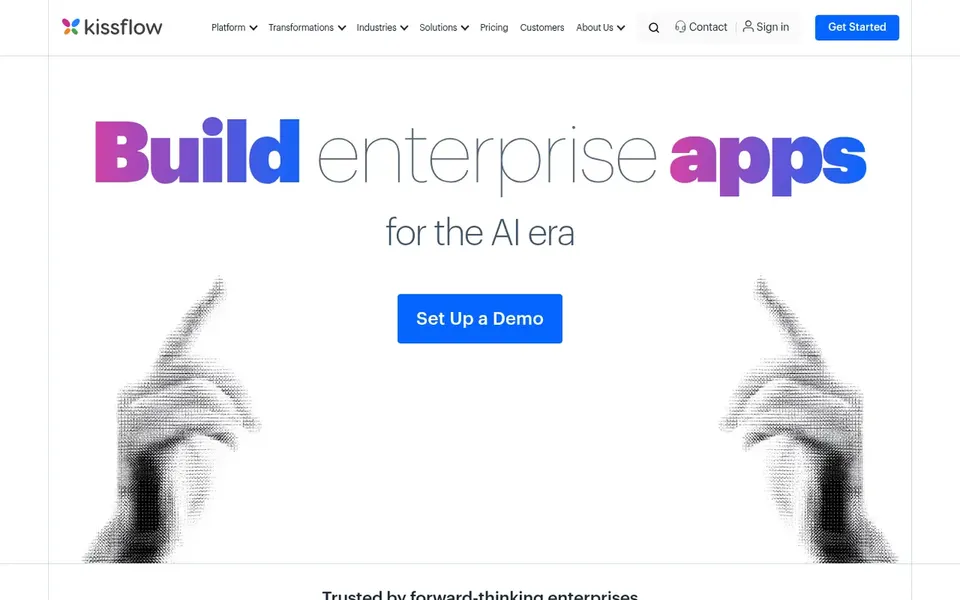
Where Kissflow fits: low-code forms and approval workflows. Since the product centers on workflow and app building, very specialized or highly integrated processes may need technical support to set up.
For schools, that split matters: office staff can build request forms, leave approvals or equipment checkout flows, whereas IT keeps oversight of bigger apps. Also, Kissflow presents itself as an AI-powered low-code product for IT and a no-code product for business leaders. Pricing for Kissflow is not stated here, so ask the vendor for current figures. On free options: Not stated.
Honest limits: Most useful for standard business processes.
Get a written quote from Pega Platform, Nintex Workflow, Make and Kissflow; the list shows no starting price for them.
Look at free plan limits closely: Make and UiPath have one, and the caps decide whether it is usable for real work.
Use real work to test the free trial from Nintex Workflow, rather than a demo project.
Read the limits listed for Pega Platform first: pitched at large organizations.
Test the integrations you rely on with Nintex Workflow before committing; some connectors sit on upper tiers.
Look at the help docs and support options for Pega Platform before you commit.
How we picked
The comparison looks at four things: starting price, free access, how well the feature set matches process automation software for schools, and the main limit of each tool. Where a price is missing, the vendor does not list one publicly or ties it to a quote. Always confirm before budgeting. We ordered the tools by general fit, then by how clearly pricing is shown, then by free access. A buyer with unusual needs may reorder them.
Every price and plan detail on this page comes from the vendors’ own websites. We did not run hands-on tests unless the text says so, and we do not publish star ratings or review scores. See how we score and our disclosure.
Keep your shortlist in one place
Paste prices, trial dates and notes from this guide into Ainotely, our AI note app. It files them into a topic and pulls out tasks like “cancel trial by Friday”. Free 7-day trial, no card needed.
How do low-code tools differ from enterprise orchestration systems?
Enterprise systems coordinate many systems, AI agents and people across a large organization. Beyond that, the right choice relies on scale and available IT support.
Which options for process automation software for schools have a free plan?
Make and UiPath offer a free plan in this list. Free plans usually cap users, projects or features, so check the limits on the vendor page. One other tool offers a trial instead. All 5 picks in this process automation software for schools comparison show their pricing, free plan details and main limits on the cards above.
How are the tools for process automation software for schools ordered?
The order follows typical fit for process automation software for schools, with Pega Platform first and Kissflow last, then price clarity and free access. It is editorial judgement, not a score, so another team could rank the tools differently.
What should schools automate first?
Start with high-volume, rule-based processes like permission forms, equipment requests, leave approvals or IT help requests. These have clear steps and visible time savings. Pick one process, document it, then automate before expanding.
What is the cheapest option for process automation software for schools in this list?
On published monthly entry prices, UiPath is the lowest here at $25 per month. Entry price is only part of the cost, because seats, add-ons and billing terms can change the total. For the full picture, the cards above cover all 5 entries of this process automation software for schools list, including price, free plan and limits.
Is Pega Platform the right pick for everyone comparing process automation software for schools?
No single tool suits every team. Pega Platform comes first because it fits enterprise transformation and legacy modernization, while Nintex Workflow suits end-to-end process mapping and automation and Make suits no-code automation between cloud apps. Match the tool to your own size, budget and workflow before deciding.