Fishbowl Inventory is the first pick on this list for Inventory and purchase orders with QuickBooks or Xero. Listed starting prices: Fishbowl Inventory from $229 a month. Odoo is the stronger choice for integrated open source apps for purchasing, while SAP Business One suits small and midsize distributors needing full ERP. Prices, free plans and limits for all 6 tools follow.
Choosing purchase order software for wholesale distributors usually comes down to price, fit and limits. This Ainotely guide sets 6 tools side by side on those three points, with the facts kept short and checkable.
Key takeaways
Fishbowl Inventory sits first on this list: Inventory and purchase orders with QuickBooks or Xero.
Infor CloudSuite Distribution is the one to check for industry-specific distribution ERP in the cloud.
The lowest published monthly entry price here is $229 per month, from Fishbowl Inventory.
Best for: Inventory and purchase orders with QuickBooks or Xero
Fishbowl Inventory works best for Inventory and purchase orders with QuickBooks or Xero. If you need a single system for all operations, a broader ERP may be better.
From a buyer's view, the reorder automation can help keep purchasing timely as stock levels change. Fishbowl Inventory cost at the entry level: $229 per month. As for free access: Not stated.
Watch-outs: May need add-ons for broader business functions.
Best for: Integrated open source apps for purchasing
Odoo is designed for integrated open source apps for purchasing. If you need deep, ready-made wholesale distribution features, a specialized ERP may reduce setup effort. More specifically, you can download Odoo or use it in the cloud, and grow the product by adding apps as needs change.
Drawbacks to consider: Plenty of apps may need configuration.
Odoo is an open source ERP and CRM product with completely integrated apps for purchasing, inventory, sales, and more. In practice, Odoo's adaptability means distributors frequently have to configure apps to match purchasing and distribution workflows. Odoo shows no starting price here, so confirm the cost on the vendor site. A free plan is available with Odoo.
Best for: Small and midsize distributors needing full ERP
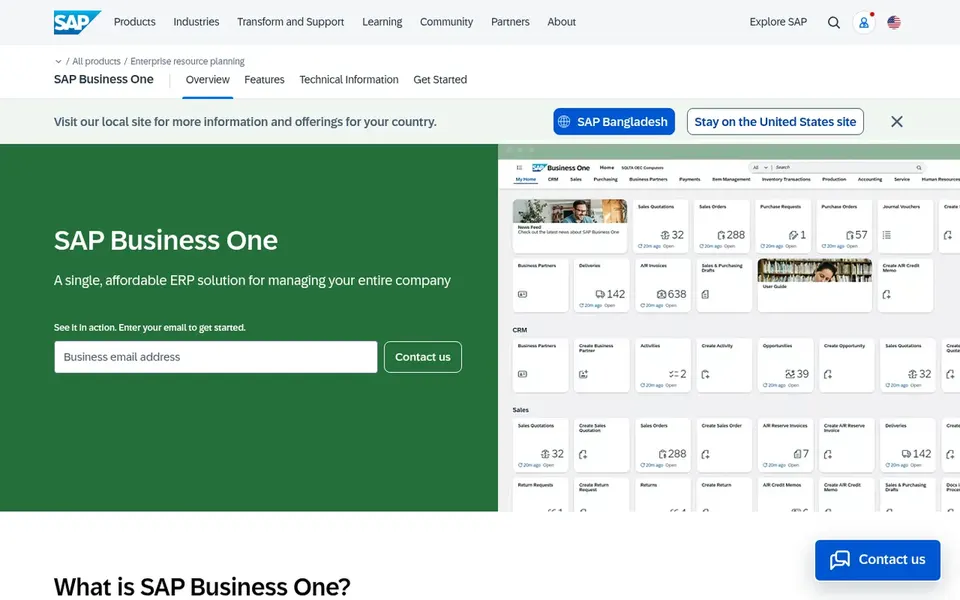
SAP Business One works best for small and midsize distributors needing full ERP. Implementation commonly involves a partner, and the system may need customization to match distribution-specific processes.
It is a solid fit for expanding distributors that want a structured ERP foundation. Beyond that, the unified approach helps keep purchasing, sales, and inventory data consistent across the business. This comparison lists no price for SAP Business One; ask the vendor. On free options: Not stated.
Downsides: Less specialized for wholesale-specific workflows.
Best for: Unified purchasing, inventory, and financials
Where NetSuite fits: unified purchasing, inventory, and financials. It fits wholesale distributors that want purchase orders to flow straight into inventory and accounting without separate systems.
It is a good match for organizations that require a single system for purchasing, stock, and finance. This comparison lists no price for NetSuite; ask the vendor. Free options: Not stated.
Limits to weigh: Wide suite may be complicated for small teams.
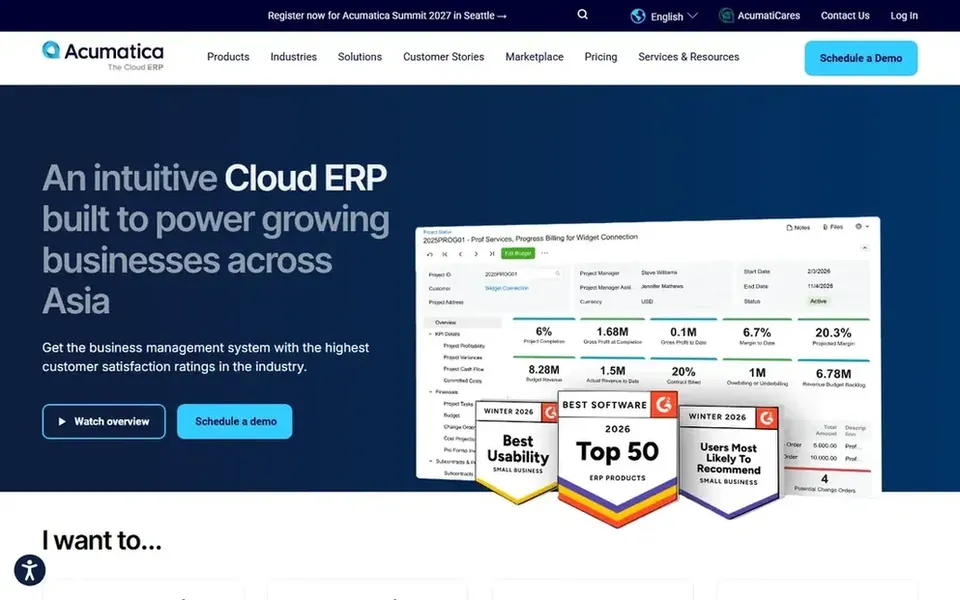
Acumatica works best for cloud ERP with live visibility. Acumatica is a cloud ERP business management system that gives you a complete, live view of operations from anywhere.
Points against: Configuration required to tailor purchasing workflows.
The mobile access helps teams review and approve purchasing tasks whereas away from a desk. No starting price is listed for Acumatica here; confirm pricing on the vendor site. Free plan details: Not stated.
Best for: Industry-specific distribution ERP in the cloud
Infor CloudSuite Distribution works best for industry-specific distribution ERP in the cloud. Infor CloudSuite Distribution is industry-specific software for wholesale distribution, including cloud-based ERP, demand planning, warehousing, supply chain management, and AI.
Where it is weaker: Wide suite may be complicated to implement.
What Infor CloudSuite Distribution does well: Industry-specific distribution features.
Beyond that, if your purchasing needs are straightforward, a narrower system may be simpler to manage. Beyond that, the breadth of the suite means implementation needs careful planning and may be more than a small distributor needs. Infor CloudSuite Distribution shows no starting price here, so confirm the cost on the vendor site. Free access: Not stated.
Ask Odoo, SAP Business One, NetSuite and others for a written quote, since no starting price is shown.
Look at the free plan from Odoo closely: its caps decide whether it is usable for real work.
Read the limits listed for Fishbowl Inventory first: centred on inventory instead of full ERP.
Compare total cost, not headline price: for NetSuite, add extra seats, add-ons and any usage-based charges.
Find out whether the entry plan of SAP Business One covers your must-haves or only a trimmed-down version.
How we picked
Ainotely used vendor pricing pages and product documentation as the base, then compared plans, free access and documented limits for 6 tools. Treat prices as a snapshot: vendors change plans often, so check the vendor site for the figure that applies today. Position on the page reflects fit for a typical buyer first, with price clarity and free access breaking ties. Treat it as a guide, not a ruling. This applies to all 6 purchase order software for wholesale distributors options compared here.
Every price and plan detail on this page comes from the vendors’ own websites. We did not run hands-on tests unless the text says so, and we do not publish star ratings or review scores. See how we score and our disclosure.
Keep your shortlist in one place
Paste prices, trial dates and notes from this guide into Ainotely, our AI note app. It files them into a topic and pulls out tasks like “cancel trial by Friday”. Free 7-day trial, no card needed.
Is Fishbowl Inventory the right pick for everyone comparing purchase order software for wholesale distributors?
No single tool suits every team. Fishbowl Inventory comes first because it fits Inventory and purchase orders with QuickBooks or Xero, while Odoo suits integrated open source apps for purchasing and SAP Business One suits small and midsize distributors needing full ERP. Match the tool to your own size, budget and workflow before deciding.
Which options for purchase order software for wholesale distributors have a free plan?
Odoo is the only tool in this list with a free plan. Free plans usually cap users, projects or features, so check the limits on the vendor page. The 6 tool cards above repeat this per product for purchase order software for wholesale distributors, with the listed price or "pricing on request".
How are the tools for purchase order software for wholesale distributors ordered?
The order follows typical fit for purchase order software for wholesale distributors, with Fishbowl Inventory first and Infor CloudSuite Distribution last, then price clarity and free access. It is editorial judgement, not a score, so another team could rank the tools differently.
What is the cheapest option for purchase order software for wholesale distributors in this list?
On published monthly entry prices, Fishbowl Inventory is the lowest here at $229 per month. Entry price is only part of the cost, because seats, add-ons and billing terms can change the total. Each of the 6 options in this purchase order software for wholesale distributors guide has its own card above with the price, free plan and limits.
What should wholesale distributors look for in purchase order software?
Distribution-specific features for example reorder automation, warehouse management, and demand planning can cut manual work. Also consider how easily the system plugs into your existing tools.