Our first pick is Square for Restaurants, best for simple integrated POS and menu. Listed starting prices: TouchBistro from $69 per month. Lightspeed Restaurant is better for configurable POS with insights, and Grubbrr is better for self-ordering kiosks and automation. Details, prices and limits for the rest of the 5 tools are below.
This Ainotely guide covers 5 qsr digital menu software reviews. Each profile lists a starting price, free plan details, strengths and drawbacks, so you can drop poor fits quickly.
Key takeaways
The list opens with Square for Restaurants, aimed at straightforward integrated POS and menu.
None of the 5 tools, from Square for Restaurants to TouchBistro, has a free plan, so budget for a subscription or use a trial.
For all-in-one restaurant management, TouchBistro is worth a look.
Check the limits for Lightspeed Restaurant before you commit: can be complicated to set up.
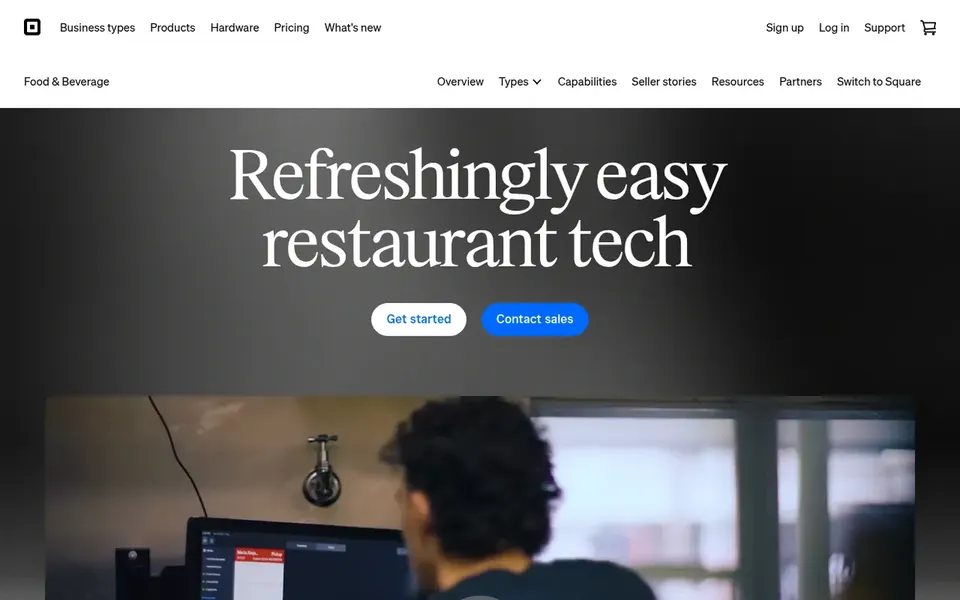
Square for Restaurants was built for straightforward integrated POS and menu. If you need highly tailored menu logic or complicated multi-location management, a more specialized system might be better.
Worth adding: the product may not offer the depth of customization that bigger chains need, and some advanced features are restricted. Pricing for Square for Restaurants is not stated here, so ask the vendor for current figures. As for free access: Not stated.
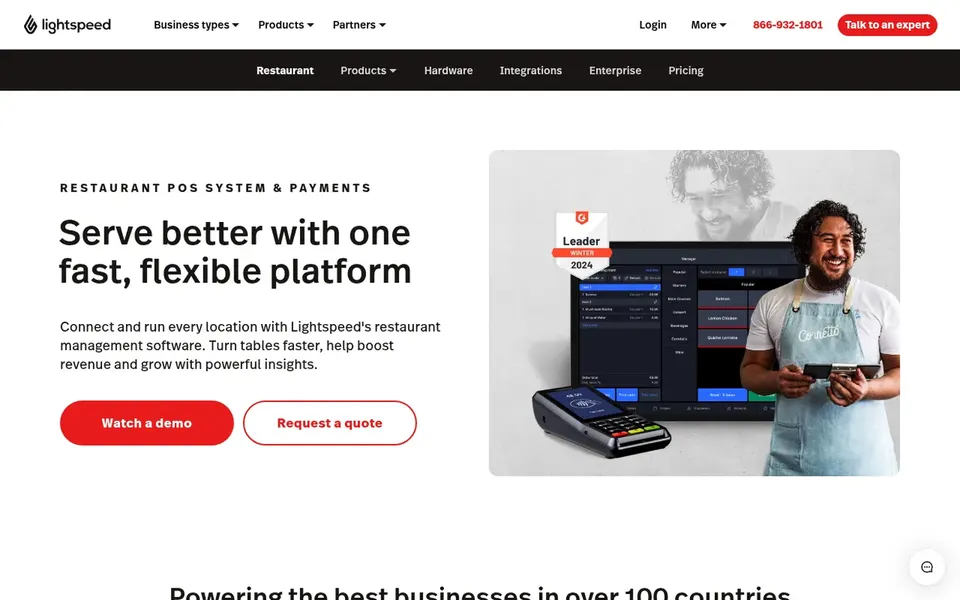
Lightspeed Restaurant makes the most sense for configurable POS with insights. Lightspeed Restaurant is an adaptable point of sale, payments, and management product with solid reporting capabilities. It permits restaurants to customize menus and handle operations, making it right for QSRs that want in-depth insights into sales and menu performance.
From a buyer's view, setup and configuration can be more involved than more straightforward systems. Some digital menu features may rely on additional modules. Fast service operators with very entry-level needs might find it overkill. Check the vendor site for Lightspeed Restaurant pricing; none is listed in this comparison. As for free access: Not stated.
Grubbrr is built with self-ordering kiosks and automation in mind. It is used by enterprise brands and can deal with high-volume environments. Grubbrr is specialized in kiosk-based ordering, so it may not include all POS or table management needs.
Where it falls short: Restricted traditional POS features.
Worth adding: choose Grubbrr if self-ordering kiosks are a primary focus. Worth adding: Restaurants wanting a full management product might have to plug into other systems. Check the vendor site for Grubbrr pricing; none is listed in this comparison. As for free access: Not stated.
Best for: All-in-one restaurant management product
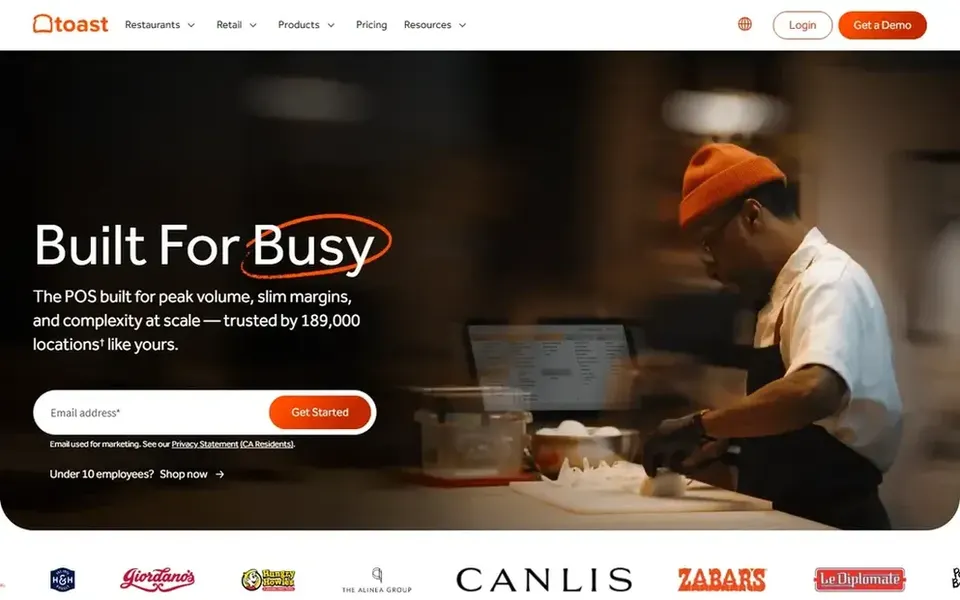
Toast was built for all-in-one restaurant management system. Companies seeking a light, standalone menu option might prefer a more straightforward tool.
In practice, consider Toast if you need a comprehensive restaurant system instead of a single-purpose menu app. This comparison lists no price for Toast; ask the vendor. Free plan details: Not stated.
Honest limits: Hardware ecosystem can be limiting.
TouchBistro makes the most sense for all-in-one restaurant management. TouchBistro is an all-in-one POS and restaurant management system built for the food service industry.
Trade-offs to know: Hardware bundle required.
It comes with tools to run menus, orders, and guest experiences, making it a solid candidate for quick service restaurants that want a dedicated restaurant system. For everyday use, companies looking for a low-cost, standalone menu option might find it heavy. TouchBistro pricing: $69 per month. Free options: Not stated.
Confirm the entry price on the vendor page. For Square for Restaurants, Lightspeed Restaurant, Grubbrr and Toast that means a quote rather than a fixed price.
Before choosing Square for Restaurants, weigh its main limit: restricted advanced customization.
Test how quickly Lightspeed Restaurant answers a pre-sales question; it hints at how support will feel later.
Ask the daily users to test Square for Restaurants on a live task before you roll it out to everyone.
Add up seats, add-ons and usage charges for Toast before comparing it with cheaper entries.
How we picked
Ainotely used vendor pricing pages and product documentation as the base, then compared plans, free access and documented limits for 5 tools. Seat minimums, billing terms and add-ons can move the real cost, so the starting prices here are a guide and not a quote. The ranking is editorial: typical fit first, then clear pricing, then free access. If your needs are unusual, read the profiles rather than relying on position. This applies to all 5 Qsr digital Menu software reviews options compared here.
Every price and plan detail on this page comes from the vendors’ own websites. We did not run hands-on tests unless the text says so, and we do not publish star ratings or review scores. See how we score and our disclosure.
Keep your shortlist in one place
Paste prices, trial dates and notes from this guide into Ainotely, our AI note app. It files them into a topic and pulls out tasks like “cancel trial by Friday”. Free 7-day trial, no card needed.
Do I need a full POS system to use digital menu software?
Not necessarily. Some digital menu tools are standalone or focus on specific functions like kiosks or order aggregation. That said, plenty of QSRs benefit from an integrated POS and menu system for simplified operations.
Does any tool for qsr digital menu software reviews here have a free plan?
A permanent free plan is not offered by Square for Restaurants, TouchBistro or the other tools here. Plan a short evaluation period instead.
Can I try these tools before paying?
Not by default. None of the tools, from Square for Restaurants to TouchBistro, lists a free plan or a free trial here, so ask each vendor for a demo before committing.
Do these tools publish their prices?
Not all of them. Square for Restaurants, Lightspeed Restaurant, Grubbrr and Toast publish no starting price, so expect a quote request for those. The rest, TouchBistro included, show a starting price, though seats and billing terms still change the final cost.
Is Square for Restaurants the right pick for everyone comparing qsr digital menu software reviews?
No single tool suits every team. Square for Restaurants comes first because it fits simple integrated POS and menu, while Lightspeed Restaurant suits customizable POS with insights and Grubbrr suits self-ordering kiosks and automation. Match the tool to your own size, budget and workflow before deciding.