If you need AI-assisted collaboration with devices, Cisco Webex is the first tool to look at here. Listed starting prices: Restream from $239 a month. Microsoft Teams fits organized team collaboration and meetings; Zoom fits everyday remote meetings and webinars. The other 3 tools in the list cover narrower or pricier cases.
Ainotely compared 6 tools for remote production software. The goal is a practical shortlist: published prices, free plan facts, best-fit use cases and honest limits for every entry.
Key takeaways
This list starts with Cisco Webex, which is built for AI-assisted collaboration with devices.
Only Cisco Webex offers a free plan among these 6 tools.
Google Meet is the one to check for straightforward browser-based video conferencing.
The main caution on Restream: not a full production switcher.
Cisco Webex makes the most sense for AI-assisted collaboration with devices. Cisco Webex presents itself as an AI-powered collaboration system spanning meetings, customer experience, devices and platform options.
On top of that, consider it for enterprise collaboration and hardware integration instead of as a production engine. Check the vendor site for Cisco Webex pricing; none is listed in this comparison. Cisco Webex has a free plan.
Drawbacks to consider: Production switching is outside its scope.
Best for: Organized team collaboration and meetings
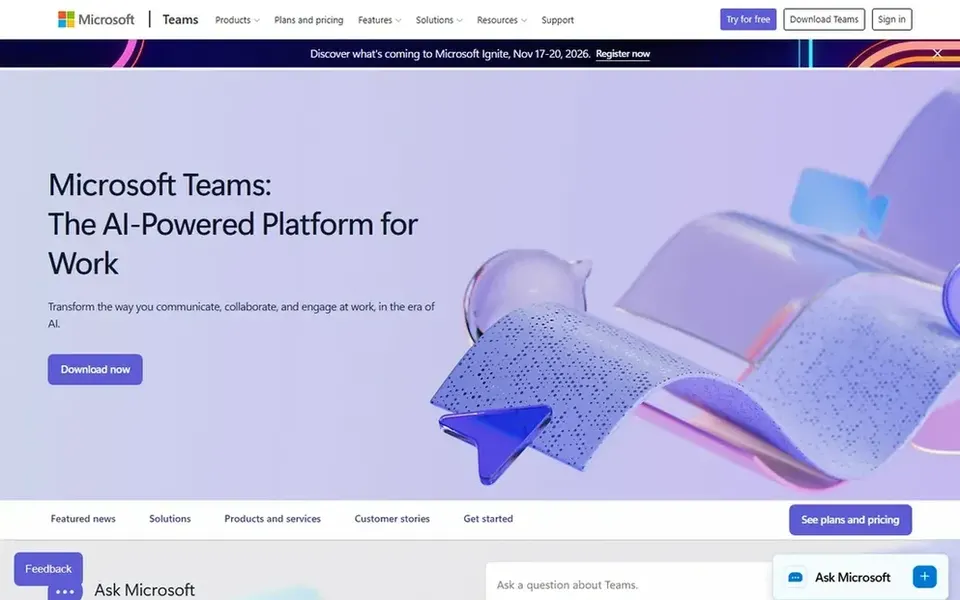
In short, Microsoft Teams is for organized team collaboration and meetings. Teams is a collaboration product, not a production switcher, so it does not offer scene composition, recording mixes or streaming encoders for broadcasts. Its feature depth can also overwhelm occasional users.
Where it falls short: Not built for live video switching.
In practice, pick something else when your priority is live switching or multichannel output instead of team coordination. Microsoft Teams brings meetings, calling and group chat together with shared files, positioning itself as a hub for teamwork. Microsoft Teams shows no starting price here, so confirm the cost on the vendor site. Free access: Not stated.
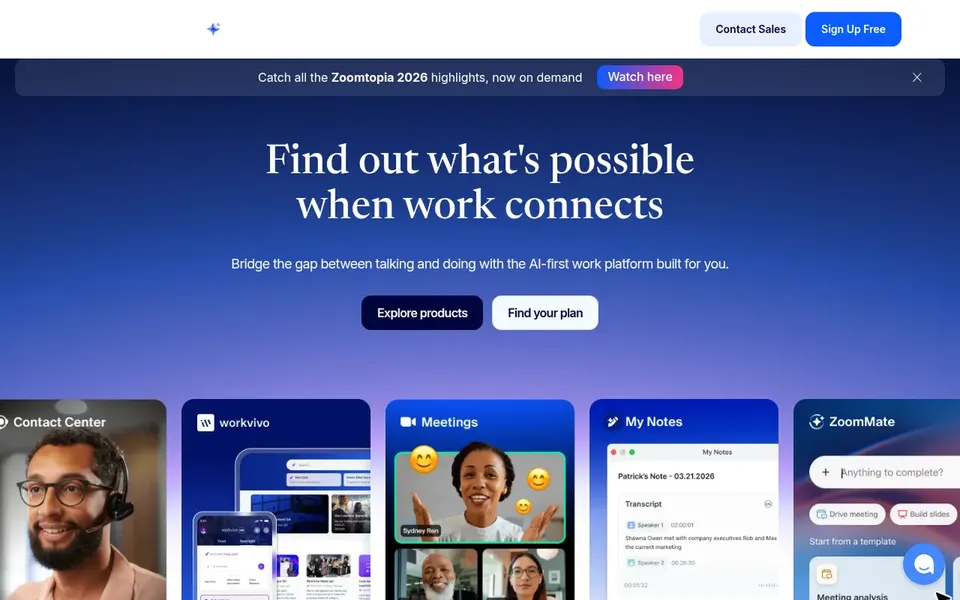
Zoom makes the most sense for everyday remote meetings and webinars. Teams producing multicamera presents or overlays should pair it with dedicated production software.
Where Zoom stands out: Meetings, chat.
Honest limits: Advanced broadcast features need other tools.
Beyond that, for remote production teams, it deals with the human side of the workflow: planning calls, running webinars and keeping contributors connected. In daily use, Zoom is not a live video mixer, so it lacks the scene switching and encoding controls that broadcast-style production demands. This comparison lists no price for Zoom; ask the vendor. Free access: Not stated.
Restream targets Multistreaming to several channels. Restream is a live video product that helps you produce videos and multistream them to your favorite channels.
Points against: Depends on a stable connection.
Performance also relies on a stable connection. In daily use, pick it when multichannel reach is the goal and your production setup is handled elsewhere. On cost, Restream starts like this: $239 per month. On free options: Not stated.
vMix targets live switching and streaming on Windows. vMix is live streaming and live production software for Windows, acting as a video mixer and switcher. It lets producers combine sources, record and stream professional-looking content straight from a PC.
In practice, vMix runs only on Windows and relies on a capable machine to deal with several inputs smoothly. In practice, pick it when live switching and recording are central, and look elsewhere for basic meetings. Pricing for vMix is not stated here, so ask the vendor for current figures. Free options: Not stated.
Best for: Straightforward browser-based video conferencing
Google Meet was built for straightforward browser-based video conferencing. Its appeal for remote production is simplicity: contributors can join calls from a browser with minimal friction, which helps for interviews, reviews and remote guest coordination. For everyday use, choose Meet when fast, accessible meetings matter and your production pipeline lives in other tools.
Strengths: Runs in the browser with little setup.
Honest limits: Restricted production and streaming controls.
As for the details, Teams needing broadcast-style output should pair it with dedicated production software. Meet is a conferencing tool, so it does not handle live switching, overlays or multistreaming. This comparison lists no price for Google Meet; ask the vendor. Trial and free access: Not stated.
Get a written quote from Cisco Webex, Microsoft Teams, Zoom and others; the list shows no starting price for them.
Look at the free plan from Cisco Webex closely: its caps decide whether it is usable for real work.
Read the limits listed for Cisco Webex first: wide feature set takes time to learn.
Run a one or two week pilot of vMix with the people who will use it every day.
Price Microsoft Teams for your actual team size; headline prices rarely include add-ons or overage.
How we picked
Selection started from tools commonly considered for remote production software, then narrowed to 6 that have clear pricing information or a clear quote process. Treat prices as a snapshot: vendors change plans often, so check the vendor site for the figure that applies today. Order on the page follows fit for the typical buyer first, then price transparency and free access. Your own requirements should decide the final pick.
Every price and plan detail on this page comes from the vendors’ own websites. We did not run hands-on tests unless the text says so, and we do not publish star ratings or review scores. See how we score and our disclosure.
Keep your shortlist in one place
Paste prices, trial dates and notes from this guide into Ainotely, our AI note app. It files them into a topic and pulls out tasks like “cancel trial by Friday”. Free 7-day trial, no card needed.
Often, yes. Cisco Webex has a free plan. Use your own data and a real task during the test, and check what the free tier or trial limits before you rely on it. The 6 tool cards above repeat this per product for remote production software, with the listed price or "pricing on request".
What is remote production software used for?
Remote production software supports meetings, live switching, recording and streaming when contributors are in different locations. Some tools focus on collaboration, whereas others deal with video mixing and multichannel distribution.
Do these tools publish their prices?
Not all of them. Cisco Webex, Microsoft Teams, Zoom and others publish no starting price, so expect a quote request for those. The rest, Restream included, show a starting price, though seats and billing terms still change the final cost.
How are the tools for remote production software ordered?
Cisco Webex sits first and Google Meet last because the order follows typical fit for remote production software, then price clarity and free access. It is a judgement call, so read each profile for fit and limits.
Is Cisco Webex the right pick for everyone comparing remote production software?
No single tool suits every team. Cisco Webex comes first because it fits AI-assisted collaboration with devices, while Microsoft Teams suits organized team collaboration and meetings and Zoom suits everyday remote meetings and webinars. Match the tool to your own size, budget and workflow before deciding.