SolarWinds Resource Manager is the first pick on this list for hybrid IT observability and resource oversight. Listed starting prices: SolarWinds Resource Manager from $2 per node per month. For a different need, ManageEngine ServiceDesk Plus covers unified ITIL service desk with asset management and Jira Service Management covers teams already working inside Atlassian. Prices, free plans and limits for all 6 tools follow.
Choosing resource allocation software for IT departments usually comes down to price, fit and limits. This Ainotely guide sets 6 tools side by side on those three points, with the facts kept short and checkable.
Key takeaways
This list starts with SolarWinds Resource Manager, which is built for hybrid IT observability and resource oversight.
Kaseya VSA suits endpoint monitoring and automatic IT operations.
SolarWinds Resource Manager, Kaseya VSA and the 4 others all need a premium plan or a trial, since no free plan is listed.
SolarWinds Resource Manager has the lowest monthly starting price in this list: $2 per node per month.
Best for: Hybrid IT observability and resource oversight
SolarWinds Resource Manager works best for hybrid IT observability and resource oversight. Worth adding: product overlap across the portfolio means buyers should map needs before choosing.
In practice, use it when infrastructure observability is the allocation question. SolarWinds is not a project portfolio or staffing allocation system, so departments seeking demand planning across people and projects should look elsewhere or pair it with another tool. Starting cost for SolarWinds Resource Manager: $2 per node per month. As for free access: Free trial.
Downsides: Overlapping products need careful selection.
Best for: Unified ITIL service desk with asset management
Choose ManageEngine ServiceDesk Plus for unified ITIL service desk with asset management. Choose it when asset management and ITIL process discipline are both part of the allocation picture.
The main drawbacks: Interface can feel dense.
More specifically, mid-size teams commonly find the combined scope practical. In practice, departments wanting a minimal service desk may find it more than necessary. ManageEngine ServiceDesk Plus shows no starting price here, so confirm the cost on the vendor site. Free options: Not stated.
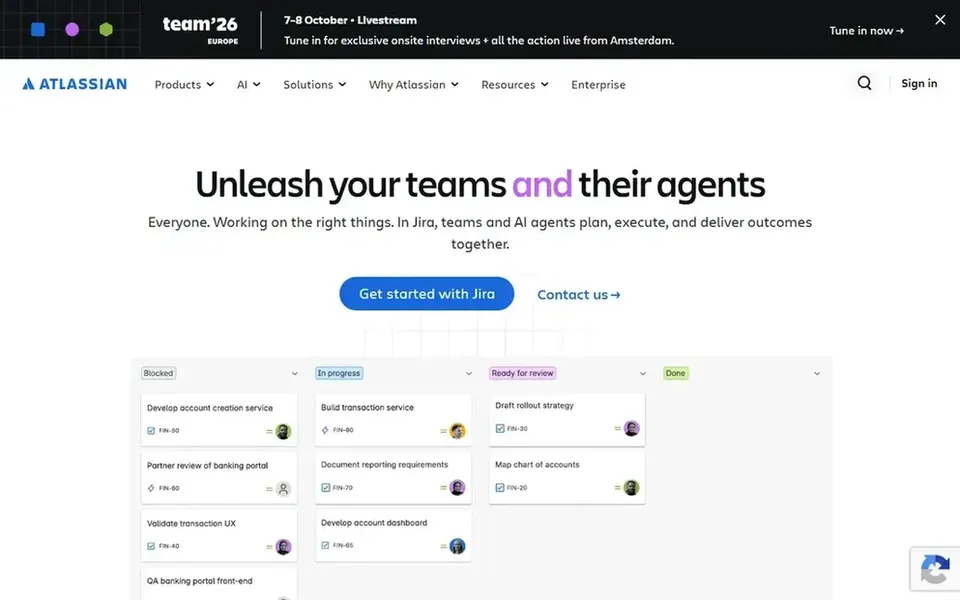
For teams already working inside Atlassian, Jira Service Management is a natural candidate. Jira Service Management is an AI-powered ITSM system designed for incident response, change management and request fulfillment. Very small teams may also find the configuration effort unnecessary.
Teams that want to see how support demand competes with project work will find that visibility handy. More specifically, consider it when close alignment between IT service and software delivery is the priority. Pricing for Jira Service Management is not stated here, so ask the vendor for current figures. Free access: Not stated.
Trade-offs to know: Best value inside the Atlassian ecosystem.
Best for: ITIL-aligned enterprise service and workload planning
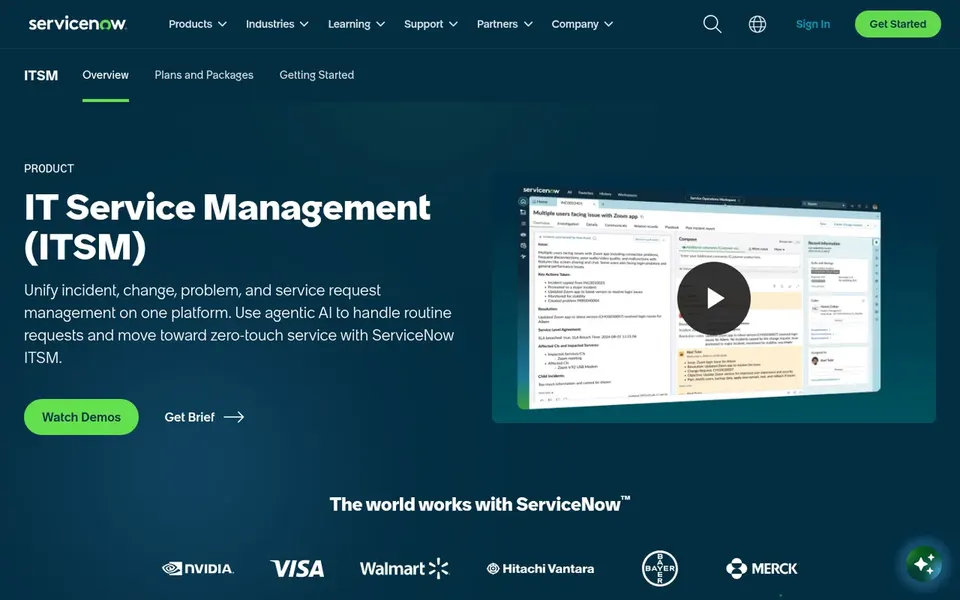
Think of ServiceNow IT Service Management for ITIL-aligned enterprise service and workload planning. ServiceNow IT Service Management is a system for managing the access and availability of IT services, fulfilling service requests and simplifying service delivery in line with ITIL standards.
No starting price is listed for ServiceNow IT Service Management here; confirm pricing on the vendor site. On free options: Not stated.
Best for: Quick, approachable ITSM for expanding teams
In short, Freshservice is for fast, approachable ITSM for expanding teams. Organizations with highly complicated governance or deep custom workflows may find the system less adaptable than heavier alternatives.
In practice, pick Freshservice when usability and time to value matter more than deep customization. This comparison lists no price for Freshservice; ask the vendor. As for free access: Not stated.
Best for: Endpoint monitoring and automatic IT operations
Pick Kaseya VSA if this describes you: endpoint monitoring and automatic IT operations. Kaseya VSA is remote monitoring and management software, presented under the Datto RMM banner, built to run endpoints with less manual effort.
Where it is weaker: Focused on endpoints instead of project resourcing.
As for the details, choose it when endpoint volume is the primary driver of how IT time is spent. Kaseya VSA does not show a starting price in this comparison, so check the vendor site for current pricing. Free options: Not stated.
Get a written quote from ManageEngine ServiceDesk Plus, Jira Service Management, ServiceNow IT Service Management and others; the list shows no starting price for them.
Run a trial of SolarWinds Resource Manager with real work before paying for a year; your own workflow is the best test.
Read the limits listed for SolarWinds Resource Manager first: not a dedicated project staffing tool.
Look at the help docs and support options for Freshservice before you commit.
Verify that exporting from Jira Service Management is possible on your plan and covers all your records.
How we picked
The comparison looks at four things: starting price, free access, how well the feature set matches resource allocation software for IT departments, and the main limit of each tool. Where a vendor does not publish a price, the entry says quote. Where a price depends on seats or billing term, the entry says so. Position on the page reflects fit for a typical buyer first, with price clarity and free access breaking ties. Treat it as a guide, not a ruling.
Every price and plan detail on this page comes from the vendors’ own websites. We did not run hands-on tests unless the text says so, and we do not publish star ratings or review scores. See how we score and our disclosure.
Keep your shortlist in one place
Paste prices, trial dates and notes from this guide into Ainotely, our AI note app. It files them into a topic and pulls out tasks like “cancel trial by Friday”. Free 7-day trial, no card needed.
Is SolarWinds Resource Manager the right pick for everyone comparing resource allocation software for IT departments?
No single tool suits every team. SolarWinds Resource Manager comes first because it fits hybrid IT observability and resource oversight, while ManageEngine ServiceDesk Plus suits unified ITIL service desk with asset management and Jira Service Management suits teams already working inside Atlassian. Match the tool to your own size, budget and workflow before deciding.
How do endpoint tools fit into resource allocation?
Endpoint monitoring and management tools cut the manual effort each device needs, which changes how much technician time is available. Kaseya VSA and SolarWinds address this operational side.
Can I try these tools before paying?
Often, yes. SolarWinds Resource Manager offers a free trial. Use your own data and a real task during the test, and check what the free tier or trial limits before you rely on it.
How are the tools for resource allocation software for IT departments ordered?
SolarWinds Resource Manager sits first and Kaseya VSA last because the order follows typical fit for resource allocation software for IT departments, then price clarity and free access. It is a judgement call, so read each profile for fit and limits.
Do these tools publish their prices?
Not all of them. ManageEngine ServiceDesk Plus, Jira Service Management, ServiceNow IT Service Management and others publish no starting price, so expect a quote request for those. The rest, SolarWinds Resource Manager included, show a starting price, though seats and billing terms still change the final cost.