Our first pick is CoConstruct, best for builder-focused project and cost tracking. For a different need, Foundation Software covers contractor accounting and payroll job costing and Viewpoint Vista covers ERP-driven cost allocation and accounting. Details, prices and limits for the rest of the 6 tools are below.
Ainotely put together this guide to software for construction cost allocation for readers who want a clear shortlist without reading every vendor page. It compares 6 tools on starting price, free plans, who each one suits and where each one falls short.
Key takeaways
This list starts with CoConstruct, which is built for builder-focused project and cost tracking.
A permanent free plan is missing from all 6 tools, CoConstruct and Procore included; plan for a trial or a premium start.
Procore is the one to check for connecting field activity to cost visibility.
No starting price is shown for any of the 6 tools, CoConstruct and Procore included, so plan time for sales calls.
Check the limits for Viewpoint Vista before you commit: ERP scope can mean a longer setup.
Best for: Builder-focused project and cost tracking
Where CoConstruct fits: builder-focused project and cost tracking. The system is oriented toward residential and builder workflows, so large commercial contractors may find its accounting depth limited compared to dedicated construction ERPs.
Watch-outs: Cost allocation depth may be restricted.
It fits remodelers and home builders who want project management and cost tracking in one place instead of a heavy accounting ERP. No starting price is listed for CoConstruct here; confirm pricing on the vendor site. As for free access: Not stated.
Best for: Contractor accounting and payroll job costing
Think of Foundation Software for contractor accounting and payroll job costing. Since the product centers on accounting, teams needing broad field management may need extra tools alongside it.
In daily use, choose Foundation when accurate job costing and payroll alignment matter more than wide project collaboration features. Pricing for Foundation Software is not stated here, so ask the vendor for current figures. Trial and free access: Not stated.
Best for: ERP-driven cost allocation and accounting
Choose Viewpoint Vista for ERP-driven cost allocation and accounting. Viewpoint Vista is construction ERP software from Trimble that brings accounting, resource planning and project collaboration together. More specifically, for cost allocation, that means job costs, resources and financial data can live in one operational system instead of being reconciled across separate tools.
If your priority is field-level project management instead of back-office cost control, a project-focused system may be a better starting point. Also, since it is a full ERP, the product carries more configuration and process overhead than a focused project tool. In daily use, smaller businesses without dedicated finance staff may find the breadth unnecessary. No starting price is listed for Viewpoint Vista here; confirm pricing on the vendor site. Trial and free access: Not stated.
The main drawbacks: May be more than small crews need.
Best for: Unified accounting, projects and people management
For unified accounting, projects and people management, CMiC is a natural candidate. Consider CMiC when accounting and project management have to run together.
In daily use, organizations that primarily need straightforward job costing may find the scope bigger than necessary. A unified enterprise product typically brings more setup and process design than a narrow tool, which can be demanding for lean teams. Check the vendor site for CMiC pricing; none is listed in this comparison. Trial and free access: Not stated.
Limits to weigh: Smaller businesses may not use full breadth.
Best for: Collaborative project cost and delivery oversight
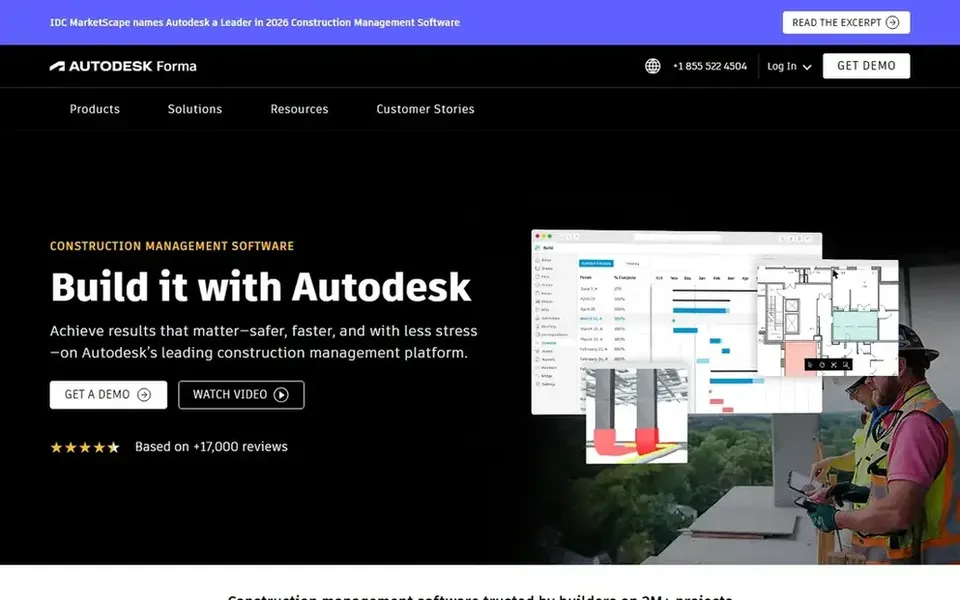
In short, Autodesk Construction Cloud is for collaborative project cost and delivery oversight. Businesses whose central need is payroll and job costing in one ledger should look at accounting-first choices.
Its emphasis on delivering projects on time and on budget makes it relevant where cost oversight is part of broader project coordination. Pricing for Autodesk Construction Cloud is not stated here, so ask the vendor for current figures. Trial and free access: Not stated.
Where it is weaker: May need integration with accounting systems.
Best for: Connecting field activity to cost visibility
Procore is built with connecting field activity to cost visibility in mind. Procore is a construction management system that links the site and the office, giving teams real-time visibility into project progress.
Choose Procore when field-to-office visibility matters most. Teams wanting a single accounting-first system may prefer an ERP. Check the vendor site for Procore pricing; none is listed in this comparison. Free plan details: Not stated.
The main drawbacks: Wide product may need process changes.
Request quotes from CoConstruct, Procore and the others; the list shows no fixed prices.
Read the limits listed for CoConstruct first: less suited to large commercial accounting.
Look at the renewal terms for Autodesk Construction Cloud: auto-renewal, notice periods and price changes can matter more than the first-year price.
Check the support hours and onboarding help CoConstruct offers; smaller vendors vary a lot here.
Add up seats, add-ons and usage charges for Procore before comparing it with cheaper entries.
How we picked
Selection started from tools commonly considered for software for construction cost allocation, then narrowed to 6 that have clear pricing information or a clear quote process. Plan names, prices and limits change often. Treat the figures here as a starting point and verify them with the vendor. The ranking is editorial: typical fit first, then clear pricing, then free access. If your needs are unusual, read the profiles rather than relying on position.
Every price and plan detail on this page comes from the vendors’ own websites. We did not run hands-on tests unless the text says so, and we do not publish star ratings or review scores. See how we score and our disclosure.
Keep your shortlist in one place
Paste prices, trial dates and notes from this guide into Ainotely, our AI note app. It files them into a topic and pulls out tasks like “cancel trial by Friday”. Free 7-day trial, no card needed.
No. None of the tools, from CoConstruct to Procore, shows a fixed starting price here, so budget time for quotes. The 6 tool cards above repeat this per product for software for construction cost allocation, with the listed price or "pricing on request".
What should construction cost allocation software do first?
It should tie job costs to the right jobs, phases and cost codes whereas keeping payroll and financial data consistent. Accounting-first products and project products approach this differently, so match the tool to your finance workflow.
Is CoConstruct the right pick for everyone comparing software for construction cost allocation?
No single tool suits every team. CoConstruct comes first because it fits builder-focused project and cost tracking, while Foundation Software suits contractor accounting and payroll job costing and Viewpoint Vista suits ERP-driven cost allocation and accounting. Match the tool to your own size, budget and workflow before deciding.
Can I try these tools before paying?
Not by default. None of the tools, from CoConstruct to Procore, lists a free plan or a free trial here, so ask each vendor for a demo before committing. Each of the 6 options in this software for construction cost allocation guide has its own card above with the price, free plan and limits.
How are the tools for software for construction cost allocation ordered?
CoConstruct sits first and Procore last because the order follows typical fit for software for construction cost allocation, then price clarity and free access. It is a judgement call, so read each profile for fit and limits.