For collaborative project delivery, Autodesk Construction Cloud is where this list starts. Synchro is better for virtual construction and model-based workflows, and Navisworks is better for 3D model review and coordination. The other 3 tools in the list cover narrower or pricier cases.
If you are comparing software for construction sequence planning, this page covers 6 tools in one place: what each is best for, what it costs to start, whether it has a free plan, and the main limit to know about.
Key takeaways
This list starts with Autodesk Construction Cloud, which is built for collaborative project delivery.
For 4D BIM and site scheduling, Powerproject is worth a look.
No starting price is shown for any of the 6 tools, Autodesk Construction Cloud and Powerproject included, so plan time for sales calls.
Before buying Synchro, weigh this: concentrated on 4D, less on full project management.
Neither Autodesk Construction Cloud nor Powerproject, nor any of the other 4 tools, has a permanent free plan; trials and quotes are the norm.
Autodesk Construction Cloud is designed for collaborative project delivery. If you need deep scheduling, consider Oracle Primavera P6 or Asta Powerproject alongside it.
From a buyer's view, Autodesk Construction Cloud (including Autodesk Forma) helps project teams collaborate securely and rapidly to deliver projects on time and on budget. Autodesk Construction Cloud does not show a starting price in this comparison, so check the vendor site for current pricing. Trial and free access: Not stated.
Trade-offs to know: May require Autodesk ecosystem.
Best for: Virtual construction and model-based workflows
Synchro is built with virtual construction and model-based workflows in mind. SYNCHRO is digital construction delivery software with virtual construction, planning, and model-based workflows to boost project efficiency.
Limits to weigh: less on full project management.
It suits teams that want to visualize and sequence work straight from models, supporting 4D planning and coordination. This comparison lists no price for Synchro; ask the vendor. On free options: Not stated.
Navisworks serves 3D model review and coordination. Navisworks is 3D model review software for architecture, engineering, and construction.
The main drawbacks: Needs models to be useful.
It is not a dedicated scheduling or 4D sequencing tool, so it performs best alongside a scheduler. Check the vendor site for Navisworks pricing; none is listed in this comparison. Free access: Not stated.
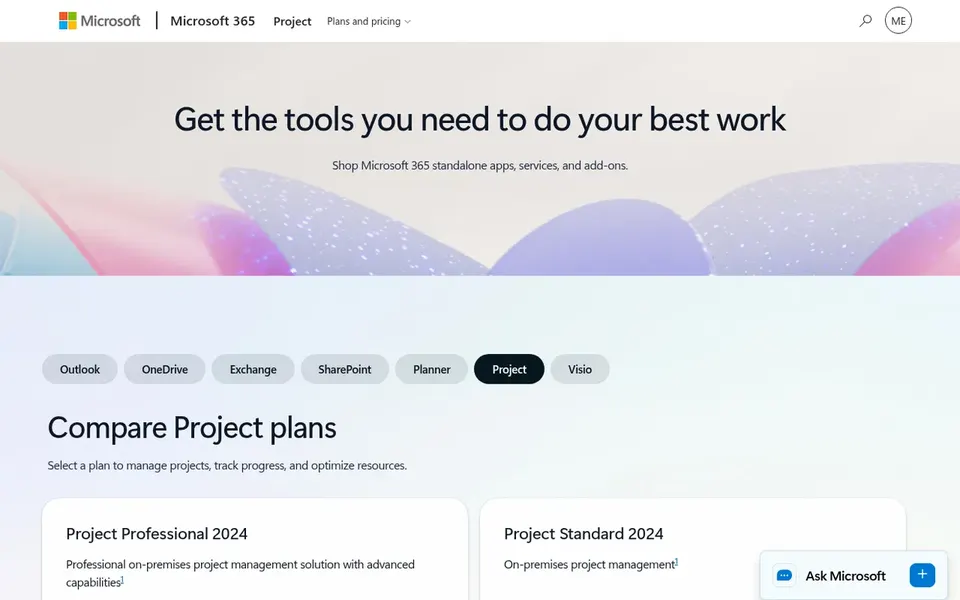
Microsoft Project works best for familiar project tracking and resources. It fits teams already using Microsoft 365 that want a familiar interface for construction sequence planning, with tools to run schedules and resources across projects.
Limits to weigh: May need extras for construction-specific needs.
For heavy 4D work, tools like Synchro or Asta Powerproject are more specialized. This comparison lists no price for Microsoft Project; ask the vendor. Free access: Not stated.
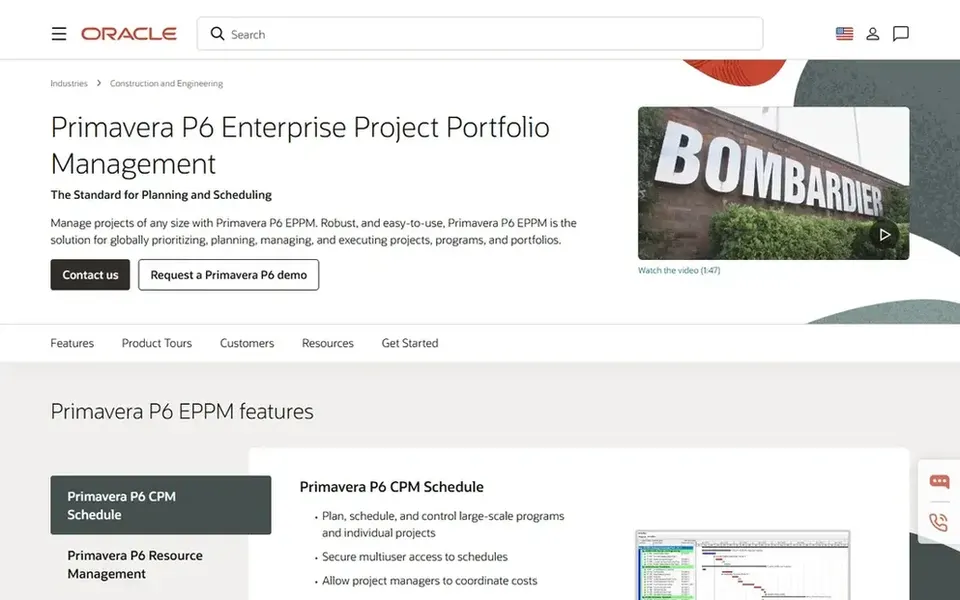
Oracle Primavera P6 works best for large-scale enterprise scheduling. If you need a lighter scheduling tool with quicker onboarding, consider alternatives like Microsoft Project or Asta Powerproject. For everyday use, Oracle Primavera P6 is enterprise project portfolio management software made for construction projects of any size.
It supports in-depth scheduling, resource management, and portfolio oversight, making it a fit for large organizations that require rigorous sequence planning across several projects. On top of that, the platform can be complicated to configure and learn, which may overwhelm smaller teams or straightforward projects. Oracle Primavera P6 shows no starting price here, so confirm the cost on the vendor site. Free access: Not stated.
Powerproject is built with 4D BIM and site scheduling in mind. Asta Powerproject is construction project management software that makes planning simple, including scheduling, 4D BIM integration, a mobile app, and resource management.
Where it is weaker: May need training for advanced features.
Beyond that, if your organization is standardized on Oracle Primavera P6 for enterprise portfolios, you may prefer to stay within that ecosystem. Pricing for Powerproject is not stated here, so ask the vendor for current figures. Free access: Not stated.
Request quotes from Autodesk Construction Cloud, Powerproject and the others; the list shows no fixed prices.
Before choosing Autodesk Construction Cloud, weigh its main limit: may need Autodesk ecosystem.
Check whether Microsoft Project bills monthly or annually, and what cancelling early costs.
Ask the daily users to test Oracle Primavera P6 on a live task before you roll it out to everyone.
Verify that exporting from Autodesk Construction Cloud is possible on your plan and covers all your records.
How we picked
For each of the 6 tools we noted price, free plan or trial, fit for software for construction sequence planning and the main limit, using vendor pages and documentation. Seat minimums, billing terms and add-ons can move the real cost, so the starting prices here are a guide and not a quote. Position on the page reflects fit for a typical buyer first, with price clarity and free access breaking ties. Treat it as a guide, not a ruling.
Every price and plan detail on this page comes from the vendors’ own websites. We did not run hands-on tests unless the text says so, and we do not publish star ratings or review scores. See how we score and our disclosure.
Keep your shortlist in one place
Paste prices, trial dates and notes from this guide into Ainotely, our AI note app. It files them into a topic and pulls out tasks like “cancel trial by Friday”. Free 7-day trial, no card needed.
How are the tools for software for construction sequence planning ordered?
The order follows typical fit for software for construction sequence planning, with Autodesk Construction Cloud first and Powerproject last, then price clarity and free access. It is editorial judgement, not a score, so another team could rank the tools differently.
Can I try these tools before paying?
Not by default. None of the tools, from Autodesk Construction Cloud to Powerproject, lists a free plan or a free trial here, so ask each vendor for a demo before committing.
Can I use Microsoft Project for construction sequencing?
Yes, Microsoft Project can manage task scheduling and resource management, but it lacks native 4D BIM integration. For model-based sequencing, you may need a specialized tool like Synchro or Asta Powerproject.
Do these tools publish their prices?
No. None of the tools, from Autodesk Construction Cloud to Powerproject, shows a fixed starting price here, so budget time for quotes.
Is Autodesk Construction Cloud the right pick for everyone comparing software for construction sequence planning?
No single tool suits every team. Autodesk Construction Cloud comes first because it fits collaborative project delivery, while Synchro suits virtual construction and model-based workflows and Navisworks suits 3D model review and coordination. Match the tool to your own size, budget and workflow before deciding.
Do I need 4D BIM for sequence planning?
4D BIM brings a time dimension to 3D models, helping teams visualize construction sequences. It is valuable for complicated projects but not always required; traditional scheduling tools can suffice for more straightforward work.