Oracle Primavera P6 comes first here, mainly for complex project scheduling and portfolio management. For a different need, eSUB covers subcontractor-focused project management and Autodesk Construction Cloud covers design-integrated construction collaboration. Prices, free plans and limits for all 5 tools follow.
Ainotely put together this guide to construction project software for readers who want a clear shortlist without reading every vendor page. It compares 5 tools on starting price, free plans, who each one suits and where each one falls short.
Key takeaways
The list opens with Oracle Primavera P6, aimed at complicated project scheduling and portfolio management.
Oracle Primavera P6, Trimble Viewpoint and the 3 others all sell by quote; expect sales conversations before you see a price.
Oracle Primavera P6, Trimble Viewpoint and the 3 others all need a premium plan or a trial, since no free plan is listed.
The main caution on Procore: may be complicated for small teams.
Trimble Viewpoint fits Construction ERP and job costing.
Best for: Complicated project scheduling and portfolio management
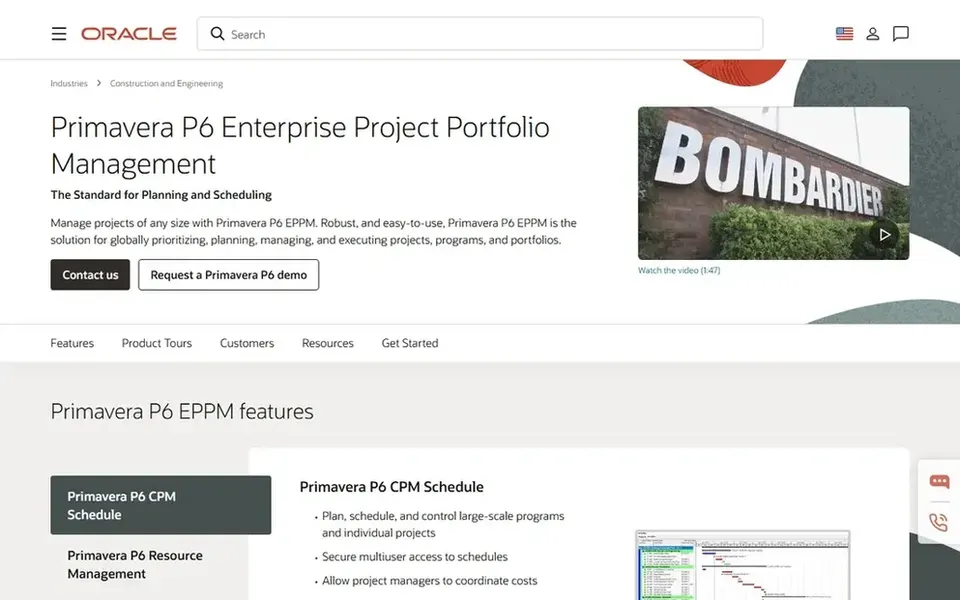
Oracle Primavera P6 works best for complicated project scheduling and portfolio management. Oracle Primavera P6 is an enterprise project portfolio management option meant to run construction projects of any size. It is especially suited for large, complicated projects that need in-depth scheduling, resource allocation, and risk analysis.
The main drawbacks: Steep ramp-up time.
For simpler scheduling needs, consider Procore or eSUB, which offer more approachable interfaces. On top of that, the software is widely used in industries like engineering and construction where precise planning is critical. Beyond that, Primavera P6 is recognised for its steep ramp-up time and may be too complicated for smaller projects or teams without dedicated planners. It also needs significant training to use effectively. No starting price is listed for Oracle Primavera P6 here; confirm pricing on the vendor site. On free options: Not stated.
Best for: Subcontractor-focused project management
eSUB works best for subcontractor-focused project management. Its cloud-based product helps subcontractors run projects, track labor and materials, and simplify communication with general contractors. It is ideal for specialty trade contractors who require a straightforward, focused option.
Main advantages: simplifies project documentation.
The main drawbacks: May not manage complicated scheduling.
Also, for subcontractors, that said, eSUB gives you a targeted approach. Beyond that, eSUB may lack the full features needed by general contractors or large construction businesses. Pricing for eSUB is not stated here, so ask the vendor for current figures. Free options: Not stated.
Best for: Design-integrated construction collaboration
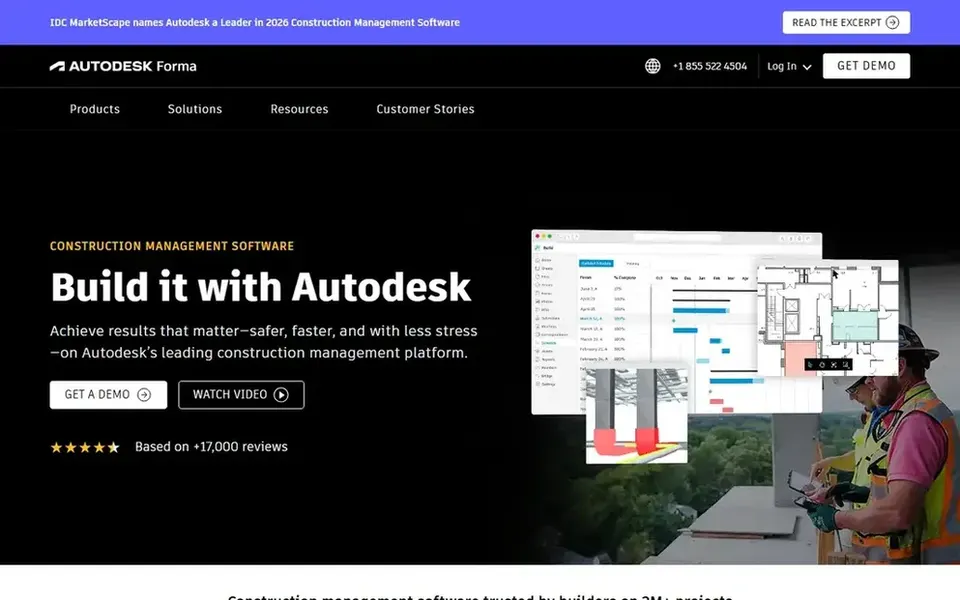
Think of Autodesk Construction Cloud for design-integrated construction collaboration. Autodesk Construction Cloud (now part of Autodesk Forma) is a construction management software that makes it possible for project teams to collaborate securely and quickly, helping deliver projects on time and on budget.
What to check first: Can be expensive for small businesses.
It is well suited to teams already using Autodesk design products like Revit or AutoCAD, as it integrates design and construction data in one environment. Autodesk Construction Cloud does not show a starting price in this comparison, so check the vendor site for current pricing. On free options: Not stated.
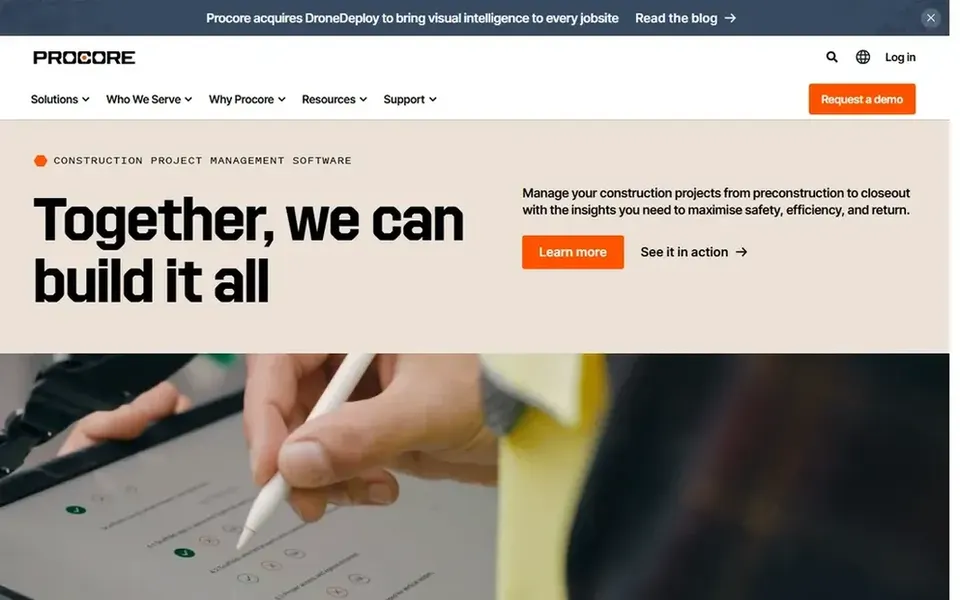
For full field-to-office connectivity, Procore is a natural candidate. Procore is a construction management system that links the site and the office, offering live visibility to help deliver quality projects on time. It is built for general contractors, owners, and subcontractors who require a centralized system for project management, quality control, and financials.
Worth adding: the product aims to simplify communication and cut delays by keeping all stakeholders on the same page. On top of that, Procore's broad features can be overwhelming for smaller teams or those new to construction software. Procore does not show a starting price in this comparison, so check the vendor site for current pricing. Free options: Not stated.
What to check first: Needs training to completely utilize.
Trimble Viewpoint is built with Construction ERP and job costing in mind. The system is right for medium to large contractors looking to integrate accounting and project management. More specifically, Trimble Viewpoint gives you construction ERP and project management software made for contractors to simplify job costing, workflows, and reporting.
Honest limits: Can be expensive for small contractors.
It merges financial management with project operations, giving contractors a thorough view of their business. More specifically, Viewpoint's ERP focus means it may be more complicated and expensive than standalone project management tools. Smaller contractors might find it overkill. Pricing for Trimble Viewpoint is not stated here, so ask the vendor for current figures. On free options: Not stated.
Ask each vendor, from Oracle Primavera P6 to Trimble Viewpoint, for a written quote; none of them publishes a starting price.
Read the limits listed for Oracle Primavera P6 first: steep ramp-up time.
Check the support hours and onboarding help Oracle Primavera P6 offers; smaller vendors vary a lot here.
Check the integration list for Autodesk Construction Cloud against the tools you run today, and note which ones need a higher plan.
Ask Procore about contract length, onboarding fees and user minimums before you sign.
How we picked
Each tool was reviewed on what its vendor publishes: price, plan limits, core features and stated drawbacks. We did not run hands-on tests. Figures are shown as the vendors publish them. Billing terms, seat minimums and add-ons can change the real cost. The order reflects how well each tool fits the most common buying scenario for construction project software, then price clarity, then free plan access. It is a starting point, not a verdict.
Every price and plan detail on this page comes from the vendors’ own websites. We did not run hands-on tests unless the text says so, and we do not publish star ratings or review scores. See how we score and our disclosure.
Keep your shortlist in one place
Paste prices, trial dates and notes from this guide into Ainotely, our AI note app. It files them into a topic and pulls out tasks like “cancel trial by Friday”. Free 7-day trial, no card needed.
Is Oracle Primavera P6 the right pick for everyone comparing construction project software?
No single tool suits every team. Oracle Primavera P6 comes first because it fits complex project scheduling and portfolio management, while eSUB suits subcontractor-focused project management and Autodesk Construction Cloud suits design-integrated construction collaboration. Match the tool to your own size, budget and workflow before deciding.
What should I consider when choosing construction project software?
Consider your project types, team size, and existing software ecosystem. Also evaluate training requirements and scalability to ensure the software supports your long-term growth.
Do these tools publish their prices?
No. None of the tools, from Oracle Primavera P6 to Trimble Viewpoint, shows a fixed starting price here, so budget time for quotes.
Can I try these options before paying?
Not by default. None of the tools, from Oracle Primavera P6 to Trimble Viewpoint, lists a free plan or a free trial here, so ask each vendor for a demo before committing.
How are the tools for construction project software ordered?
The order follows typical fit for construction project software, with Oracle Primavera P6 first and Trimble Viewpoint last, then price clarity and free access. It is editorial judgement, not a score, so another team could rank the tools differently.
What is the best construction project software for small contractors?
The first pick on this list is Oracle Primavera P6, because it suits complex project scheduling and portfolio management. eSUB is better for subcontractor-focused project management, and Autodesk Construction Cloud for design-integrated construction collaboration. Check price and limits against your own needs before choosing.