Start with Siemens SIMATIC WinCC if you need Siemens automation environments. zenon is the stronger choice for digital transformation projects, while AVEVA Edge suits industrial software ecosystem. The remaining 3 options are covered below with prices and limits.
Short on time? The summary and table above give the quick view of 6 tools for supervisory control and data acquisition software, and the profiles that follow give the detail behind each entry.
Key takeaways
Siemens SIMATIC WinCC sits first on this list: Siemens automation environments.
Neither Siemens SIMATIC WinCC nor VTScada, nor any of the other 4 tools, has a permanent free plan; trials and quotes are the norm.
Siemens SIMATIC WinCC comes with a trade-off: tied to Siemens ecosystem.
Siemens SIMATIC WinCC, VTScada and the 4 others all sell by quote; expect sales conversations before you see a price.
Siemens SIMATIC WinCC is a good fit for Siemens automation environments. WinCC is most beneficial if you are already using Siemens equipment; otherwise, it may not offer the same value.
It is built for use in manufacturing and process industries where Siemens hardware is prevalent. Siemens SIMATIC WinCC shows no starting price here, so confirm the cost on the vendor site. As for free access: Not stated.
Limits to weigh: May be expensive for non-Siemens users.
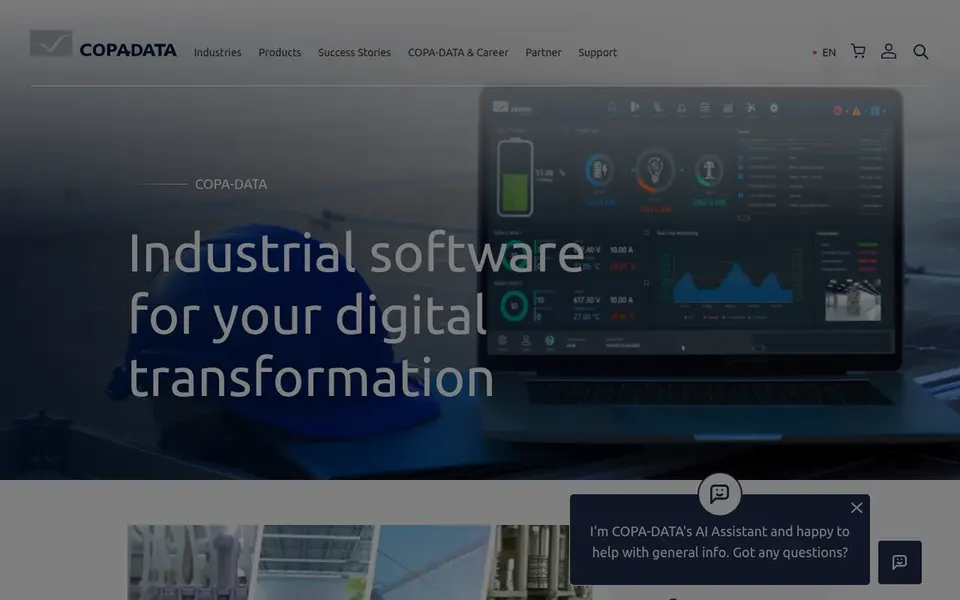
In short, zenon is for digital transformation projects. For straightforward SCADA without the digital transformation angle, consider AVEVA Edge or FactoryTalk View. As for the details, zenon's focus on digital transformation might be overkill for straightforward SCADA needs.
What to check first: Restricted appeal for non-industrial sectors.
It may also need specialized training to completely utilize its capabilities. In daily use, the software is a good match for companies looking to integrate SCADA with broader digital initiatives. In practice, zenon by COPA-DATA is an automation software that emphasizes digital transformation. Pricing for zenon is not stated here, so ask the vendor for current figures. Free plan details: Not stated.
AVEVA Edge is aimed squarely at industrial software ecosystem. AVEVA Edge is a SCADA option that is part of AVEVA's bigger industrial software ecosystem. It is meant to optimize engineering, operations, and performance.
AVEVA Edge may not be the best standalone choice if you are not invested in the AVEVA ecosystem. It can also be complicated to deploy without proper support. From a buyer's view, for a more self-contained option, consider VTScada or Ignition. This comparison lists no price for AVEVA Edge; ask the vendor. Free plan details: Not stated.
What to check first: Can be complicated to deploy.
Think of Schneider Electric EcoStruxure for energy management and automation. Schneider Electric EcoStruxure is an open, interoperable system for energy management and automation.
Where it is weaker: Complicated implementation.
It is built to integrate SCADA with energy efficiency and sustainability initiatives. On top of that, EcoStruxure can be complicated to implement and may need specialized knowledge of Schneider Electric systems. No starting price is listed for Schneider Electric EcoStruxure here; confirm pricing on the vendor site. On free options: Not stated.
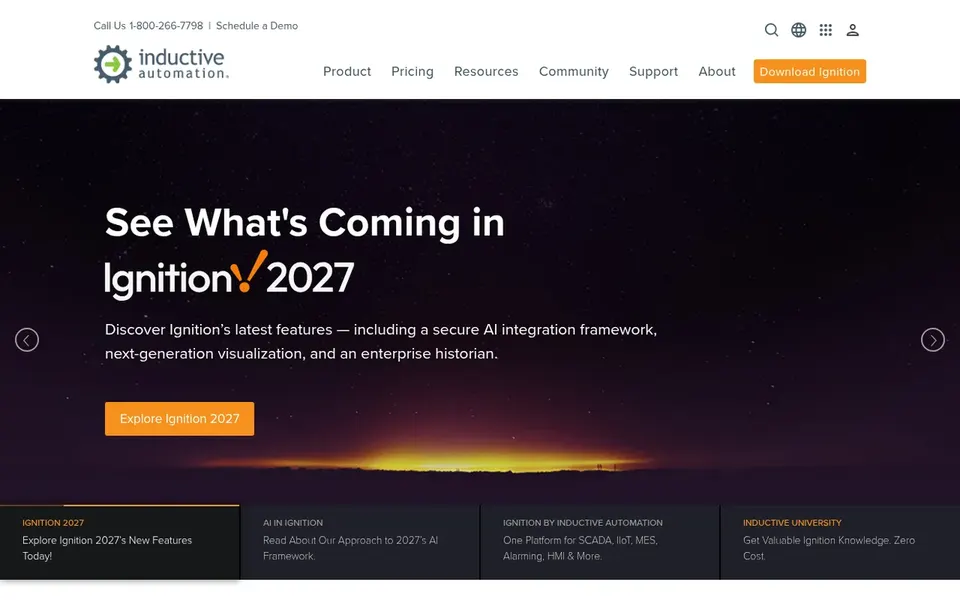
Ignition is aimed squarely at universal automation platform. Ignition by Inductive Automation is a SCADA software that serves as a universal product for industrial automation needs. It is built to link disparate systems and offer a unified view of operations.
Downsides: May need training for full use.
If you need a more straightforward, out-of-the-box option, consider VTScada or zenon. From a buyer's view, Whereas Ignition is feature-rich, it may need extra modules for advanced historian functionality. Its wide feature set might be overwhelming for small-scale operations. This comparison lists no price for Ignition; ask the vendor. Free access: Not stated.
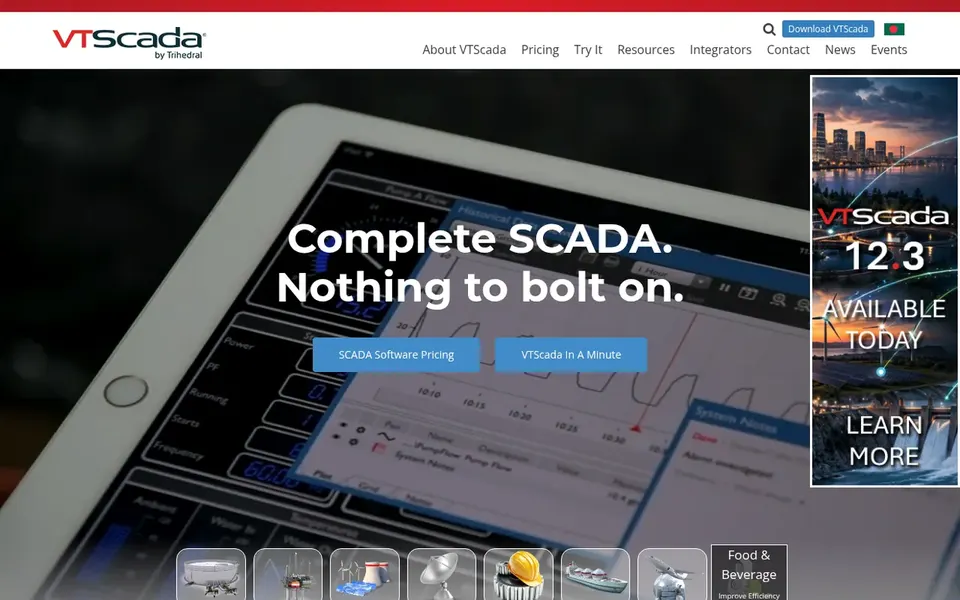
VTScada serves all-in-one SCADA system. VTScada by Trihedral is a SCADA system that bundles drivers, historian, alarming, redundancy, and more as standard. It is meant to supply a complete option without the need for extra modules.
This makes it a solid fit for organizations that want a single-vendor, all-in-one approach to SCADA. Worth adding: the all-in-one nature of VTScada means it may be less flexible for highly customized setups. Pricing for VTScada is not stated here, so ask the vendor for current figures. Free options: Not stated.
What to check first: Restricted customization compared with modular systems.
Confirm the entry price with every vendor: no tool from Siemens SIMATIC WinCC to VTScada shows a fixed starting price.
Before choosing Siemens SIMATIC WinCC, weigh its main limit: tied to Siemens ecosystem.
Look at the help docs and support options for Siemens SIMATIC WinCC before you commit.
Test the integrations you rely on with Schneider Electric EcoStruxure before committing; some connectors sit on upper tiers.
Pick one real project and run it in AVEVA Edge first; a small pilot shows fit faster than a checklist.
How we picked
Ainotely looked at what each vendor publishes: pricing, plan limits, feature coverage for supervisory control and data acquisition software and stated drawbacks. No hands-on testing is claimed. Figures are shown as the vendors publish them. Billing terms, seat minimums and add-ons can change the real cost. The ranking is editorial: typical fit first, then clear pricing, then free access. If your needs are unusual, read the profiles rather than relying on position.
Every price and plan detail on this page comes from the vendors’ own websites. We did not run hands-on tests unless the text says so, and we do not publish star ratings or review scores. See how we score and our disclosure.
Keep your shortlist in one place
Paste prices, trial dates and notes from this guide into Ainotely, our AI note app. It files them into a topic and pulls out tasks like “cancel trial by Friday”. Free 7-day trial, no card needed.
What should I consider when choosing SCADA software?
Consider your hardware environment, required features, scalability, and budget. Also think about vendor support and training. If you are tied to a specific automation vendor, their SCADA offering may integrate best, but open systems like Ignition offer adaptability.
Is Siemens SIMATIC WinCC the right pick for everyone comparing supervisory control and data acquisition software?
No single tool suits every team. Siemens SIMATIC WinCC comes first because it fits Siemens automation environments, while zenon suits digital transformation projects and AVEVA Edge suits industrial software ecosystem. Match the tool to your own size, budget and workflow before deciding.
Can I try these options before paying?
Not by default. None of the tools, from Siemens SIMATIC WinCC to VTScada, lists a free plan or a free trial here, so ask each vendor for a demo before committing.
Which SCADA software is a good match for small businesses?
Start with Siemens SIMATIC WinCC if you need Siemens automation environments. zenon is the better match for digital transformation projects, and AVEVA Edge for industrial software ecosystem. The best choice depends on budget, team size and workflow.
What is SCADA software?
It collects data from sensors and equipment, supplies live visualization, and lets operators to run operations. It is essential for industries like manufacturing, energy, and utilities.
Does any tool for supervisory control and data acquisition software here have a free plan?
A permanent free plan is not offered by Siemens SIMATIC WinCC, VTScada or the other tools here. Plan a short evaluation period instead.