This list puts Microsoft Teams first for freelancers embedded in client teams. Listed starting prices: Riverside from $24 per month. For a different need, GoTo Meeting covers straightforward web conferencing and Zoom Workplace covers all-around client meetings and chat. The other 2 tools in the list cover narrower or pricier cases.
Ainotely put together this guide to video conferencing software for freelancers for readers who want a clear shortlist without reading every vendor page. It compares 5 tools on starting price, free plans, who each one suits and where each one falls short.
Key takeaways
Microsoft Teams takes the first slot, best suited to freelancers embedded in client teams.
A free plan is available from 2 of the 5 tools: Cisco Webex, Riverside.
Riverside is the lowest-priced starter here at $24 per month.
What to know about Microsoft Teams first: interface can feel complicated for solo use.
Riverside fits recorded interviews and video content.
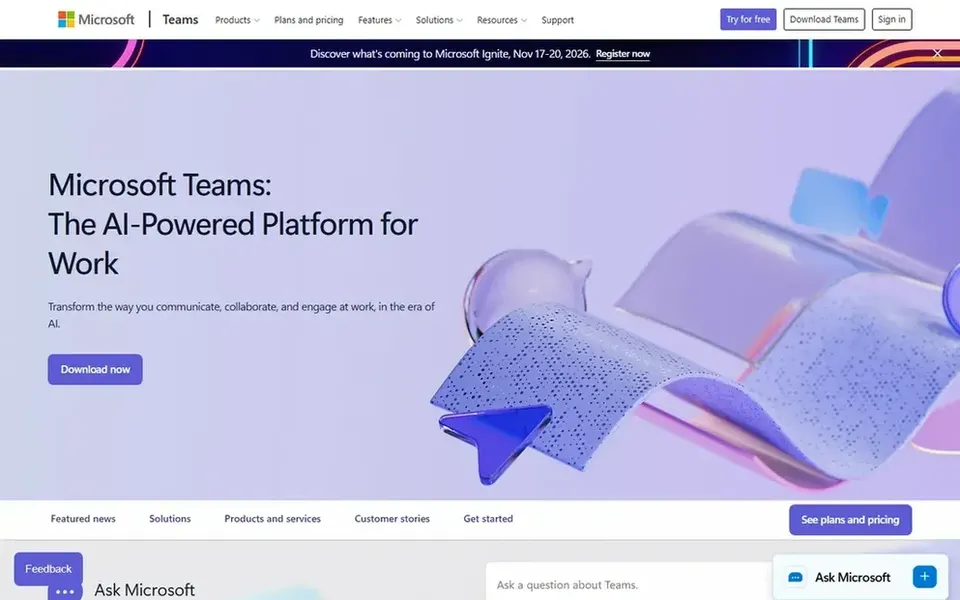
Microsoft Teams was built for freelancers embedded in client teams. Microsoft Teams is a collaboration hub where meetings, calling, chat and files stay available in one place meant to keep work organized. From a buyer's view, guests may face additional steps joining from outside an organization.
Strengths: Chat.
Watch-outs: Interface can feel complicated for solo use. For everyday use, freelancers who work alongside client organizations commonly find themselves invited into Teams, so knowing it well helps. Choose it when your clients already run on Teams and you want to work inside their space. No starting price is listed for Microsoft Teams here; confirm pricing on the vendor site. Trial and free access: Not stated.
GoTo Meeting is a good fit for straightforward web conferencing. Because the focus stays on meetings, freelancers who want chat, phone and file collaboration in the same place may need extra tools. Pick GoTo Meeting when straightforward, dependable web conferencing is the priority and extras are not.
GoTo Meeting is web conferencing and online meeting software built around the virtual meeting features a business needs. For freelancers it gives you a clear, meeting-first experience without the wider collaboration stack some rivals push. GoTo Meeting shows no starting price here, so confirm the cost on the vendor site. Free access: Not stated.
Downsides: Less emphasis on chat and phone bundles.
Zoom Workplace targets all-around client meetings and chat. For freelancers it works as a single hub for client calls, fast messages and occasional presentations.
Limits to weigh: Numerous features can feel busy for solo work.
Also, pick Zoom Workplace when client familiarity and an all-in-one workspace matter most. Worth adding: the breadth of features goes beyond what plenty of solo workers need, and the full product can feel heavy if you only host straightforward calls. Zoom Workplace shows no starting price here, so confirm the cost on the vendor site. Trial and free access: Not stated.
Best features of Zoom Workplace: Webinars and whiteboard for client work.
Cisco Webex works best for AI-assisted meetings and devices. Webex is built with bigger organizations in mind, so some capabilities may go unused by a solo worker.
Where it is weaker: Can be more than a solo freelancer needs.
Cisco Webex is an AI-powered collaboration system that also spans customer experience, devices and system options. This comparison lists no price for Cisco Webex; ask the vendor. Cisco Webex has a free plan.
Riverside targets recorded interviews and video content. Freelancers who produce interviews, courses or client video content get recording and editing in one place. Worth adding: choose Riverside when the output is refined audio or video and post-production matters.
Worth adding: Riverside is an online studio for high-quality podcast and video recording and editing, powered by AI and designed for human conversations. On top of that, Riverside is designed around recording and production. So it is not the natural home for routine client check-ins or team chat. Riverside pricing: $24 per month. You can start on Riverside without paying.
Get a written quote from Microsoft Teams, GoTo Meeting, Zoom Workplace and Cisco Webex; the list shows no starting price for them.
Read the fine print on the free plans from Cisco Webex and Riverside; seat, project and feature caps differ.
Before choosing Microsoft Teams, weigh its main limit: interface can feel complicated for solo use.
Price Zoom Workplace for your actual team size; headline prices rarely include add-ons or overage.
Look at the renewal terms for Riverside: auto-renewal, notice periods and price changes can matter more than the first-year price.
How we picked
Ainotely used vendor pricing pages and product documentation as the base, then compared plans, free access and documented limits for 5 tools. Where a price is missing, the vendor does not list one publicly or ties it to a quote. Always confirm before budgeting. We ordered the tools by general fit, then by how clearly pricing is shown, then by free access. A buyer with unusual needs may reorder them. This applies to all 5 video Conferencing software for freelancers options compared here.
Every price and plan detail on this page comes from the vendors’ own websites. We did not run hands-on tests unless the text says so, and we do not publish star ratings or review scores. See how we score and our disclosure.
Keep your shortlist in one place
Paste prices, trial dates and notes from this guide into Ainotely, our AI note app. It files them into a topic and pulls out tasks like “cancel trial by Friday”. Free 7-day trial, no card needed.
Which options for video conferencing software for freelancers have a free plan?
Cisco Webex and Riverside offer a free plan in this list. Free plans usually cap users, projects or features, so check the limits on the vendor page.
What is the cheapest option for video conferencing software for freelancers in this list?
On published monthly entry prices, Riverside is the lowest here at $24 per month. Entry price is only part of the cost, because seats, add-ons and billing terms can change the total. Each of the 5 options in this video Conferencing software for freelancers guide has its own card above with the price, free plan and limits.
Do these tools publish their prices?
Not all of them. Microsoft Teams, GoTo Meeting, Zoom Workplace and Cisco Webex publish no starting price, so expect a quote request for those. The rest, Riverside included, show a starting price, though seats and billing terms still change the final cost.
Is Microsoft Teams the right pick for everyone comparing video conferencing software for freelancers?
No single tool suits every team. Microsoft Teams comes first because it fits freelancers embedded in client teams, while GoTo Meeting suits straightforward web conferencing and Zoom Workplace suits all-around client meetings and chat. Match the tool to your own size, budget and workflow before deciding.
What should content creators look for in conferencing software?
Freelancers who record interviews or produce video should prioritize recording quality and editing. Routine meeting tools are better for everyday client check-ins than for refined content output.
Which video conferencing tool is a good match for a freelancer meeting clients?
Start with Microsoft Teams if you need freelancers embedded in client teams. GoTo Meeting is the better match for straightforward web conferencing, and Zoom Workplace for all-around client meetings and chat. The best choice depends on budget, team size and workflow.