Adobe Connect comes first here, mainly for training and webinar delivery. Microsoft Teams fits contractors standardized on Microsoft 365; Zoom Workplace fits all-in-one collaboration for contractor teams. Prices, free plans and limits for all 5 tools follow.
Choosing video conferencing software for government contractors usually comes down to price, fit and limits. This Ainotely guide sets 5 tools side by side on those three points, with the facts kept short and checkable.
Key takeaways
Top of the list is Adobe Connect, which targets training and webinar delivery.
One limit worth knowing about Adobe Connect: not positioned as a general meeting suite.
Cisco Webex fits AI-assisted collaboration with device choices.
Just one of the 5 tools, Cisco Webex, has a free plan.
Adobe Connect is built with training and webinar delivery in mind. Adobe Connect is positioned for training and webinars, helping organizations deliver engaging sessions with audience engagement and presenter productivity features.
Check the vendor site for Adobe Connect pricing; none is listed in this comparison. On free options: Not stated.
Where it falls short: Not positioned as a general meeting suite.
Best for: Contractors standardized on Microsoft 365
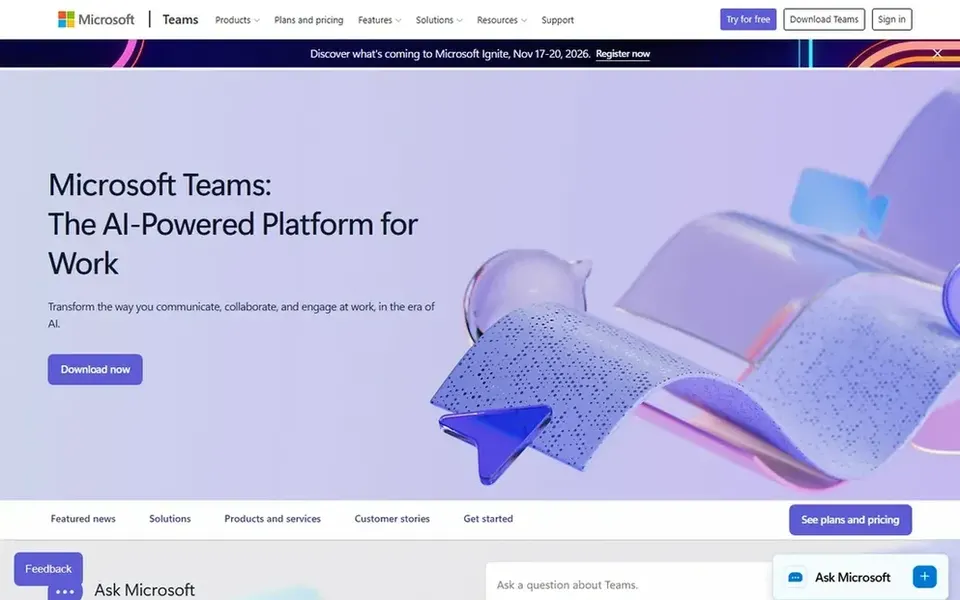
For contractors standardized on Microsoft 365, Microsoft Teams is a natural candidate. The product is meant to help people link naturally and bring ideas to life without switching between separate applications.
Where it falls short: Feature depth can overwhelm occasional users.
Also, contractors with mixed or non-Microsoft environments may prefer a standalone meeting tool. This comparison lists no price for Microsoft Teams; ask the vendor. Free options: Not stated.
Best for: All-in-one collaboration for contractor teams
For all-in-one collaboration for contractor teams, Zoom Workplace is a natural candidate. Contractors who want a single vendor for internal standups, client briefings and outreach can consolidate multiple tools into one workspace.
What to check first: Numerous features may overlap with existing tools.
Organizations already deeply invested in another ecosystem may find overlapping capabilities. In daily use, consider a narrower or more controlled system if your contracting workflow demands strict deployment boundaries. No starting price is listed for Zoom Workplace here; confirm pricing on the vendor site. On free options: Not stated.
In short, GoTo Meeting is for straightforward web conferencing. GoTo Meeting is a web conferencing system built around the virtual meeting features companies need.
More specifically, contractors who chiefly host scheduled meetings with clients and internal teams can use it without adopting a full collaboration suite. As for the details, since GoTo Meeting concentrates on meetings, teams that also need persistent chat, telephony or webinar-scale events may need extra tools. This comparison lists no price for GoTo Meeting; ask the vendor. On free options: Not stated.
The main drawbacks: Fewer adjacent modules than bigger systems.
Best for: AI-assisted collaboration with device choices
Cisco Webex is designed for AI-assisted collaboration with device choices. Smaller contractors may not need the device and customer experience layers.
In daily use, government contractors that want a single vendor for conferencing software and room hardware can standardize on Webex across offices and meeting spaces. Check the vendor site for Cisco Webex pricing; none is listed in this comparison. You can start on Cisco Webex without paying.
Watch-outs: Product lineup is wide and can be complicated.
Confirm the entry price with every vendor: no tool from Adobe Connect to Cisco Webex shows a fixed starting price.
Test the free plan from Cisco Webex against your real workload before relying on it.
Before choosing Adobe Connect, weigh its main limit: not positioned as a general meeting suite.
Compare total cost, not headline price: for Adobe Connect, add extra seats, add-ons and any usage-based charges.
Ask GoTo Meeting how an export works before you move any records in; an easy exit lowers the risk.
How we picked
Selection started from tools commonly considered for video conferencing software for government contractors, then narrowed to 5 that have clear pricing information or a clear quote process. Figures are shown as the vendors publish them. Billing terms, seat minimums and add-ons can change the real cost. We ordered the tools by general fit, then by how clearly pricing is shown, then by free access. A buyer with unusual needs may reorder them.
Every price and plan detail on this page comes from the vendors’ own websites. We did not run hands-on tests unless the text says so, and we do not publish star ratings or review scores. See how we score and our disclosure.
Keep your shortlist in one place
Paste prices, trial dates and notes from this guide into Ainotely, our AI note app. It files them into a topic and pulls out tasks like “cancel trial by Friday”. Free 7-day trial, no card needed.
Which video conferencing tool is best for government contractors overall?
The first pick on this list is Adobe Connect, because it suits training and webinar delivery. Microsoft Teams is better for contractors standardized on Microsoft 365, and Zoom Workplace for all-in-one collaboration for contractor teams. Check price and limits against your own needs before choosing.
Is Adobe Connect the right pick for everyone comparing video conferencing software for government contractors?
No single tool suits every team. Adobe Connect comes first because it fits training and webinar delivery, while Microsoft Teams suits contractors standardized on Microsoft 365 and Zoom Workplace suits all-in-one collaboration for contractor teams. Match the tool to your own size, budget and workflow before deciding.
What should contractors check before choosing a tool?
Confirm meeting features, administrative controls, device support and fit with your existing software ecosystem. Verify current capabilities on the vendor site since offerings change.
Do these tools publish their prices?
No. None of the tools, from Adobe Connect to Cisco Webex, shows a fixed starting price here, so budget time for quotes.
Can I try these tools before paying?
Often, yes. Cisco Webex has a free plan. Use your own data and a real task during the test, and check what the free tier or trial limits before you rely on it. All 5 picks in this video Conferencing software for government contractors comparison show their pricing, free plan details and main limits on the cards above.
Which options for video conferencing software for government contractors have a free plan?
Cisco Webex is the only tool in this list with a free plan. Free plans usually cap users, projects or features, so check the limits on the vendor page. For the full picture, the cards above cover all 5 entries of this video Conferencing software for government contractors list, including price, free plan and limits.