Final Cut Pro is the first pick on this list for Mac and iPad users wanting refined results. Listed starting prices: Descript from $16 per person a month. CapCut is the stronger choice for fast, template-driven social media edits, while Adobe Premiere Pro suits aspiring pros who want industry-standard tools. All 5 tools are compared below on price, free plan and limits.
If you are comparing video podcast editing software for beginners, this page covers 5 tools in one place: what each is best for, what it costs to start, whether it has a free plan, and the main limit to know about.
Key takeaways
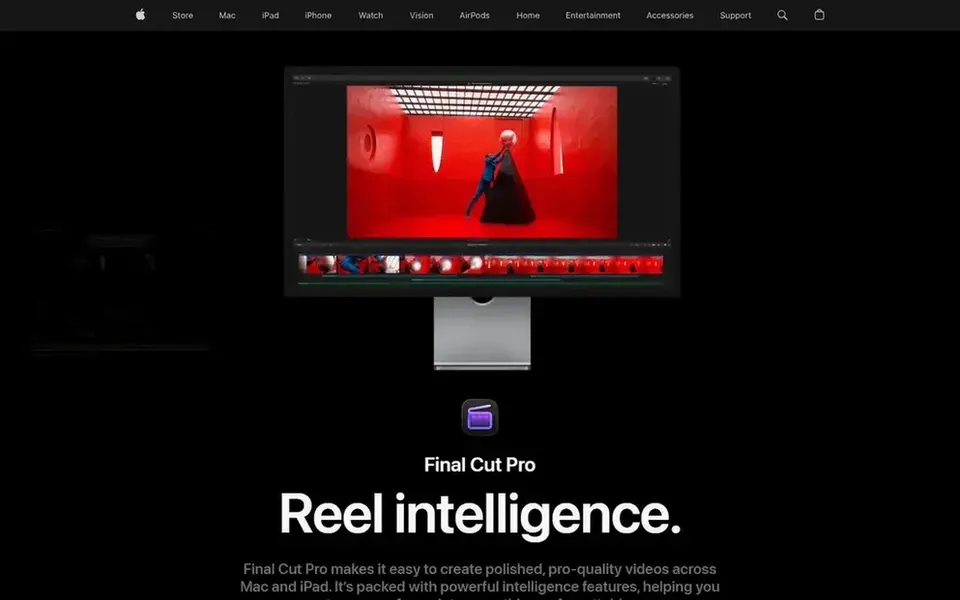
Final Cut Pro sits first on this list: Mac and iPad users wanting refined results.
Camtasia is the one to check for tutorial-style podcast episodes and demos.
The lowest published monthly entry price here is $16 per person per month, from Descript.
Only 2 of the 5 tools have a free plan (CapCut, Descript), so check the caps.
Best for: Mac and iPad users wanting refined results
In short, Final Cut Pro is for Mac and iPad users wanting refined results. It only runs on Apple hardware, so Windows users must look elsewhere.
Watch-outs: Magnetic timeline needs adjustment.
Beyond that, the magnetic timeline, whereas efficient, can feel unfamiliar at first. Final Cut Pro does not show a starting price in this comparison, so check the vendor site for current pricing. Free access: Not stated.
Best for: Fast, template-driven social media edits
CapCut is aimed squarely at quick, template-driven social media edits. CapCut is an AI video editor for YouTube and Instagram videos, offering smart templates and creative effects. It runs on desktop, mobile, and online.
Strengths: Desktop, mobile.
Beyond that, beginners who want to turn podcast clips into shareable social content rapidly will appreciate its guided, template-first approach and accessible interface. CapCut centres on speed and style over deep control, so complicated multi-cam podcast edits may feel restricted. This comparison lists no price for CapCut; ask the vendor. CapCut offers a free plan.
Best for: Aspiring pros who want industry-standard tools
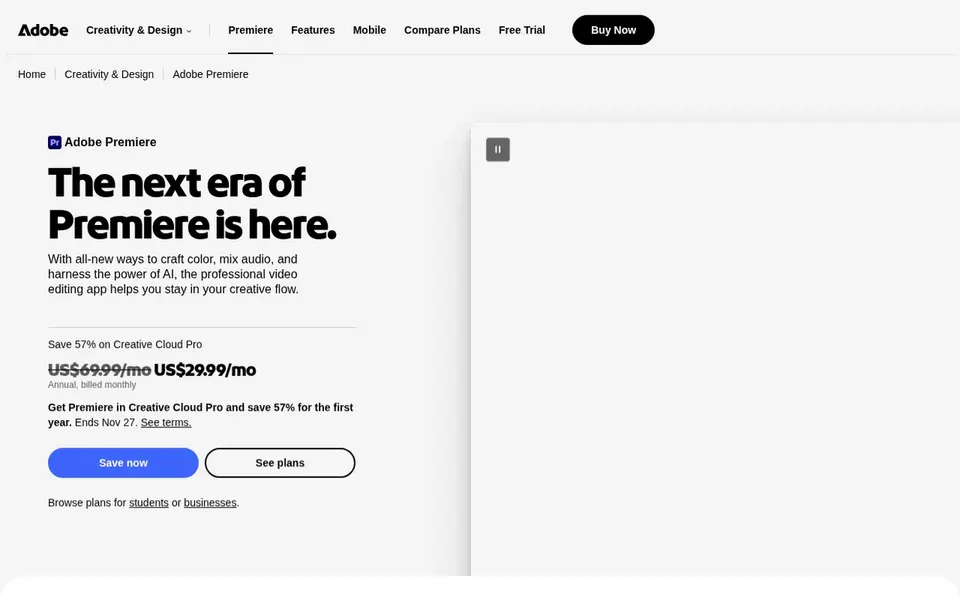
Where Adobe Premiere Pro fits: aspiring pros who want industry-standard tools. Adobe Premiere Pro is professional video editing software for trimming, adding effects, mixing audio, and more. In daily use, the interface is deep, so expect time to learn the basics before editing a full podcast episode.
Its complexity can overwhelm absolute beginners, and it demands a capable machine for smooth playback. As for the details, if you want to edit a podcast today with minimal learning, a more straightforward tool like Descript or CapCut may be a better starting point. No starting price is listed for Adobe Premiere Pro here; confirm pricing on the vendor site. Free access: Not stated.
Best for: Text-based editing of podcast conversations
Descript was built for text-based editing of podcast conversations. Descript is an AI video and audio editor that makes editing as simple as editing text.
On top of that, the text-based approach can feel strange to editors used to timelines, and complicated visual effects are not its focus. Descript starts at: $16 per person per month. Descript has a free plan.
Best for: Tutorial-style podcast episodes and demos
Camtasia is built with tutorial-style podcast episodes and demos in mind. Camtasia merges a screen recorder and video editor for creating tutorials, training videos, and software demos.
Limits to weigh: Not optimized for cinematic podcast footage.
Beginners producing explainer-style or screen-share podcast episodes will find its straightforward workflow useful, particularly when the content depends on on-screen visuals instead of complicated camera setups. No starting price is listed for Camtasia here; confirm pricing on the vendor site. Trial and free access: Not stated.
Ask Final Cut Pro, CapCut, Adobe Premiere Pro and Camtasia for a written quote, since no starting price is shown.
Look at free plan limits closely: CapCut and Descript have one, and the caps decide whether it is usable for real work.
Read the limits listed for Final Cut Pro first: Mac-only ecosystem.
Confirm you can export your data from Camtasia, so leaving later does not mean losing records.
Read the plan comparison for Final Cut Pro carefully; key features often start on a higher tier.
How we picked
Selection started from tools commonly considered for video podcast editing software for beginners, then narrowed to 5 that have clear pricing information or a clear quote process. Where a price is missing, the vendor does not list one publicly or ties it to a quote. Always confirm before budgeting. The order reflects how well each tool fits the most common buying scenario for video podcast editing software for beginners, then price clarity, then free plan access. It is a starting point, not a verdict.
Every price and plan detail on this page comes from the vendors’ own websites. We did not run hands-on tests unless the text says so, and we do not publish star ratings or review scores. See how we score and our disclosure.
Keep your shortlist in one place
Paste prices, trial dates and notes from this guide into Ainotely, our AI note app. It files them into a topic and pulls out tasks like “cancel trial by Friday”. Free 7-day trial, no card needed.
Is Final Cut Pro the right pick for everyone comparing video podcast editing software for beginners?
No single tool suits every team. Final Cut Pro comes first because it fits Mac and iPad users wanting polished results, while CapCut suits quick, template-driven social media edits and Adobe Premiere Pro suits aspiring pros who want industry-standard tools. Match the tool to your own size, budget and workflow before deciding.
Can I try these tools before paying?
Often, yes. CapCut and Descript have a free plan. Use your own data and a real task during the test, and check what the free tier or trial limits before you rely on it.
Which options for video podcast editing software for beginners have a free plan?
CapCut and Descript offer a free plan in this list. Free plans usually cap users, projects or features, so check the limits on the vendor page.
What is the cheapest option for video podcast editing software for beginners in this list?
On published monthly entry prices, Descript is the lowest here at $16 per person per month. Entry price is only part of the cost, because seats, add-ons and billing terms can change the total. The 5 tool cards above repeat this per product for video Podcast editing software for beginners, with the listed price or "pricing on request".