Camtasia comes first here, mainly for editing refined demo recordings. Listed starting prices: Loom from $18 per user per month. Loom is the stronger choice for fast recorded demo walkthroughs, while Zoom suits live interactive sales demos. Details, prices and limits for the rest of the 5 tools are below.
Choosing video software for sales demos usually comes down to price, fit and limits. This Ainotely guide sets 5 tools side by side on those three points, with the facts kept short and checkable.
Key takeaways
Camtasia sits first on this list: editing refined demo recordings.
A free plan is available from 3 of the 5 tools: Loom, Vidyard, Vimeo.
Loom has the lowest monthly starting price in this list: $18 per user per month.
Loom comes with a trade-off: less suited to live two-way demos.
Camtasia makes the most sense for editing refined demo recordings. Camtasia from Techsmith combines a screen recorder with a video editor, positioned for tutorials, training videos and software demos. Camtasia involves an editing workflow, so it rewards users who will invest time in production and may slow down reps who just want to hit record and send.
Points against: Overkill for fast informal clips.
It also does not replace a live meeting product. Beyond that, pick it when demo quality and reuse matter more than speed. From a buyer's view, for sales teams, that means capturing a product walkthrough and then trimming, arranging and polishing it into a clean demo. Pricing for Camtasia is not stated here, so ask the vendor for current figures. On free options: Not stated.
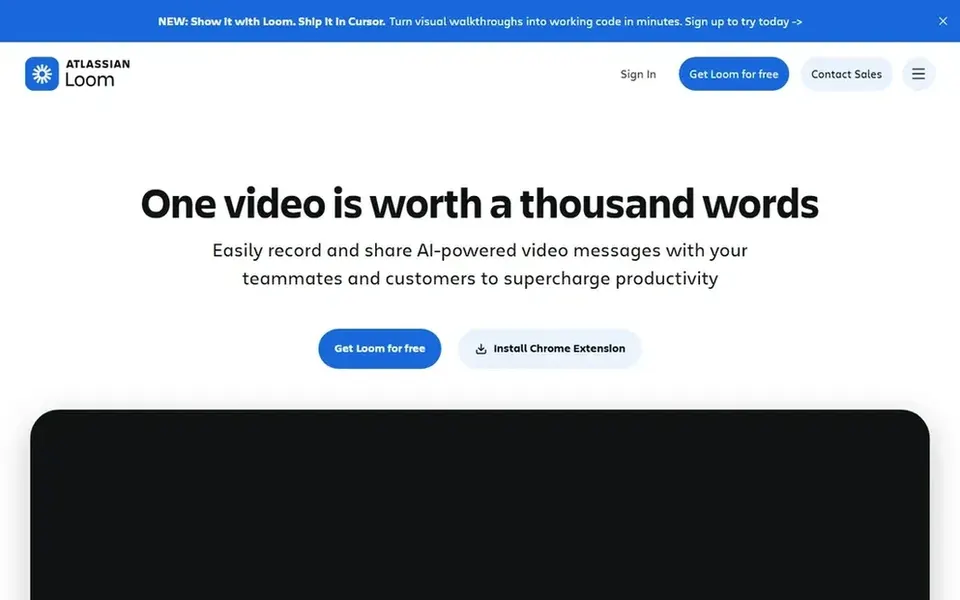
Loom is built with fast recorded demo walkthroughs in mind. It performs well for personalized follow-ups and for explaining a feature without a meeting.
Honest limits: Editing is lighter than full production suites.
More specifically, heavier editing, effects or multi-track production are better handled elsewhere. What you pay to start with Loom: $18 per user per month. A free plan is available with Loom.
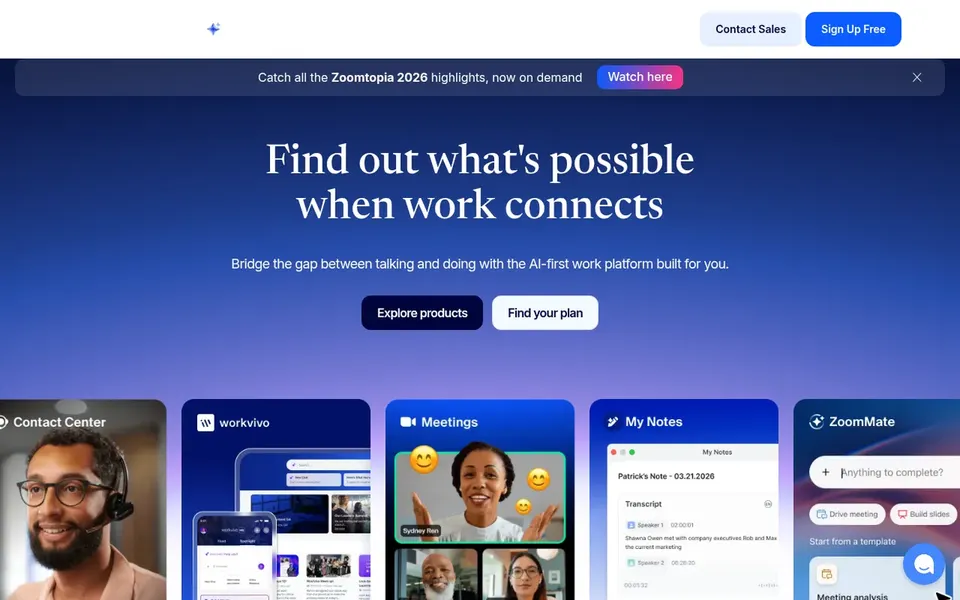
In short, Zoom is for live interactive sales demos. Choose Zoom when the demo is a conversation and live audience interaction matters most.
Since Zoom is designed for live connection instead of editing, recorded demos may need a separate tool for trimming, captions or branding. This comparison lists no price for Zoom; ask the vendor. Free plan details: Not stated.
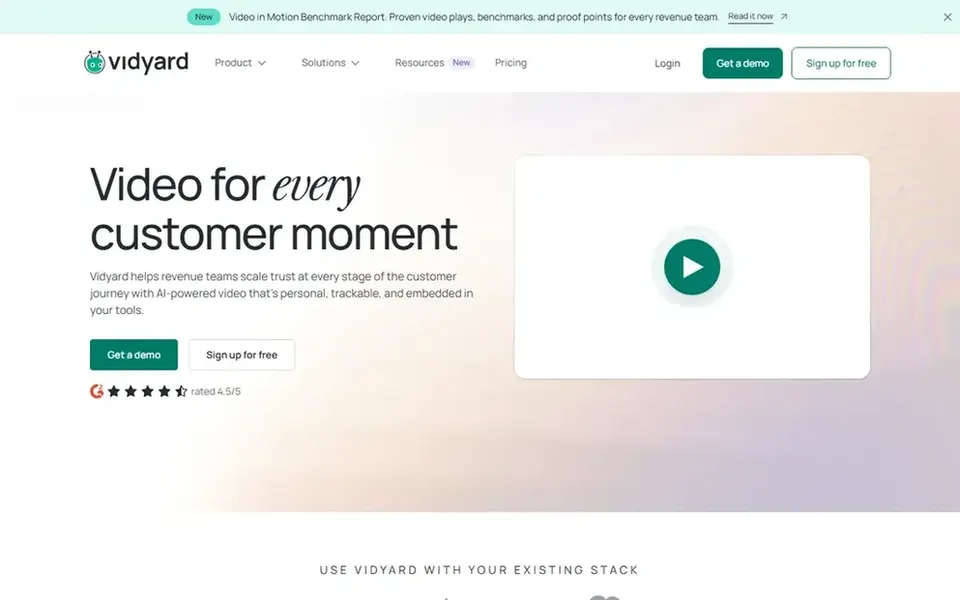
Vidyard makes the most sense for video for virtual sales teams. For casual one-off clips, a simpler recorder may be enough. As for the details, since Vidyard is a business video platform, teams wanting only an entry-level screen recorder may find it broader than needed, and live meeting hosting is not its core focus.
For everyday use, Vidyard is an online video system for business, described as helping teams increase leads, accelerate pipeline and serve customers. In daily use, consider it when video is a structured part of sales outreach. No starting price is listed for Vidyard here; confirm pricing on the vendor site. Vidyard offers a free plan.
Where it is weaker: May overlap with more straightforward recorders.
Vimeo makes the most sense for hosting and sharing demo videos. Vimeo is a video product for watching and sharing films, shorts, documentaries and more in HD without ads. In practice, Vimeo is not a screen recorder, meeting system or editor, so recording and production happen in other tools.
Limits to weigh: Not a screen recorder or meeting tool.
Its public-facing site is oriented toward discovery and viewing instead of private sales conversations. More specifically, choose it for hosting and playback, not for capturing the demo itself. No starting price is listed for Vimeo here; confirm pricing on the vendor site. Vimeo includes a free tier.
Confirm the entry price on the vendor page. For Camtasia, Zoom, Vidyard and Vimeo that means a quote rather than a fixed price.
Check what the free option really includes: Loom, Vidyard and Vimeo offer a free plan, and usage caps differ.
Read the limits listed for Camtasia first: editing workflow takes time to learn.
Make sure Zoom lets you export your data in a format another tool can read.
Run a one or two week pilot of Camtasia with the people who will use it every day.
How we picked
Ainotely looked at what each vendor publishes: pricing, plan limits, feature coverage for video software for sales demos and stated drawbacks. No hands-on testing is claimed. Where a vendor does not publish a price, the entry says quote. Where a price depends on seats or billing term, the entry says so. We ordered the tools by general fit, then by how clearly pricing is shown, then by free access. A buyer with unusual needs may reorder them.
Every price and plan detail on this page comes from the vendors’ own websites. We did not run hands-on tests unless the text says so, and we do not publish star ratings or review scores. See how we score and our disclosure.
Keep your shortlist in one place
Paste prices, trial dates and notes from this guide into Ainotely, our AI note app. It files them into a topic and pulls out tasks like “cancel trial by Friday”. Free 7-day trial, no card needed.
How are the tools for video software for sales demos ordered?
The order follows typical fit for video software for sales demos, with Camtasia first and Vimeo last, then price clarity and free access. It is editorial judgement, not a score, so another team could rank the tools differently.
Is Camtasia the right pick for everyone comparing video software for sales demos?
No single tool suits every team. Camtasia comes first because it fits editing polished demo recordings, while Loom suits quick recorded demo walkthroughs and Zoom suits live interactive sales demos. Match the tool to your own size, budget and workflow before deciding.
What is the best video software for live sales demos?
Camtasia comes first here and is built for editing refined demo recordings. Buyers with other needs may prefer Loom (for fast recorded demo walkthroughs) or Zoom (for live interactive sales demos). Compare costs and limits first.
Do these tools publish their prices?
Not all of them. Camtasia, Zoom, Vidyard and Vimeo publish no starting price, so expect a quote request for those. The rest, Loom included, show a starting price, though seats and billing terms still change the final cost.
What is the cheapest option for video software for sales demos in this list?
On published monthly entry prices, Loom is the lowest here at $18 per user per month. Entry price is only part of the cost, because seats, add-ons and billing terms can change the total. For the full picture, the cards above cover all 5 entries of this video software for sales demos list, including price, free plan and limits.