Google Cloud Armor comes first here, mainly for DDoS and WAF protection on Google Cloud. Listed starting prices: Cloudflare Web Application Firewall from $7 a month. AWS WAF is the stronger choice for AWS-native managed cloud WAF, while Akamai App & API Protector suits complex distributed architectures and API security. The full list of 6 tools follows, with prices and free plan facts.
Choosing web application protection platforms usually comes down to price, fit and limits. This Ainotely guide sets 6 tools side by side on those three points, with the facts kept short and checkable.
Key takeaways
This list starts with Google Cloud Armor, which is built for DDoS and WAF protection on Google Cloud.
For the cheapest start, look at Cloudflare Web Application Firewall: $7 per month.
One limit worth knowing about AWS WAF: a good match for AWS-hosted applications.
For adaptable deployment across cloud and on-prem, Imperva Web Application Firewall is worth a look.
Choose Google Cloud Armor for DDoS and WAF protection on Google Cloud. Google Cloud Armor is a network security service that gives you defenses against DDoS and application attacks, and provides a rich set of WAF rules. It is well-suited for organizations running applications on Google Cloud Platform, offering smooth integration and centralized policy management.
On top of that, users need familiarity with Google Cloud's networking and security concepts. Also, Cloud Armor is tightly coupled with Google Cloud, so it may not be well suited to multi-cloud or on-premises deployments. No starting price is listed for Google Cloud Armor here; confirm pricing on the vendor site. Free options: Not stated.
Where it is weaker: Restricted to Google Cloud environments.
AWS WAF is designed for AWS-native managed cloud WAF. AWS WAF is most effective for applications hosted on AWS; using it with other clouds or on-premises may add complexity.
For multi-cloud environments, consider vendor-agnostic products like Cloudflare or Imperva. Pricing for AWS WAF is not stated here, so ask the vendor for current figures. Free access: Not stated.
Best features of AWS WAF: layer 7 attacks. Downsides: Most useful for AWS-hosted applications.
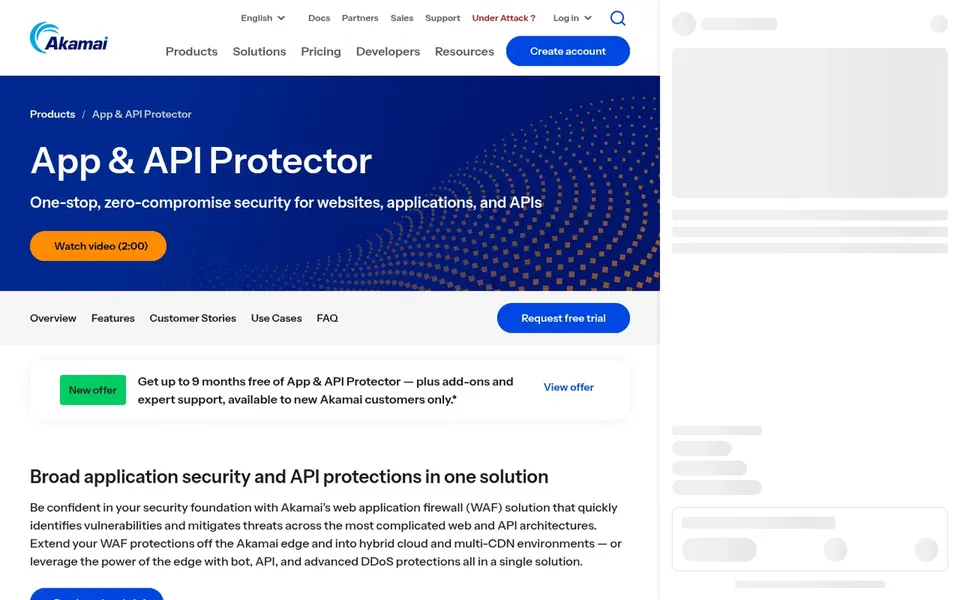
Best for: Complicated distributed architectures and API security
Think of Akamai App & API Protector for complicated distributed architectures and API security. It suits large enterprises with diverse environments that need solid API protection and global scale, using Akamai's broad edge network.
Check the vendor site for Akamai App & API Protector pricing; none is listed in this comparison. Free plan details: Not stated.
Where it falls short: May be complicated to configure.
Azure Web Application Firewall makes the most sense for Azure-integrated application protection. Azure Web Application Firewall helps protect web apps from typical web-hacking techniques like SQL injection and cross-site scripting. It is a natural choice for organizations running applications on Azure, offering centralized security management and integration with Azure Front Door and Application Gateway.
From a buyer's view, Azure WAF is primarily made for Azure-hosted applications. So it may not be the best fit for multi-cloud or on-premises estates. For everyday use, for broader coverage, consider products that support several environments. Azure Web Application Firewall does not show a starting price in this comparison, so check the vendor site for current pricing. On free options: Not stated.
Points against: Custom rule creation may need expertise.
Best for: Edge-based protection with minimal performance impact
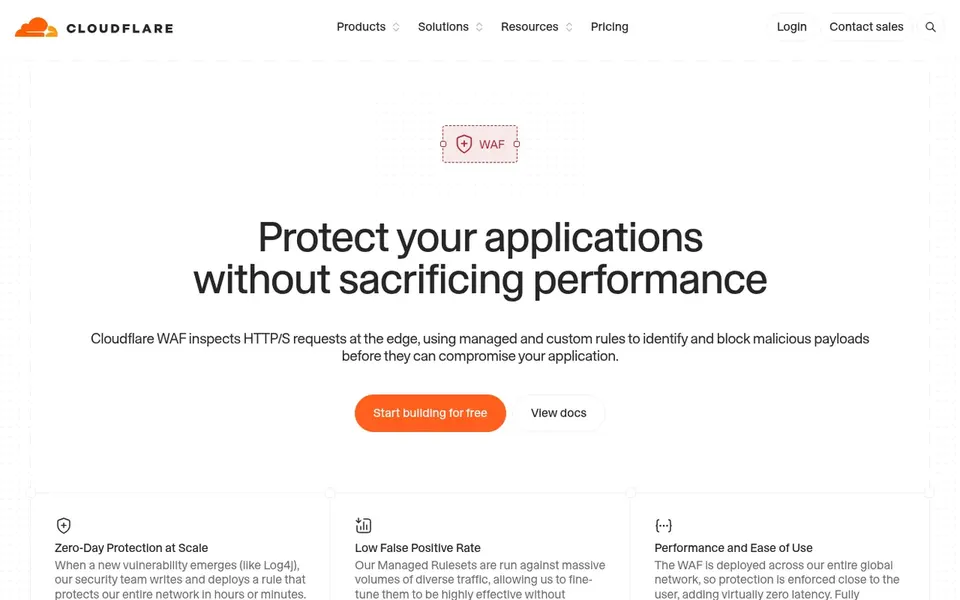
Where Cloudflare Web Application Firewall fits: edge-based protection with minimal performance impact. Cloudflare Web Application Firewall is an edge-based option that guards applications without sacrificing performance. For everyday use, the platform is a strong match for companies that want to offload security to the edge and cut origin load.
That said, Cloudflare WAF is tightly integrated with Cloudflare's network, so organizations not using Cloudflare's CDN or DNS may face extra setup complexity. It may also lack some granular controls found in on-premises appliances. Beyond that, consider alternatives if you need deep customization or full on-premises deployment. Cloudflare Web Application Firewall starts at: $7 per month. You can start on Cloudflare Web Application Firewall without paying.
Trade-offs to know: May need Cloudflare network integration.
Best for: Adaptable deployment across cloud and on-prem
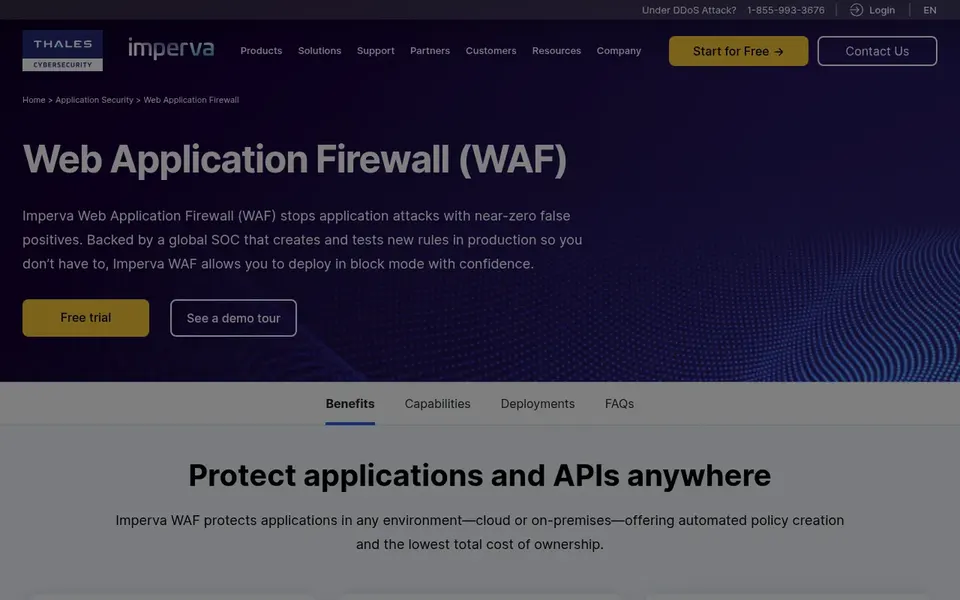
Imperva Web Application Firewall was built for adaptable deployment across cloud and on-prem. It is a solid fit for organizations with hybrid infrastructures that require consistent security policies and a trusted WAF option.
Where it falls short: Needs sizing for on-prem appliances.
Imperva Web Application Firewall shows no starting price here, so confirm the cost on the vendor site. As for free access: Not stated.
Ask Google Cloud Armor, AWS WAF, Akamai App & API Protector and others for a written quote, since no starting price is shown.
Look at the free plan from Cloudflare Web Application Firewall closely: its caps decide whether it is usable for real work.
Read the limits listed for Google Cloud Armor first: limited to Google Cloud environments.
Ask Imperva Web Application Firewall whether prices are locked for the first term and what happens at renewal.
Test the integrations you rely on with Azure Web Application Firewall before committing; some connectors sit on upper tiers.
How we picked
We compared the tools on published pricing, free plan or trial availability, feature coverage for web application protection platforms, and the limits each vendor documents. Treat prices as a snapshot: vendors change plans often, so check the vendor site for the figure that applies today. Tools are placed by general fit for web application protection platforms, with price clarity and free access as tie-breakers. A different team can reasonably rank them differently.
Every price and plan detail on this page comes from the vendors’ own websites. We did not run hands-on tests unless the text says so, and we do not publish star ratings or review scores. See how we score and our disclosure.
Keep your shortlist in one place
Paste prices, trial dates and notes from this guide into Ainotely, our AI note app. It files them into a topic and pulls out tasks like “cancel trial by Friday”. Free 7-day trial, no card needed.
Is Google Cloud Armor the right pick for everyone comparing web application protection platforms?
No single tool suits every team. Google Cloud Armor comes first because it fits DDoS and WAF protection on Google Cloud, while AWS WAF suits AWS-native managed cloud WAF and Akamai App & API Protector suits complex distributed architectures and API security. Match the tool to your own size, budget and workflow before deciding.
Which options for web application protection platforms have a free plan?
Cloudflare Web Application Firewall is the only tool in this list with a free plan. Free plans usually cap users, projects or features, so check the limits on the vendor page.
Can I try these options before paying?
Often, yes. Cloudflare Web Application Firewall has a free plan. Use your own data and a real task during the test, and check what the free tier or trial limits before you rely on it.
What is a web application firewall (WAF)?
A WAF is a security option that watches, filters, and blocks HTTP traffic to and from a web application. It helps protect against threats like SQL injection, cross-site scripting, and bot attacks by enforcing security policies.
How are the tools for web application protection platforms ordered?
The order follows typical fit for web application protection platforms, with Google Cloud Armor first and Imperva Web Application Firewall last, then price clarity and free access. It is editorial judgement, not a score, so another team could rank the tools differently.