Our first pick is Webex Webinars, best for enterprise collaboration and device ecosystems. Listed starting prices: Livestorm from €2.50 per attendee. Adobe Connect is better for training sessions and structured webinars, and GoTo Webinar is better for virtual conferences and audience engagement. The full list of 6 tools follows, with prices and free plan facts.
Ainotely compared 6 tools for webinar software with CRM integration. The goal is a practical shortlist: published prices, free plan facts, best-fit use cases and honest limits for every entry.
Key takeaways
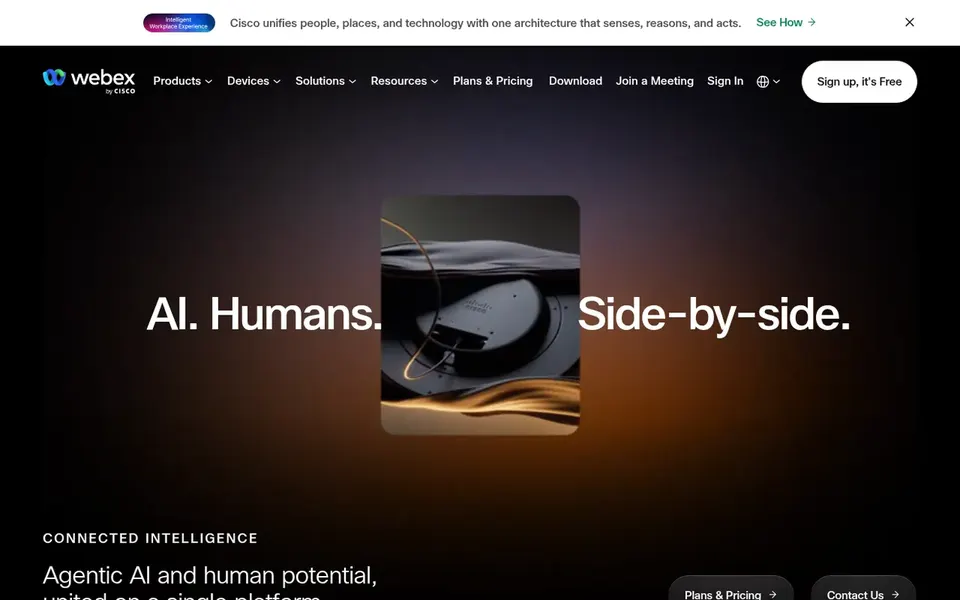
Webex Webinars takes the first slot, best suited to enterprise collaboration and device ecosystems.
For Webex Webinars, Adobe Connect, GoTo Webinar and others, you have to request a quote because no starting price is shown.
Livestorm fits marketing teams syncing data to CRM.
Only 2 of the 6 tools have a free plan (Webex Webinars, ClickMeeting), so check the caps.
A fair warning about Webex Webinars: large system can feel complicated for small teams.
Best for: Enterprise collaboration and device ecosystems
Choose Webex Webinars for enterprise collaboration and device ecosystems. Teams wanting a light, marketing-first webinar tool may prefer a more focused choice.
Where it shines: Part of Cisco's AI-powered collaboration product.
Where it is weaker: Webinar setup may need administrative support.
Pricing for Webex Webinars is not stated here, so ask the vendor for current figures. Webex Webinars has a free plan.
Best for: Training sessions and structured webinars
Adobe Connect serves training sessions and structured webinars. Adobe Connect is positioned for training and webinars, with an emphasis on audience engagement, presenter productivity and measurable business outcomes.
Watch-outs: Not positioned as a marketing automation hub.
From a buyer's view, confirm integration specifics with the vendor before committing. Adobe Connect shows no starting price here, so confirm the cost on the vendor site. Trial and free access: Not stated.
Best for: Virtual conferences and audience engagement
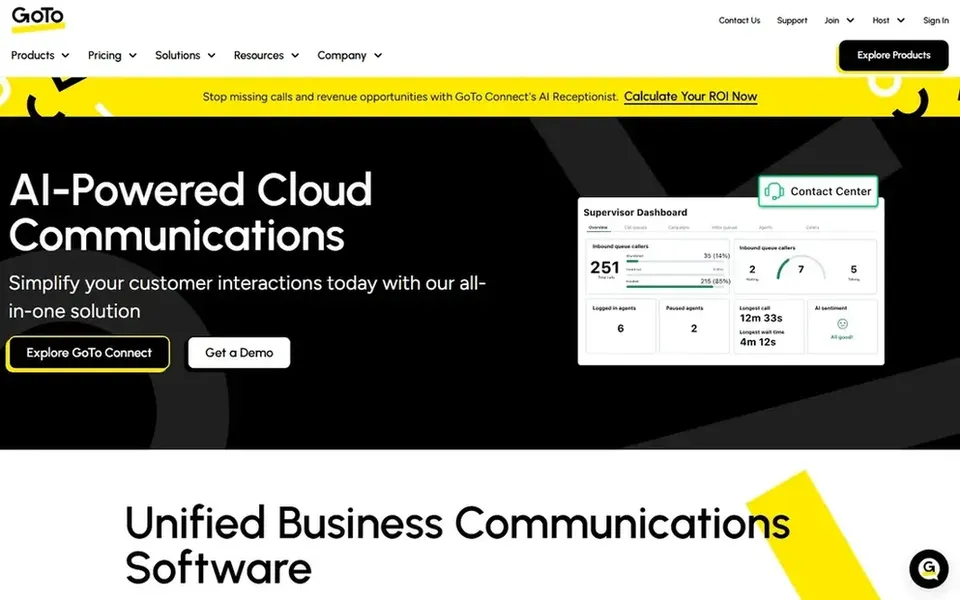
GoTo Webinar serves virtual conferences and audience engagement. GoTo Webinar is a dedicated webinar and virtual conference system built to help organizations engage audiences through scheduled events.
In practice, if you need webinars tightly woven into a broader collaboration stack with meetings, chat and phone, a suite approach may be more straightforward to administer. Beyond that, GoTo Webinar is the more solid fit when event delivery and audience engagement are the primary job. GoTo Webinar does not show a starting price in this comparison, so check the vendor site for current pricing. Trial and free access: Free trial.
Downsides: Integration depth varies by connected app.
Zoom Webinars makes the most sense for wide product with familiar workflows. Consider another choice if your priority is deep, marketing-specific event workflows instead of a single connected collaboration system. Zoom Webinars is part of a broader collaboration product that also spans video meetings, chat, VoIP phone, whiteboard, contact center and events.
Reasons to shortlist it: Webinars sit alongside meetings.
Points against: Webinar features are one part of a bigger suite.
For everyday use, for teams already running meetings on Zoom, adding webinars keeps presenters and attendees in a tool they know. The surrounding product set can support follow-up communication and support workflows. Pricing for Zoom Webinars is not stated here, so ask the vendor for current figures. Free plan details: Not stated.
Best for: Browser-based webinars with lead capture
Think of ClickMeeting for browser-based webinars with lead capture. It runs in your browser without an install, which lowers friction for presenters and guests.
Watch-outs: Less suited to very large conference formats.
It is positioned around keeping lead capture working long after a live session ends. No starting price is listed for ClickMeeting here; confirm pricing on the vendor site. ClickMeeting offers a free plan. Reasons to shortlist it: automatic and on-demand webinar formats.
Livestorm is designed for marketing teams syncing data to CRM. Livestorm is an all-in-one webinar product geared toward marketing teams.
For everyday use, evaluate whether its event-centric workflow matches how your team actually runs programs. From a buyer's view, since Livestorm is oriented toward marketing events, organizations that chiefly need internal meetings may be better served by a general collaboration suite. Entry price for Livestorm: €2.50 per attendee. Trial and free access: Not stated.
Where it is weaker: Concentrated on marketing instead of general meetings.
Confirm the entry price on the vendor page. For Webex Webinars, Adobe Connect, GoTo Webinar and others that means a quote rather than a fixed price.
Read the fine print on the free plans from Webex Webinars and ClickMeeting; seat, project and feature caps differ.
Take the trial from GoTo Webinar and push a live task through it before you pay.
Read the limits listed for Webex Webinars first: large platform can feel complicated for small teams.
Confirm that ClickMeeting connects to the apps your team already uses, on the plan you would actually buy.
Total up the real monthly cost of Zoom Webinars, including add-ons, extra users and usage-based fees.
How we picked
Ainotely used vendor pricing pages and product documentation as the base, then compared plans, free access and documented limits for 6 tools. Treat prices as a snapshot: vendors change plans often, so check the vendor site for the figure that applies today. We ordered the tools by general fit, then by how clearly pricing is shown, then by free access. A buyer with unusual needs may reorder them. Keep it in mind while reading the 6 webinar software with CRM integration profiles on this page.
Every price and plan detail on this page comes from the vendors’ own websites. We did not run hands-on tests unless the text says so, and we do not publish star ratings or review scores. See how we score and our disclosure.
Keep your shortlist in one place
Paste prices, trial dates and notes from this guide into Ainotely, our AI note app. It files them into a topic and pulls out tasks like “cancel trial by Friday”. Free 7-day trial, no card needed.
How are the tools for webinar software with CRM integration ordered?
Webex Webinars sits first and Livestorm last because the order follows typical fit for webinar software with CRM integration, then price clarity and free access. It is a judgement call, so read each profile for fit and limits.
Which options for webinar software with CRM integration have a free plan?
On this list, Webex Webinars and ClickMeeting include a free plan. Caps on seats, usage or features are common, so test the free plan against your real workload. One other tool offers a trial instead.
How should I evaluate integration depth before buying?
Ask the vendor which fields sync, how frequently data updates and whether the connection is native or through a connector. Then test with a small event to confirm records land in your CRM the way your sales team expects.
Can I try these tools before paying?
Often, yes. Webex Webinars and ClickMeeting have a free plan and GoTo Webinar offers a free trial. Use your own data and a real task during the test, and check what the free tier or trial limits before you rely on it.
Do these tools publish their prices?
Not all of them. Webex Webinars, Adobe Connect, GoTo Webinar and others publish no starting price, so expect a quote request for those. The rest, Livestorm included, show a starting price, though seats and billing terms still change the final cost.