Workday leads the list, best for enterprise HR, finance and IT consolidation. Listed starting prices: Rippling from $8 per employee per month. For a different need, PlanSource covers HR teams wanting software plus human guidance and Justworks covers small firms wanting PEO-style support. The remaining 2 options are covered below with prices and limits.
This Ainotely guide covers 5 options for bswift. Each profile lists a starting price, free plan details, strengths and drawbacks, so you can drop poor fits quickly.
Key takeaways
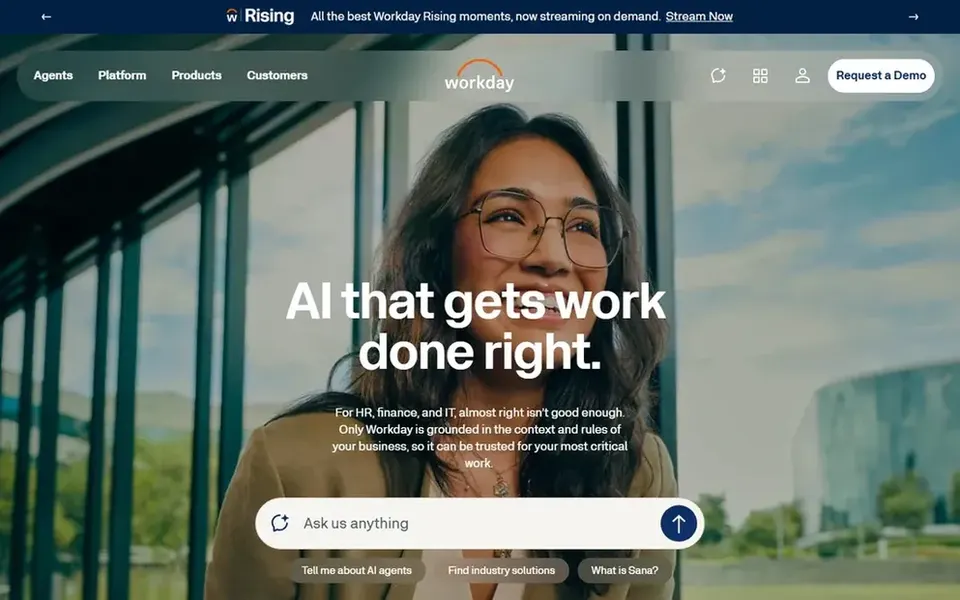
Number one here is Workday, a fit for enterprise HR, finance and IT consolidation.
Workday, Rippling and the 3 others all need a premium plan or a trial, since no free plan is listed.
Rippling fits unified HR, IT and finance operations.
For the cheapest start, look at Rippling: $8 per employee per month.
The main caution on PlanSource: not a full payroll or IT product.
Best for: HR teams wanting software plus human guidance
Pick PlanSource if this describes you: HR teams wanting software plus human guidance. PlanSource gives you benefits administration software that merges smart technology with human guidance, positioned for HR leaders who want support instead of software alone. Teams comparing bswift alternatives commonly shortlist it when service quality matters as much as the tool itself.
It is a benefits-focused product, so payroll, IT and finance needs point toward broader products. Pick PlanSource when you want benefits technology backed by people who can help your HR team. PlanSource shows no starting price here, so confirm the cost on the vendor site. Free access: Not stated.
Limits to weigh: Not a full payroll or IT product.
Pick Justworks if this describes you: small companies wanting PEO-style support. Benefits administration includes that service-oriented model, which fits owners who want help instead of a self-managed system. It is a sensible comparison point for small teams leaving a benefits administration tool and seeking more practical support.
Watch-outs: Less suited to complicated multi-plan benefits structures.
Organizations that want full control of administration may prefer a dedicated system. From a buyer's view, choose Justworks when you are a small business that values support and payroll alongside benefits. Check the vendor site for Justworks pricing; none is listed in this comparison. Trial and free access: Not stated.
Best for: Data-driven benefits administration for employers
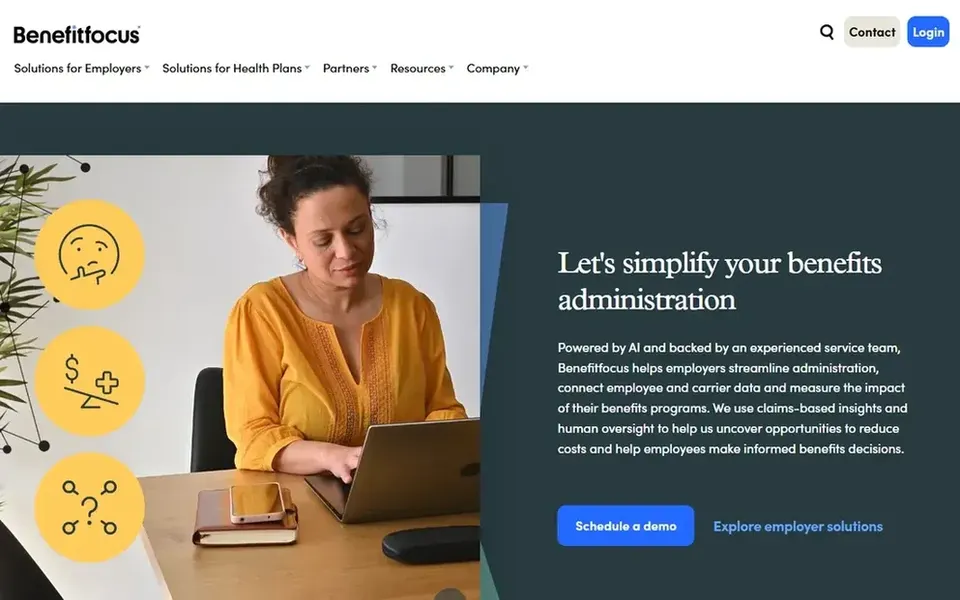
Benefitfocus is aimed squarely at data-driven benefits administration for employers. Benefitfocus is a benefits administration and health plan system targeted at employers and health plans. Its stated goal is to ease benefits management through data-driven software intended to save time, cut cost and boost outcomes.
Downsides: Payroll and HR depth beyond benefits is restricted.
Smaller firms without dedicated benefits staff may find a more straightforward or PEO-style choice simpler to run. Since it centers on benefits administration, teams that want payroll, IT and finance in one place may need extra tools alongside it. Check the vendor site for Benefitfocus pricing; none is listed in this comparison. On free options: Not stated.
In short, Rippling is for unified HR, IT and finance operations. Benefits administration is part of that wider operational picture, so it fits expanding firms that want employee data connected across departments. It is a natural candidate for teams comparing bswift alternatives whereas also consolidating other operational tools.
Watch-outs: Numerous modules mean more to configure.
Worth adding: organizations that only want benefits administration may prefer a dedicated system. In daily use, Rippling merges HR, IT and finance apps on a unified data product, aiming to remove friction from running a business. Entry price for Rippling: $8 per employee per month. Trial and free access: Not stated.
Confirm the entry price on the vendor page. For Workday, PlanSource, Justworks and Benefitfocus that means a quote rather than a fixed price.
Before choosing Workday, weigh its main limit: enterprise complexity may overwhelm small teams.
List the apps you already depend on and check that Justworks supports each one on the plan you would buy.
Work out what PlanSource costs with your real seat count, add-ons and usage, not just the entry price.
Verify that exporting from Rippling is possible on your plan and covers all your records.
How we picked
The comparison looks at four things: starting price, free access, how well the feature set matches bswift, and the main limit of each tool. Where a price is missing, the vendor does not list one publicly or ties it to a quote. Always confirm before budgeting. Tools are placed by general fit for bswift, with price clarity and free access as tie-breakers. A different team can reasonably rank them differently.
Every price and plan detail on this page comes from the vendors’ own websites. We did not run hands-on tests unless the text says so, and we do not publish star ratings or review scores. See how we score and our disclosure.
Keep your shortlist in one place
Paste prices, trial dates and notes from this guide into Ainotely, our AI note app. It files them into a topic and pulls out tasks like “cancel trial by Friday”. Free 7-day trial, no card needed.
Not by default. None of the tools, from Workday to Rippling, lists a free plan or a free trial here, so ask each vendor for a demo before committing.
Does any tool for bswift here have a free plan?
A permanent free plan is not offered by Workday, Rippling or the other tools here. Plan a short evaluation period instead.
How are the tools for bswift ordered?
The order follows typical fit for bswift, with Workday first and Rippling last, then price clarity and free access. It is editorial judgement, not a score, so another team could rank the tools differently.
Is Workday the right pick for everyone comparing bswift?
No single tool suits every team. Workday comes first because it fits enterprise HR, finance and IT consolidation, while PlanSource suits HR teams wanting software plus human guidance and Justworks suits small businesses wanting PEO-style support. Match the tool to your own size, budget and workflow before deciding.
What should I look for in a bswift alternative?
Then compare integration with your payroll system, the level of human guidance offered, and how much configuration your team can handle. Confirm current capabilities straight with each vendor.