Our first pick is Autodesk 3ds Max, best for professional modeling, animation, and rendering. Poser is the stronger choice for figure posing and rendering, while Character Creator suits rigged game-ready character design. Prices, free plans and limits for all 5 tools follow.
Ainotely compared 5 tools for Daz 3D. The goal is a practical shortlist: published prices, free plan facts, best-fit use cases and honest limits for every entry.
Key takeaways
Number one here is Autodesk 3ds Max, a fit for professional modeling, animation, and rendering.
None of the 5 tools, from Autodesk 3ds Max to Cinema 4D, has a free plan, so budget for a subscription or use a trial.
No starting price is shown for any of the 5 tools, Autodesk 3ds Max and Cinema 4D included, so plan time for sales calls.
Character Creator comes with a trade-off: centred on characters instead of full scenes.
Best for: Professional modeling, animation, and rendering
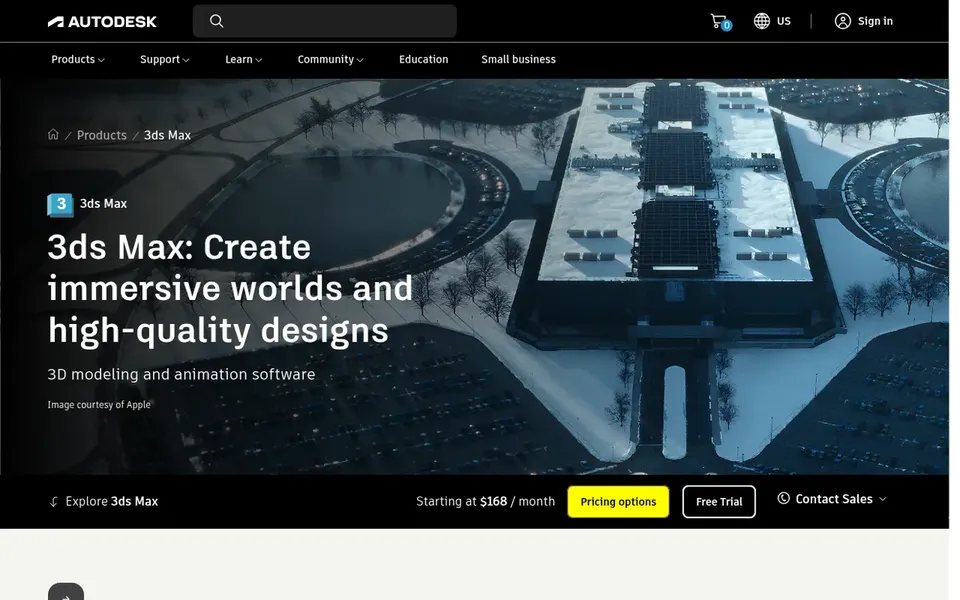
In short, Autodesk 3ds Max is for professional modeling, animation, and rendering. Autodesk 3ds Max is a professional 3D modeling, animation, and rendering application pitched at building expansive worlds and high-quality designs. Also, Daz 3D users who want to move beyond character posing into full scene creation, lighting, and rendering will find it capable, particularly in studios with established 3D workflows.
Honest limits: Complicated for beginners.
Its breadth includes complexity, and it is not tailored to character morphs the way Daz-style tools are. New users face a substantial learning period. More specifically, if you only have to pose and render characters, a lighter specialized tool is easier to adopt. Check the vendor site for Autodesk 3ds Max pricing; none is listed in this comparison. On free options: Not stated.
Poser serves figure posing and rendering. Poser is 3D rendering and animation software built around posing digital figures, which puts it closest in spirit to Daz 3D among these choices.
Points against: Aging compared to newer tools.
In practice, for advanced rigging or engine export, other tools here are more solid. It remains a reasonable choice for straightforward posing and rendering. This comparison lists no price for Poser; ask the vendor. Free plan details: Not stated.
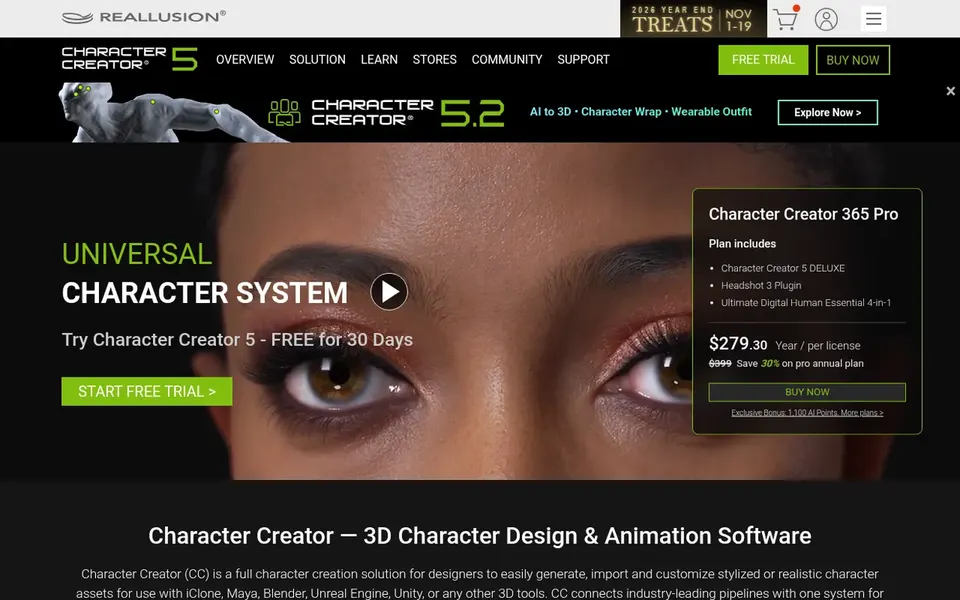
Where Character Creator fits: rigged game-ready character design. It emphasizes full-body rigging, high-definition morphs, and pipelines that link to Unreal, Unity, and Blender.
Where it is weaker: Concentrated on characters instead of full scenes.
If you chiefly want to sculpt organic shapes instead of rig and reuse characters, a sculpting tool is the better fit. Morph-heavy workflows can take time to learn. Pricing for Character Creator is not stated here, so ask the vendor for current figures. Free options: Not stated.
ZBrush works best for digital sculpting and detail work. ZBrush from Maxon is a digital sculpting application widely used for organic modeling and fine detail in film, games, and collectibles.
Honest limits: Different workflow from posing tools.
Its interface and brush-based approach differ sharply from Daz 3D, which means a real adjustment period. ZBrush shows no starting price here, so confirm the cost on the vendor site. Trial and free access: Not stated.
Cinema 4D was built for motion graphics and general 3D work. If character morphs are your core need, a dedicated character tool is more direct. Cinema 4D from Maxon is a widely used 3D application known for modeling, animation, and motion graphics.
Where it is weaker: Not character-library focused.
It deals with characters, products, and abstract design in a single environment, which makes it an adaptable alternative for Daz 3D users who want to expand beyond figure posing. Its workflow appeals to designers and animators who value a smooth interface and capable integration with compositing and design tools. It is a generalist package, meaning specialized character rigging may need extras or additional setup. This comparison lists no price for Cinema 4D; ask the vendor. Free options: Not stated.
Confirm the entry price with every vendor: no tool from Autodesk 3ds Max to Cinema 4D shows a fixed starting price.
Before choosing Autodesk 3ds Max, weigh its main limit: complicated for beginners.
Check the support hours and onboarding help Cinema 4D offers; smaller vendors vary a lot here.
Involve the people who will use Character Creator daily; a short pilot beats a long feature checklist.
Ask whether ZBrush integrates with your current software, and whether that comes standard or as an add-on.
How we picked
Each tool was reviewed on what its vendor publishes: price, plan limits, core features and stated drawbacks. We did not run hands-on tests. Seat minimums, billing terms and add-ons can move the real cost, so the starting prices here are a guide and not a quote. Position on the page reflects fit for a typical buyer first, with price clarity and free access breaking ties. Treat it as a guide, not a ruling. The same method was used for each of the 5 Daz 3D alternatives picks on this page.
Every price and plan detail on this page comes from the vendors’ own websites. We did not run hands-on tests unless the text says so, and we do not publish star ratings or review scores. See how we score and our disclosure.
Keep your shortlist in one place
Paste prices, trial dates and notes from this guide into Ainotely, our AI note app. It files them into a topic and pulls out tasks like “cancel trial by Friday”. Free 7-day trial, no card needed.
Not by default. None of the tools, from Autodesk 3ds Max to Cinema 4D, lists a free plan or a free trial here, so ask each vendor for a demo before committing.
Is Autodesk 3ds Max the right pick for everyone comparing Daz 3D?
No single tool suits every team. Autodesk 3ds Max comes first because it fits professional modeling, animation, and rendering, while Poser suits figure posing and rendering and Character Creator suits rigged game-ready character design. Match the tool to your own size, budget and workflow before deciding.
Does any tool for Daz 3D here have a free plan?
A permanent free plan is not offered by Autodesk 3ds Max, Cinema 4D or the other tools here. Plan a short evaluation period instead.
How are the tools for Daz 3D ordered?
Autodesk 3ds Max sits first and Cinema 4D last because the order follows typical fit for Daz 3D, then price clarity and free access. It is a judgement call, so read each profile for fit and limits.
Is ZBrush a replacement for Daz 3D?
Not straight. ZBrush is a sculpting application for organic detail and custom shapes, whereas Daz 3D centers on posing figures from a content library. They serve different stages of character work, and numerous artists use sculpting alongside a posing or rigging tool.