Start with Notion AI if you need AI inside a connected workspace. Listed starting prices: Slack AI from $4.38 per user a month. For a different need, Google Gemini for Workspace covers Generative AI in Gmail and Docs and Microsoft Copilot covers AI across Microsoft 365 apps. The other 2 tools in the list cover narrower or pricier cases.
Ainotely put together this guide to Dust for readers who want a clear shortlist without reading every vendor page. It compares 5 tools on starting price, free plans, who each one suits and where each one falls short.
Key takeaways
Notion AI sits first on this list: AI inside a connected workspace.
For enterprise-wide AI search and assistants, Glean is worth a look.
Before buying Notion AI, weigh this: value relies on Notion adoption.
Slack AI stands alone as the one tool in this list with a free plan.
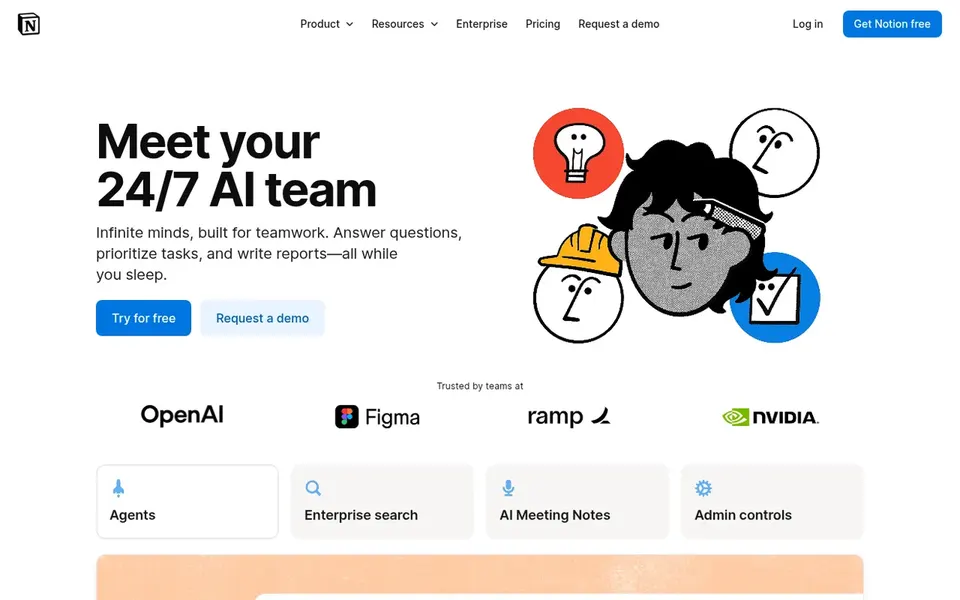
Notion AI works best for AI inside a connected workspace. Notion AI is positioned as an AI team inside Notion, handling search, generation, analysis and chat right within the workspace.
Trade-offs to know: Value relies on Notion adoption.
It suits teams that already keep documents, notes and project knowledge in Notion and want assistance without switching to another tool for everyday writing and retrieval. No starting price is listed for Notion AI here; confirm pricing on the vendor site. As for free access: Not stated.
What works well: Handy for docs and knowledge work.
Choose Google Gemini for Workspace for Generative AI in Gmail and Docs. Google Gemini for Workspace brings generative AI features into Gmail, Docs, Sheets and other Workspace apps.
Its benefits are concentrated within Google Workspace, so mixed environments may need extra coverage elsewhere. Teams outside Google's suite should weigh a cross-platform search tool or an assistant native to their own stack. Google Gemini for Workspace does not show a starting price in this comparison, so check the vendor site for current pricing. Free access: Not stated.
Where it falls short: Feature availability varies.
Microsoft Copilot targets AI across Microsoft 365 apps. Microsoft Copilot is aimed at work and lives in the apps numerous organizations already use, bringing AI models into everyday tasks.
It fits firms standardized on Microsoft tools that want assistance grounded in their own work context without adding a separate destination for AI. No starting price is listed for Microsoft Copilot here; confirm pricing on the vendor site. Free access: Not stated.
Trade-offs to know: Best within the Microsoft ecosystem.
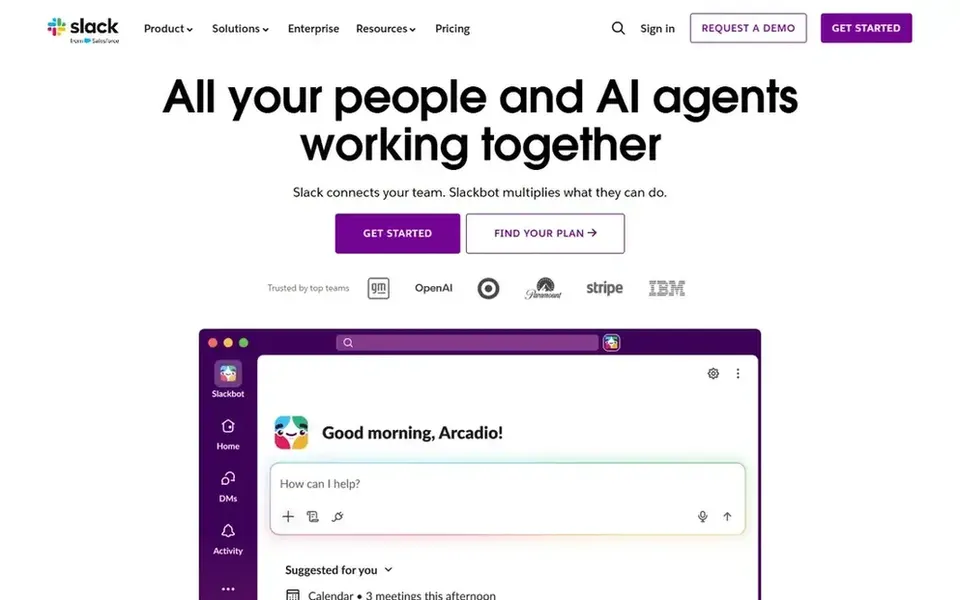
Slack AI was built for AI assistance inside team conversations. Slack AI brings AI features and assistants into Slack to boost productivity where conversations already happen.
Its scope is centered on Slack content instead of the full range of company documents and systems, so it fits best alongside a broader knowledge tool. For everyday use, teams needing cross-platform enterprise search should look at a dedicated system instead. Price to start with Slack AI: $4.38 per user per month. Slack AI has a free plan.
Best for: Enterprise-wide AI search and assistants
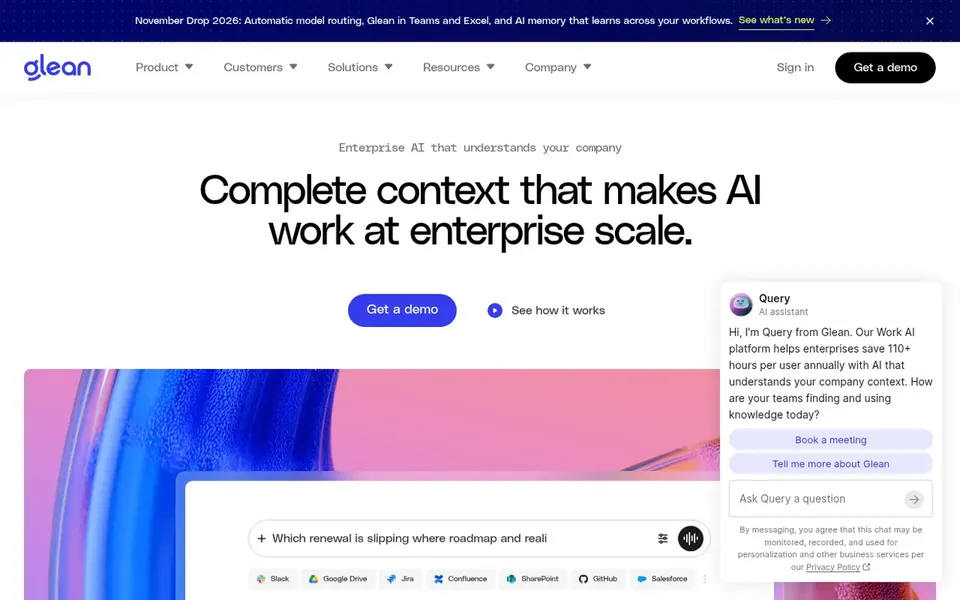
Glean serves enterprise-wide AI search and assistants. Glean is an enterprise AI system that links to your organization's data so people can find, produce and automate work.
Limits to weigh: Setup relies on data connectors.
Upsides: creation and automation. Worth adding: since Glean is built around connecting enterprise data, the value relies on how well those connections are configured, and smaller teams may find the scope broader than they need. Glean does not show a starting price in this comparison, so check the vendor site for current pricing. Free plan details: Not stated.
Confirm the entry price on the vendor page. For Notion AI, Google Gemini for Workspace, Microsoft Copilot and Glean that means a quote rather than a fixed price.
Look at the free plan from Slack AI closely: its caps decide whether it is usable for real work.
Before choosing Notion AI, weigh its main limit: value relies on Notion adoption.
Look at which plan of Slack AI unlocks the features you need; entry tiers are often cut down.
Look at the help docs and support options for Google Gemini for Workspace before you commit.
How we picked
Selection started from tools commonly considered for Dust, then narrowed to 5 that have clear pricing information or a clear quote process. Treat prices as a snapshot: vendors change plans often, so check the vendor site for the figure that applies today. The ranking is editorial: typical fit first, then clear pricing, then free access. If your needs are unusual, read the profiles rather than relying on position.
Every price and plan detail on this page comes from the vendors’ own websites. We did not run hands-on tests unless the text says so, and we do not publish star ratings or review scores. See how we score and our disclosure.
Keep your shortlist in one place
Paste prices, trial dates and notes from this guide into Ainotely, our AI note app. It files them into a topic and pulls out tasks like “cancel trial by Friday”. Free 7-day trial, no card needed.
Whether one replaces Dust relies on which systems you need connected and how your teams work. Test against your own content and confirm capabilities with each vendor.
Can I try these tools before paying?
Often, yes. Slack AI has a free plan. Use your own data and a real task during the test, and check what the free tier or trial limits before you rely on it. The 5 tool cards above repeat this per product for Dust alternatives, with the listed price or "pricing on request".
What is the cheapest option for Dust in this list?
On published monthly entry prices, Slack AI is the lowest here at $4.38 per user per month. Entry price is only part of the cost, because seats, add-ons and billing terms can change the total. Each of the 5 options in this Dust alternatives guide has its own card above with the price, free plan and limits.
Do these tools publish their prices?
Not all of them. Notion AI, Google Gemini for Workspace, Microsoft Copilot and Glean publish no starting price, so expect a quote request for those. The rest, Slack AI included, show a starting price, though seats and billing terms still change the final cost.
What should I look for in a Dust alternative?
A dedicated enterprise search system fits scattered data, whereas a native assistant inside your central suite is more straightforward if your content is concentrated there. Check connectors, permissions and admin controls before deciding.
How are the tools for Dust ordered?
Notion AI sits first and Glean last because the order follows typical fit for Dust, then price clarity and free access. It is a judgement call, so read each profile for fit and limits.