This list puts Nitro PDF Pro first for business document workflows and eSign. Listed starting prices: Sejda PDF from $5 per user for 7 days. Sejda PDF is better for straightforward online PDF tasks without installation, and PDF24 is better for free PDF options online and offline. The remaining 2 options are covered below with prices and limits.
If you are comparing iLovePDF, this page covers 5 tools in one place: what each is best for, what it costs to start, whether it has a free plan, and the main limit to know about.
Key takeaways
This list starts with Nitro PDF Pro, which is built for business document workflows and eSign.
Just one of the 5 tools, Sejda PDF, has a free plan.
Starting prices begin at $5 per user for 7 days with Sejda PDF.
The main caution on Nitro PDF Pro: may be overkill for personal use.
Best for: Straightforward online PDF tasks without installation
Sejda PDF works best for straightforward online PDF tasks without installation. Sejda PDF helps with PDF tasks through a fast and straightforward online service that needs no installation. It supports splitting, merging, converting PDFs to images, and other typical operations, making it well suited to users who require quick, on-the-go options.
Honest limits: File size and usage limits may apply.
Sejda PDF may have limitations on file size or daily usage at no cost users. It lacks the advanced editing features of desktop software. For everyday use, for more solid editing or business workflows, consider Adobe Acrobat or Nitro PDF Pro. Sejda PDF starts at: $5 per user for 7 days. Sejda PDF has a free plan.
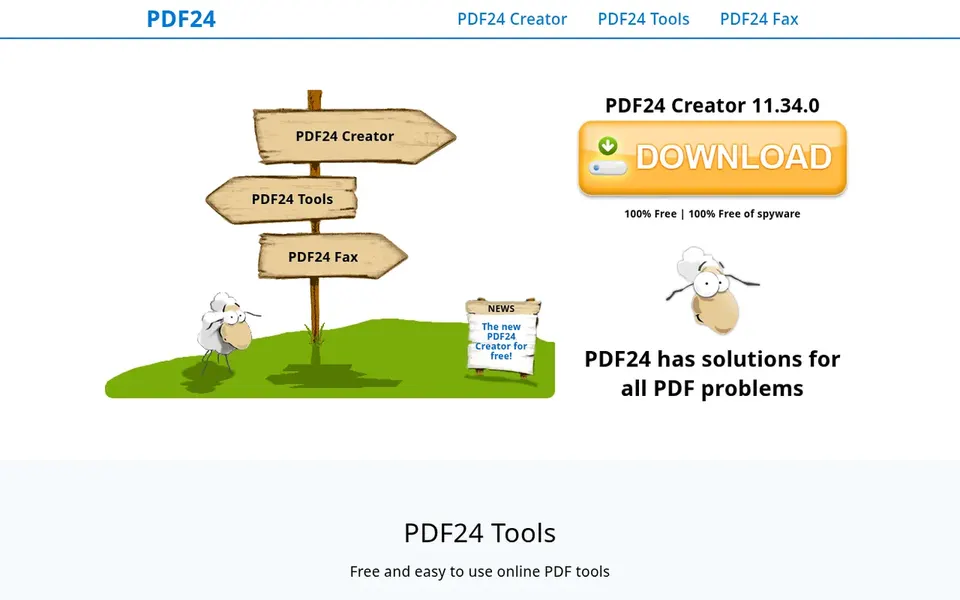
Choose PDF24 for free PDF solutions online and offline. The offline version supplies privacy and convenience for those who prefer not to upload files. Beyond that, for professional-grade editing and AI features, Adobe Acrobat or Foxit PDF Editor could be more suitable.
Trade-offs to know: Offline version needs installation.
Whereas PDF24 is free, its interface and feature set may not match premium tools in polish or advanced capabilities. PDF24 offers free options for all PDF problems, available both online and offline. It comes with tools for merging, compressing, editing, and converting PDFs, making it a versatile choice for budget-conscious users. This comparison lists no price for PDF24; ask the vendor. Free plan details: Not stated.
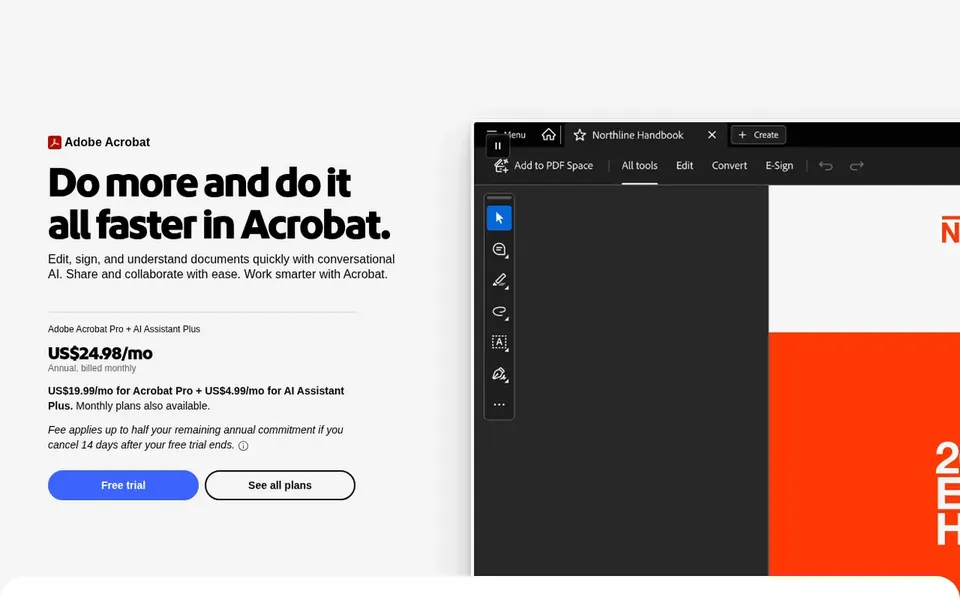
Choose Adobe Acrobat for full PDF editing and signing. It suits professionals and teams that require a solid option for handling PDFs across devices and workflows.
Drawbacks to consider: Can be complicated for straightforward tasks.
In practice, the system links up with other Adobe services and supports advanced features like form filling and document security. No starting price is listed for Adobe Acrobat here; confirm pricing on the vendor site. On free options: Not stated.
Foxit PDF Editor is designed for AI-powered PDF editing and signing. Foxit PDF Editor is an AI-powered PDF editor for editing, converting, and signing PDFs.
Limits to weigh: May have a ramp-up time.
Foxit PDF Editor may need a subscription for full functionality, and its interface might take time to master. No starting price is listed for Foxit PDF Editor here; confirm pricing on the vendor site. On free options: Not stated.
Get a written quote from Nitro PDF Pro, PDF24, Adobe Acrobat and Foxit PDF Editor; the list shows no starting price for them.
Test the free plan from Sejda PDF against your real workload before relying on it.
Run a trial of Nitro PDF Pro with real work before paying for a year; your own workflow is the best test.
Before choosing Nitro PDF Pro, weigh its main limit: may be overkill for personal use.
Involve the people who will use Adobe Acrobat daily; a short pilot beats a long feature checklist.
Map your must-have features to a specific Foxit PDF Editor plan before you compare prices.
How we picked
Ainotely looked at what each vendor publishes: pricing, plan limits, feature coverage for iLovePDF and stated drawbacks. No hands-on testing is claimed. Seat minimums, billing terms and add-ons can move the real cost, so the starting prices here are a guide and not a quote. The sequence is a judgement call: typical use case first, then pricing transparency, then free access. Use the profiles to check fit.
Every price and plan detail on this page comes from the vendors’ own websites. We did not run hands-on tests unless the text says so, and we do not publish star ratings or review scores. See how we score and our disclosure.
Keep your shortlist in one place
Paste prices, trial dates and notes from this guide into Ainotely, our AI note app. It files them into a topic and pulls out tasks like “cancel trial by Friday”. Free 7-day trial, no card needed.
The order follows typical fit for iLovePDF, with Nitro PDF Pro first and Foxit PDF Editor last, then price clarity and free access. It is editorial judgement, not a score, so another team could rank the tools differently.
What is the cheapest option for iLovePDF in this list?
On published monthly entry prices, Sejda PDF is the lowest here at $5 per user for 7 days. Entry price is only part of the cost, because seats, add-ons and billing terms can change the total. Each of the 5 options in this iLovePDF alternatives guide has its own card above with the price, free plan and limits.
Do these tools publish their prices?
Not all of them. Nitro PDF Pro, PDF24, Adobe Acrobat and Foxit PDF Editor publish no starting price, so expect a quote request for those. The rest, Sejda PDF included, show a starting price, though seats and billing terms still change the final cost.
Which options for iLovePDF have a free plan?
Sejda PDF is the only tool in this list with a free plan. Free plans usually cap users, projects or features, so check the limits on the vendor page. One other tool offers a trial instead.