If you need documents organized in context, M-Files is the first tool to look at here. Listed starting prices: M-Files from €65 per seat a month. For a different need, Microsoft SharePoint covers organizations already in Microsoft 365 and DocuWare covers document processing and workflow automation. Prices, free plans and limits for all 5 tools follow.
If you are comparing iManage Work, this page covers 5 tools in one place: what each is best for, what it costs to start, whether it has a free plan, and the main limit to know about.
Key takeaways
This list starts with M-Files, which is built for documents organized in context.
Expect to ask for a quote from Microsoft SharePoint, DocuWare, NetDocuments and OpenText Content Management; the other tools show a starting price.
A permanent free plan is missing from all 5 tools, M-Files and OpenText Content Management included; plan for a trial or a premium start.
A fair warning about NetDocuments: legal focus may be narrow for other industries.
For enterprise knowledge and content governance, OpenText Content Management is worth a look.
Pick M-Files if this describes you: documents organized in context. M-Files is an AI-powered document management system that helps organize documents in context, automate workflows and cut risk. Its homepage emphasizes secure document management built around what a document is and how it relates to other information.
Where it is weaker: Context-based model takes adjustment.
For everyday use, the context-driven approach relies on consistent metadata and process design, so planning effort is required at the start. From a buyer's view, consider M-Files when organizing documents by context and automating related workflows is the core goal. M-Files cost at the entry level: €65 per seat per month. Free options: Not stated.
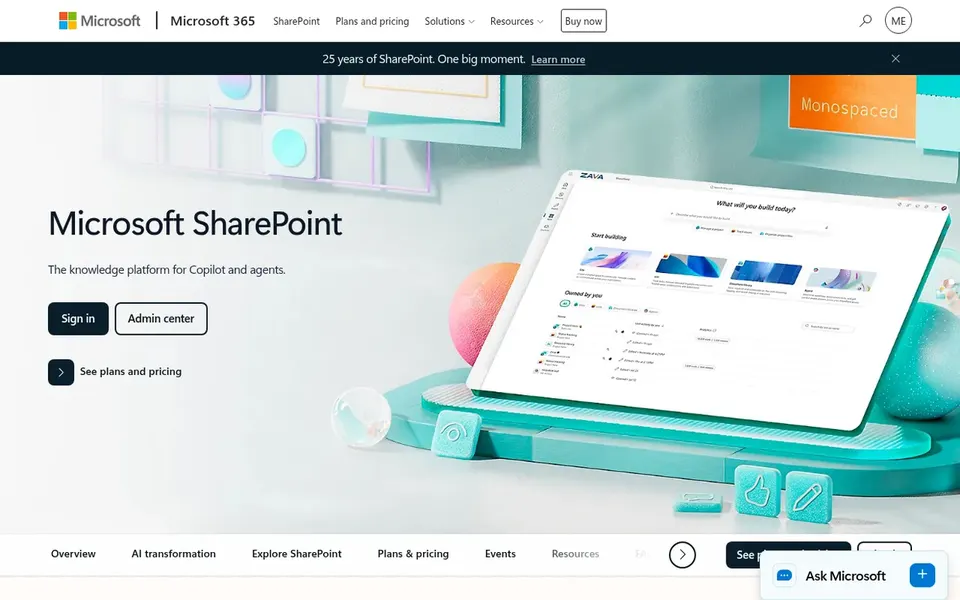
Microsoft SharePoint makes the most sense for organizations already in Microsoft 365. Microsoft SharePoint is a collaborative content management and secure file sharing product. Its homepage describes creating, sharing and governing trusted knowledge, with collaboration, communication, automation and AI experiences across Microsoft 365.
What to check first: Can grow complicated without planning.
On top of that, SharePoint is wide and adaptable, which means governance and information architecture need deliberate planning to avoid sprawl. Also, teams wanting a tightly scoped document management product with less configuration may prefer M-Files or DocuWare. On top of that, pick SharePoint when tight alignment with Microsoft 365 collaboration is the central driver. Microsoft SharePoint shows no starting price here, so confirm the cost on the vendor site. As for free access: Not stated.
Best for: Document processing and workflow automation
Choose DocuWare for document processing and workflow automation. Expect to map processes before automating them. Choose DocuWare when the priority is simplifying document-driven workflows across the business.
From a buyer's view, DocuWare gives you document management software and workflow options, with a homepage emphasis on improving document processing through workflow automation. It is a practical choice for operations-focused teams instead of legal matter management. This comparison lists no price for DocuWare; ask the vendor. On free options: Not stated.
Where it falls short: Less emphasis on legal email management.
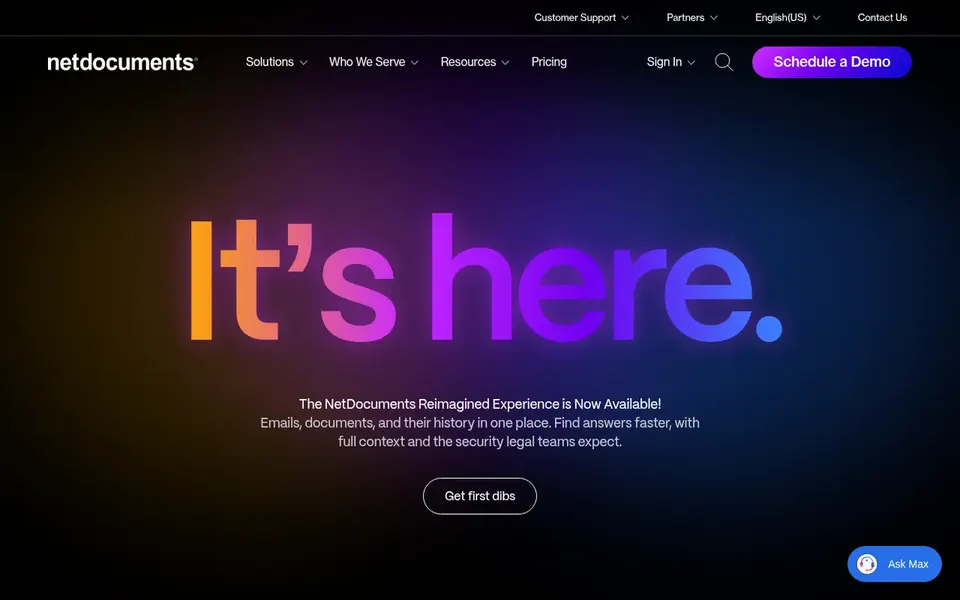
NetDocuments serves legal businesses and legal departments. NetDocuments is a document and email management product geared toward legal businesses and legal departments. Its homepage emphasizes automating document and email handling on a secure, compliant product that is accessible from anywhere.
Best features of NetDocuments: Built around legal workflows.
Consider NetDocuments when legal document and email management is the primary requirement. Organizations wanting deep integration with a wider productivity ecosystem should also weigh Microsoft SharePoint. Pricing for NetDocuments is not stated here, so ask the vendor for current figures. Free access: Not stated.
Trade-offs to know: Not a general-purpose content suite.
Best for: Enterprise knowledge and content governance
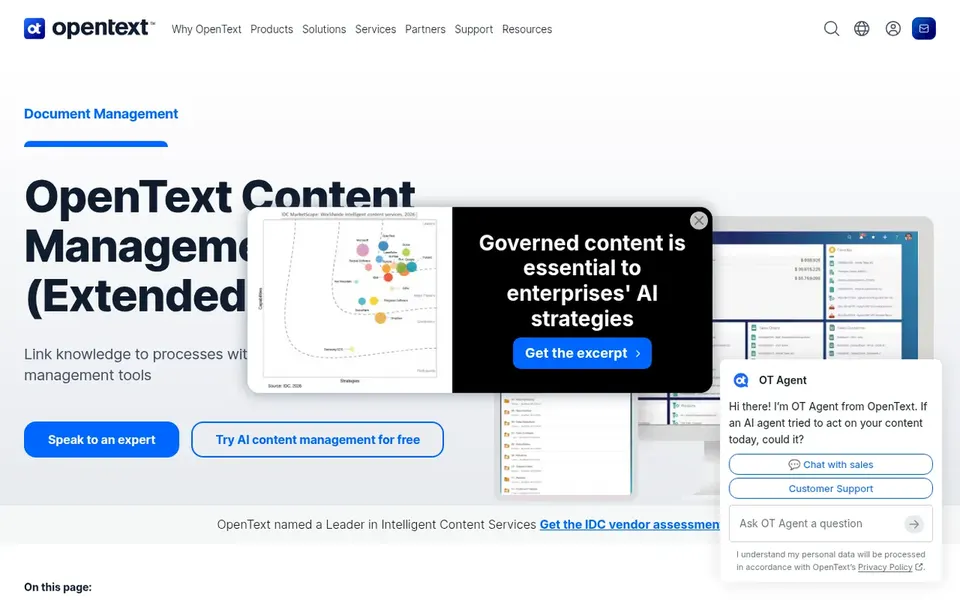
Where OpenText Content Management fits: enterprise knowledge and content governance. OpenText Content Management is an enterprise content management product that aims to make organizational knowledge readily accessible within workflows. Its homepage frames the goal as enabling informed decisions through governed, findable content.
Beyond that, choose OpenText when enterprise-scale content governance is the priority instead of legal-specific document handling. Evaluate whether the breadth matches your actual content volume and processes. OpenText Content Management does not show a starting price in this comparison, so check the vendor site for current pricing. Free options: Not stated.
Drawbacks to consider: May be heavy for small teams.
Confirm the entry price on the vendor page. For Microsoft SharePoint, DocuWare, NetDocuments and OpenText Content Management that means a quote rather than a fixed price.
Read the limits listed for M-Files first: context-based model takes adjustment.
Check the integration list for Microsoft SharePoint against the tools you run today, and note which ones need a higher plan.
Read the plan comparison for DocuWare carefully; key features often start on a higher tier.
Ask OpenText Content Management which support channels and response times come with the plan you would buy.
How we picked
Selection started from tools commonly considered for iManage Work, then narrowed to 5 that have clear pricing information or a clear quote process. Where a vendor does not publish a price, the entry says quote. Where a price depends on seats or billing term, the entry says so. Order on the page follows fit for the typical buyer first, then price transparency and free access. Your own requirements should decide the final pick.
Every price and plan detail on this page comes from the vendors’ own websites. We did not run hands-on tests unless the text says so, and we do not publish star ratings or review scores. See how we score and our disclosure.
Keep your shortlist in one place
Paste prices, trial dates and notes from this guide into Ainotely, our AI note app. It files them into a topic and pulls out tasks like “cancel trial by Friday”. Free 7-day trial, no card needed.
Is M-Files the right pick for everyone comparing iManage Work?
No single tool suits every team. M-Files comes first because it fits documents organized in context, while Microsoft SharePoint suits organizations already in Microsoft 365 and DocuWare suits document processing and workflow automation. Match the tool to your own size, budget and workflow before deciding.
What is the best iManage Work alternative for law businesses?
For most readers this guide would start with M-Files, built for documents organized in context. Microsoft SharePoint is the alternative for organizations already in Microsoft 365, and DocuWare for document processing and workflow automation. The right answer depends on budget and workflow.
Do these tools publish their prices?
Not all of them. Microsoft SharePoint, DocuWare, NetDocuments and OpenText Content Management publish no starting price, so expect a quote request for those. The rest, M-Files included, show a starting price, though seats and billing terms still change the final cost.
Can I try these tools before paying?
Not by default. None of the tools, from M-Files to OpenText Content Management, lists a free plan or a free trial here, so ask each vendor for a demo before committing.
How are the tools for iManage Work ordered?
M-Files sits first and OpenText Content Management last because the order follows typical fit for iManage Work, then price clarity and free access. It is a judgement call, so read each profile for fit and limits.