If you need self-hosted open-source editing, Collabora Online is the first tool to look at here. Listed starting prices: Zoho Workplace from $1 per user per month. If your case is different, WPS Office suits wide file compatibility and Zoho Workplace suits all-in-one mail and office bundle. All 5 tools are compared below on price, free plan and limits.
If you are comparing ONLYOFFICE, this page covers 5 tools in one place: what each is best for, what it costs to start, whether it has a free plan, and the main limit to know about.
Key takeaways
Collabora Online sits first on this list: self-hosted open-source editing.
Google Workspace comes with a trade-off: fewer advanced desktop features.
Microsoft 365 fits deep desktop app integration.
Collabora Online, Zoho Workplace: these are the 2 tools out of 5 that offer a free plan.
Starting prices begin at $1 per user per month with Zoho Workplace.
Collabora Online works best for self-hosted open-source editing. Collabora Online is an open-source online document editing suite that can be integrated into your own infrastructure or accessed through trusted hosting partners.
Downsides: Fewer bundled communication tools.
It centres on document editing instead of bundling mail or meetings. Choose it when data control and open-source licensing are priorities. This comparison lists no price for Collabora Online; ask the vendor. Collabora Online includes a free tier.
WPS Office serves wide file compatibility. The vendor flags file compatibility, conversion and built-in AI for quicker editing and collaboration. Worth adding: teams needing deep enterprise administration may want a more managed product.
Watch-outs: Interface differs from other suites.
For everyday use, some capabilities rely on account setup and the interface differs from what longtime users of other suites expect. As for the details, consider it when compatibility and cross-device editing matter most. Pricing for WPS Office is not stated here, so ask the vendor for current figures. Free plan details: Not stated.
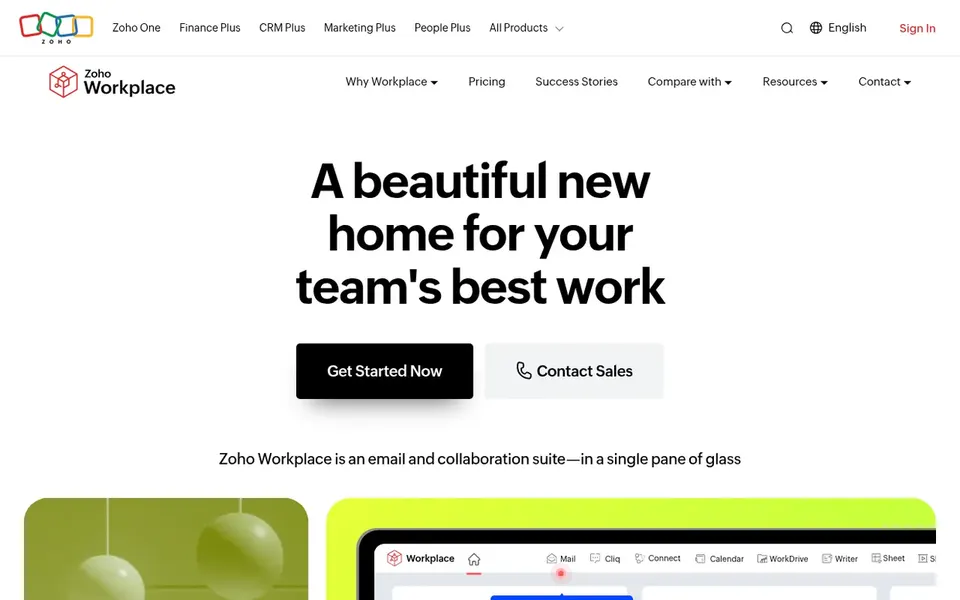
Zoho Workplace makes the most sense for all-in-one mail and office bundle. Zoho Workplace is a productivity and collaboration suite that brings mail, chat, files, an office suite, meetings and more into one place.
Teams that only need document editing might find it bigger than required. From a buyer's view, the breadth of modules means setup and administration can take effort, and the interface may feel crowded to newcomers. On cost, Zoho Workplace starts like this: $1 per user per month. Zoho Workplace has a free plan.
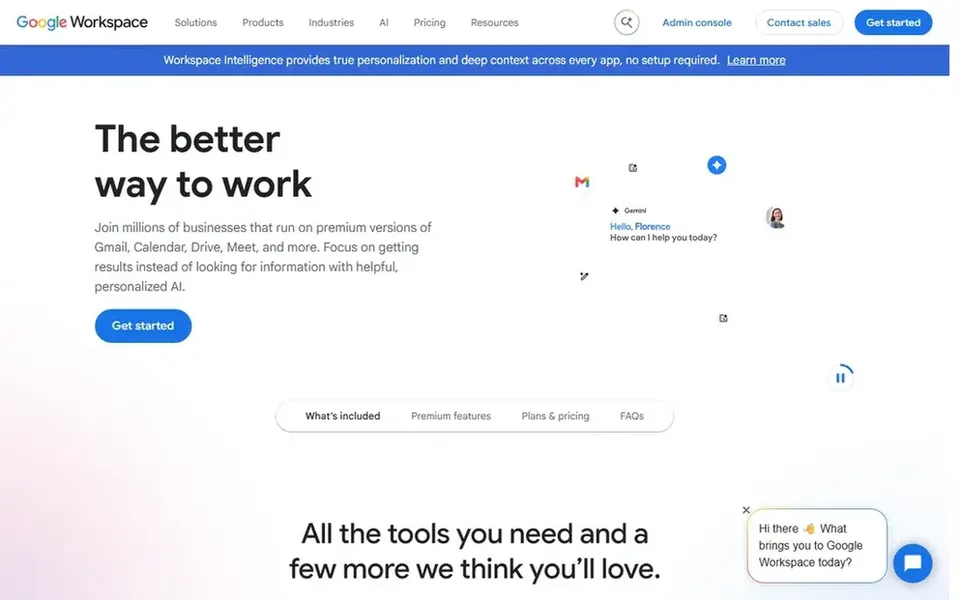
Google Workspace is aimed squarely at browser-based team collaboration. Teams with strict offline or on-premises requirements may prefer a different approach. Google Workspace is a suite of secure online productivity and collaboration tools pitched at teams of all sizes.
Worth adding: complicated or heavily formatted files from other suites may not always render exactly as intended. Some power users miss advanced desktop features. Beyond that, documents, spreadsheets and presentations live in the browser with live co-editing, and the suite links to mail, calendar and meeting tools. Google Workspace shows no starting price here, so confirm the cost on the vendor site. Free access: Not stated.
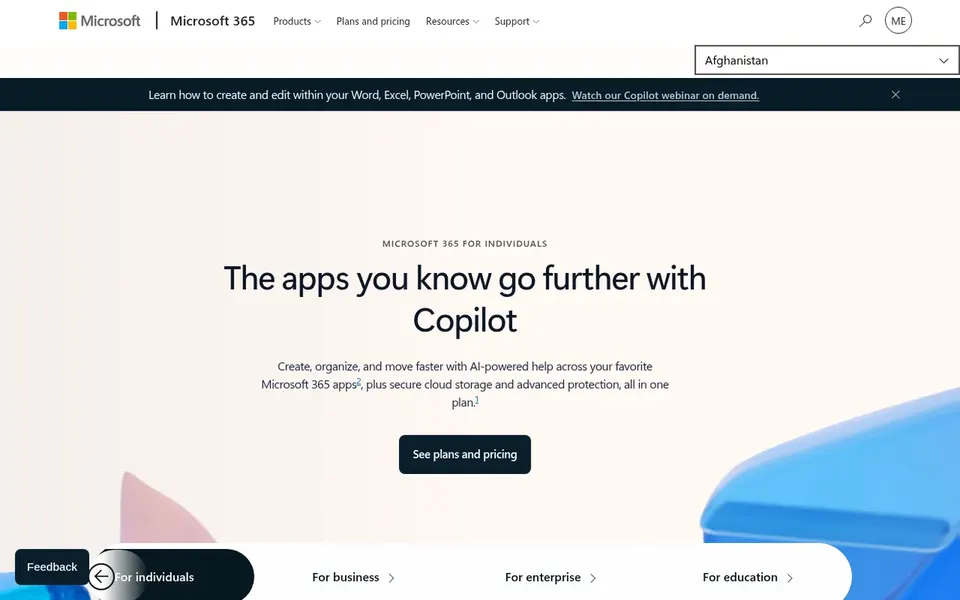
Where Microsoft 365 fits: deep desktop app integration. Microsoft 365 is a subscription suite of productivity apps and cloud services from Microsoft, formerly known as Office 365.
From a buyer's view, users who chiefly need light browser editing may find it more than necessary. This comparison lists no price for Microsoft 365; ask the vendor. On free options: Free trial.
Ask Collabora Online, WPS Office, Google Workspace and Microsoft 365 for a written quote, since no starting price is shown.
Check what the free option really includes: Collabora Online and Zoho Workplace offer a free plan, and usage caps differ.
Use real work to test the free trial from Microsoft 365, rather than a demo project.
Read the limits listed for Collabora Online first: needs technical setup.
Check whether Google Workspace bills monthly or annually, and what cancelling early costs.
Work out what Microsoft 365 costs with your real seat count, add-ons and usage, not just the entry price.
How we picked
Selection started from tools commonly considered for ONLYOFFICE, then narrowed to 5 that have clear pricing information or a clear quote process. Treat prices as a snapshot: vendors change plans often, so check the vendor site for the figure that applies today. Tools are placed by general fit for ONLYOFFICE, with price clarity and free access as tie-breakers. A different team can reasonably rank them differently.
Every price and plan detail on this page comes from the vendors’ own websites. We did not run hands-on tests unless the text says so, and we do not publish star ratings or review scores. See how we score and our disclosure.
Keep your shortlist in one place
Paste prices, trial dates and notes from this guide into Ainotely, our AI note app. It files them into a topic and pulls out tasks like “cancel trial by Friday”. Free 7-day trial, no card needed.
Not all of them. Collabora Online, WPS Office, Google Workspace and Microsoft 365 publish no starting price, so expect a quote request for those. The rest, Zoho Workplace included, show a starting price, though seats and billing terms still change the final cost.
What is the best free alternative to ONLYOFFICE?
For most readers this guide would start with Collabora Online, built for self-hosted open-source editing. WPS Office is the alternative for wide file compatibility, and Zoho Workplace for all-in-one mail and office bundle. The right answer depends on budget and workflow.
What is the cheapest option for ONLYOFFICE in this list?
On published monthly entry prices, Zoho Workplace is the lowest here at $1 per user per month. Entry price is only part of the cost, because seats, add-ons and billing terms can change the total.
Can I try these tools before paying?
Often, yes. Collabora Online and Zoho Workplace have a free plan and Microsoft 365 offers a free trial. Use your own data and a real task during the test, and check what the free tier or trial limits before you rely on it.
How are the tools for ONLYOFFICE ordered?
The order follows typical fit for ONLYOFFICE, with Collabora Online first and Microsoft 365 last, then price clarity and free access. It is editorial judgement, not a score, so another team could rank the tools differently.