ChatDOC is the first pick on this list for Summarizing and explaining long documents. Listed starting prices: AskYourPDF from $11.99 a month. Humata is the stronger choice for turning documents into a knowledge base, while AskYourPDF suits PDF chat plus a website chatbot. The other 2 tools in the list cover narrower or pricier cases.
If you are comparing PDF.ai, this page covers 5 tools in one place: what each is best for, what it costs to start, whether it has a free plan, and the main limit to know about.
Key takeaways
ChatDOC is the opening pick, best for Summarizing and explaining long documents.
For quick question and answer over single PDFs, ChatPDF is worth a look.
The cheapest monthly starting price in the list is $11.99 per month, offered by AskYourPDF.
Humata, AskYourPDF: these are the 2 tools out of 5 that offer a free plan.
ChatDOC comes with a trade-off: focused primarily on document chat.
Best for: Summarizing and explaining long documents
ChatDOC works best for Summarizing and explaining long documents. Summaries and explanations are generated, so important figures and conclusions should be verified against the source.
Drawbacks to consider: Output still needs human checking.
ChatDOC presents itself as an AI chat tool for PDF documents, inviting users to summarize long documents, explain complicated concepts and find key information rapidly. More specifically, if you need a website chatbot or form automation, the tool's document-centric scope may not handle it. Check the vendor site for ChatDOC pricing; none is listed in this comparison. Free plan details: Not stated.
For turning documents into a knowledge base, Humata is a natural candidate. Humata describes itself as an AI agent that turns documents into a quick, intelligent knowledge base for instant analysis, insights and answers.
Worth adding: check how your document types and languages are handled before committing a large collection. Building a knowledge base takes more planning than chatting with one file, so casual users may not need the overhead. Humata does not show a starting price in this comparison, so check the vendor site for current pricing. A free plan is available with Humata.
Limits to weigh: Knowledge base framing layers on complexity.
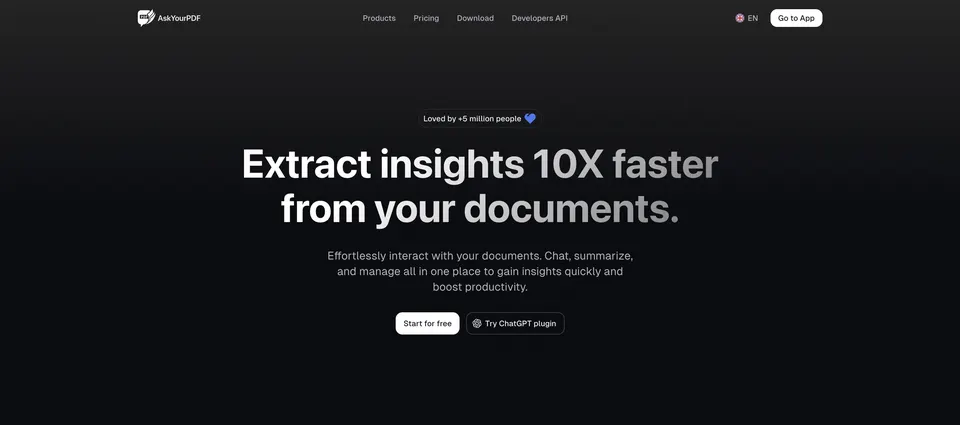
AskYourPDF is built with PDF chat plus a website chatbot in mind. AskYourPDF positions itself as an AI chatbot for your website alongside a set of PDF AI tools.
What you pay to start with AskYourPDF: $11.99 per month. A free plan is available with AskYourPDF.
Drawbacks to consider: Form filling quality varies by document.
DocuAsk was built for creating chatbots from existing content. DocuAsk focuses on automating chatbot creation, using its AI technology to build chatbots from your past content. It is targeted at organizations that already hold handy material, like help articles or documentation, and want a conversational assistant built on top of it rather than a tool for casual one-off PDF reading.
Beyond that, since the emphasis is chatbot building, people who just want to question a single PDF may find it indirect. As for the details, review how your content is prepared and maintained, since the assistant reflects the quality of what it is trained on. DocuAsk does not show a starting price in this comparison, so check the vendor site for current pricing. As for free access: Not stated.
Drawbacks to consider: Less emphasis on one-off PDF chat.
Best for: Quick question and answer over single PDFs
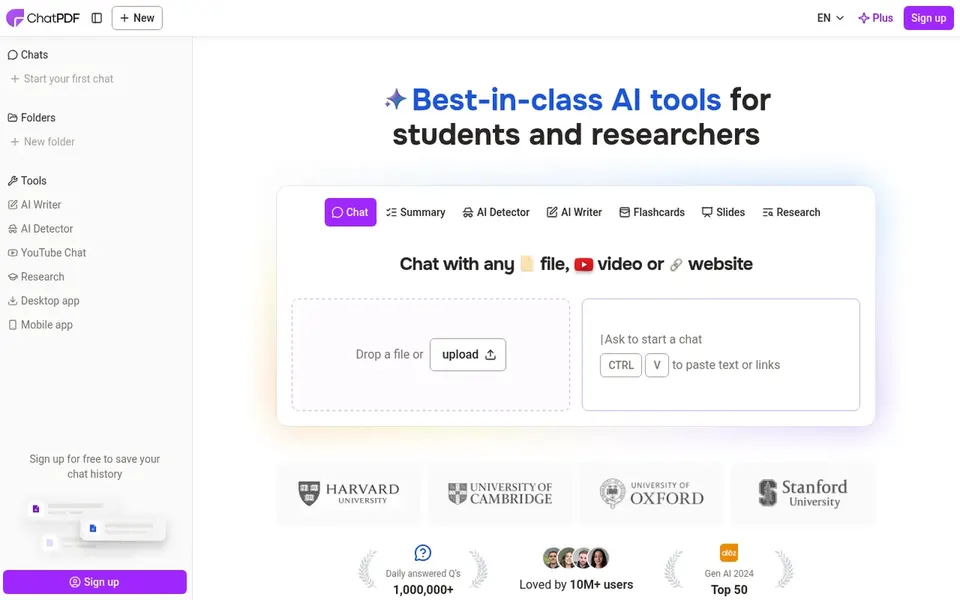
Think of ChatPDF for quick question and answer over single PDFs. It suits individuals, students and professionals who want fast answers from a report, contract or paper without configuring anything elaborate.
Also, since the focus is single-document conversation, teams needing shared workspaces or a trained website assistant may find it too narrow. This comparison lists no price for ChatPDF; ask the vendor. Trial and free access: Not stated.
Drawbacks to consider: Less suited to large document libraries.
Get a written quote from ChatDOC, Humata, DocuAsk and ChatPDF; the list shows no starting price for them.
Read the fine print on the free plans from Humata and AskYourPDF; seat, project and feature caps differ.
Before choosing ChatDOC, weigh its main limit: focused chiefly on document chat.
Confirm minimum seats and billing terms with AskYourPDF before you commit to an annual plan.
Test the integrations you rely on with Humata before committing; some connectors sit on upper tiers.
How we picked
The comparison looks at four things: starting price, free access, how well the feature set matches PDF.ai, and the main limit of each tool. Plan names, prices and limits change often. Treat the figures here as a starting point and verify them with the vendor. We ordered the tools by general fit, then by how clearly pricing is shown, then by free access. A buyer with unusual needs may reorder them.
Every price and plan detail on this page comes from the vendors’ own websites. We did not run hands-on tests unless the text says so, and we do not publish star ratings or review scores. See how we score and our disclosure.
Keep your shortlist in one place
Paste prices, trial dates and notes from this guide into Ainotely, our AI note app. It files them into a topic and pulls out tasks like “cancel trial by Friday”. Free 7-day trial, no card needed.
ChatDOC sits first and ChatPDF last because the order follows typical fit for PDF.ai, then price clarity and free access. It is a judgement call, so read each profile for fit and limits.
Is document chat output dependable enough to trust straight?
Treat generated answers as a starting point and verify key facts, figures and clauses against the original file. Tools that point back to the source passage make that checking faster, so look for citation behavior when evaluating options.
Can I try these tools before paying?
Often, yes. Humata and AskYourPDF have a free plan. Use your own data and a real task during the test, and check what the free tier or trial limits before you rely on it.
Is ChatDOC the right pick for everyone comparing PDF.ai?
No single tool suits every team. ChatDOC comes first because it fits Summarizing and explaining long documents, while Humata suits turning documents into a knowledge base and AskYourPDF suits PDF chat plus a website chatbot. Match the tool to your own size, budget and workflow before deciding.
Which options for PDF.ai have a free plan?
Humata and AskYourPDF offer a free plan in this list. Free plans usually cap users, projects or features, so check the limits on the vendor page.