This list puts Loyverse first for small shops wanting straightforward mobile POS. Listed starting prices: Loyverse from $5 per store a month. Clover fits wide point-of-sale and payment hardware; Lightspeed Retail fits inventory-heavy stores with wholesale buying. The other 2 tools in the list cover narrower or pricier cases.
This Ainotely guide covers 5 options for QuickBooks POS. Each profile lists a starting price, free plan details, strengths and drawbacks, so you can drop poor fits quickly.
Key takeaways
Loyverse is the opening pick, best for small shops wanting straightforward mobile POS.
Shopify POS suits retailers selling online and in person.
The main caution on Vend: brand has transitioned to Lightspeed.
Loyverse stands alone as the one tool in this list with a free plan.
The lowest published monthly entry price here is $5 per store per month, from Loyverse.
Best for: Small shops wanting straightforward mobile POS
Loyverse is designed for small shops wanting straightforward mobile POS. The focus on small business simplicity means advanced retail controls and complicated multi-store workflows are restricted.
Where it shines: Mobile point-of-sale system.
On top of that, choose Loyverse when simplicity and mobility matter more than depth of retail management. Loyverse starts at: $5 per store per month. A free plan is available with Loyverse.
Limits to weigh: Less suited to large multi-location chains.
Clover is aimed squarely at wide point-of-sale and payment hardware. Clover provides point-of-sale systems and credit card readers for retail and other companies.
Points against: Feature set relies on the configuration.
Its lineup handles different hardware setups, which lets owners match a terminal and software combination to their counter space and workflow. From a buyer's view, since the available software and features rely on the specific configuration, the experience can differ from one setup to another. Clover does not show a starting price in this comparison, so check the vendor site for current pricing. On free options: Not stated.
Best for: Inventory-heavy keeps with wholesale buying
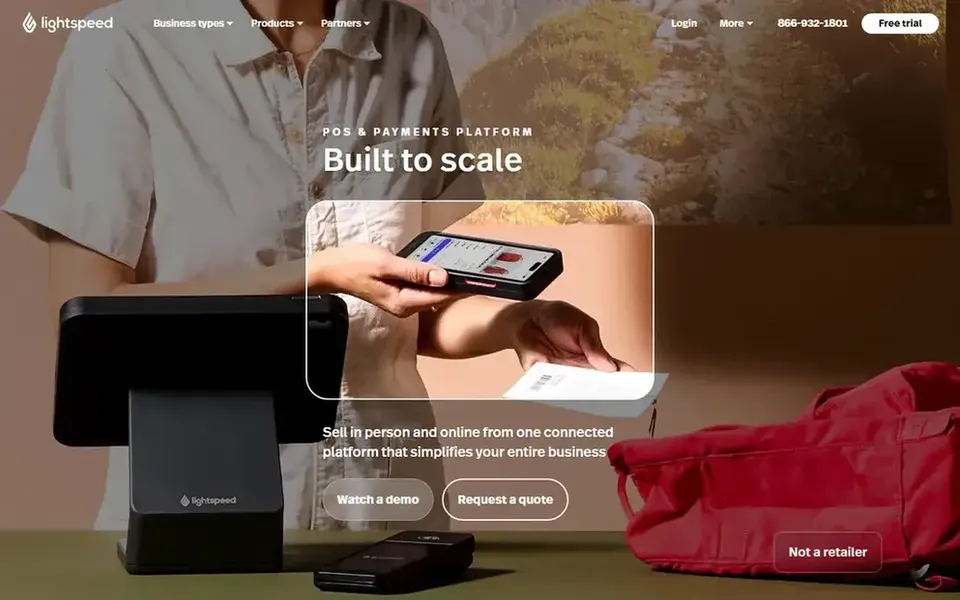
Lightspeed Retail targets inventory-heavy stores with wholesale buying. Retailers planning to add locations or channels will find the structure handy as they grow.
Strengths: Supports growth across channels.
Since it targets established retail operations, the setup and daily workflow can feel heavy for a very small shop that largely needs quick checkout. For everyday use, if your needs are straightforward and you sell few products, a lighter choice may be simpler to run. Check the vendor site for Lightspeed Retail pricing; none is listed in this comparison. Trial and free access: Not stated. Watch-outs: Setup needs planning.
Best for: Inventory-based retailers across channels
For inventory-based retailers across channels, Vend is a natural candidate. Retailers already familiar with the Vend name will find the product continues under the Lightspeed Retail umbrella.
What to check first: New buyers should confirm current product path.
Since Vend is now presented as part of Lightspeed Retail, new buyers should confirm which current product and features fit their needs. Vend does not show a starting price in this comparison, so check the vendor site for current pricing. Trial and free access: Not stated.
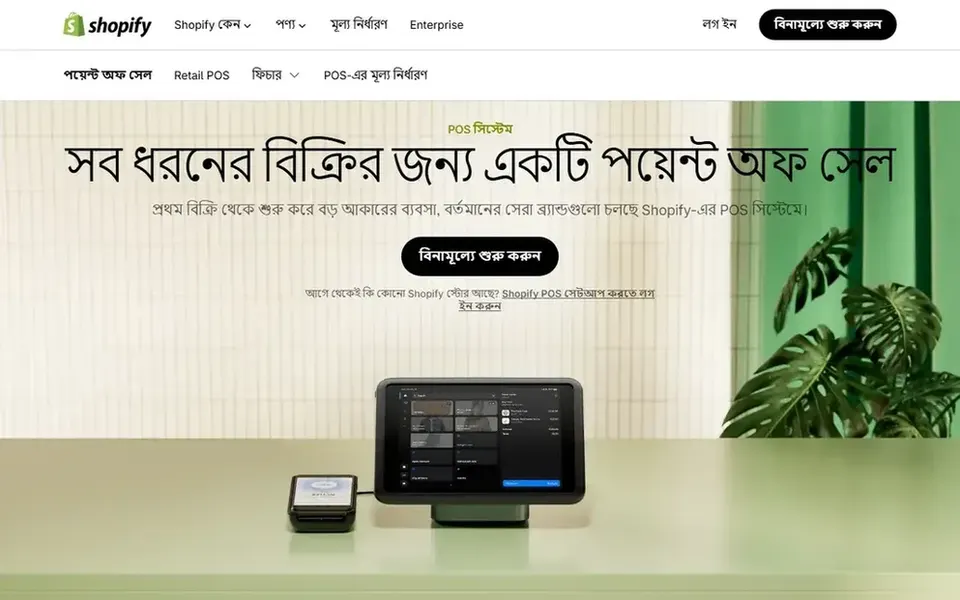
Pick Shopify POS if this describes you: retailers selling online and in person. Keeps that want one view of online and in-person sales will find it a natural fit.
Where it is weaker: Layers on complexity for in-store-only shops.
In daily use, if you run a single physical store with no online ambitions, the system's broader commerce features may be more than you need. No starting price is listed for Shopify POS here; confirm pricing on the vendor site. Free access: Not stated.
Confirm the entry price on the vendor page. For Clover, Lightspeed Retail, Vend and Shopify POS that means a quote rather than a fixed price.
Test the free plan from Loyverse against your real workload before relying on it.
Read the limits listed for Loyverse first: fewer advanced retail controls.
Check the support hours and onboarding help Lightspeed Retail offers; smaller vendors vary a lot here.
Map your must-have features to a specific Loyverse plan before you compare prices.
How we picked
We compared the tools on published pricing, free plan or trial availability, feature coverage for QuickBooks POS, and the limits each vendor documents. Plan names, prices and limits change often. Treat the figures here as a starting point and verify them with the vendor. The ranking is editorial: typical fit first, then clear pricing, then free access. If your needs are unusual, read the profiles rather than relying on position.
Every price and plan detail on this page comes from the vendors’ own websites. We did not run hands-on tests unless the text says so, and we do not publish star ratings or review scores. See how we score and our disclosure.
Keep your shortlist in one place
Paste prices, trial dates and notes from this guide into Ainotely, our AI note app. It files them into a topic and pulls out tasks like “cancel trial by Friday”. Free 7-day trial, no card needed.
The order follows typical fit for QuickBooks POS, with Loyverse first and Shopify POS last, then price clarity and free access. It is editorial judgement, not a score, so another team could rank the tools differently.
Is Loyverse the right pick for everyone comparing QuickBooks POS?
No single tool suits every team. Loyverse comes first because it fits small shops wanting simple mobile POS, while Clover suits broad point-of-sale and payment hardware and Lightspeed Retail suits inventory-heavy stores with wholesale buying. Match the tool to your own size, budget and workflow before deciding.
Can I try these tools before paying?
Often, yes. Loyverse has a free plan. Use your own data and a real task during the test, and check what the free tier or trial limits before you rely on it.
Which alternative fits retailers who also sell online?
Lightspeed Retail also supports selling across channels for inventory-based keeps. Choose based on whether your online store already runs on a given system.
Is a mobile POS enough for a small shop?
For compact keeps and market stalls, a mobile system like Loyverse can include sales, inventory and employee management. It is less suited to complicated purchasing or multi-location operations. Bigger or stock-heavy retailers normally need a fuller retail product.
Which options for QuickBooks POS have a free plan?
Loyverse is the only tool in this list with a free plan. Free plans usually cap users, projects or features, so check the limits on the vendor page.