This list puts Vidyard first for business video for sales and marketing. Listed starting prices: Loom from $18 per user per month. Alternatives: Snagit for fast records with annotations, and Camtasia for tutorial and training video production. The other 2 tools in the list cover narrower or pricier cases.
If you are comparing ScreenRec, this page covers 5 tools in one place: what each is best for, what it costs to start, whether it has a free plan, and the main limit to know about.
Key takeaways
The list opens with Vidyard, aimed at business video for sales and marketing.
The cheapest monthly starting price in the list is $18 per user per month, offered by Loom.
Loom fits quick recording and link sharing.
The main caution on Snagit: not a full video editor.
Where Vidyard fits: business video for sales and marketing. Choose Vidyard when video is part of a sales or marketing process and you need a platform for managing and sharing that content.
Watch-outs: Not a general-purpose recorder.
Check the vendor site for Vidyard pricing; none is listed in this comparison. You can start on Vidyard without paying.
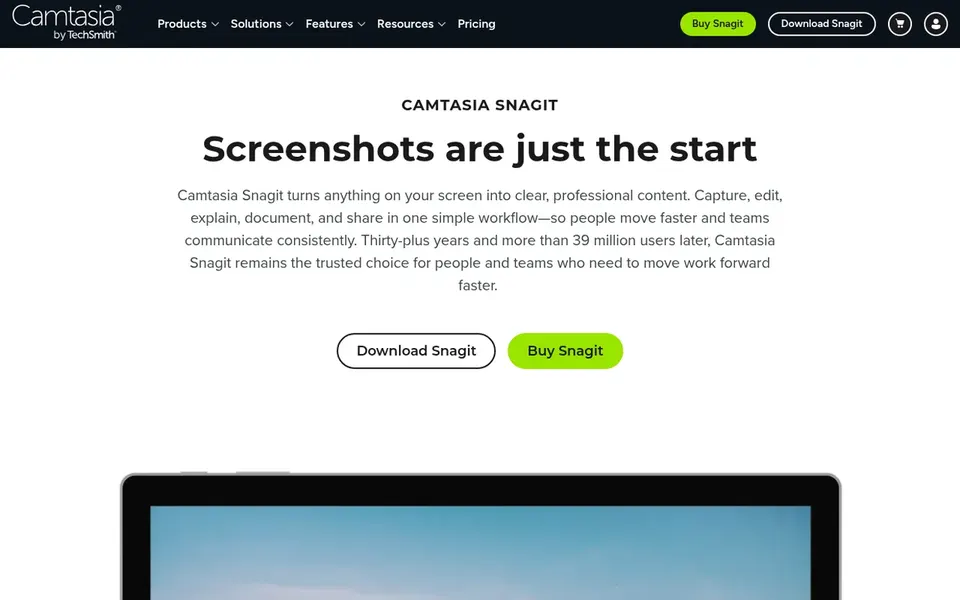
Snagit works best for fast records with annotations. It is meant to quickly build images and videos, with markup and annotation features that suit documentation, bug reports and short explainers where a still image or brief clip communicates the point.
Watch-outs: Not a full video editor.
This comparison lists no price for Snagit; ask the vendor. As for free access: Not stated.
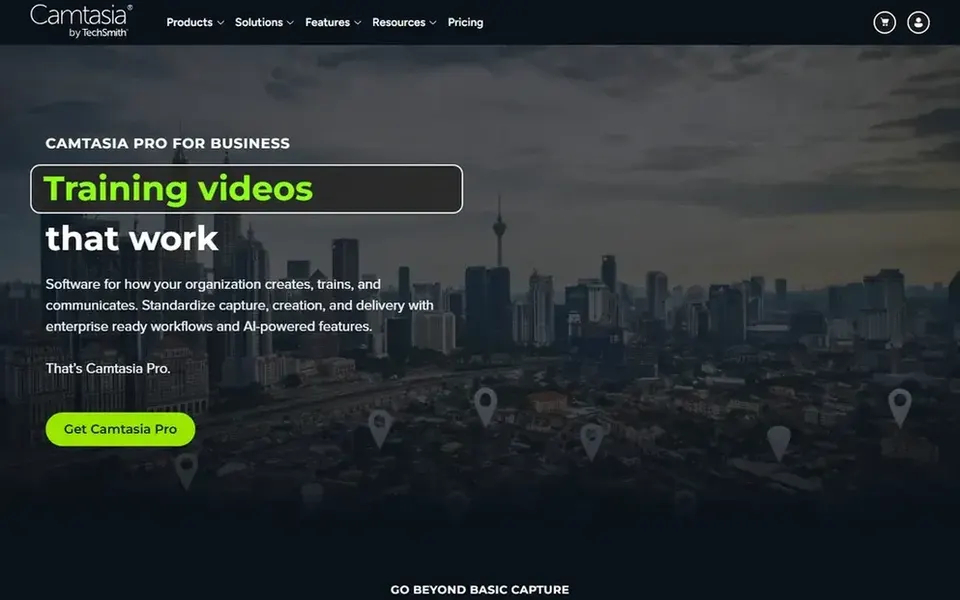
Camtasia is designed for tutorial and training video production. Camtasia is a screen recorder and video editor from Techsmith geared toward creating professional tutorials, training videos and software demos. It merges capture with editing tools, so it suits educators, trainers and content creators who want to assemble refined instructional videos in one application.
In practice, if you only need fast clips for messaging, a lighter recorder may be a better fit. Choose Camtasia when the final video needs structured editing. On top of that, the editing focus means a longer ramp-up than straightforward record-and-share tools, and the application is heavier for casual capture. Pricing for Camtasia is not stated here, so ask the vendor for current figures. Trial and free access: Not stated.
Best for: Free open-source recording and streaming
OBS Studio is a good fit for free open-source recording and streaming. OBS Studio is free and open source software for video recording and live streaming. It can stream to Twitch, YouTube and numerous other providers or record videos locally with high-quality H264 and AAC encoding, making it a fit for streamers, educators and technical users who want control over scenes and sources.
Drawbacks to consider: Less guided for casual users.
Users who want one-click recording and built-in sharing may prefer a more straightforward tool; choose OBS when adaptability and streaming support are essential. In practice, OBS Studio needs more setup than straightforward recorders, and its interface assumes some willingness to configure scenes, sources and output settings. OBS Studio shows no starting price here, so confirm the cost on the vendor site. On free options: Not stated.
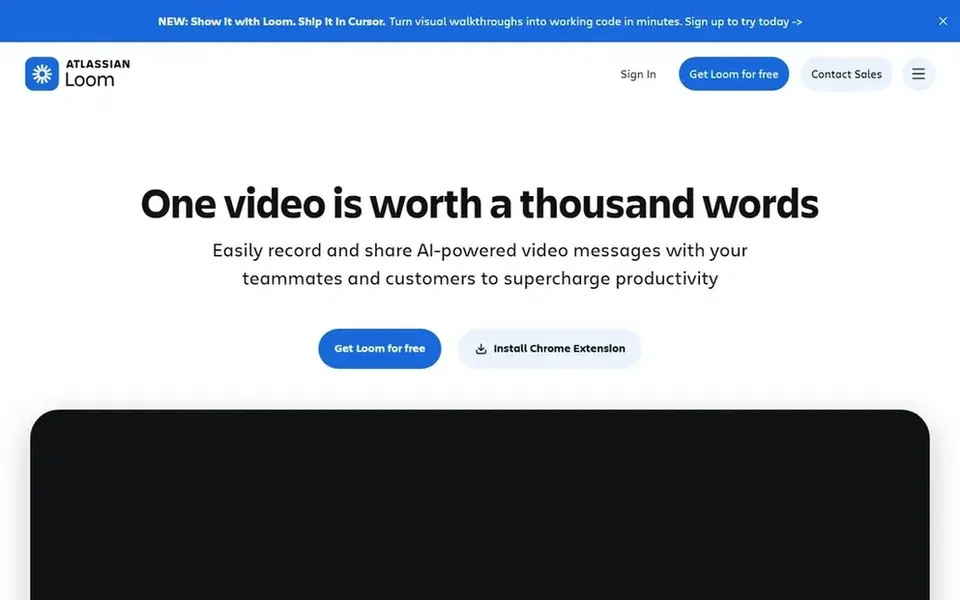
Loom is a good fit for quick recording and link sharing. Loom is a screen recorder for Mac and PC that emphasizes fast capture and simple sharing from its website. It comes with advanced video editing and video storage, making it a fit for teams and individuals who send async video updates, walkthroughs and feedback instead of producing heavily edited tutorials.
Choose Loom when speed of recording and sharing matters more than granular post-production. More specifically, Loom is less suited to complicated multi-track editing or deep local file control. So users who require a full production suite may prefer a dedicated editor. Price to start with Loom: $18 per user per month. You can start on Loom without paying.
Get a written quote from Vidyard, Snagit, Camtasia and OBS Studio; the list shows no starting price for them.
Look at free plan limits closely: Vidyard and Loom have one, and the caps decide whether it is usable for real work.
Read the limits listed for Vidyard first: business-oriented focus.
Ask Snagit how an export works before you move any records in; an easy exit lowers the risk.
Find out whether the entry plan of Camtasia covers your must-haves or only a trimmed-down version.
How we picked
Each tool was reviewed on what its vendor publishes: price, plan limits, core features and stated drawbacks. We did not run hands-on tests. Prices and plan limits come from vendor pages and can change, so confirm them on the vendor site before you buy. Position on the page reflects fit for a typical buyer first, with price clarity and free access breaking ties. Treat it as a guide, not a ruling. That approach shaped the order of the 5 ScreenRec alternatives tools listed here.
Every price and plan detail on this page comes from the vendors’ own websites. We did not run hands-on tests unless the text says so, and we do not publish star ratings or review scores. See how we score and our disclosure.
Keep your shortlist in one place
Paste prices, trial dates and notes from this guide into Ainotely, our AI note app. It files them into a topic and pulls out tasks like “cancel trial by Friday”. Free 7-day trial, no card needed.
Is Vidyard the right pick for everyone comparing ScreenRec?
No single tool suits every team. Vidyard comes first because it fits business video for sales and marketing, while Snagit suits quick captures with annotations and Camtasia suits tutorial and training video production. Match the tool to your own size, budget and workflow before deciding.
Can I try these tools before paying?
Often, yes. Vidyard and Loom have a free plan. Use your own data and a real task during the test, and check what the free tier or trial limits before you rely on it.
Which options for ScreenRec have a free plan?
On this list, Vidyard and Loom include a free plan. Caps on seats, usage or features are common, so test the free plan against your real workload.
Which tool is better for tutorial videos, Camtasia or Snagit?
Camtasia is made for creating professional tutorials, training videos and software demos with editing tools. Snagit concentrates on fast screen records and short recordings with annotation, so it fits documentation more than long-form tutorials.
What is the cheapest option for ScreenRec in this list?
On published monthly entry prices, Loom is the lowest here at $18 per user per month. Entry price is only part of the cost, because seats, add-ons and billing terms can change the total. Pricing, free plan details and limits for all 5 tools in this ScreenRec alternatives roundup sit on the individual cards above.