Slab is the first pick on this list for simple knowledge base with integrations. Listed starting prices: Notion from $10 per member a month. For a different need, Guru covers governed knowledge for enterprise AI and Notion covers adaptable docs and wiki workspace. The other 2 tools in the list cover narrower or pricier cases.
This Ainotely guide covers 5 options for Tettra. Each profile lists a starting price, free plan details, strengths and drawbacks, so you can drop poor fits quickly.
Key takeaways
Slab is the opening pick, best for simple knowledge base with integrations.
Just one of the 5 tools, Notion, has a free plan.
Notion is the lowest-priced starter here at $10 per member per month.
The main caution on Document360: documentation-focused instead of general wiki.
For knowledge sharing within Atlassian teams, Confluence is worth a look.
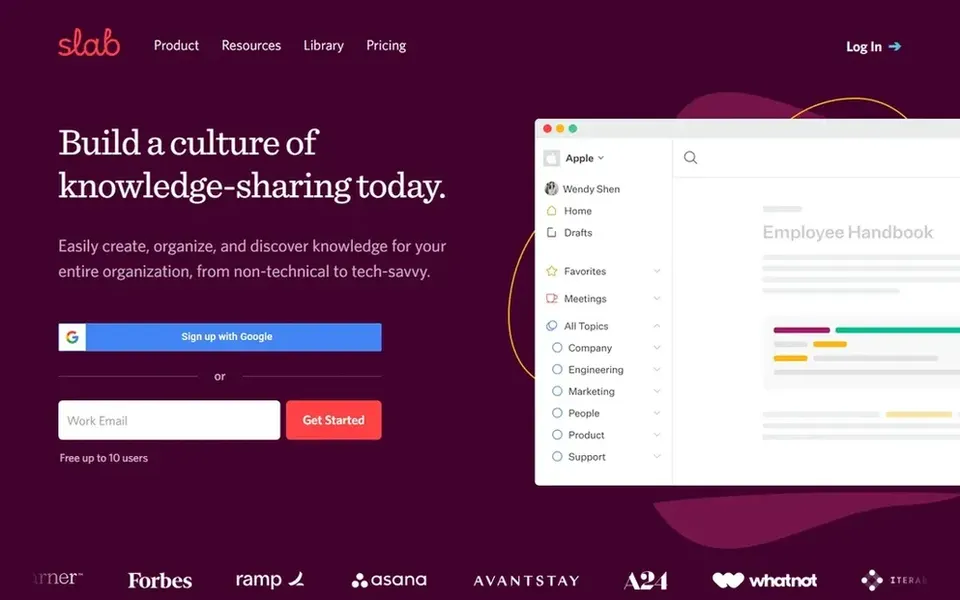
Think of Slab for simple knowledge base with integrations. Slab is knowledge base and wiki software built around simple creation, organization and a broad set of integrations.
It is a reasonable pick when documentation and shared knowledge are the primary need. Pricing for Slab is not stated here, so ask the vendor for current figures. Free options: Not stated.
Where it falls short: Less of an all-in-one workspace.
Think of Guru for governed knowledge for enterprise AI. Guru describes itself as a governed knowledge layer for enterprise AI, concentrated on structuring, governing and continuously improving knowledge so AI answers can be trusted.
Limits to weigh: Enterprise-oriented positioning.
Teams worried about confidently wrong AI output are the clearest fit for this positioning. Check the vendor site for Guru pricing; none is listed in this comparison. Free options: Not stated.
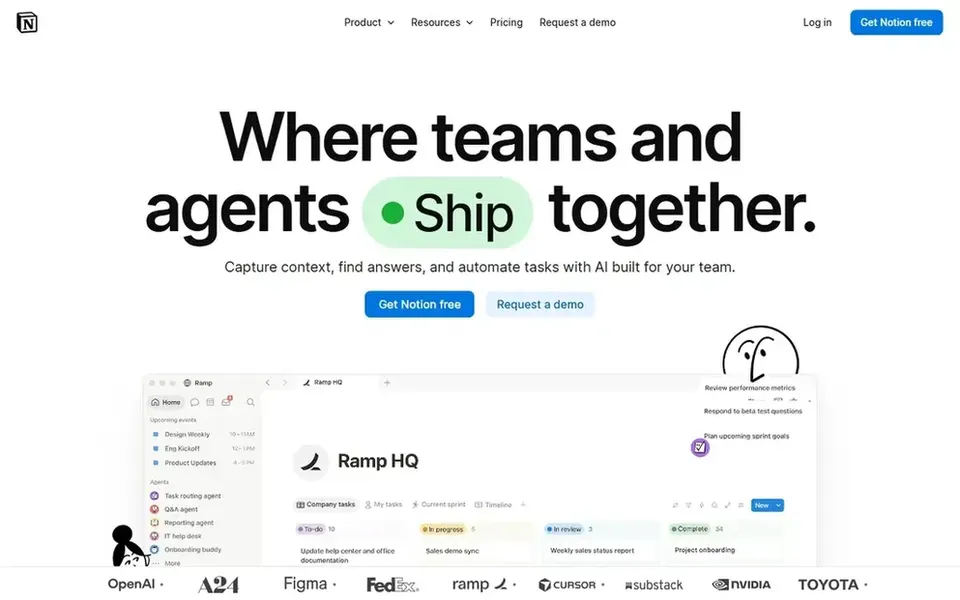
Think of Notion for adaptable docs and wiki workspace. Notion is an AI workspace where teams build custom agents, search across connected apps and automate routine work. In daily use, pages can hold notes, wikis, project plans and databases in one place.
Drawbacks to consider: Structure relies on how you build it.
Beyond that, since Notion is so configurable, large workspaces can become sprawling without clear conventions, and new members may need onboarding to find things. Worth adding: teams that want strict governance or a dedicated documentation pipeline may prefer a more specialized tool instead. On cost, Notion starts like this: $10 per member per month. Notion has a free plan.
Document360 was built for structured documentation with AI search. Document360 is AI knowledge base software for documentation, offering AI search, an AI chatbot and writing tools inside the product.
Since it is oriented toward documentation, teams wanting a casual internal wiki for meeting notes and team pages may find it more specialized than necessary. Document360 does not show a starting price in this comparison, so check the vendor site for current pricing. On free options: Not stated.
The main drawbacks: May suit product docs more than internal notes.
Best for: Knowledge sharing within Atlassian teams
Confluence serves knowledge sharing within Atlassian teams. Confluence is a team workspace for creating and sharing knowledge, with AI that helps draft, summarize and find answers so projects move quicker. It organizes content into spaces and pages, which fits organizations that want clear separation between teams or projects.
Where Confluence stands out: AI drafting.
Limits to weigh: Page organization can need upkeep. Confluence tends to make most sense for teams already invested in Atlassian products; standalone users may find the setup heavier than needed. Page sprawl can build up over time, so plan an information architecture and review cadence, or choose a lighter wiki if that upkeep is a concern. Check the vendor site for Confluence pricing; none is listed in this comparison. Trial and free access: Not stated.
Get a written quote from Slab, Guru, Document360 and Confluence; the list shows no starting price for them.
Test the free plan from Notion against your real workload before relying on it.
Before choosing Slab, weigh its main limit: less of an all-in-one workspace.
Look at the help docs and support options for Document360 before you commit.
Make sure Confluence lets you export your data in a format another tool can read.
How we picked
Each tool was reviewed on what its vendor publishes: price, plan limits, core features and stated drawbacks. We did not run hands-on tests. Where a vendor does not publish a price, the entry says quote. Where a price depends on seats or billing term, the entry says so. The order reflects how well each tool fits the most common buying scenario for Tettra, then price clarity, then free plan access. It is a starting point, not a verdict.
Every price and plan detail on this page comes from the vendors’ own websites. We did not run hands-on tests unless the text says so, and we do not publish star ratings or review scores. See how we score and our disclosure.
Keep your shortlist in one place
Paste prices, trial dates and notes from this guide into Ainotely, our AI note app. It files them into a topic and pulls out tasks like “cancel trial by Friday”. Free 7-day trial, no card needed.
Not all of them. Slab, Guru, Document360 and Confluence publish no starting price, so expect a quote request for those. The rest, Notion included, show a starting price, though seats and billing terms still change the final cost.
How are the tools for Tettra ordered?
The order follows typical fit for Tettra, with Slab first and Confluence last, then price clarity and free access. It is editorial judgement, not a score, so another team could rank the tools differently.
Which options for Tettra have a free plan?
Notion is the only tool in this list with a free plan. Free plans usually cap users, projects or features, so check the limits on the vendor page. Each of the 5 options in this Tettra alternatives guide has its own card above with the price, free plan and limits.
Is Slab the right pick for everyone comparing Tettra?
No single tool suits every team. Slab comes first because it fits easy knowledge base with integrations, while Guru suits governed knowledge for enterprise AI and Notion suits flexible docs and wiki workspace. Match the tool to your own size, budget and workflow before deciding.