This list puts Arnold first for predictable ray-traced production rendering. Listed starting prices: KeyShot from $7.92 a month. For a different need, Octane Render covers quick GPU look development and KeyShot covers product design visualization. Prices, free plans and limits for all 5 tools follow.
Ainotely compared 5 tools for V-Ray. The goal is a practical shortlist: published prices, free plan facts, best-fit use cases and honest limits for every entry.
Key takeaways
Number one here is Arnold, a fit for predictable ray-traced production rendering.
Arnold, Corona Renderer and the 3 others all need a premium plan or a trial, since no free plan is listed.
KeyShot is the lowest-priced starter here at $7.92 per month.
The main caution on KeyShot: less oriented to film VFX.
For architectural visualization workflows, Corona Renderer is worth a look.
Best for: Predictable ray-traced production rendering
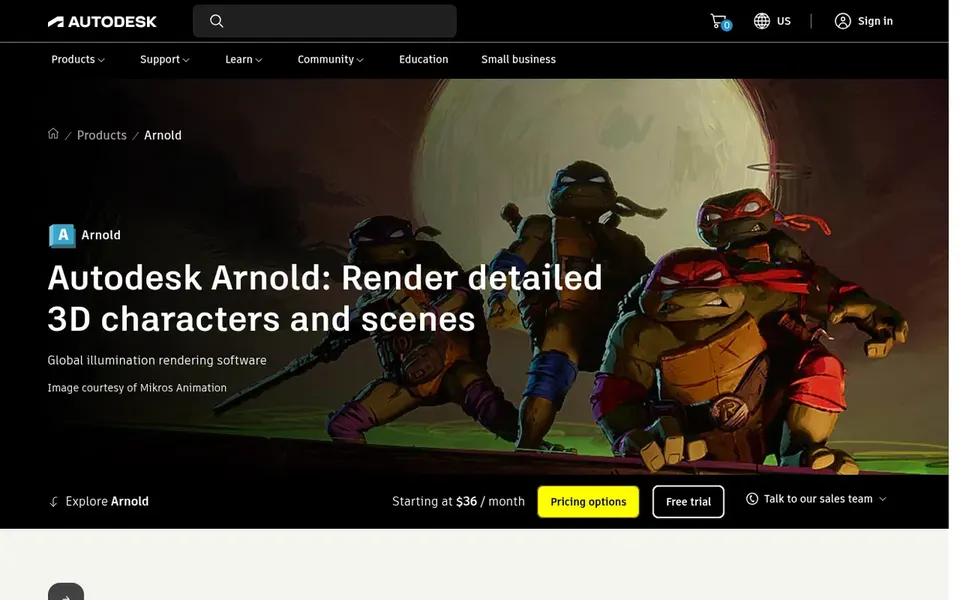
Arnold targets predictable ray-traced production rendering. Arnold is Autodesk's advanced Monte Carlo ray tracing renderer, documented as producing predictable results across scenes. That consistency is why it appears in production pipelines where shots must match from frame to frame.
It is available as a subscription through the official Autodesk store or an Autodesk Partner, and it suits studios already invested in Autodesk tooling. Ray tracing can also be slower for quick look development than GPU-first engines. Check the vendor site for Arnold pricing; none is listed in this comparison. Free access: Not stated.
Octane Render serves quick GPU look development. Unbiased rendering means the engine simulates light transport without shortcuts, which fits artists who want physically plausible results and quick feedback during look development.
It is a typical choice for motion graphics and product visuals where GPU speed shortens iteration. Octane Render shows no starting price here, so confirm the cost on the vendor site. As for free access: Not stated.
KeyShot was built for product design visualization. KeyShot is built around product visualization instead of film or broadcast VFX, so pipelines needing heavy simulation or shot-based compositing may prefer a DCC-integrated engine. Its standalone-style workflow also differs from renderers that live inside modeling applications.
The main drawbacks: Less oriented to film VFX.
KeyShot is 3D rendering and visualization software positioned around live rendering for product design firms, supporting collaboration from concept through product launch. Its live approach helps designers see material and lighting changes rapidly, and it fits teams that require presentable product visuals without deep rendering technical knowledge. The starting price for KeyShot: $7.92 per month. Free plan details: Free trial.
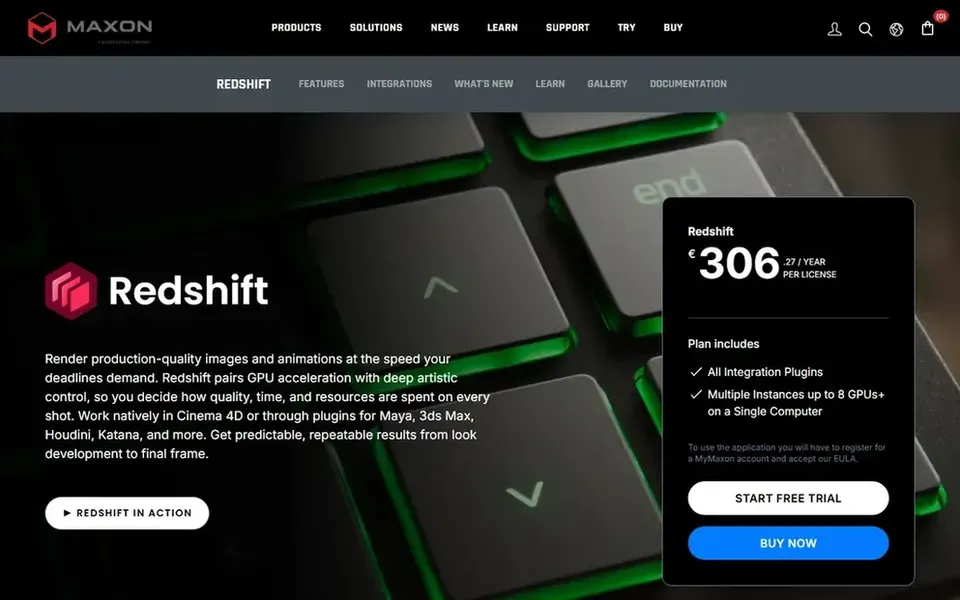
Where Redshift fits: GPU-accelerated production rendering. Check the current host application support and feature set on Maxon's site before committing. From a buyer's view, the central constraint is hardware: Redshift relies on capable GPUs, so older machines may struggle and memory limits can cap scene complexity.
In practice, studios without GPU infrastructure should weigh a CPU renderer instead. From a buyer's view, Redshift is a GPU-accelerated renderer offered by Maxon and often used for production rendering across 3D applications. It is widely known for biased rendering tuned for speed on complicated scenes. Check the vendor site for Redshift pricing; none is listed in this comparison. Free access: Not stated.
Limits to weigh: Documentation varies by host app.
Choose Corona Renderer for architectural visualization workflows. The trade-off is scope: Corona is tied to two host applications, so teams working across other DCC tools will need a second renderer.
Corona Renderer does not show a starting price in this comparison, so check the vendor site for current pricing. On free options: Not stated.
Honest limits: Less suited to general VFX pipelines.
Confirm the entry price on the vendor page. For Arnold, Octane Render, Redshift and Corona Renderer that means a quote rather than a fixed price.
Run a trial of KeyShot with real work before paying for a year; your own workflow is the best test.
Before choosing Arnold, weigh its main limit: subscription-based access.
Ask Octane Render whether prices are locked for the first term and what happens at renewal.
Ask whether Corona Renderer integrates with your current software, and whether that comes standard or as an add-on.
How we picked
Pricing pages, product documentation and feature lists were the main sources, and every entry carries at least one honest drawback. Figures are shown as the vendors publish them. Billing terms, seat minimums and add-ons can change the real cost. Order on the page follows fit for the typical buyer first, then price transparency and free access. Your own requirements should decide the final pick. This applies to all 5 V-Ray alternatives options compared here.
Every price and plan detail on this page comes from the vendors’ own websites. We did not run hands-on tests unless the text says so, and we do not publish star ratings or review scores. See how we score and our disclosure.
Keep your shortlist in one place
Paste prices, trial dates and notes from this guide into Ainotely, our AI note app. It files them into a topic and pulls out tasks like “cancel trial by Friday”. Free 7-day trial, no card needed.
The order follows typical fit for V-Ray, with Arnold first and Corona Renderer last, then price clarity and free access. It is editorial judgement, not a score, so another team could rank the tools differently.
Can I try these tools before paying?
Often, yes. KeyShot offers a free trial. Use your own data and a real task during the test, and check what the free tier or trial limits before you rely on it. For the full picture, the cards above cover all 5 entries of this V-Ray alternatives list, including price, free plan and limits.
What is the best V-Ray alternative for architectural visualization?
Arnold comes first here and is built for predictable ray-traced production rendering. Buyers with other needs may prefer Octane Render (for quick GPU look development) or KeyShot (for product design visualization). Compare costs and limits first.
Do these tools publish their prices?
Not all of them. Arnold, Octane Render, Redshift and Corona Renderer publish no starting price, so expect a quote request for those. The rest, KeyShot included, show a starting price, though seats and billing terms still change the final cost.
What is the cheapest option for V-Ray in this list?
On published monthly entry prices, KeyShot is the lowest here at $7.92 per month. Entry price is only part of the cost, because seats, add-ons and billing terms can change the total. Pricing, free plan details and limits for all 5 tools in this V-Ray alternatives roundup sit on the individual cards above.