This list puts Vegas Pro first for Windows editing with built-in VFX. For a different need, Motion covers Mac motion graphics and titles and Nuke covers node-based film and TV compositing. The other 2 tools in the list cover narrower or pricier cases.
For Windows editing with built-in VFX, Vegas Pro is a natural candidate. Vegas Pro is a professional video editing application for Windows with tools for color grading, visual effects and audio. Its combination of editing and built-in effects fits projects that require straightforward motion and correction work.
Honest limits: Effects depth differs from dedicated compositors.
Vegas Pro is centered on Windows, and its effects toolset is geared toward editing workflows instead of complicated shot compositing. Editors needing deep node-based effects should pair it with a dedicated compositor. No starting price is listed for Vegas Pro here; confirm pricing on the vendor site. Free options: Not stated.
Motion was built for Mac motion graphics and titles. It suits Mac-based editors who want to build motion graphics that complement their edits without a separate node-based compositor.
Also, pick Motion when your team edits on Mac and needs motion graphics that connect with that workflow. No starting price is listed for Motion here; confirm pricing on the vendor site. Free access: Not stated.
For node-based film and TV compositing, Nuke is a natural candidate. Nuke is Foundry's compositing and visual effects application used for film and TV work, with a node-based approach to building shots.
Pick Nuke when compositing quality is the priority. Nuke is not designed as an everyday video editor, so editors wanting one application for cutting and effects should look at an all-in-one suite instead. This comparison lists no price for Nuke; ask the vendor. On free options: Not stated.
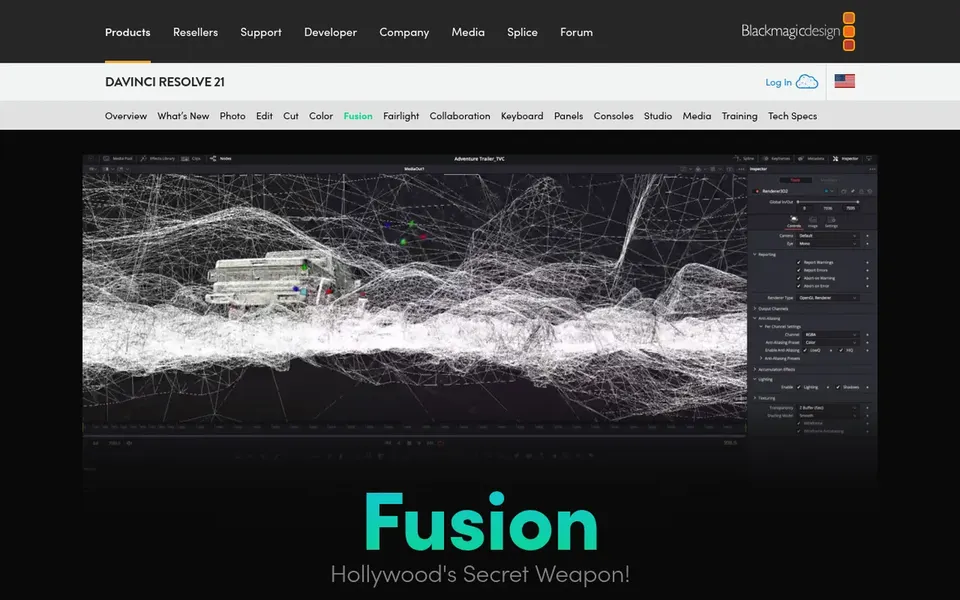
Think of Fusion for node-based VFX inside Resolve. Since it shares the same project environment, effects work sits alongside editing, color and audio post production. Its node-based approach also takes practice.
Where Fusion stands out: color and audio.
Points against: Tied to the Resolve ecosystem.
Choose Fusion when you want effects integrated with editing and grading in one application. In daily use, Fusion is the visual effects page within DaVinci Resolve, offering a node-based environment for compositing, motion graphics and effects. Check the vendor site for Fusion pricing; none is listed in this comparison. As for free access: Not stated.
DaVinci Resolve is aimed squarely at all-in-one editing, color and effects. Choose Resolve when you want effects integrated with editing and color; choose a standalone compositor when shot complexity is the main focus. Beyond that, the breadth of the application means a ramp-up time, and complicated shot work can still call for a dedicated compositing tool.
From a buyer's view, DaVinci Resolve is a professional application that brings video editing, color correction, visual effects and audio post production together in one place. Its Fusion page offers node-based effects work without leaving the edit. Pricing for DaVinci Resolve is not stated here, so ask the vendor for current figures. Trial and free access: Not stated.
Where it falls short: Deep feature set can feel overwhelming at first.
Request quotes from Vegas Pro, DaVinci Resolve and the others; the list shows no fixed prices.
Read the limits listed for Vegas Pro first: Windows-focused system.
Before you load data into Nuke, check what an export looks like and who can run it.
Find out what support Fusion includes on your plan, and whether onboarding help costs extra.
The entry price of Vegas Pro is only the starting point; model the full cost with seats and extras.
How we picked
Ainotely used vendor pricing pages and product documentation as the base, then compared plans, free access and documented limits for 5 tools. Where a price is missing, the vendor does not list one publicly or ties it to a quote. Always confirm before budgeting. We ordered the tools by general fit, then by how clearly pricing is shown, then by free access. A buyer with unusual needs may reorder them. That approach shaped the order of the 5 after effects alternatives tools listed here.
Every price and plan detail on this page comes from the vendors’ own websites. We did not run hands-on tests unless the text says so, and we do not publish star ratings or review scores. See how we score and our disclosure.
Keep your shortlist in one place
Paste prices, trial dates and notes from this guide into Ainotely, our AI note app. It files them into a topic and pulls out tasks like “cancel trial by Friday”. Free 7-day trial, no card needed.
Vegas Pro sits first and DaVinci Resolve last because the order follows typical fit for After Effects, then price clarity and free access. It is a judgement call, so read each profile for fit and limits.
Does any tool for After Effects here have a free plan?
A permanent free plan is not offered by Vegas Pro, DaVinci Resolve or the other tools here. Plan a short evaluation period instead. Pricing, free plan details and limits for all 5 tools in this after effects alternatives roundup sit on the individual cards above.
What is the closest alternative to After Effects for motion graphics?
DaVinci Resolve with its Fusion page is a capable all-in-one alternative since effects sit alongside editing and color. The right choice relies on whether you need shot compositing or graphics work.
Is Vegas Pro the right pick for everyone comparing After Effects?
No single tool suits every team. Vegas Pro comes first because it fits Windows editing with built-in VFX, while Motion suits Mac motion graphics and titles and Nuke suits node-based film and TV compositing. Match the tool to your own size, budget and workflow before deciding.
Can I try these tools before paying?
Not by default. None of the tools, from Vegas Pro to DaVinci Resolve, lists a free plan or a free trial here, so ask each vendor for a demo before committing. The 5 tool cards above repeat this per product for after effects alternatives, with the listed price or "pricing on request".