Our first pick is V-Ray, best for Photorealistic rendering for VR-ready scenes. Listed starting prices: Lumion from $96 named user a month. Look at Lumion for quick live architectural visualization, and at Enscape for real-time VR walkthroughs from CAD models. Prices, free plans and limits for all 5 tools follow.
Ainotely compared 5 tools for 3D home software for virtual reality. The goal is a practical shortlist: published prices, free plan facts, best-fit use cases and honest limits for every entry.
Key takeaways
This list starts with V-Ray, which is built for Photorealistic rendering for VR-ready scenes.
Home Designer is the one to check for DIY homeowners planning remodels.
V-Ray, Home Designer and the 3 others all need a premium plan or a trial, since no free plan is listed.
A fair warning about V-Ray: rendering only, no modeling.
Best for: Photorealistic rendering for VR-ready scenes
For Photorealistic rendering for VR-ready scenes, V-Ray is a natural candidate. Photorealistic rendering can also be more time intensive than live engines.
It is noted for photorealistic output, which makes it handy when a home model must look convincing in stills, animations or panoramic VR views. This comparison lists no price for V-Ray; ask the vendor. Trial and free access: Not stated.
Lumion is built with fast live architectural visualization in mind. It performs well as the visualization layer once a model exists in a compatible design tool.
Lumion renders instead of drafts, so it does not replace plan development or BIM authoring. On top of that, if your need is model creation and documentation first, start with a design tool and add Lumion for presentation. On cost, Lumion starts like this: $96 named user per month. Free plan details: Free trial.
Honest limits: Rendering focus, not plan drafting.
Enscape is designed for live VR walkthroughs from CAD models. If your priority is final photorealistic stills, a dedicated renderer may complement it. From a buyer's view, Enscape is live rendering and virtual reality software from Chaos that plugs into Revit, SketchUp, Rhino, ArchiCAD and Vectorworks, rendering with just one click.
It is meant to let designers move from a working model to an immersive walkthrough rapidly, making it a solid fit for architects and interior designers who want VR review inside their existing modeling workflow. Enscape relies on a supported host application, so it is not a standalone modeling option and layers on nothing if your design tool is outside its list. Its live approach favors speed and interactivity over the most elaborate offline rendering. Pricing for Enscape is not stated here, so ask the vendor for current figures. Free plan details: Not stated.
Drawbacks to consider: Not a modeling application itself.
Best for: BIM-based home modeling for VR pipelines
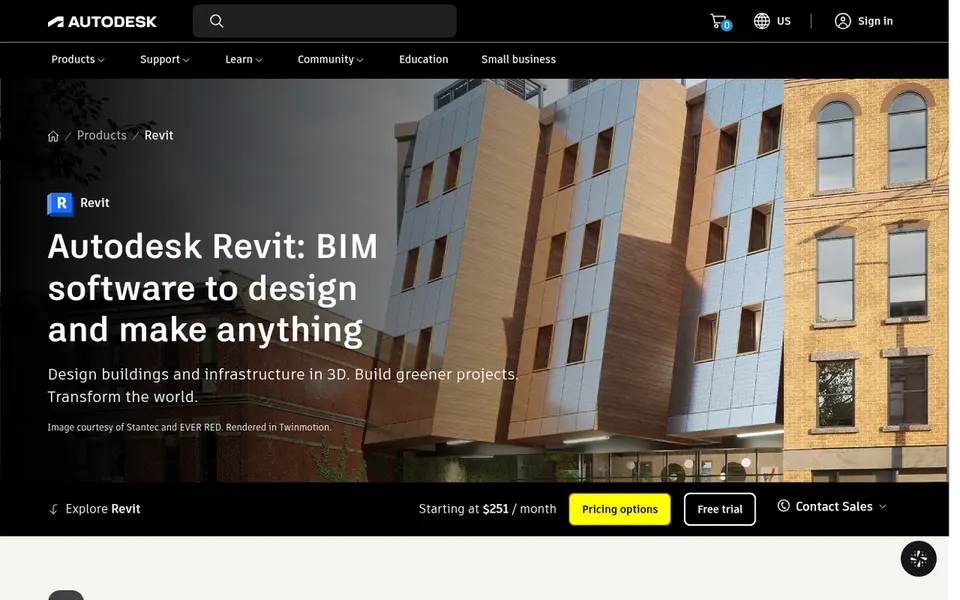
For BIM-based home modeling for VR pipelines, Autodesk Revit is a natural candidate. It builds intelligent 3D models where drawings update immediately as the model changes, and it supplies optional AI-assisted workflows. Also, for virtual reality work, it serves as the authoritative home model that visualization tools can consume.
It also does not render VR walkthroughs by itself, so you pair it with a live engine. Pick something more straightforward if your goal is fast concept visualization instead of documented construction models. Pricing for Autodesk Revit is not stated here, so ask the vendor for current figures. Free options: Not stated.
What to check first: Steep ramp-up time for beginners.
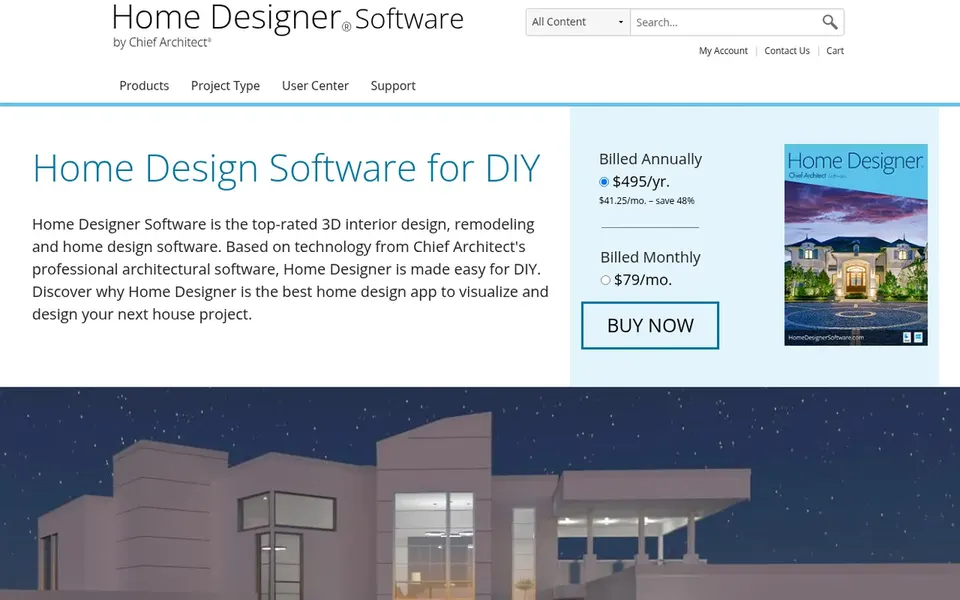
In short, Home Designer is for DIY homeowners planning remodels. It lets homeowners produce floor plans and visualize them in 3D, which is a practical starting point before handing a concept to a professional or moving into a VR review.
Watch-outs: Less depth than professional suites.
As a DIY-oriented product, it gives you less depth than professional design suites, and intricate or large projects may outgrow it. In practice, rendering and VR output choices are also more restricted than dedicated visualization engines. Check the vendor site for Home Designer pricing; none is listed in this comparison. Free plan details: Not stated.
Ask V-Ray, Enscape, Autodesk Revit and Home Designer for a written quote, since no starting price is shown.
Use real work to test the free trial from Lumion, rather than a demo project.
Before choosing V-Ray, weigh its main limit: rendering only, no modeling.
Test the integrations you rely on with V-Ray before committing; some connectors sit on upper tiers.
Before you load data into Enscape, check what an export looks like and who can run it.
How we picked
Ainotely looked at what each vendor publishes: pricing, plan limits, feature coverage for 3D home software for virtual reality and stated drawbacks. No hands-on testing is claimed. Where a price is missing, the vendor does not list one publicly or ties it to a quote. Always confirm before budgeting. The order reflects how well each tool fits the most common buying scenario for 3D home software for virtual reality, then price clarity, then free plan access. It is a starting point, not a verdict.
Every price and plan detail on this page comes from the vendors’ own websites. We did not run hands-on tests unless the text says so, and we do not publish star ratings or review scores. See how we score and our disclosure.
Keep your shortlist in one place
Paste prices, trial dates and notes from this guide into Ainotely, our AI note app. It files them into a topic and pulls out tasks like “cancel trial by Friday”. Free 7-day trial, no card needed.
How are the tools for 3D home software for virtual reality ordered?
V-Ray sits first and Home Designer last because the order follows typical fit for 3D home software for virtual reality, then price clarity and free access. It is a judgement call, so read each profile for fit and limits.
Does any tool for 3D home software for virtual reality here have a free plan?
No tool in this list, V-Ray and Home Designer included, has a permanent free plan. Lumion offer a trial. Trials and quotes are the usual route, so plan a short evaluation period.
Is photorealistic rendering or live speed more important?
V-Ray is noted for photorealistic output suited to final imagery, whereas Enscape and Lumion emphasize live interaction for design review. Numerous teams use a live engine during design and a photorealistic renderer for final presentation.
Do these tools publish their prices?
Not all of them. V-Ray, Enscape, Autodesk Revit and Home Designer publish no starting price, so expect a quote request for those. The rest, Lumion included, show a starting price, though seats and billing terms still change the final cost.
What is the cheapest option for 3D home software for virtual reality in this list?
On published monthly entry prices, Lumion is the lowest here at $96 named user per month. Entry price is only part of the cost, because seats, add-ons and billing terms can change the total.