ZBrush is the first pick on this list for digital sculpting with painting features. Listed starting prices: KeyShot from $7.92 a month. KeyShot is better for live rendering and visualization, and 3D-Coat is better for all-in-one sculpting and texturing. The other 2 tools in the list cover narrower or pricier cases.
Ainotely put together this guide to AI 3D painting software for readers who want a clear shortlist without reading every vendor page. It compares 5 tools on starting price, free plans, who each one suits and where each one falls short.
Key takeaways
Top of the list is ZBrush, which targets digital sculpting with painting features.
Check the limits for KeyShot before you commit: not a dedicated 3D painting tool.
Adobe Substance 3D Painter is the one to check for live texturing with smart materials.
Starting prices begin at $7.92 per month with KeyShot.
Best for: Digital sculpting with painting features
ZBrush is a good fit for digital sculpting with painting features. It is widely used for character and creature creation.
Its interface can be daunting for newcomers. ZBrush does not show a starting price in this comparison, so check the vendor site for current pricing. On free options: Not stated.
KeyShot targets live rendering and visualization. KeyShot is a live 3D rendering and AI visualization software that makes it possible for collaboration from concept to product launch.
Drawbacks to consider: Restricted direct texture painting.
It concentrates on rendering and visualization instead of direct 3D painting, though it bundles material editing and lighting tools. KeyShot is not made for in-depth 3D texture painting, so it may not replace dedicated painting software. The starting price for KeyShot: $7.92 per month. On free options: Free trial.
3D-Coat is a good fit for all-in-one sculpting and texturing. 3D-Coat is an application that gives you tools to take a 3D idea from digital clay to a production-ready, completely textured model. It merges voxel sculpting, retopology, and texturing, along with a GPU node system for material creation.
What to check first: Less industry adoption than some rivals.
More specifically, the software's wide feature set can make the interface overwhelming, and it may not have the same level of industry standardization as Substance 3D Painter. That said, for those seeking an integrated option, it is a capable contender. Evaluate if your workflow needs specialized texturing beyond its capabilities. Pricing for 3D-Coat is not stated here, so ask the vendor for current figures. On free options: Not stated.
Quixel Mixer was built for texture mixing with scanned assets. Quixel Mixer is not a direct 3D painting application; it concentrates on texture mixing instead of brush-based painting on models. Use Mixer for material creation and combine with a painting tool when needed.
What to check first: Restricted direct 3D painting.
For everyday use, Quixel Mixer is a texture authoring tool that uses the Megascans library of scanned assets to build complicated materials. It permits artists to mix and blend textures procedurally. Quixel Mixer shows no starting price here, so confirm the cost on the vendor site. As for free access: Not stated.
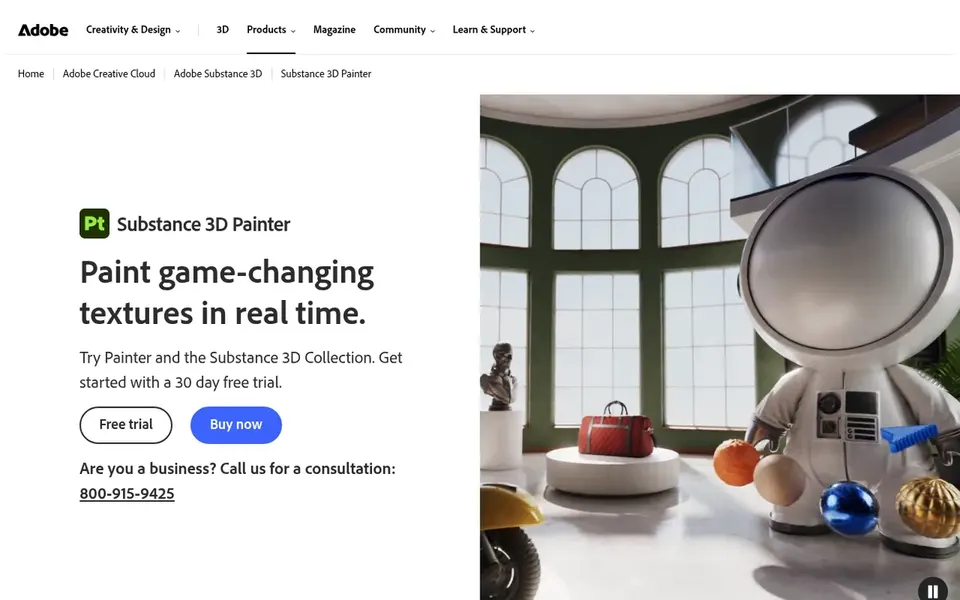
For live texturing with smart materials, Adobe Substance 3D Painter is a natural candidate. Adobe Substance 3D Painter is a 3D painting application for applying textures, materials, and masks onto 3D assets in real time. The software is available via a subscription, which may not suit those seeking a perpetual license.
What to check first: Subscription-based licensing.
Its broad feature set can be overwhelming for casual users. If you need a more straightforward or sculpting-focused tool, consider alternatives like 3D-Coat or ZBrush. Adobe Substance 3D Painter does not show a starting price in this comparison, so check the vendor site for current pricing. As for free access: Not stated.
Confirm the entry price on the vendor page. For ZBrush, 3D-Coat, Quixel Mixer and Adobe Substance 3D Painter that means a quote rather than a fixed price.
Take the trial from KeyShot and push a live task through it before you pay.
Read the limits listed for ZBrush first: steep ramp-up time.
See whether Quixel Mixer offers onboarding or training, and whether it is included in the price.
Check the integration list for Adobe Substance 3D Painter against the tools you run today, and note which ones need a higher plan.
How we picked
Selection started from tools commonly considered for AI 3D painting software, then narrowed to 5 that have clear pricing information or a clear quote process. Figures are shown as the vendors publish them. Billing terms, seat minimums and add-ons can change the real cost. The sequence is a judgement call: typical use case first, then pricing transparency, then free access. Use the profiles to check fit.
Every price and plan detail on this page comes from the vendors’ own websites. We did not run hands-on tests unless the text says so, and we do not publish star ratings or review scores. See how we score and our disclosure.
Keep your shortlist in one place
Paste prices, trial dates and notes from this guide into Ainotely, our AI note app. It files them into a topic and pulls out tasks like “cancel trial by Friday”. Free 7-day trial, no card needed.
Not all of them. ZBrush, 3D-Coat, Quixel Mixer and Adobe Substance 3D Painter publish no starting price, so expect a quote request for those. The rest, KeyShot included, show a starting price, though seats and billing terms still change the final cost.
Which tool is a good match for beginners in 3D painting?
This list starts with ZBrush, which fits digital sculpting with painting features. For other needs, KeyShot is aimed at live rendering and visualization, and 3D-Coat at all-in-one sculpting and texturing. Check each tool's price and main limit first.
Do I need a capable computer to run 3D painting software?
Most 3D painting software needs a capable GPU and sufficient RAM, notably for high-resolution textures. Beyond that, check each tool's system requirements to ensure your hardware can manage the workload.
What is the cheapest option for AI 3D painting software in this list?
On published monthly entry prices, KeyShot is the lowest here at $7.92 per month. Entry price is only part of the cost, because seats, add-ons and billing terms can change the total.
What is AI 3D painting software?
AI 3D painting software refers to tools that use artificial intelligence to assist in texturing 3D models, for example smart materials that adapt to geometry or AI-driven visualization.
Can I try these options before paying?
Often, yes. KeyShot offers a free trial. Use your own data and a real task during the test, and check what the free tier or trial limits before you rely on it.