This list puts Rossum first for transactional document workflows. Listed starting prices: Rossum from $18,000 a year. Alternatives: Amazon Textract for OCR on scanned PDFs and forms, and Kofax for enterprise workflow automation. All 6 tools are compared below on price, free plan and limits.
Choosing AI data extraction tools usually comes down to price, fit and limits. This Ainotely guide sets 6 tools side by side on those three points, with the facts kept short and checkable.
Key takeaways
Rossum takes the first slot, best suited to transactional document workflows.
Neither Rossum nor Google Document AI, nor any of the other 4 tools, has a permanent free plan; trials and quotes are the norm.
One limit worth knowing about Amazon Textract: best value inside AWS.
For Amazon Textract, Kofax, Hyperscience and others, you have to request a quote because no starting price is shown.
For transactional document workflows, Rossum is a natural candidate. It suits teams whose document volume is dominated by transactional paperwork and who want automation tuned to that flow.
What you pay to start with Rossum: $18,000 per year. Trial and free access: Free trial.
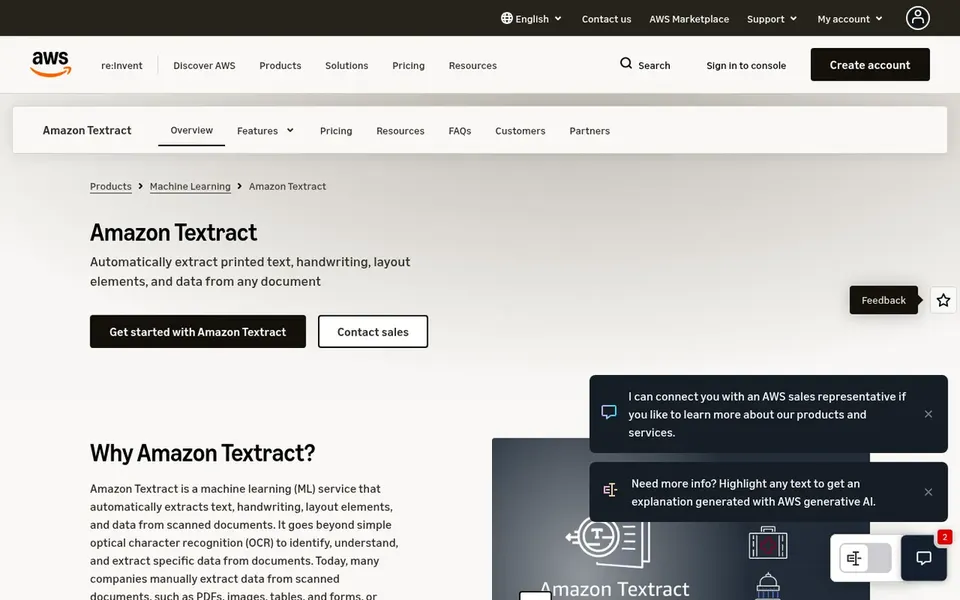
Amazon Textract is built with OCR on scanned PDFs and forms in mind. It goes beyond straightforward OCR by identifying structure such as form fields and table cells. In practice, Textract is most convenient when your data and applications already live in AWS, and less so for teams standardized elsewhere.
Where it is weaker: Best value inside AWS.
From a buyer's view, heavily irregular layouts or poor scans can still need review and post-processing. For everyday use, if you need deep custom document classification, a system designed around transactional workflows may fit better. Pricing for Amazon Textract is not stated here, so ask the vendor for current figures. Free plan details: Not stated.
Think of Kofax for enterprise workflow automation. Its scope reaches beyond extraction into broader workflow automation.
What to check first: Enterprise-scale focus.
That breadth can make the product landscape complicated to navigate and the adoption effort bigger than a narrow extraction service needs. If your goal is restricted to pulling fields from forms, a focused service like Amazon Textract may be simpler to start with. Kofax does not show a starting price in this comparison, so check the vendor site for current pricing. Free options: Not stated.
Best for: Enterprise unstructured content automation
Pick Hyperscience if this describes you: enterprise unstructured content automation. An enterprise system orientation can mean a longer adoption path and more internal coordination than a light extraction service.
Where it falls short: Heavier to adopt.
Beyond that, Hyperscience presents itself as an enterprise AI product that helps automate document processes and turn unstructured content into structured, actionable data. Beyond that, if you want fast, focused extraction inside an existing cloud, a provider-native tool like Azure AI Document Intelligence may be more direct. Hyperscience does not show a starting price in this comparison, so check the vendor site for current pricing. As for free access: Not stated.
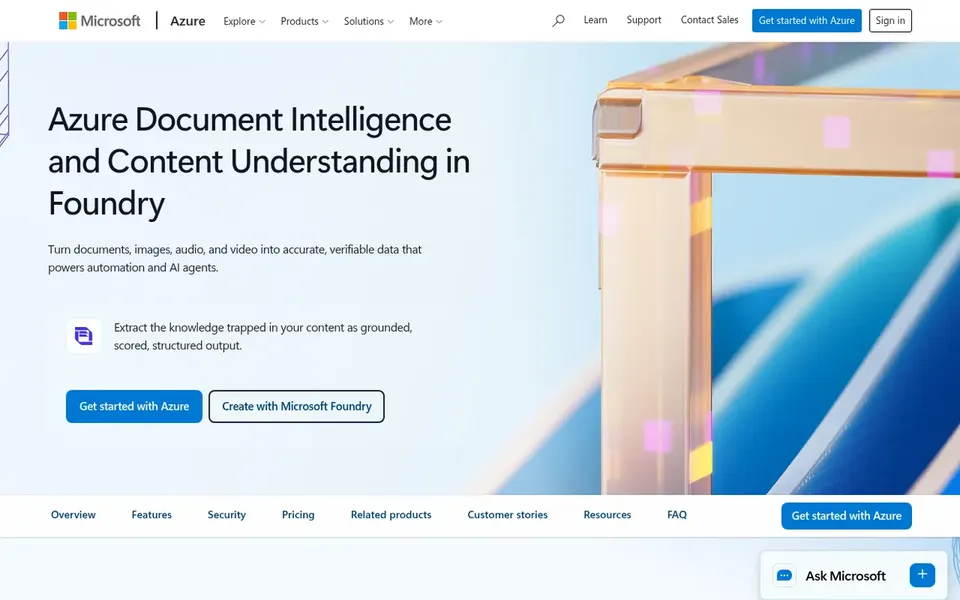
Azure AI Document Intelligence is designed for Microsoft-centric document extraction. Azure AI Document Intelligence, now part of Azure Content Understanding in Foundry Tools, is a cloud service for pulling text, layout and structured fields out of documents using AI models. More specifically, model quality also relies on how well your document types match pretrained choices or how much effort you put into custom training.
Drawbacks to consider: Setup can be involved.
What users get: Extracts text.
Since it lives inside Azure, teams outside that ecosystem may find the surrounding setup heavier than they need. If you run primarily on another cloud, a provider-native service may be more straightforward. Azure AI Document Intelligence shows no starting price here, so confirm the cost on the vendor site. Free options: Not stated.
Best for: Pretrained and custom models on Google Cloud
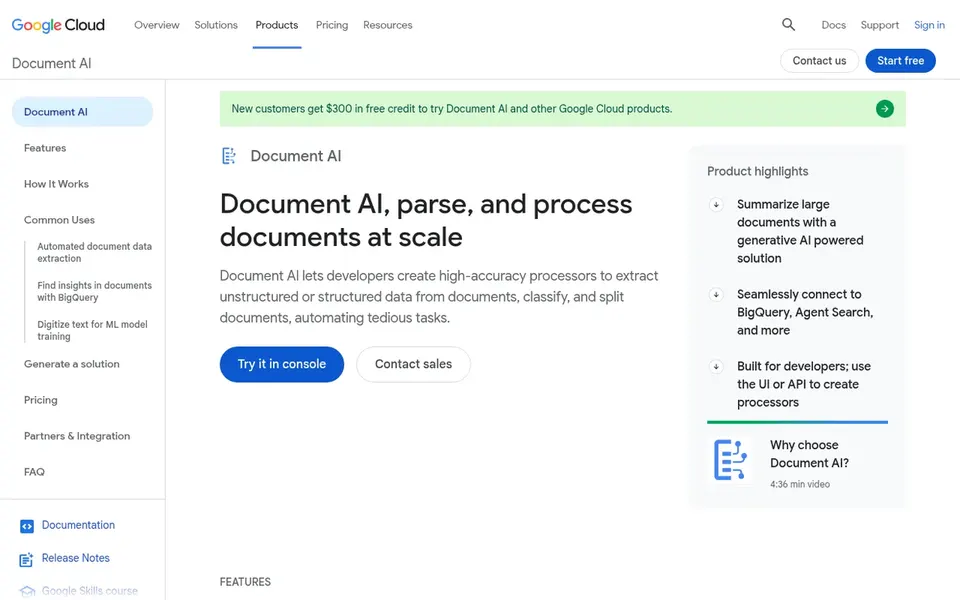
Google Document AI works best for Pretrained and custom models on Google Cloud. Google Document AI is a suite that bundles pretrained models for document processing, a Workbench for building custom models. A Warehouse for searching and storing processed documents.
In practice, the breadth of the suite means more configuration decisions, which can slow teams that just want basic extraction. For everyday use, like other cloud-native services, it is most natural inside its own ecosystem. Google Document AI does not show a starting price in this comparison, so check the vendor site for current pricing. As for free access: Not stated.
Get a written quote from Amazon Textract, Kofax, Hyperscience and others; the list shows no starting price for them.
Use real work to test the free trial from Rossum, rather than a demo project.
Before choosing Rossum, weigh its main limit: narrower than general OCR.
Total up the real monthly cost of Rossum, including add-ons, extra users and usage-based fees.
Ask the daily users to test Azure AI Document Intelligence on a live task before you roll it out to everyone.
How we picked
The comparison looks at four things: starting price, free access, how well the feature set matches AI data extraction tools, and the main limit of each tool. Where a price is missing, the vendor does not list one publicly or ties it to a quote. Always confirm before budgeting. Tools are placed by general fit for AI data extraction tools, with price clarity and free access as tie-breakers. A different team can reasonably rank them differently.
Every price and plan detail on this page comes from the vendors’ own websites. We did not run hands-on tests unless the text says so, and we do not publish star ratings or review scores. See how we score and our disclosure.
Keep your shortlist in one place
Paste prices, trial dates and notes from this guide into Ainotely, our AI note app. It files them into a topic and pulls out tasks like “cancel trial by Friday”. Free 7-day trial, no card needed.
Multiple of the tools described here explicitly mention tables, forms or handwriting, including Amazon Textract and Azure AI Document Intelligence. Results vary with scan quality and layout complexity, so plan for review steps on hard documents.
Can these tools process custom document types?
Yes, multiple support custom models. The effort involved differs, so check how much setup each choice needs for your formats.
How are the tools for AI data extraction tools ordered?
Rossum sits first and Google Document AI last because the order follows typical fit for AI data extraction tools, then price clarity and free access. It is a judgement call, so read each profile for fit and limits.
Do these tools publish their prices?
Not all of them. Amazon Textract, Kofax, Hyperscience and others publish no starting price, so expect a quote request for those. The rest, Rossum included, show a starting price, though seats and billing terms still change the final cost.
Is Rossum the right pick for everyone comparing AI data extraction tools?
No single tool suits every team. Rossum comes first because it fits transactional document workflows, while Amazon Textract suits OCR on scanned PDFs and forms and Kofax suits enterprise workflow automation. Match the tool to your own size, budget and workflow before deciding.
Does any tool for AI data extraction tools here have a free plan?
A permanent free plan is not offered by Rossum, Google Document AI or the other tools here. Rossum offer a trial. Plan a short evaluation period instead.