Start with Innovaccer if you need unifying data for AI agents. Notable is better for AI agents across access and revenue cycle, and Waystar is better for end-to-end revenue cycle management. The other 3 tools in the list cover narrower or pricier cases.
Ainotely compared 6 tools for AI platforms for patient access automation. The goal is a practical shortlist: published prices, free plan facts, best-fit use cases and honest limits for every entry.
Key takeaways
This list starts with Innovaccer, which is built for unifying data for AI agents.
A permanent free plan is missing from all 6 tools, Innovaccer and Qventus included; plan for a trial or a premium start.
No starting price is shown for any of the 6 tools, Innovaccer and Qventus included, so plan time for sales calls.
Innovaccer serves unifying data for AI agents. Teams wanting fast, single-workflow automation may prefer a more specialized choice.
Limits to weigh: Access workflows need mapping.
Main advantages: Brings together data across workflows.
Beyond that, Innovaccer presents an agentic cloud for healthcare that brings together data and deploys AI agents across clinical, operational and financial workflows. As for the details, a data-centric system can need more upfront integration effort than a narrow access tool, so buyers should plan resources accordingly. Check the vendor site for Innovaccer pricing; none is listed in this comparison. Free access: Not stated.
Best for: AI agents across access and revenue cycle
Think of Notable for AI agents across access and revenue cycle. Notable describes an AI product purpose-built for healthcare, with agents that automate patient access, revenue cycle and care operations. Buyers concentrated on scheduling, intake and eligibility automation will find the positioning straight relevant.
Limits to weigh: Wide scope needs careful scoping.
Organizations wanting a single-purpose tool may prefer a narrower system. Buyers should confirm which workflows are supported today, how agents are configured and what oversight is required. Check the vendor site for Notable pricing; none is listed in this comparison. Trial and free access: Not stated.
Think of Waystar for end-to-end revenue cycle management. It suits organizations that want patient access automation connected to eligibility, claims and payment workflows in one environment.
On top of that, confirm which front-end access workflows are automatic and how they plug into your records systems. No starting price is listed for Waystar here; confirm pricing on the vendor site. On free options: Not stated.
What to check first: RCM focus instead of pure access.
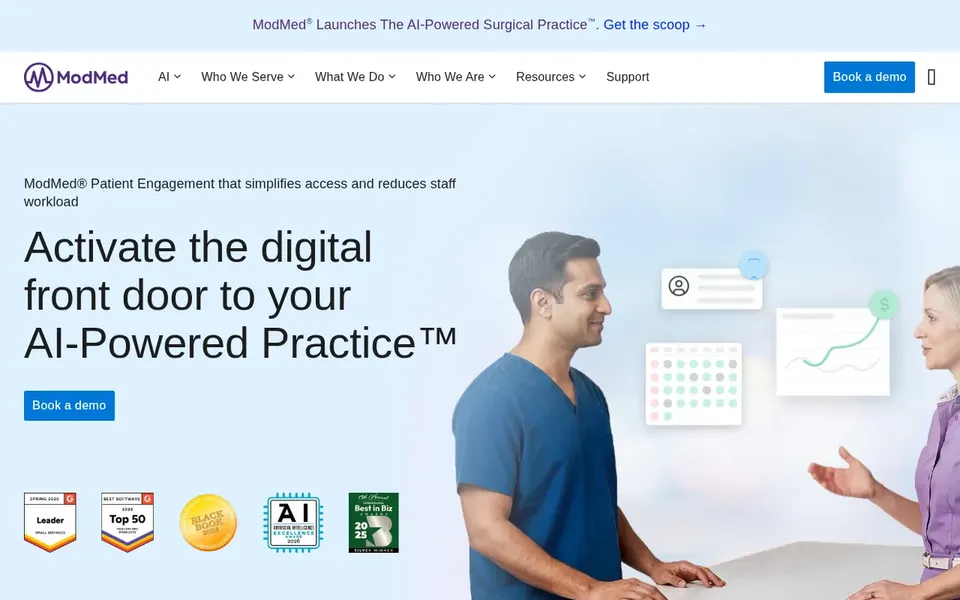
Klara is designed for patient engagement and digital intake. Klara is presented as patient engagement software that eases patient access and cuts staff workload, with AI-powered tools for scheduling, digital intake and quicker payments.
Where it is weaker: Confirm standalone fit for your stack.
Since the offering is positioned within a broader clinical software family, buyers should check how it works alongside their current systems and whether standalone deployment is supported. On top of that, teams wanting purely operational automation may prefer a different tool. Klara shows no starting price here, so confirm the cost on the vendor site. Trial and free access: Not stated.
Best for: Patient communication and access journeys
Luma Health is aimed squarely at patient communication and access journeys. The documented homepage excerpt is short, so buyers should confirm the exact automation scope, integrations and reporting before deciding.
Where it is weaker: Homepage excerpt is brief.
Also, ask the vendor how workflows align with your existing scheduling and records systems. Pricing for Luma Health is not stated here, so ask the vendor for current figures. As for free access: Not stated.
Best for: Automating hospital operational workflows
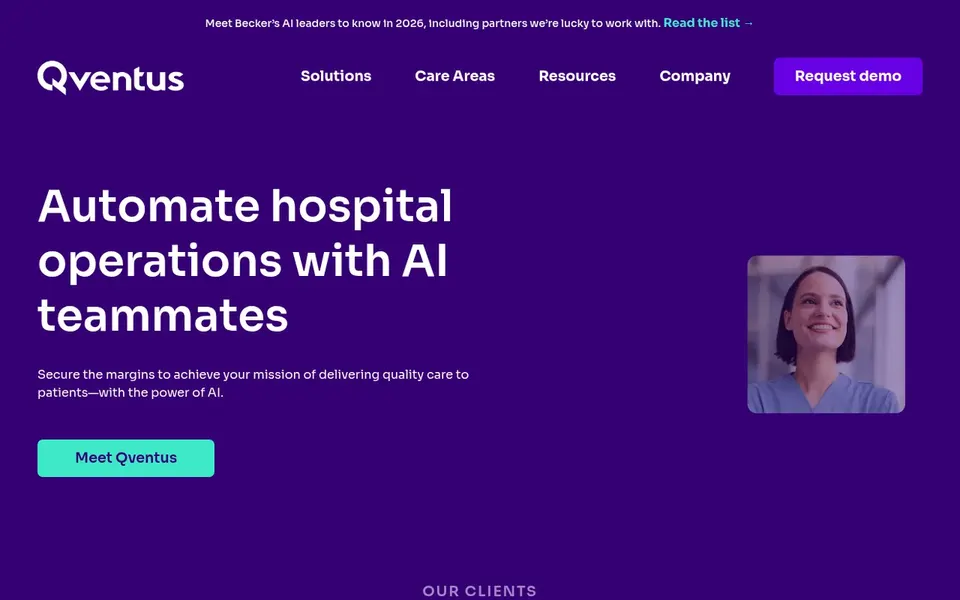
Qventus works best for automating hospital operational workflows. Qventus presents itself as a provider of AI teammates that automate hospital operations, with messaging centered on reducing staff workloads, unlocking capacity and expanding revenue.
Watch-outs: Oriented toward hospital operations.
Check the vendor site for Qventus pricing; none is listed in this comparison. Trial and free access: Not stated.
Request quotes from Innovaccer, Qventus and the others; the list shows no fixed prices.
Before choosing Innovaccer, weigh its main limit: data product orientation.
Run a one or two week pilot of Klara with the people who will use it every day.
Map your must-have features to a specific Innovaccer plan before you compare prices.
Confirm you can export your data from Waystar, so leaving later does not mean losing records.
How we picked
For each of the 6 tools we noted price, free plan or trial, fit for AI platforms for patient access automation and the main limit, using vendor pages and documentation. Treat prices as a snapshot: vendors change plans often, so check the vendor site for the figure that applies today. We ordered the tools by general fit, then by how clearly pricing is shown, then by free access. A buyer with unusual needs may reorder them.
Every price and plan detail on this page comes from the vendors’ own websites. We did not run hands-on tests unless the text says so, and we do not publish star ratings or review scores. See how we score and our disclosure.
Keep your shortlist in one place
Paste prices, trial dates and notes from this guide into Ainotely, our AI note app. It files them into a topic and pulls out tasks like “cancel trial by Friday”. Free 7-day trial, no card needed.
How do I choose between an operations system and a RCM product?
Start with the bottleneck you have to remove. If capacity and staffing pressure dominate, an operations-focused product may fit; if financial clearance and payments are the priority, a RCM-oriented system may be better. Many organizations combine both over time.
How are the tools for AI platforms for patient access automation ordered?
The order follows typical fit for AI platforms for patient access automation, with Innovaccer first and Qventus last, then price clarity and free access. It is editorial judgement, not a score, so another team could rank the tools differently.
Can I try these tools before paying?
Not by default. None of the tools, from Innovaccer to Qventus, lists a free plan or a free trial here, so ask each vendor for a demo before committing.
Do these tools publish their prices?
No. None of the tools, from Innovaccer to Qventus, shows a fixed starting price here, so budget time for quotes.
Does any tool for AI platforms for patient access automation here have a free plan?
A permanent free plan is not offered by Innovaccer, Qventus or the other tools here. Plan a short evaluation period instead.
What should I ask vendors before shortlisting?
Ask for a workflow-by-workflow capability list, integration requirements, oversight model for AI agents and audit reporting. Also ask how implementation is phased.