This list puts Relativity aiR first for legal data intelligence and insights. CoCounsel fits research and drafting with authoritative content; Lexis+ AI fits legal research, drafting, and analysis. The other 2 tools in the list cover narrower or pricier cases.
Ainotely put together this guide to AI tools for legal workflow automation for readers who want a clear shortlist without reading every vendor page. It compares 5 tools on starting price, free plans, who each one suits and where each one falls short.
Key takeaways
Relativity aiR is the opening pick, best for legal data intelligence and insights.
Harvey fits broad legal AI for businesses and in-house teams.
Spellbook comes with a trade-off: narrower scope than full legal suites.
No starting price is shown for any of the 5 tools, Relativity aiR and Harvey included, so plan time for sales calls.
None of the 5 tools, from Relativity aiR to Harvey, has a free plan, so budget for a subscription or use a trial.
Where Relativity aiR fits: legal data intelligence and insights. If your primary need is contract review in Word or legal research, other tools here may be more direct. It transforms complicated data into insights and actions to raise the practice of law, making it a fit for teams working with large legal data sets who require analysis and next-step guidance.
It complements, instead of replaces, drafting and research tools. As for the details, confirm how Relativity aiR links with your existing data workflows and what setup is involved. Pricing for Relativity aiR is not stated here, so ask the vendor for current figures. On free options: Not stated.
Watch-outs: Focused on data intelligence instead of drafting.
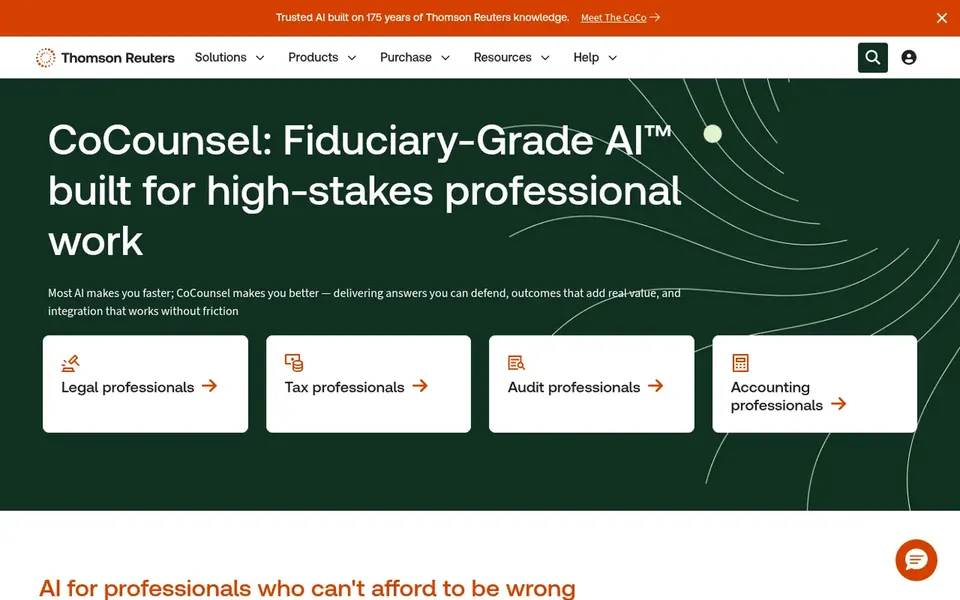
Best for: Research and drafting with authoritative content
CoCounsel is aimed squarely at research and drafting with authoritative content. It fits legal and professional teams that prioritize trusted source material and a security posture a good match for sensitive work.
Watch-outs: Concentrated on professional research and drafting.
In daily use, teams outside the Thomson Reuters ecosystem may find integration less direct, and those needing Word-native contract review may prefer a dedicated tool. This comparison lists no price for CoCounsel; ask the vendor. Trial and free access: Free trial.
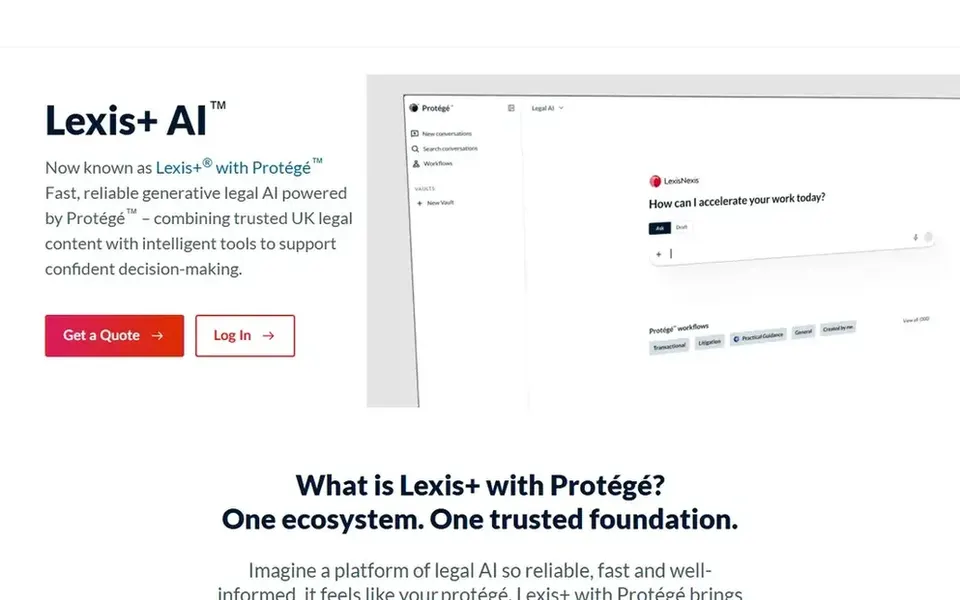
Lexis+ AI is built with legal research, drafting, and analysis in mind. Lexis+ with Protégé is a legal AI option for drafting, research, and analysis that provides results from authoritative LexisNexis resources.
Downsides: Tied to the LexisNexis content ecosystem.
In daily use, teams without LexisNexis access should confirm how the product works alongside their existing research providers. If your priority is reviewing contracts inside Microsoft Word, a specialized contract tool may be a better fit. Lexis+ AI does not show a starting price in this comparison, so check the vendor site for current pricing. Free plan details: Not stated.
Spellbook is designed for contract review and drafting in Word. Confirm how it takes care of your document templates and review standards before standardizing on it. Worth adding: the product is positioned for contract-centric work, making it a natural fit for teams whose workload is dominated by transactional agreements instead of litigation or research.
In practice, Spellbook is an AI contract review and drafting system for transactional lawyers. It works inside Microsoft Word, which means legal teams can draft and review contracts without leaving their document environment. On top of that, Spellbook is not a full legal research or litigation system. So teams needing broader coverage should look at other choices. Check the vendor site for Spellbook pricing; none is listed in this comparison. On free options: Free trial.
What to check first: Narrower scope than full legal suites.
Best for: Wide legal AI for businesses and in-house teams
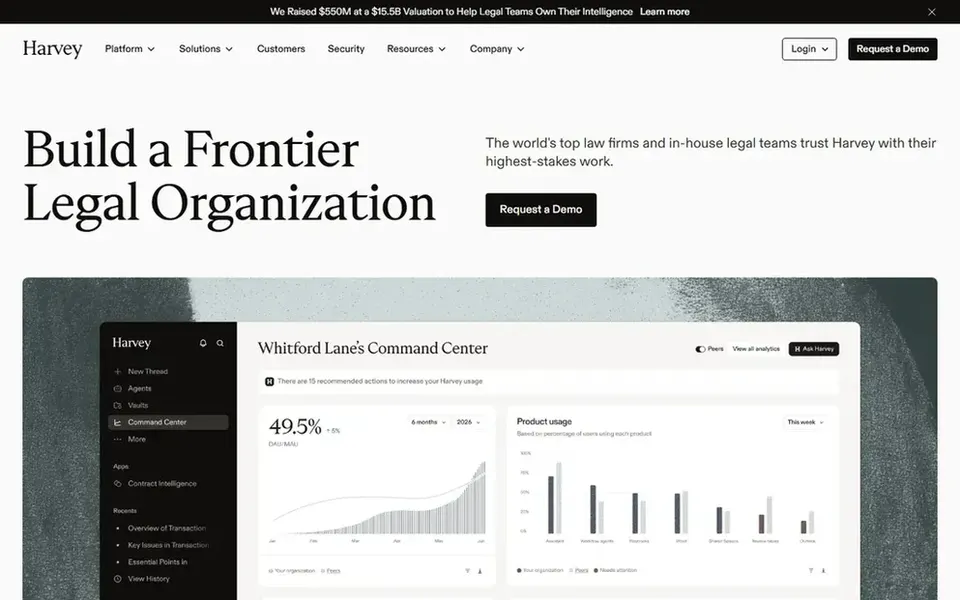
Harvey targets wide legal AI for businesses and in-house teams. Confirm integration and configuration details on the vendor site before committing, and consider whether your team has the capacity to roll out a wide system.
Trade-offs to know: Wide scope may need careful workflow planning.
No starting price is listed for Harvey here; confirm pricing on the vendor site. Free plan details: Not stated.
Request quotes from Relativity aiR, Harvey and the others; the list shows no fixed prices.
Run a trial of CoCounsel and Spellbook with real work before paying for a year; your own workflow is the best test.
Read the limits listed for Relativity aiR first: concentrated on data intelligence instead of drafting.
Map your must-have features to a specific Relativity aiR plan before you compare prices.
Find out what support Lexis+ AI includes on your plan, and whether onboarding help costs extra.
How we picked
The comparison looks at four things: starting price, free access, how well the feature set matches AI tools for legal workflow automation, and the main limit of each tool. Where a vendor does not publish a price, the entry says quote. Where a price depends on seats or billing term, the entry says so. The ranking is editorial: typical fit first, then clear pricing, then free access. If your needs are unusual, read the profiles rather than relying on position.
Every price and plan detail on this page comes from the vendors’ own websites. We did not run hands-on tests unless the text says so, and we do not publish star ratings or review scores. See how we score and our disclosure.
Keep your shortlist in one place
Paste prices, trial dates and notes from this guide into Ainotely, our AI note app. It files them into a topic and pulls out tasks like “cancel trial by Friday”. Free 7-day trial, no card needed.
Often, yes. CoCounsel and Spellbook offer a free trial. Use your own data and a real task during the test, and check what the free tier or trial limits before you rely on it. Pricing, free plan details and limits for all 5 tools in this AI tools for legal workflow automation roundup sit on the individual cards above.
Is Relativity aiR the right pick for everyone comparing AI tools for legal workflow automation?
No single tool suits every team. Relativity aiR comes first because it fits legal data intelligence and insights, while CoCounsel suits research and drafting with authoritative content and Lexis+ AI suits legal research, drafting, and analysis. Match the tool to your own size, budget and workflow before deciding.
Does any tool for AI tools for legal workflow automation here have a free plan?
No tool in this list, Relativity aiR and Harvey included, has a permanent free plan. CoCounsel, Spellbook offer a trial. Trials and quotes are the usual route, so plan a short evaluation period. The 5 tool cards above repeat this per product for AI tools for legal workflow automation, with the listed price or "pricing on request".
How are the tools for AI tools for legal workflow automation ordered?
Relativity aiR sits first and Harvey last because the order follows typical fit for AI tools for legal workflow automation, then price clarity and free access. It is a judgement call, so read each profile for fit and limits.