Enscape leads the list, best for live rendering inside design tools. Listed starting prices: Lumion from $96 named user per month. If your case is different, 3ds Max suits professional modeling, animation and rendering and Autodesk Revit suits BIM-centered design and documentation. The full list of 5 tools follows, with prices and free plan facts.
Choosing architectural rendering software for enterprise usually comes down to price, fit and limits. This Ainotely guide sets 5 tools side by side on those three points, with the facts kept short and checkable.
Key takeaways
Top of the list is Enscape, which targets live rendering inside design tools.
Lumion has the lowest monthly starting price in this list: $96 named user per month.
A permanent free plan is missing from all 5 tools, Enscape and Lumion included; plan for a trial or a premium start.
Before buying Autodesk Revit, weigh this: rendering is secondary to BIM authoring.
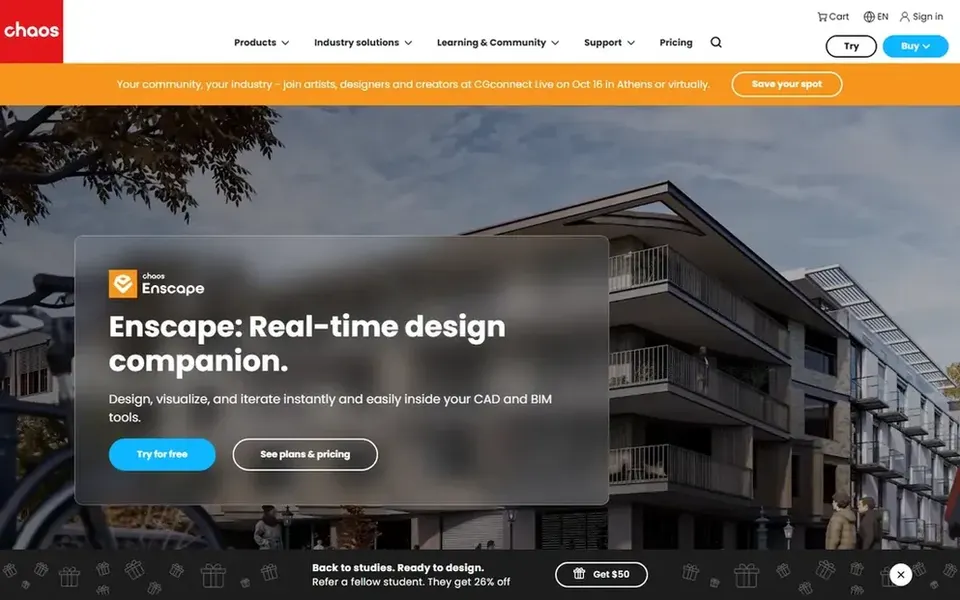
Enscape is built with live rendering inside design tools in mind. Studios needing deep offline rendering controls may pair it with another engine.
Points against: Less suited to offline high-end compositing.
Worth adding: since Enscape runs inside a host application, it is not a standalone modeling or full production rendering suite. Pricing for Enscape is not stated here, so ask the vendor for current figures. As for free access: Not stated.
Best for: Professional modeling, animation and rendering
Choose 3ds Max for professional modeling, animation and rendering. In enterprise architecture visualization, it often serves as the production hub where in-depth assets are assembled and rendered, often alongside plugins like V-Ray.
Its depth includes a ramp-up time and specialist staffing needs. Autodesk 3ds Max is professional 3D modeling, animation and rendering software used to build expansive environments and high-quality designs. Check the vendor site for 3ds Max pricing; none is listed in this comparison. Free plan details: Not stated.
Where it is weaker: Steep ramp-up time for newcomers.
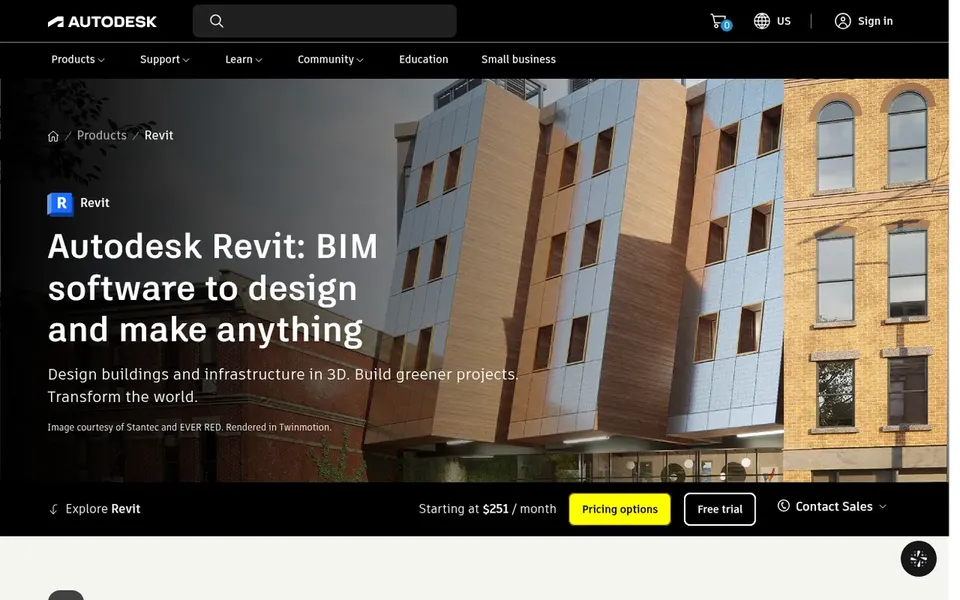
Autodesk Revit is aimed squarely at BIM-centered design and documentation. Autodesk Revit is a BIM system for designing, documenting and coordinating building projects. It produces intelligent 3D models, updates drawings immediately when the model changes, and supports optional AI-assisted workflows.
As for the details, enterprises that want design, documentation and visualization tied to one coordinated model commonly treat Revit as the backbone of their pipeline, adding rendering tools on top when needed. As for the details, teams whose central goal is cinematic rendering may prefer a specialist renderer. Autodesk Revit does not show a starting price in this comparison, so check the vendor site for current pricing. Trial and free access: Not stated.
V-Ray works best for Photorealistic rendering across systems. V-Ray from Chaos is a photorealistic 3D rendering plugin available for widely used design systems including 3ds Max, SketchUp, Rhino, Maya and Blender.
For everyday use, achieving photorealistic results takes skill and tuning, and render times can grow with scene complexity. Pick V-Ray when final image quality is the central requirement. V-Ray does not show a starting price in this comparison, so check the vendor site for current pricing. Free options: Not stated.
Where it shines: Photorealistic rendering quality.
Limits to weigh: Not a design or BIM authoring tool.
Choose Lumion for quick live architectural visualization. Enterprise visualization groups commonly use it to produce presentation-ready stills and animations rapidly, notably when design changes arrive late and output must be refreshed quick. On top of that, teams that require rendering embedded straight in their design software may prefer an integrated choice.
Trade-offs to know: Large scenes can demand capable hardware.
Where it shines: Made for architecture workflows.
It is meant to carry a project from early concept through to final render with speed, image quality and simplicity. Worth adding: choose Lumion for rapid, refined visual output. Lumion cost at the entry level: $96 named user per month. Free access: Free trial.
Confirm the entry price on the vendor page. For Enscape, 3ds Max, Autodesk Revit and V-Ray that means a quote rather than a fixed price.
Run a trial of Lumion with real work before paying for a year; your own workflow is the best test.
Read the limits listed for Enscape first: depends on a host design application.
Test how quickly 3ds Max answers a pre-sales question; it hints at how support will feel later.
Confirm you can export your data from Lumion, so leaving later does not mean losing records.
How we picked
The comparison looks at four things: starting price, free access, how well the feature set matches architectural rendering software for enterprise, and the main limit of each tool. Seat minimums, billing terms and add-ons can move the real cost, so the starting prices here are a guide and not a quote. Order on the page follows fit for the typical buyer first, then price transparency and free access. Your own requirements should decide the final pick.
Every price and plan detail on this page comes from the vendors’ own websites. We did not run hands-on tests unless the text says so, and we do not publish star ratings or review scores. See how we score and our disclosure.
Keep your shortlist in one place
Paste prices, trial dates and notes from this guide into Ainotely, our AI note app. It files them into a topic and pulls out tasks like “cancel trial by Friday”. Free 7-day trial, no card needed.
Confirm system support, hardware needs and how each tool links to your BIM environment. Also review deployment and support choices with vendors. Standardizing on fewer engines can ease training and maintenance across large teams.
Is Enscape the right pick for everyone comparing architectural rendering software for enterprise?
No single tool suits every team. Enscape comes first because it fits real-time rendering inside design tools, while 3ds Max suits professional modeling, animation and rendering and Autodesk Revit suits BIM-centered design and documentation. Match the tool to your own size, budget and workflow before deciding.
Which rendering tool suits an enterprise BIM workflow best?
For most readers this guide would start with Enscape, built for live rendering inside design tools. 3ds Max is the alternative for professional modeling, animation and rendering, and Autodesk Revit for BIM-centered design and documentation. The right answer depends on budget and workflow.
What is the cheapest option for architectural rendering software for enterprise in this list?
On published monthly entry prices, Lumion is the lowest here at $96 named user per month. Entry price is only part of the cost, because seats, add-ons and billing terms can change the total. The 5 tool cards above repeat this per product for architectural Rendering software for enterprise, with the listed price or "pricing on request".
Does any tool for architectural rendering software for enterprise here have a free plan?
No tool in this list, Enscape and Lumion included, has a permanent free plan. Lumion offer a trial. Trials and quotes are the usual route, so plan a short evaluation period.
Do these tools publish their prices?
Not all of them. Enscape, 3ds Max, Autodesk Revit and V-Ray publish no starting price, so expect a quote request for those. The rest, Lumion included, show a starting price, though seats and billing terms still change the final cost.