Our first pick is Zoom for Healthcare, best for video visits and virtual collaboration. Microsoft Teams fits general collaboration with healthcare extras; Spok fits delivering clinical information to care teams. Details, prices and limits for the rest of the 6 tools are below.
This Ainotely guide covers 6 options for clinical communication and collaboration software. Each profile lists a starting price, free plan details, strengths and drawbacks, so you can drop poor fits quickly.
Key takeaways
Top of the list is Zoom for Healthcare, which targets video visits and virtual collaboration.
Zoom for Healthcare, PerfectServe and the 4 others all sell by quote; expect sales conversations before you see a price.
For Healthcare communication systems for clinical efficiency, PerfectServe is worth a look.
None of the 6 tools, from Zoom for Healthcare to PerfectServe, has a free plan, so budget for a subscription or use a trial.
Healthcare communication systems for clinical efficiency
Adoption depends on clinician engagement
The 6 picks in detail
ZF
#1
Zoom for Healthcare
Best for: Video visits and virtual collaboration
Pick Zoom for Healthcare if this describes you: video visits and virtual collaboration. Teams already using Zoom for meetings will find the healthcare offering a natural extension.
Drawbacks to consider: Not a clinical messaging system by itself.
Beyond that, care settings that require patient-context communication should pair it with a clinical system. No starting price is listed for Zoom for Healthcare here; confirm pricing on the vendor site. Free access: Not stated. What works well: Supports virtual care conversations.
Best for: General collaboration with healthcare extras
Microsoft Teams targets general collaboration with healthcare extras. Microsoft Teams is a general collaboration system combining meetings, calling, chat and shared files in one workspace. Its strength is breadth: numerous staff already know the interface, which can cut training effort.
Honest limits: Not designed specifically for clinical workflows.
As for the details, organizations with strict clinical workflow needs should confirm fit with their IT and compliance teams. Teams is not purpose-built for clinical communication, so patient-context messaging and alerting normally need extra configuration or companion tools. For purely clinical messaging, a dedicated healthcare choice may be the better primary choice. Pricing for Microsoft Teams is not stated here, so ask the vendor for current figures. Trial and free access: Not stated.
Best for: Delivering clinical information to care teams
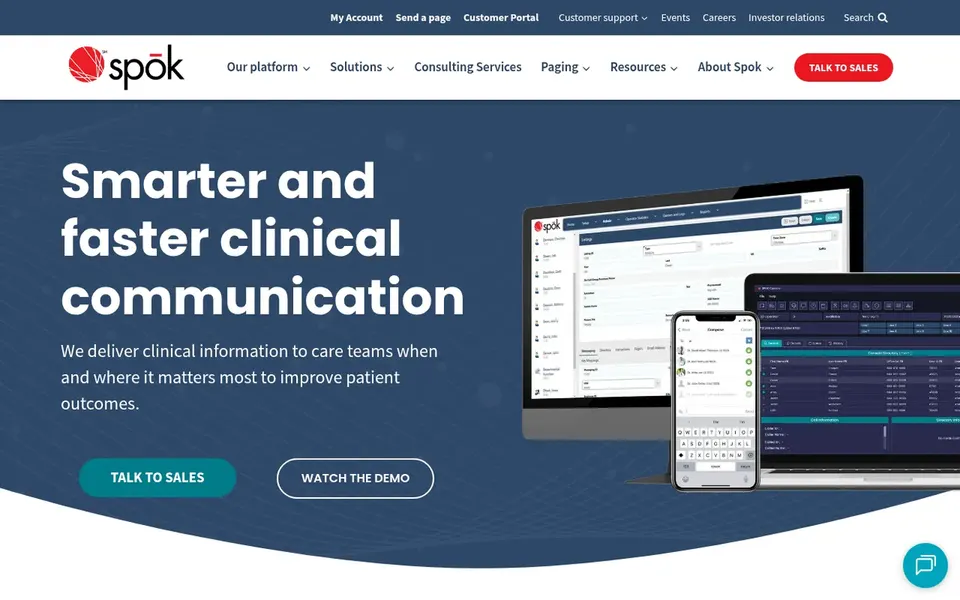
Pick Spok if this describes you: delivering clinical information to care teams. Consider alternatives if your central need is general team collaboration instead of clinical alerting. More specifically, Spok is most solid as a focused clinical communication layer.
So teams expecting a full productivity suite may have to pair it with other tools. Configuration and integration work are part of getting value from it. This comparison lists no price for Spok; ask the vendor. Trial and free access: Not stated.
Best for: Connected hospital-wide communication and workflows
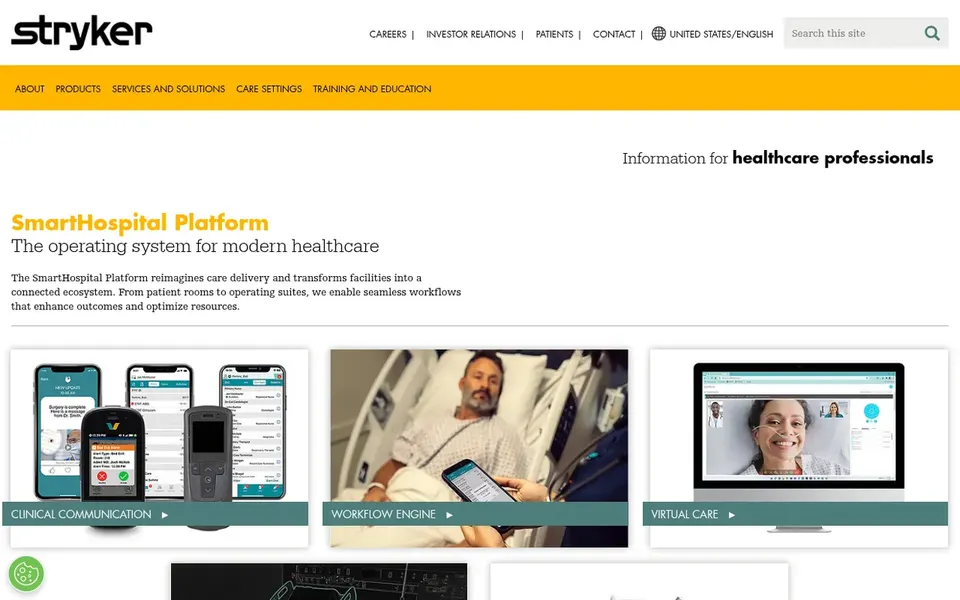
Vocera serves connected hospital-wide communication and workflows. Vocera, now under Stryker, centers on the SmartHospital Platform, which the vendor describes as turning facilities into a connected ecosystem.
What to check first: Needs workflow planning across departments.
Bigger hospitals and health systems seeking an enterprise-wide communication layer are the clearest fit. Beyond that, smaller practices may not need that depth. No starting price is listed for Vocera here; confirm pricing on the vendor site. As for free access: Not stated.
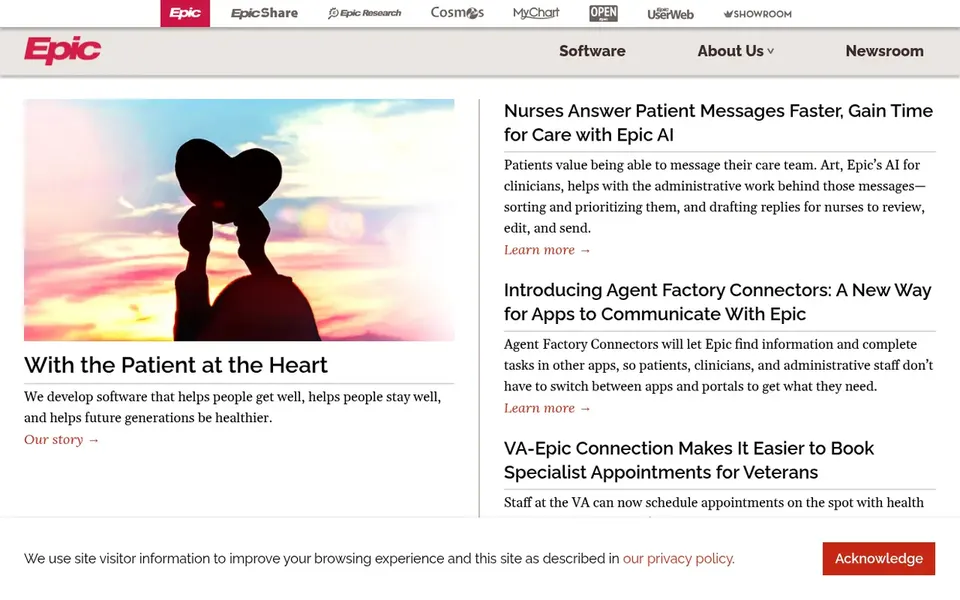
Epic Haiku works best for mobile access for Epic-based care teams. Epic Haiku is the mobile companion for the Epic health record, giving clinicians a way to review and act on patient information from a phone. Teams that live in Epic day to day are the natural audience.
Its usefulness is tied closely to Epic adoption, so organizations on other records will find little reason to choose it. It is not a standalone messaging product for coordinating across unrelated systems. Check the vendor site for Epic Haiku pricing; none is listed in this comparison. Free plan details: Not stated.
The main drawbacks: Value relies on using Epic as the clinical system.
Best for: Healthcare communication systems for clinical efficiency
Where PerfectServe fits: Healthcare communication systems for clinical efficiency. PerfectServe presents itself as a healthcare communication system built to boost clinical efficiency and patient satisfaction. It is targeted at care organizations that want communication built around clinical workflows instead of adapted from general business tools.
Also, as a specialized system, it does less outside clinical communication than broad collaboration products. Worth adding: success relies on clinicians actually adopting it in daily routines. In practice, if your organization already standardizes on a general system, compare carefully before adding another tool. No starting price is listed for PerfectServe here; confirm pricing on the vendor site. Free options: Not stated.
Drawbacks to consider: Narrower scope than enterprise collaboration systems.
Request quotes from Zoom for Healthcare, PerfectServe and the others; the list shows no fixed prices.
Read the limits listed for Zoom for Healthcare first: not a clinical messaging system by itself.
Ask whether Spok integrates with your current software, and whether that comes standard or as an add-on.
Look at the help docs and support options for PerfectServe before you commit.
Run a one or two week pilot of Zoom for Healthcare with the people who will use it every day.
How we picked
Each tool was reviewed on what its vendor publishes: price, plan limits, core features and stated drawbacks. We did not run hands-on tests. Where a vendor does not publish a price, the entry says quote. Where a price depends on seats or billing term, the entry says so. The ranking is editorial: typical fit first, then clear pricing, then free access. If your needs are unusual, read the profiles rather than relying on position. That approach shaped the order of the 6 clinical communication and collaboration software tools listed here.
Every price and plan detail on this page comes from the vendors’ own websites. We did not run hands-on tests unless the text says so, and we do not publish star ratings or review scores. See how we score and our disclosure.
Keep your shortlist in one place
Paste prices, trial dates and notes from this guide into Ainotely, our AI note app. It files them into a topic and pulls out tasks like “cancel trial by Friday”. Free 7-day trial, no card needed.
Not by default. None of the tools, from Zoom for Healthcare to PerfectServe, lists a free plan or a free trial here, so ask each vendor for a demo before committing.
How do I evaluate integration with my electronic health record?
Ask each vendor which records and directories it links to and how patient context appears in messages. Confirm the integration approach with your IT team, since fit relies on your current systems and workflows.
Do these tools publish their prices?
No. None of the tools, from Zoom for Healthcare to PerfectServe, shows a fixed starting price here, so budget time for quotes.
How are the tools for clinical communication and collaboration software ordered?
The order follows typical fit for clinical communication and collaboration software, with Zoom for Healthcare first and PerfectServe last, then price clarity and free access. It is editorial judgement, not a score, so another team could rank the tools differently.
Is Zoom for Healthcare the right pick for everyone comparing clinical communication and collaboration software?
No single tool suits every team. Zoom for Healthcare comes first because it fits video visits and virtual collaboration, while Microsoft Teams suits general collaboration with healthcare add-ons and Spok suits delivering clinical information to care teams. Match the tool to your own size, budget and workflow before deciding.