For general care team collaboration, Microsoft Teams is where this list starts. Look at PerfectServe for clinical efficiency and patient satisfaction, and at Epic Secure Chat for Hospitals already running Epic. The remaining 3 options are covered below with prices and limits.
Choosing clinical communication software usually comes down to price, fit and limits. This Ainotely guide sets 6 tools side by side on those three points, with the facts kept short and checkable.
Key takeaways
This list starts with Microsoft Teams, which is built for general care team collaboration.
Microsoft Teams, QliqSOFT and the 4 others all sell by quote; expect sales conversations before you see a price.
QliqSOFT suits home-based care engagement.
Before buying Epic Secure Chat, weigh this: tied to the Epic ecosystem.
None of the 6 tools, from Microsoft Teams to QliqSOFT, has a free plan, so budget for a subscription or use a trial.
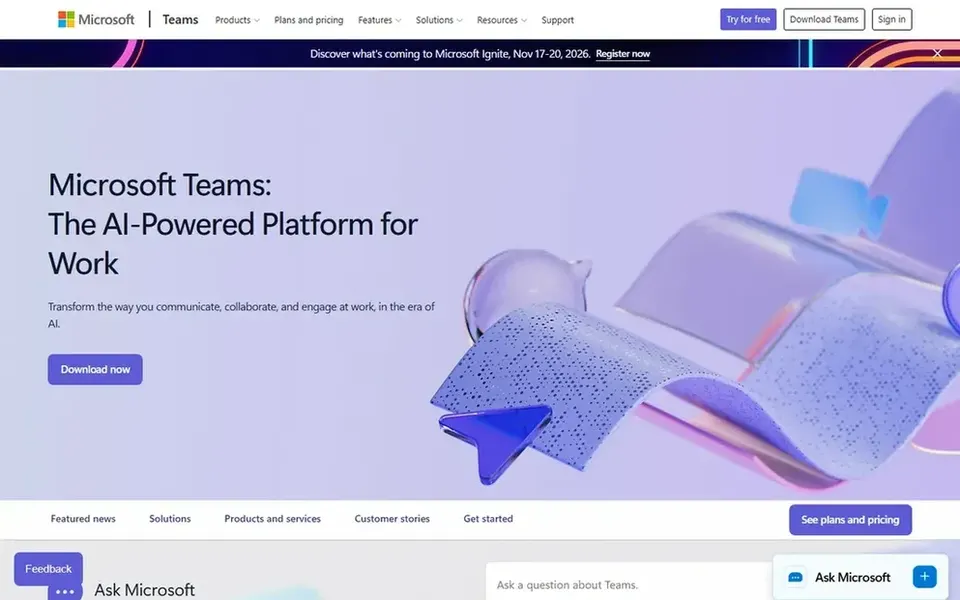
Microsoft Teams is a good fit for general care team collaboration. In clinical settings it frequently supports care coordination, administrative huddles and multidisciplinary meetings alongside a dedicated clinical messaging system.
Teams is general-purpose instead of purpose-built for clinical communication, so expect to configure policies and safeguards for patient information. In practice, if you need paging, nurse call integration or on-call routing aimed at care delivery, a clinical specialist like Spok or PerfectServe is the better comparison. Check the vendor site for Microsoft Teams pricing; none is listed in this comparison. Free access: Not stated.
Trade-offs to know: Needs governance for sensitive data.
Best for: Clinical efficiency and patient satisfaction
Think of PerfectServe for clinical efficiency and patient satisfaction. PerfectServe describes itself as offering healthcare communication systems built to boost clinical efficiency and patient satisfaction. Its focus is squarely on connecting care teams and simplifying how clinical messages reach the right person.
Its healthcare specialization means it is not a fit for non-clinical collaboration, and results rely on how well workflows are configured. Organizations already deep in the Epic ecosystem may prefer Epic Secure Chat, whereas those needing wide office collaboration may lean on Microsoft Teams. PerfectServe shows no starting price here, so confirm the cost on the vendor site. Free options: Not stated.
Where it falls short: Configuration relies on care setting.
Epic Secure Chat is aimed squarely at Hospitals already running Epic. The central limit is ecosystem dependence: value comes from being an Epic customer, and mixed or non-Epic environments may need a standalone tool.
Trade-offs to know: Less handy for non-Epic organizations.
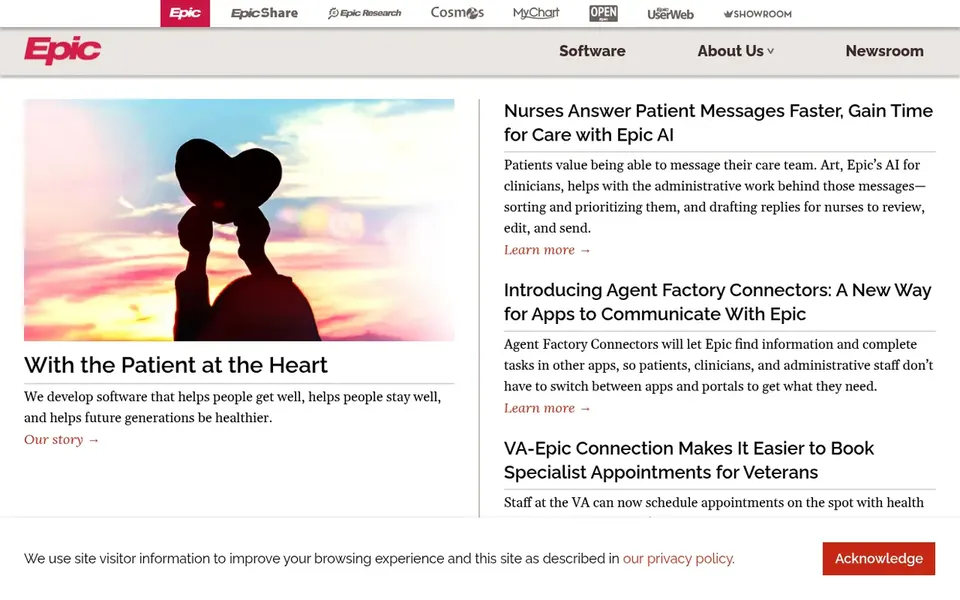
Epic Secure Chat is a secure messaging capability within Epic, the health record software company whose stated mission centers on helping people get well and stay well. Epic Secure Chat shows no starting price here, so confirm the cost on the vendor site. As for free access: Not stated.
Choose Spok for clinical alerting and care team contact. Spok states that it provides clinical information to care teams when and where it matters most to boost patient outcomes, and notes that plenty of hospitals depend on its options. That positioning makes it a fit for organizations prioritizing alerting, paging and steady contact across care teams.
What to check first: Integration planning required.
Hospitals juggling several communication channels commonly look here to consolidate critical notifications. In practice, because Spok handles multiple communication functions, some capabilities may overlap with tools you already run, so mapping integrations early matters. Check the vendor site for Spok pricing; none is listed in this comparison. As for free access: Not stated.
Where Vocera fits: connected hospital-wide workflows. Organizations wanting a lighter messaging app or a record-embedded choice should weigh Epic Secure Chat or Microsoft Teams first. Teams seeking quicker bedside contact and coordinated inpatient response are the core audience.
What to check first: Enterprise-scale deployment effort.
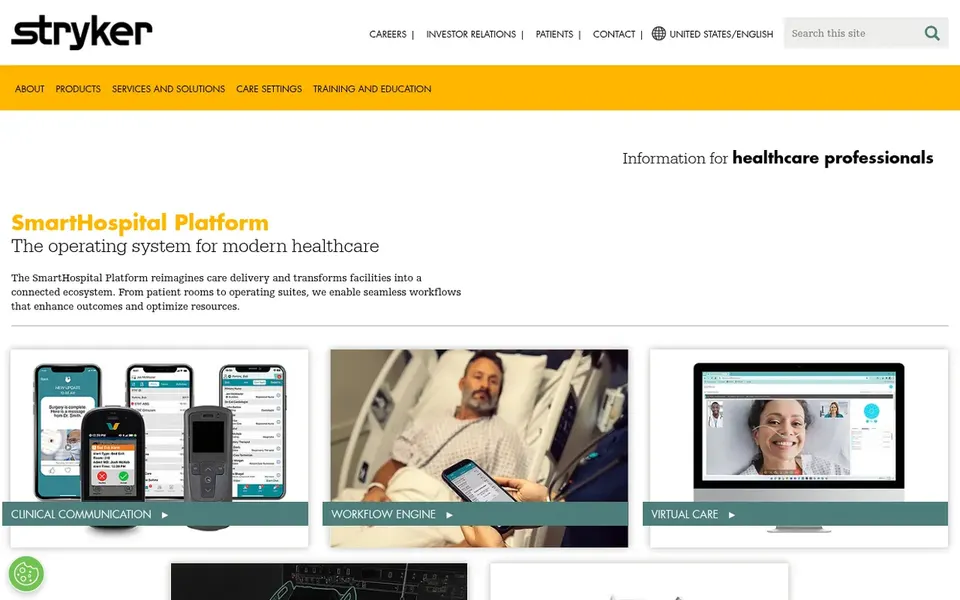
From a buyer's view, Vocera, part of Stryker, is presented through the SmartHospital Platform, which aims to turn facilities into a connected ecosystem with smooth workflows from patient rooms to operating suites. On top of that, as an enterprise system, it involves meaningful planning and infrastructure work, and smaller clinics may find it heavier than needed. Check the vendor site for Vocera pricing; none is listed in this comparison. As for free access: Not stated.
Pick QliqSOFT if this describes you: home-based care engagement. Teams wanting secure messaging tied to patient engagement across a care episode should shortlist it.
Where it is weaker: Relies on care program design.
Also, if your priority is facility-wide clinical alerting or identity management, compare those specialists before deciding. QliqSOFT presents itself as an AI-powered digital engagement product for home-based care, connecting patients, caregivers and staff from referral to bereavement. This comparison lists no price for QliqSOFT; ask the vendor. Trial and free access: Not stated.
Confirm the entry price with every vendor: no tool from Microsoft Teams to QliqSOFT shows a fixed starting price.
Read the limits listed for Microsoft Teams first: not made for clinical workflows.
Let daily users try PerfectServe on real work; their feedback beats any feature checklist.
Ask Epic Secure Chat whether prices are locked for the first term and what happens at renewal.
Ask QliqSOFT how an export works before you move any records in; an easy exit lowers the risk.
How we picked
Selection started from tools commonly considered for clinical communication software, then narrowed to 6 that have clear pricing information or a clear quote process. Where a vendor does not publish a price, the entry says quote. Where a price depends on seats or billing term, the entry says so. The order reflects how well each tool fits the most common buying scenario for clinical communication software, then price clarity, then free plan access. It is a starting point, not a verdict.
Every price and plan detail on this page comes from the vendors’ own websites. We did not run hands-on tests unless the text says so, and we do not publish star ratings or review scores. See how we score and our disclosure.
Keep your shortlist in one place
Paste prices, trial dates and notes from this guide into Ainotely, our AI note app. It files them into a topic and pulls out tasks like “cancel trial by Friday”. Free 7-day trial, no card needed.
Home-based programs need engagement across the full care episode, from referral onward, which is where QliqSOFT positions itself. Inpatient facilities normally prioritize bedside and department workflows, which Vocera and Spok address.
Is Microsoft Teams the right pick for everyone comparing clinical communication software?
No single tool suits every team. Microsoft Teams comes first because it fits general care team collaboration, while PerfectServe suits clinical efficiency and patient satisfaction and Epic Secure Chat suits Hospitals already running Epic. Match the tool to your own size, budget and workflow before deciding.
Do these tools publish their prices?
No. None of the tools, from Microsoft Teams to QliqSOFT, shows a fixed starting price here, so budget time for quotes.
Can I try these options before paying?
Not by default. None of the tools, from Microsoft Teams to QliqSOFT, lists a free plan or a free trial here, so ask each vendor for a demo before committing.
How are the tools for clinical communication software ordered?
Microsoft Teams sits first and QliqSOFT last because the order follows typical fit for clinical communication software, then price clarity and free access. It is a judgement call, so read each profile for fit and limits.